 EN
 IT Italiano
 ES Español
 FR Français
 DE Deutsch
Description
What it is
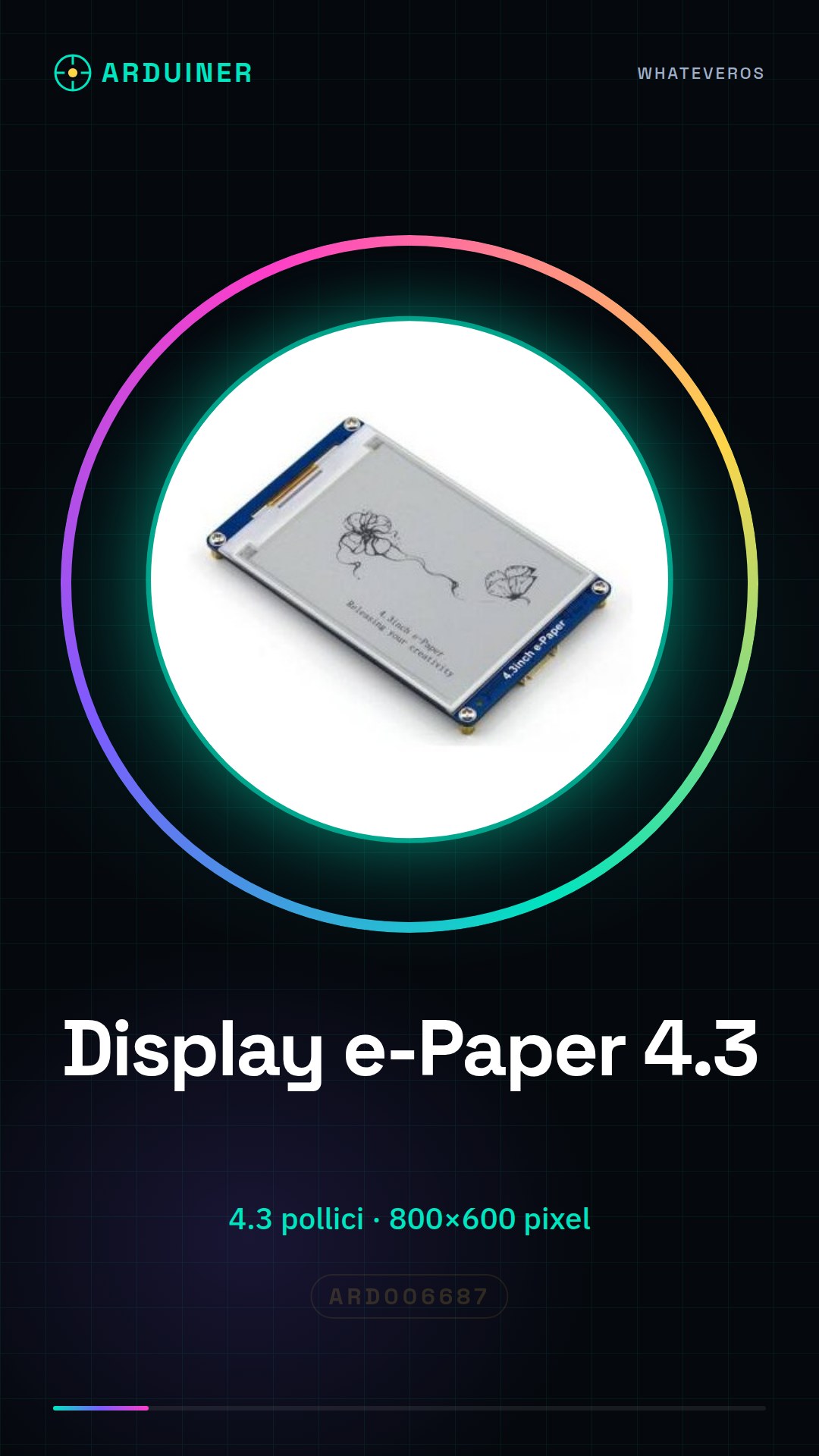
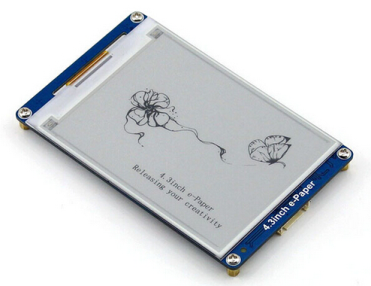
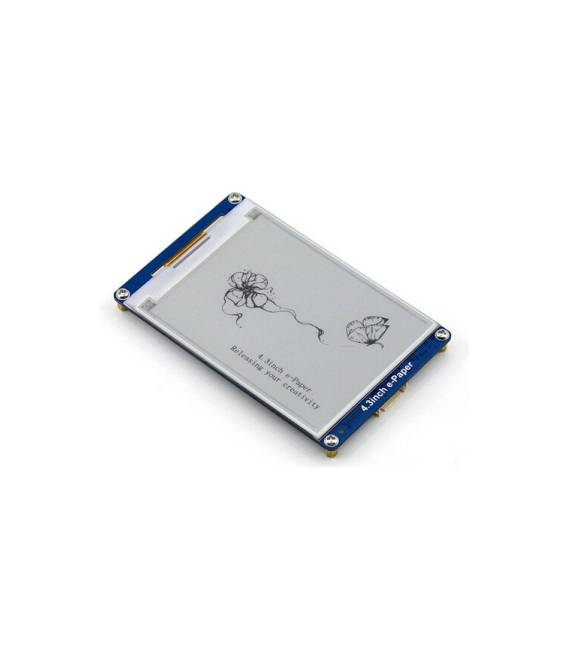
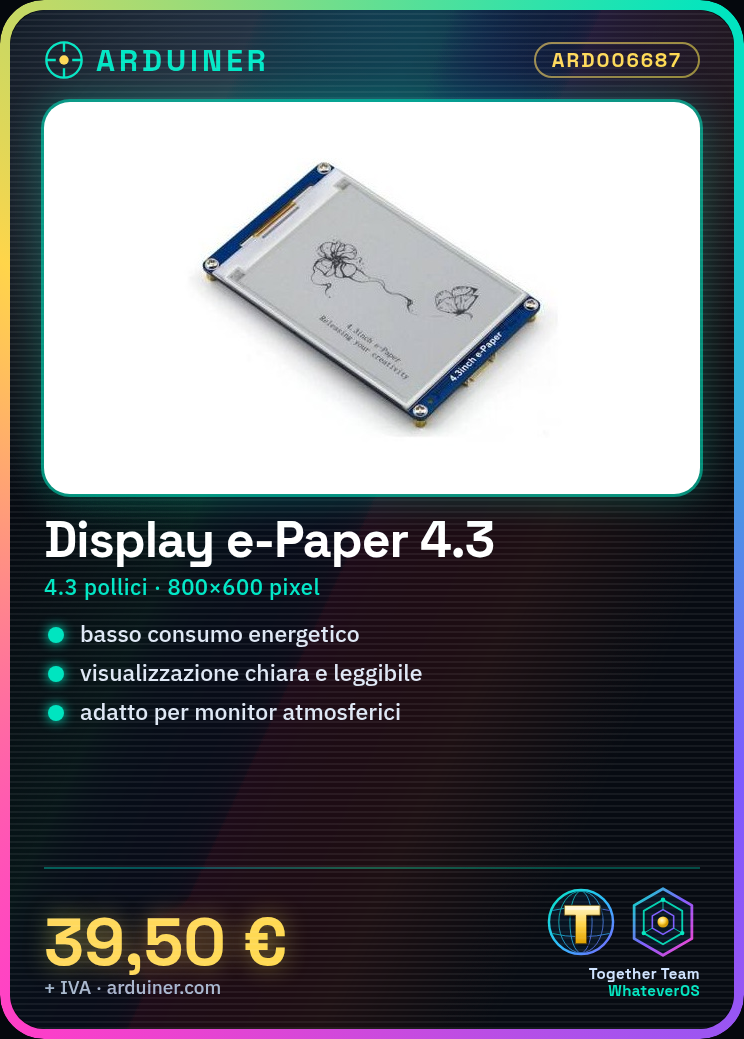
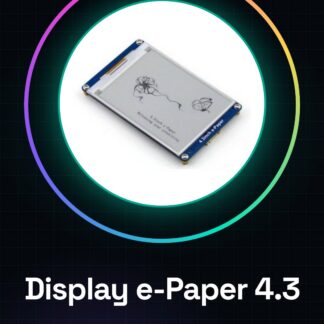
The 4.3 inch e-Paper display module with 800×600 resolution is an ideal component for low power consumption projects requiring clear and readable display.
Features
- Display Type: e-Paper
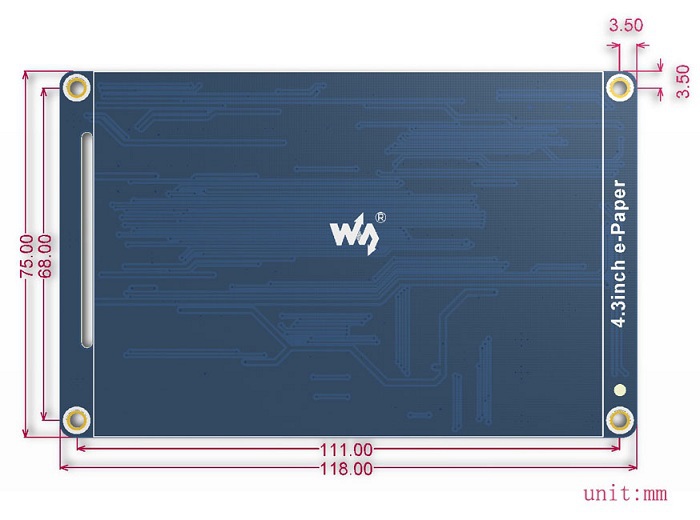
- Size: 4.3 inches
- Resolution: 800×600 pixels
- Interface: SPI, Serial
- Compatibility: Raspberry PI, Arduino
What it is for
This e-Paper display is suitable for projects requiring energy-efficient display such as weather monitors or notification devices. You can use it to create a device that periodically displays temperature, humidity, and pressure.
Tutorial: How to use 4.3 inch 800×600 e-Paper Display
This e-Paper display module is ideal for low power projects requiring clear and readable display, such as weather monitors or notification devices.
What you need
- Arduino or Raspberry Pi
- USB cable (for Arduino)
- Display SPI data connection
- Battery for power supply
Steps
- Connect the SPI module to your microcontroller according to the provided documentation.
- Install the necessary libraries. Check the datasheet for specific details.
- Configure SPI communication in your Arduino code or Python script.
- Initialize the e-Paper display with the initialization commands provided in the module documentation.
- Load a sketch that defines the drawing area and screen functions.
- Test simple text and image display to verify correct functionality.
- Customize the sketch with data to display, such as temperatures or notifications.
- Implement a loop that periodically updates the information on the display.
Example code
// Esempio di codice in Arduino
#include <SPI.h>
// Includi la libreria specifica per il modulo e-Paper
void setup() {
  // Configura SPI
}
void loop() {
  // Aggiorna il display con i dati desiderati.
}
Mini project
Create an atmospheric monitor that periodically displays temperature, humidity, and pressure.
Common mistakes
- Incorrect SPI connection
- Missing or incompatible libraries
- Incorrect power module configuration
- Incorrect display configuration data
Recommended accessories
- Temperature and humidity sensors
- 3.7V battery to power the module
- Protective socket for Arduino
- Projectile LCD/Screen for Raspberry Pi
Frequently asked questions
How can I reduce the display resolution?
Check the datasheet to find the configuration commands for the resolution.
Which libraries do I need to install?
Install SPI libraries and those specific to the e-Paper module.
Reviews
There are no reviews yet.