 EN
 IT Italiano
 ES Español
 FR Français
 DE Deutsch
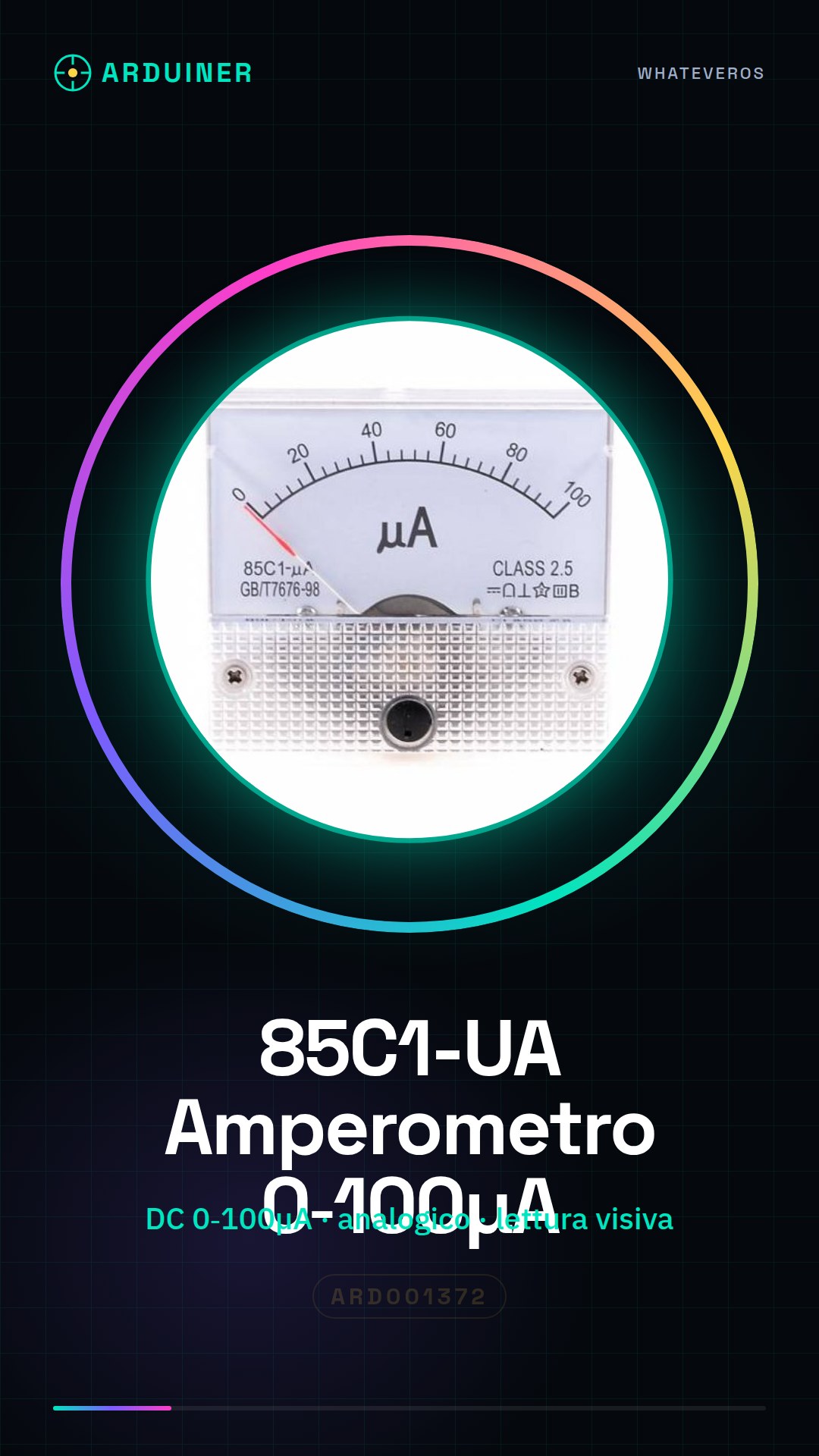
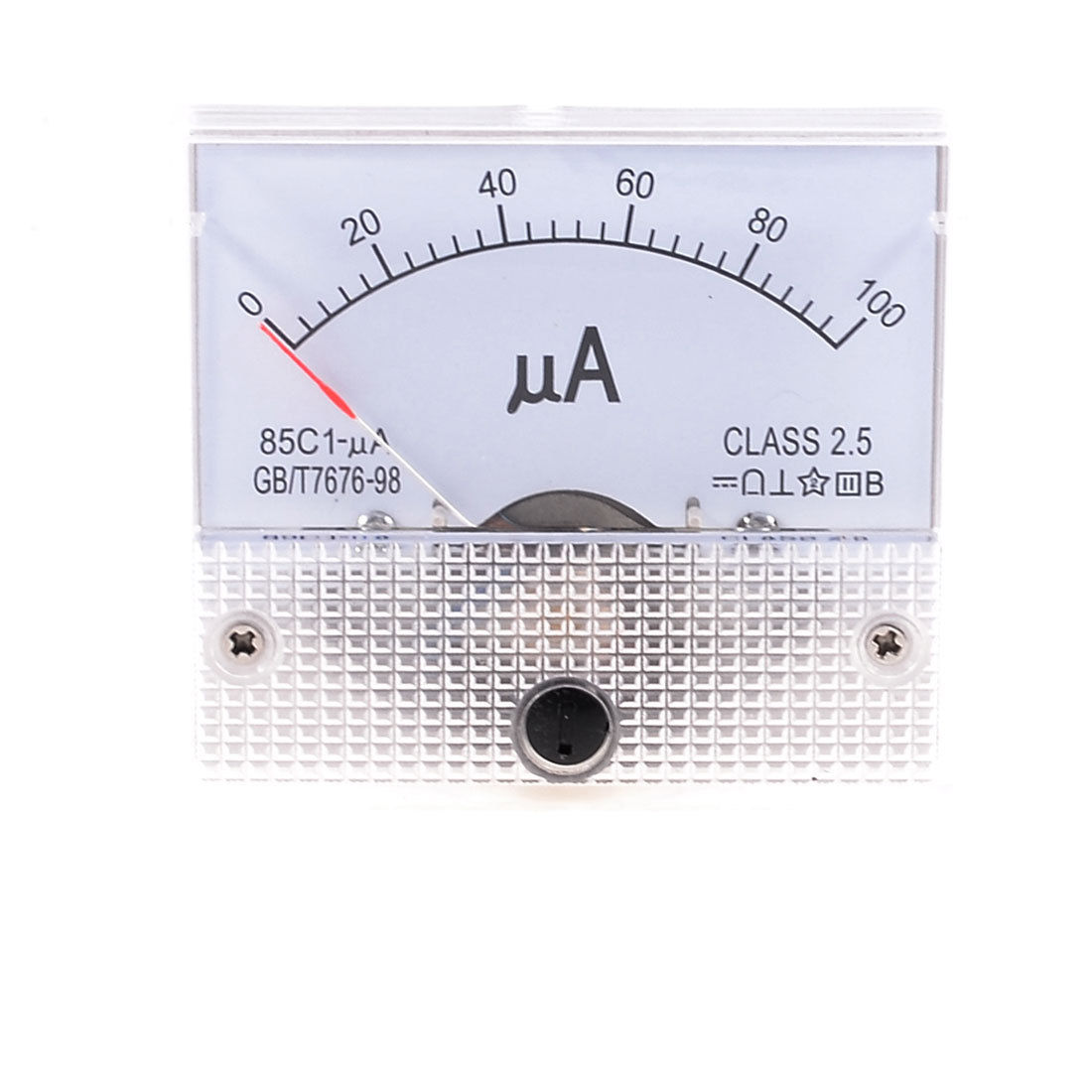
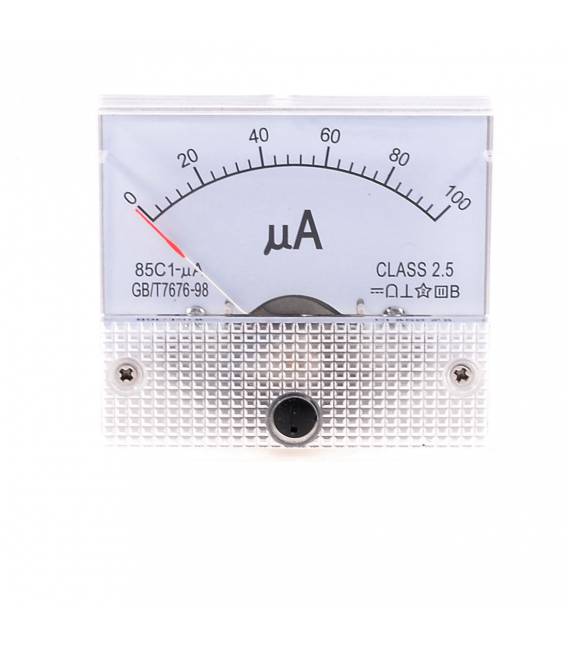
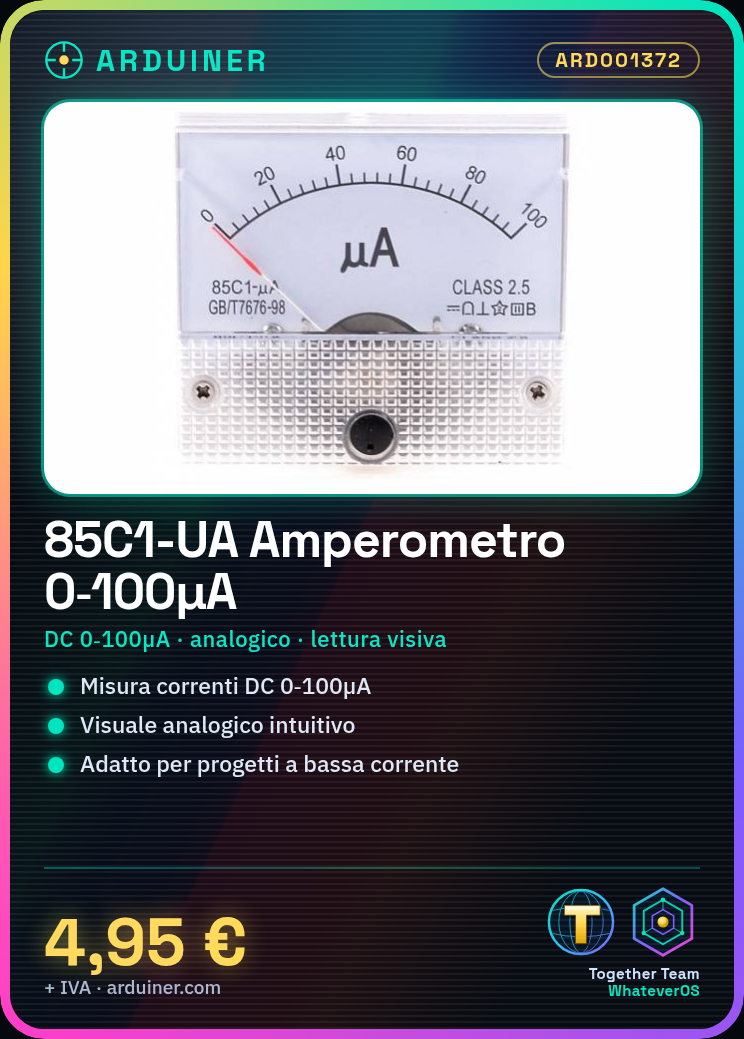
Description
What it is
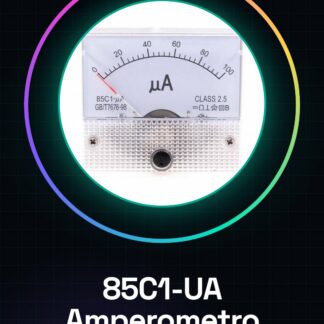
The Amperometer Gauge 85C1-UA DC 0-100uA is an electronic measurement device designed to monitor small DC currents. This analog ammeter provides a visual readout of electric current from 0 to 100 microamperes.
Features
- DC current measurement from 0 to 100µA
- Analog format for direct and intuitive visualization
What it is for
The ammeter is ideal for projects requiring the monitoring of low-level electric currents. It can be used in conjunction with Arduino or other microcontrollers like ESP8266/ESP32 to create alarm or automatic current monitoring systems.
Tutorial: How to use Analog Ammeter 85C1-UA
The analog ammeter 85C1-UA is a useful device for monitoring electric currents from 0 to 100µA. Ideal for low current measurement projects.
What you need
- Arduino Uno or compatible
- dupont connectors
- USB cable
Steps
- Connect the red connector (+) to the VCC pin of the Arduino.
- Connect the black connector (-) to the GND pin of the Arduino.
- Check the datasheet to connect the control signals to the appropriate pins of the Arduino.
- Install the required library if requested by the product manual.
- Write the Arduino sketch that reads the current value and displays it on a display or via Serial Monitor.
Example code
// Codice di esempio
void setup() {
  Serial.begin(9600);
}
void loop() {
  int current = analogRead(A0); // Verifica sul datasheet per il pin corretto
  float voltage = current * (5.0 / 1024.0);
  float amperage = voltage / 100; // Verifica la resistenza di sensore specifica del prodotto
  Serial.print("Corrente: ");
  Serial.println(amperage);
}
Mini project
Create an alarm system that activates a siren when the electrical current exceeds a certain limit.
Common mistakes
- Connect the VCC pin to GND.
- Do not verify the signal values on the datasheet.
- Use a power supply voltage that does not conform to the product specifications.
Recommended accessories
- Current measuring resistor (SKU: ARD012345)
- Arduino Uno (SKU: ARD098765)
- USB Micro B cable (SKU: ARD043210)
Frequently asked questions
How can I convert the signal to real current?
Check the datasheet for the sensor resistor used and use Ohm’s law.
The display is not turning on, what should I do?
Check the connections between Arduino and ammeter. Make sure the power supply is correct.
Reviews
There are no reviews yet.