 EN
 IT Italiano
 ES Español
 FR Français
 DE Deutsch
Description
What it is
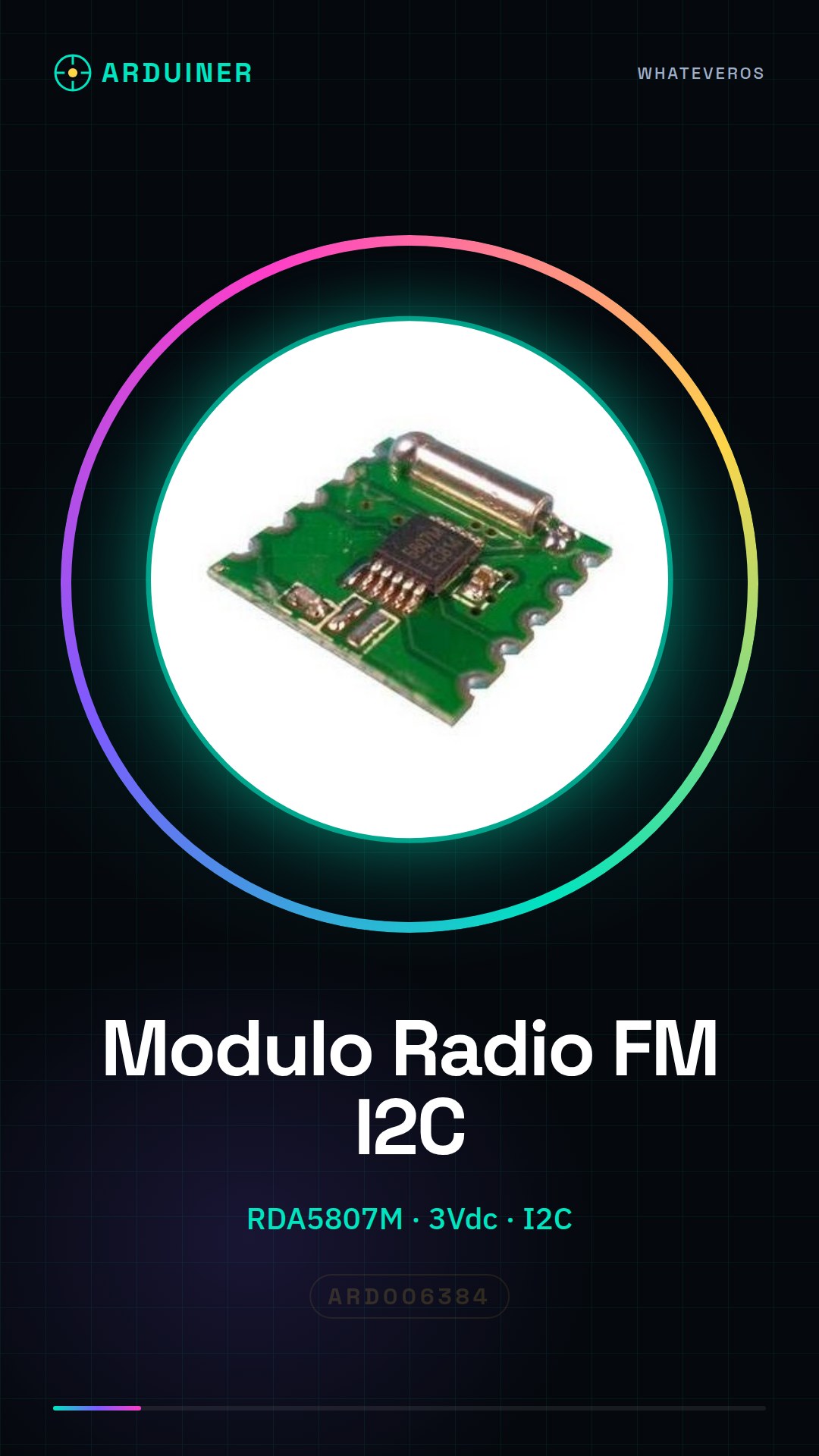
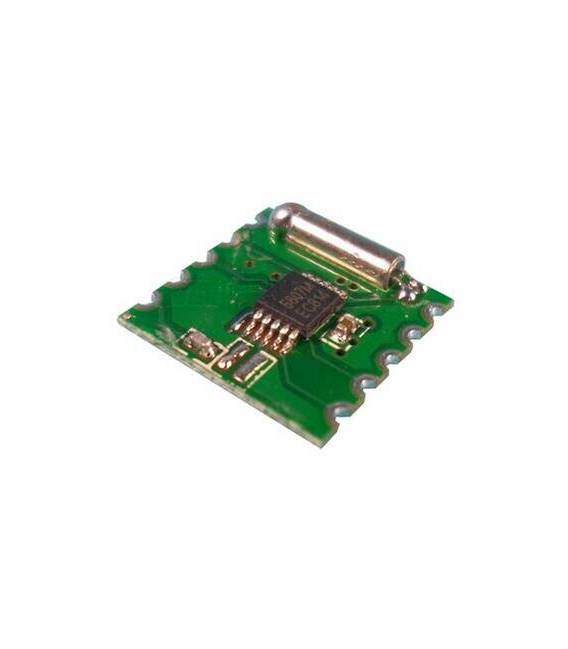
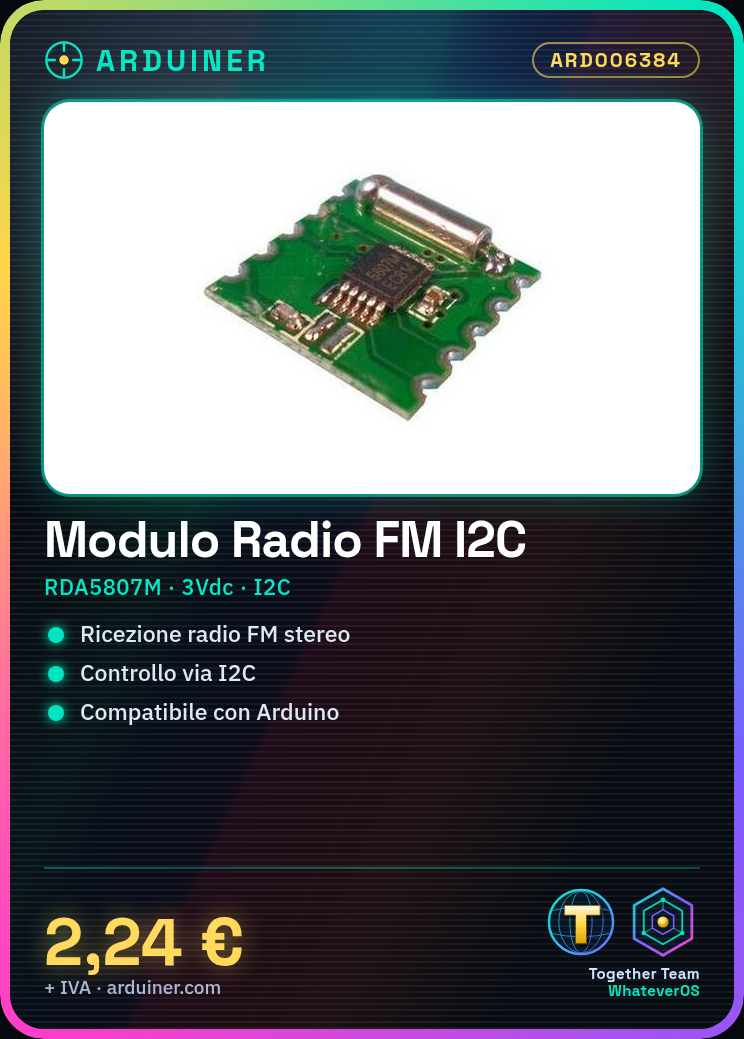
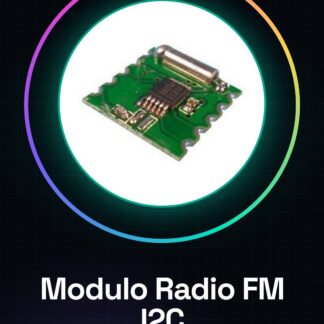
The FM Stereo I2C RDA5807M RRD102V2.0 3Vdc Module is an electronic component that allows receiving FM stereo radio signals. It can be integrated into electronic projects to add radio reception functionality.
Features
- Radio Chip: RDA5807M
- Version: RRD102V2.0
- Power Supply: 3Vdc
- Interface: I2C
- Compatibility: Arduino
What it is for
The module can be used to build small FM radio receivers, integrated into Arduino projects. It can be useful for projects that require radio signal reception, such as creating a radio-based notification system or a device that receives information from an FM radio station.
Tutorial: How to Use the FM Stereo I2C Module
This module allows you to receive and listen to FM radio on your Arduino project. Useful for projects that require radio reception functionality.
What you need
- Arduino
- I2C Cable (SCL and SDA)
- 10kΩ Pull-up Resistor
- FM Antenna
- Channel Selection Button (optional)
Steps
- 1. Install the module on a breadboard or an Arduino.
- 2. Connect the 10kΩ resistor between SCL and Vcc.
- 3. Connect the I2C cable (SCL to SCL, SDA to SDA) to your Arduino.
- 4. Connect the FM antenna to the RF pin.
- 5. If using a button, connect the KEY pin to the button input pin.
- 6. Load the provided Arduino code.
- 7. Configure the desired frequencies on the module.
- 8. Test the module to ensure it works correctly.
Example code
```cpp
#include <Wire.h>
#include <RDA5807M.h>

RDA5807M radio;

void setup() {
  Wire.begin();
  radio.begin();
  radio.setFrequency(98.3); // Imposta la frequenza desiderata
}

void loop() {
  radio.play();
}
```
Mini project
Create a small FM radio that receives the 98.3 MHz station. Connect the module to an Arduino, load the code, and listen to the radio.
Common mistakes
- Incorrectly connecting the I2C pull-up resistor.
- Forgetting to configure the desired frequency.
- Not having a stable 3V power supply.
- Incorrectly connecting the antenna.
Recommended accessories
- FM Antenna
- 10kΩ Resistor
- Channel selection button
- Arduino
Frequently asked questions
The module does not receive any station.
Check the frequency configuration and make sure the antenna is properly connected.
The module does not work with a power supply other than 3V.
This module works only with a 3Vdc power supply.
How can I add more stations to the module?
Refer to the datasheet for further details on frequency configuration.
The channel selection button does not work.
Check the connection and configuration of the button with the module.
Reviews
There are no reviews yet.