 EN
 IT Italiano
 ES Español
 FR Français
 DE Deutsch
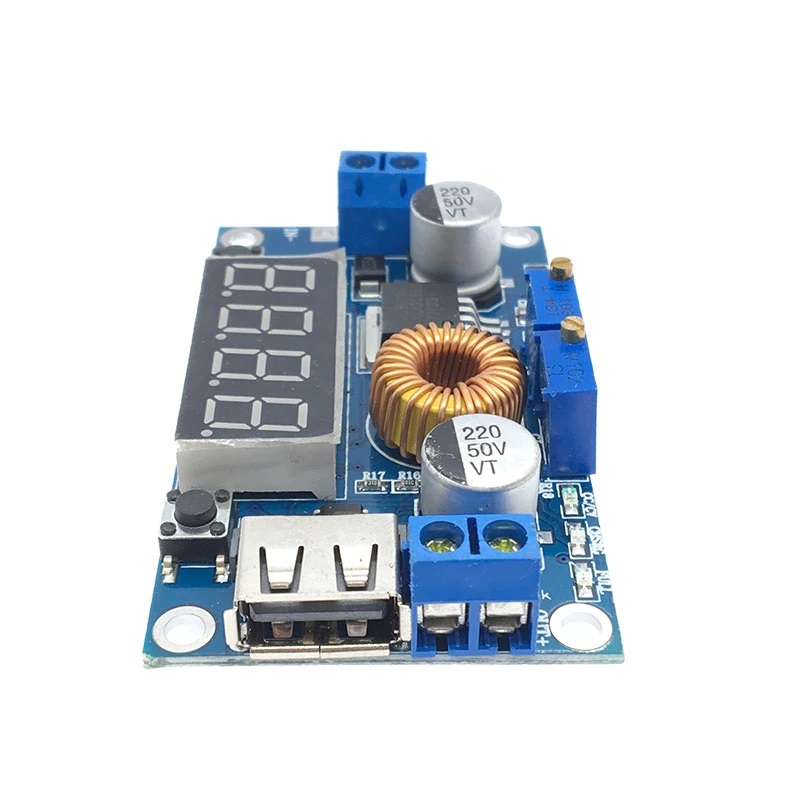
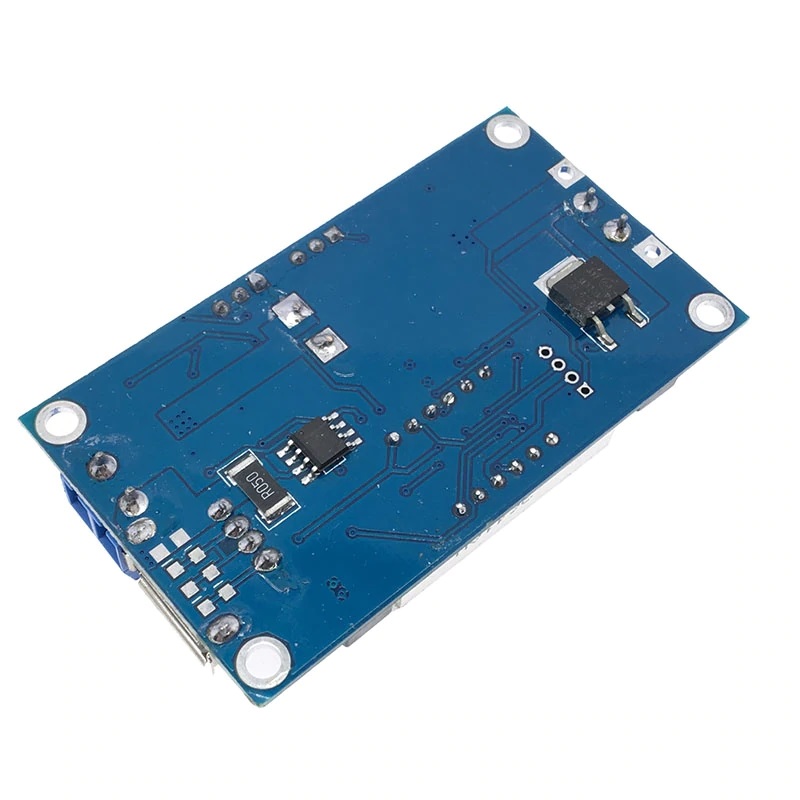

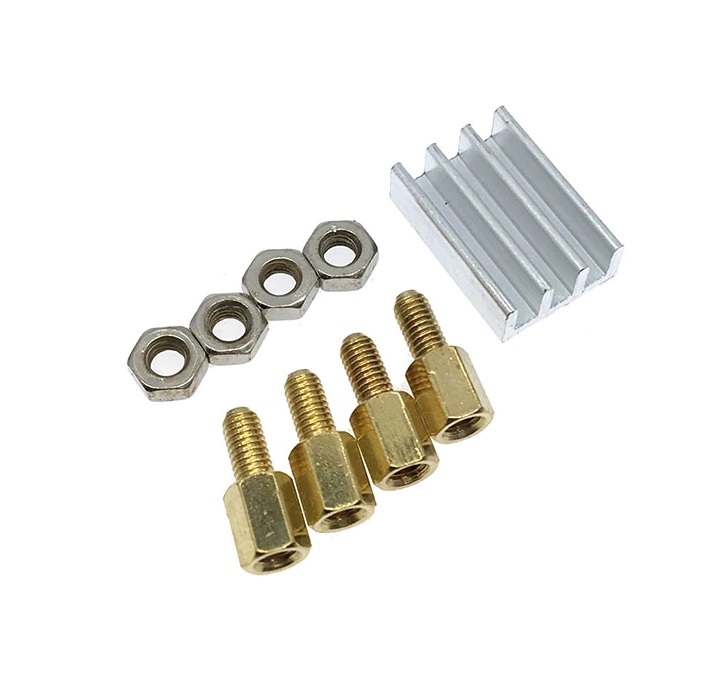
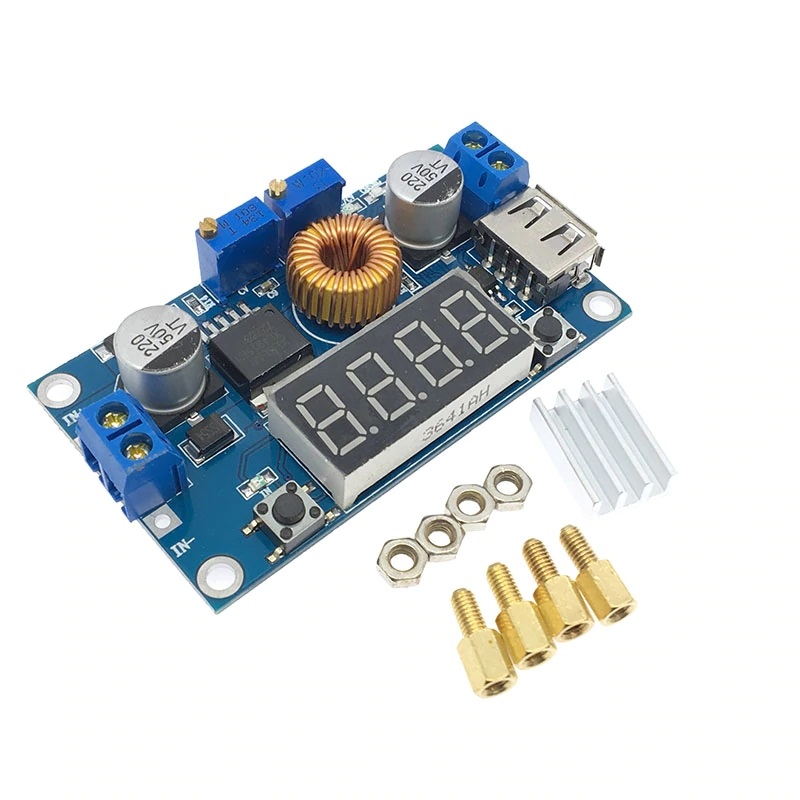
Description
What it is
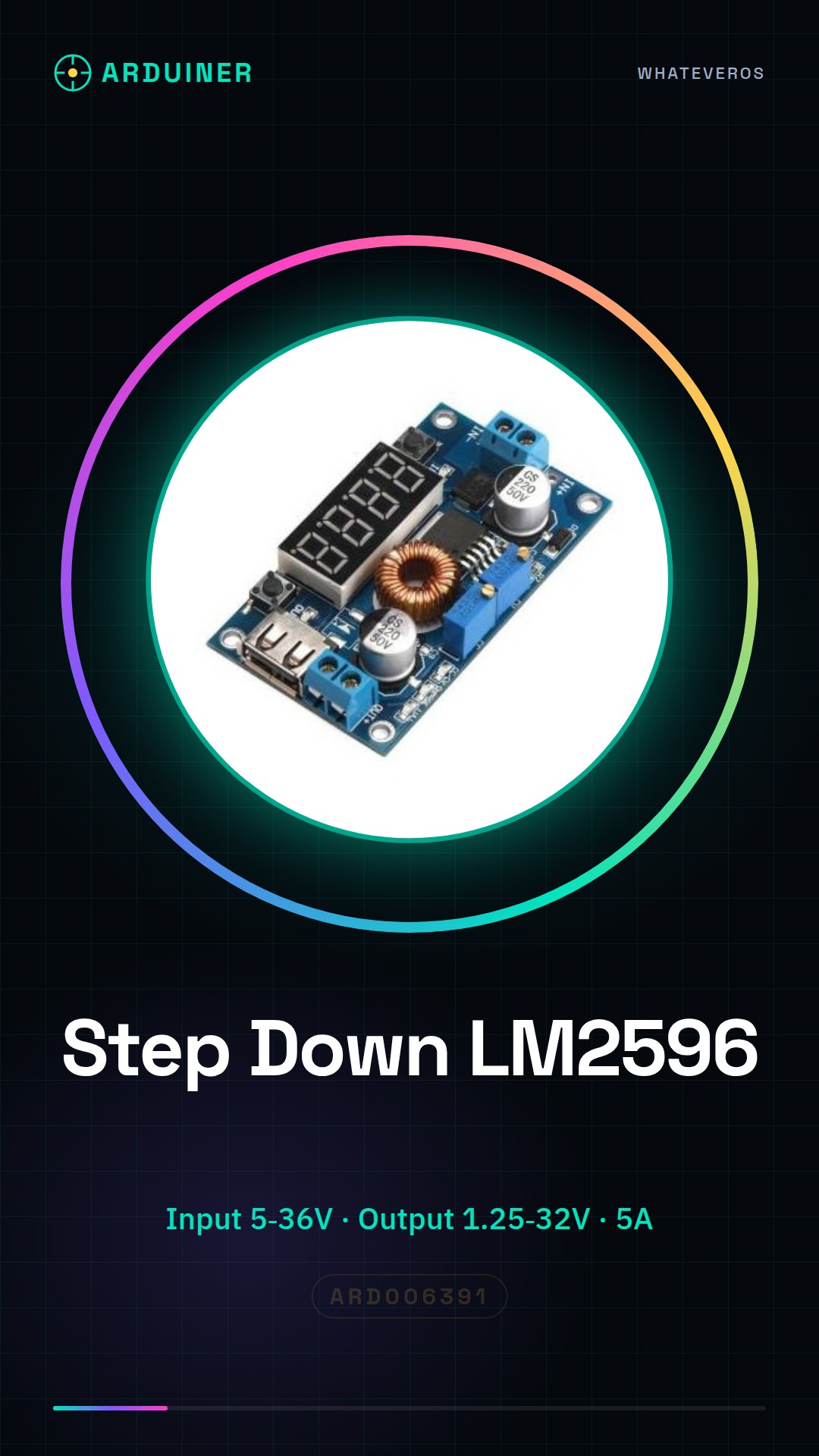
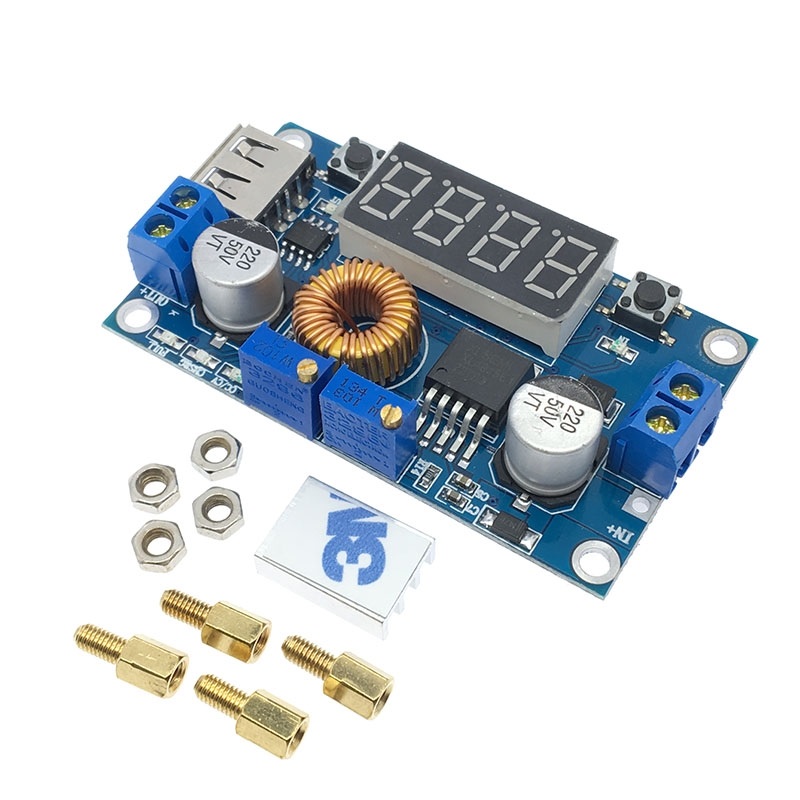
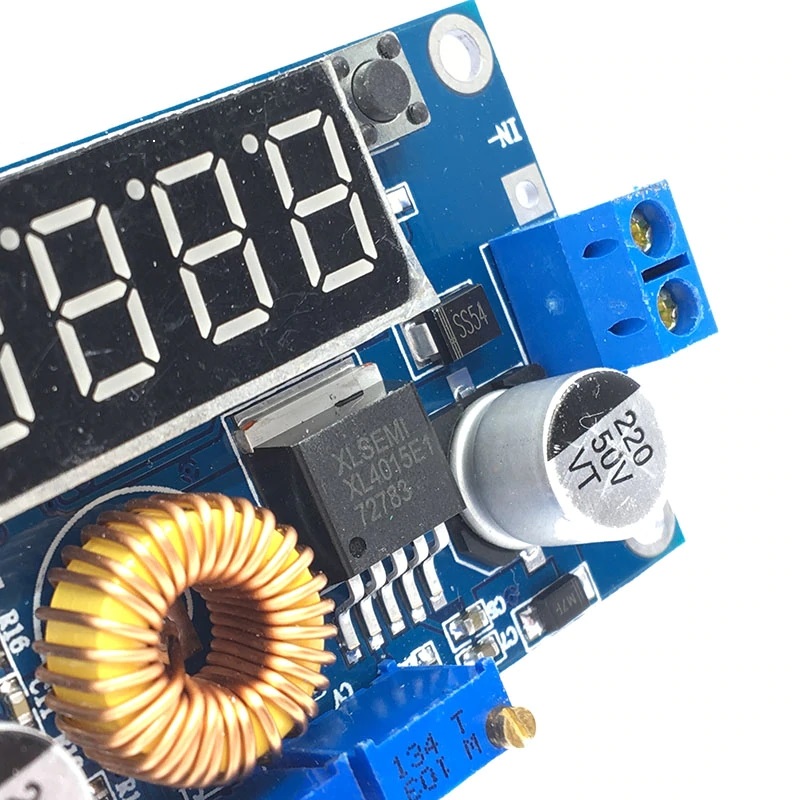
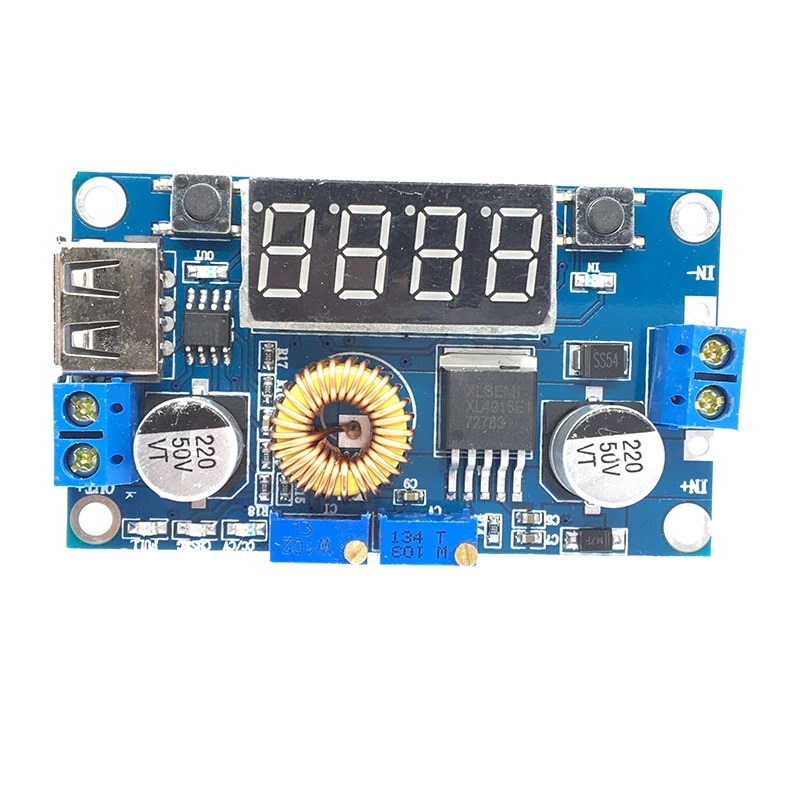
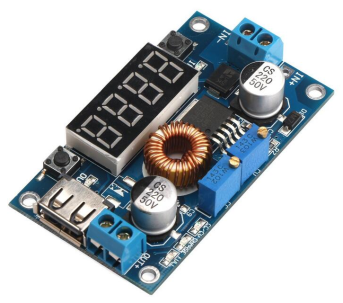
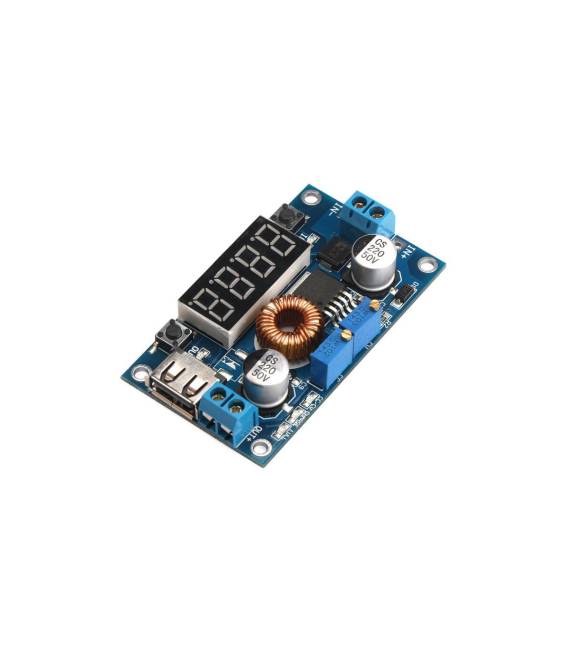
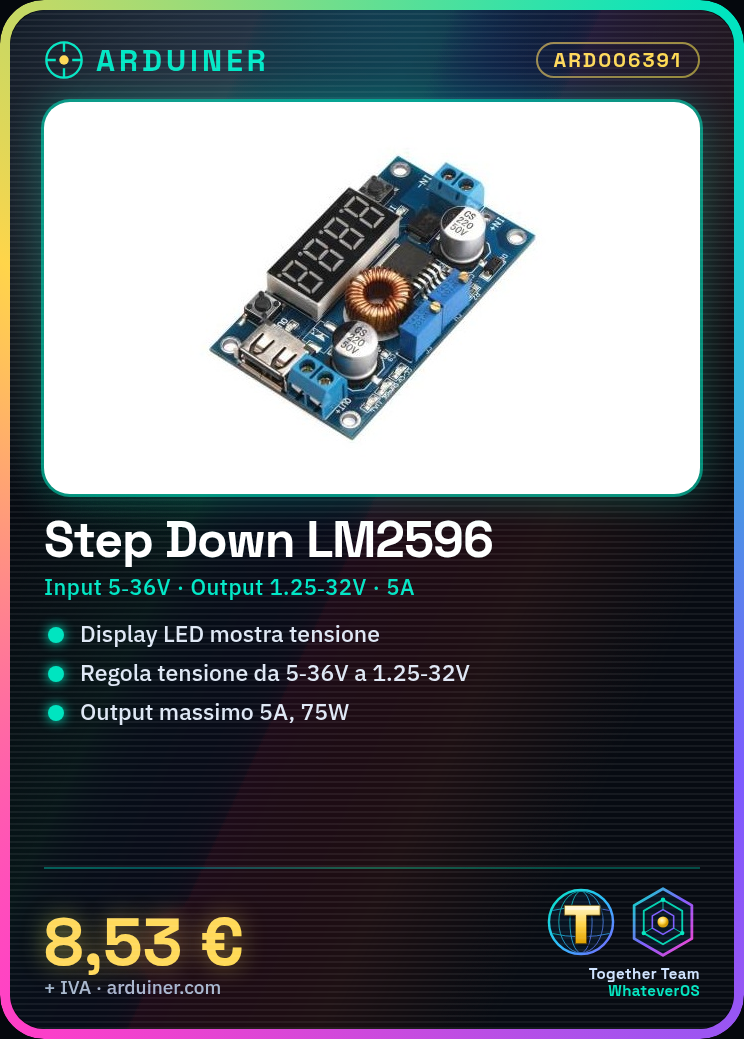
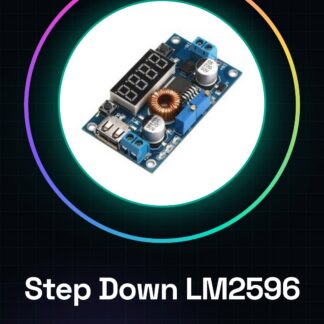
The LM2596 Step Down is a DC voltage converter that allows reducing the input voltage (from 5V to 36V) to an output value (from 1.25V to 32V). It is an essential component for powering electronic devices that require a specific voltage different from the one available.
Features
- Input voltage range: 5V – 36V
- Adjustable output voltage range: 1.25V – 32V
- Maximum output current: 5A
- Maximum power: 75W
- Presence of an LED display to show the output voltage
- USB connection for power supply
What it is for
This Step Down LM2596 is ideal for powering Arduino projects and electronic devices with specific voltage requirements. For example, it can be used to power an Arduino Nano at 5V from a USB power supply with variable voltage. It is a versatile component for beginners and intermediates who need precise control over the output voltage.
Tutorial: How to use Step Down LM2596
The Step Down LM2596 is a voltage converter ideal for powering Arduino devices or sensors with a variable input power supply. Useful for beginners and intermediates.
What you need
- Step Down LM2596
- DC Power Supply 5-36V
- Pull-up Resistor (10kΩ)
- Multimeter
Steps
- 1. Check the input power supply. The voltage should be between 5-36V.
- 2. Connect a DC power supply of 5-36V to the Vcc pin.
- 3. Connect the GND of the power supply to GND of the Step Down.
- 4. Set the output voltage with the pull-up resistor. Connect it between Vout and GND.
- 5. Measure the output voltage with the multimeter.
- 6. Connect the device you want to power to Vout and GND.
- 7. Check the datasheet for the maximum allowed current.
- 8. Test the system with a test load.
Mini project
Power an Arduino Nano with a 5V voltage from a USB power supply.
Common mistakes
- Set the output voltage too high for the device.
- Connect the input power supply out of the 5-36V range.
- Omit the pull-up to set the output voltage.
- Do not test the system before use.
Recommended accessories
- DC Power Supply from 5-36V
- Pull-up Resistor (10kΩ)
- Multimeter
- Arduino Nano
Frequently asked questions
Can the Step Down LM2596 regulate the current?
No, it only regulates the voltage. For current, check the datasheet.
Can I use a USB power supply as a power source?
Yes, but make sure the USB power supply can provide the necessary current.
How long does the regulated voltage last?
The duration time depends on the input power supply and the load. Check the datasheet.
Can I use an AC power supply?
No, the AC power supply must be converted to DC before being used with the Step Down LM2596.
Reviews
There are no reviews yet.