 EN
 IT Italiano
 ES Español
 FR Français
 DE Deutsch
Description
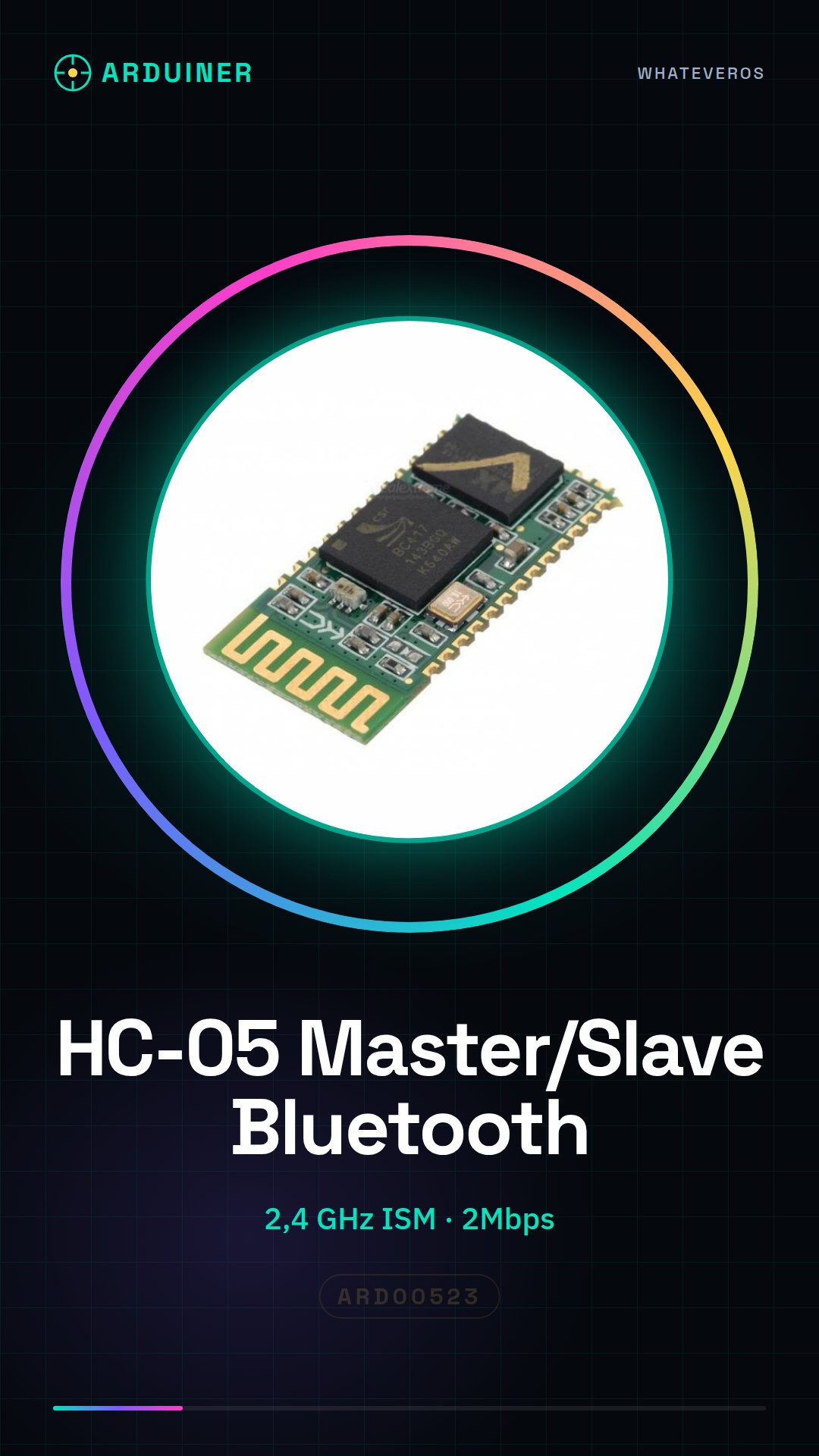
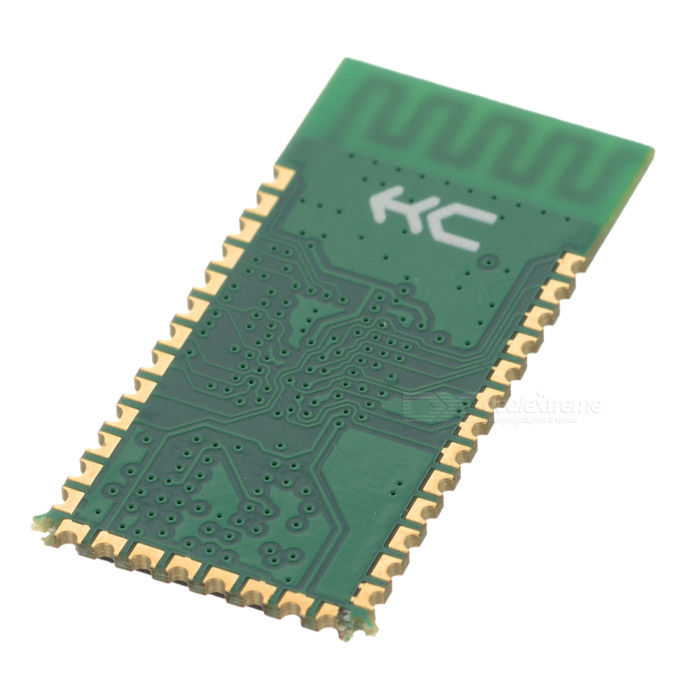
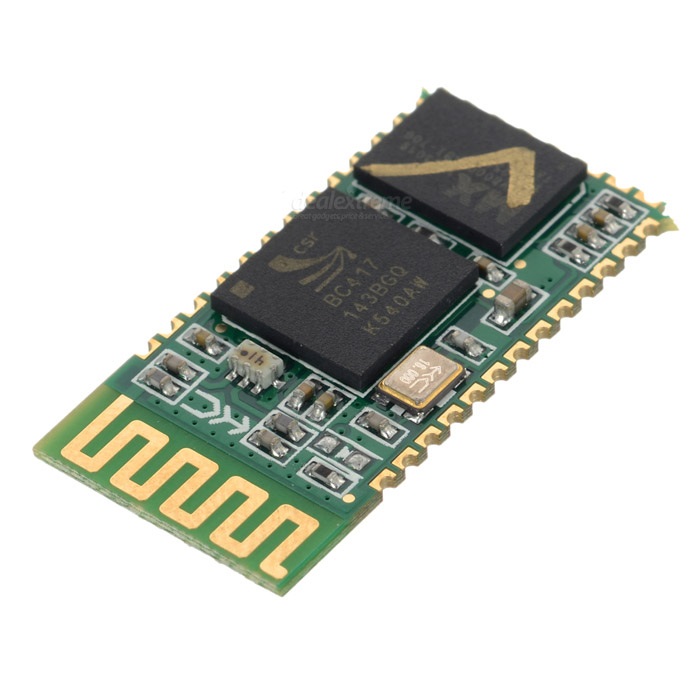
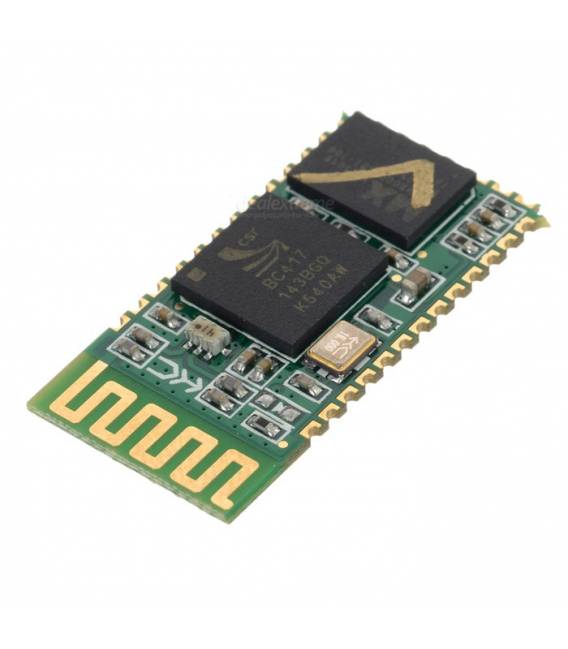
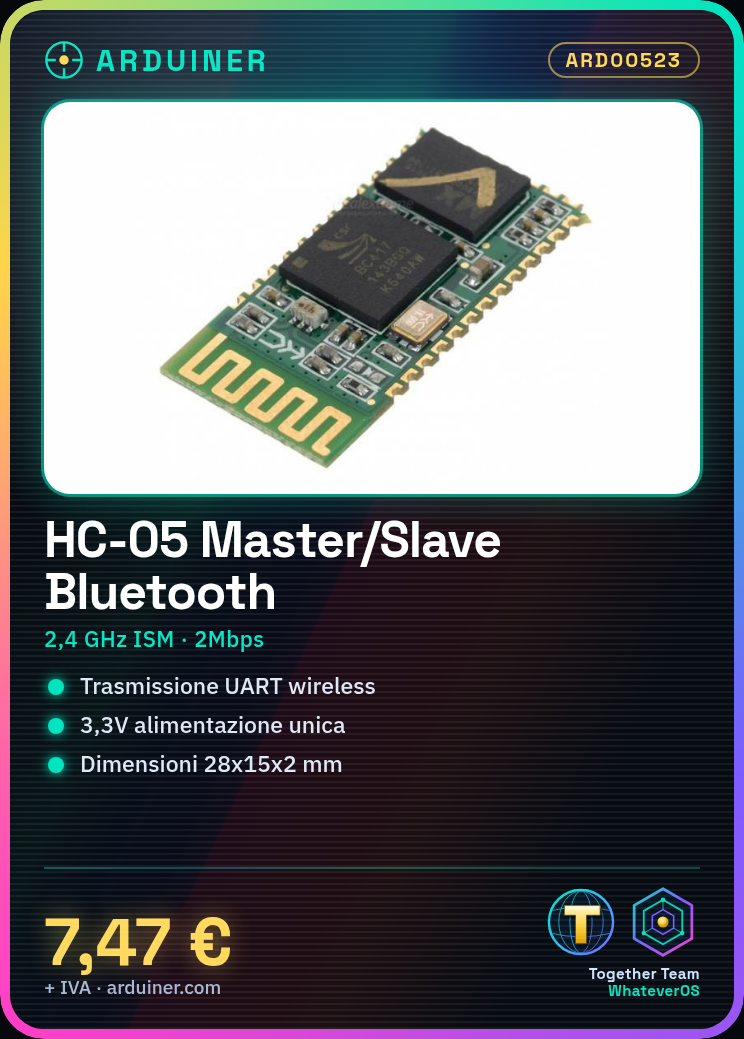
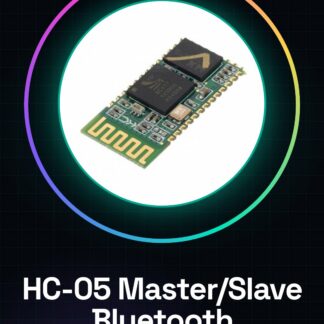
Bluetooth Module HC-05 Master Slave Serial Transceiver for Arduino
Description:
module name
Serial RS232 Bluetooth UART Converter Module
Operating frequency band
2.4 GHz ISM band
Bluetooth specification
V2.0 + EDR
USB protocol
USB v1.1 / 2.0
Output power class
class2
Operating voltage
3.3V
Host interface
USB / UART
Flash memory size
8Mbit
Modulation
GFSK (Gaussian Frequency Shift Keying)
Transmit Power
not more than 4dBm
Sensitivity
not more than -80 dB at 0.1% BER
Communication Speed
Asynchronous: 2Mbps (MAX)
Operating Temperature
From -25 C to 75 C
size
28 millimeters * 15mm * 2mm
features:
1, uses mainstream CSR Bluetooth chip, Bluetooth V2.0 standard protocol
2, module serial port operating voltage 3.3 V.
3, Baud rate 9600, user settable.
4, module size: 28 mm x 15 mm x 2 mm.
5, operating current: 30-40 mA when active, 8 mA during communication
6, sleep current: no sleep mode
7, used for GPS navigation systems, gas, water, and electricity meter reading systems, and mining industry control systems.
8, can be used for portable Bluetooth computers, computer and Bluetooth adapter, PDA, connection equipment without interruption
The RS232 Bluetooth UART Serial Converter module can easily transfer UART data through Bluetooth wireless, without complex PCB layouts or in-depth knowledge of the Bluetooth software stack, this Bluetooth module can be combined with your own system:
* MCU, ARM, or DSP systems.
* SOC systems.
* Personal Digital Assistant (PDA)
* Computer accessories
* Other systems that you wish to use with Bluetooth functions.
Hardware
CSR solution, Bluetooth protocol V2.0
commander support
supports Master and Slave mode, modified by AT commander
1200-115200 baud rate support
Single 3.3V power supply
current: 30mA MAX
can be used with all MCUs via the UART port
2 LED indicators
AT command set:
The integrated HC-05 serial Bluetooth module (hereinafter referred to as modules) has two operating modes: command-response mode and automatic connection mode, it can be divided into automatic connection mode (Master) (master) three working roles and loopback (loopback). When the module is automatically connected to the operating mode, it automatically transmits data based on the preset connection transmission, when the module is capable of responding to the operating mode, it can execute all the following AT commands, users can send a variety of AT commands to the module to control the module parameters or control unlock commands. It can be obtained through the module control the input level of the external pin (PIO11), the dynamic transformation of the module status.
Pin definitions used by the serial module:
1. Connection PIO8 LED, to indicate the module status, the module turns on after flashing a different status blink.
2. Connection PIO9 LED, indicates that the module connection has a positive outcome, corresponds to the fact that the Bluetooth serial port has succeeded, the LED stays on for a long time.
3. Module state switching feet PIO11 high -> Response to AT command under working conditions, low or mobile -> Regular Bluetooth working state.
4, the module state with the reset circuit, re-power on to complete the reset.
To set the main modules:
1. PIO11 set high.
2. Module turn on to enter the AT command response state.
3. HyperTerminal or other serial tools, set the transmission speed to 38400, 8 data bits, 1 stop bit, no parity, no flow control.
4.The serial port to send the character “AT + ROLE r n” with a positive outcome “OK r n”, where r n carriage return returns the line feed.
5.PIO has little power, the re module module, automatically searches from the module, to establish a connection.
We have datasheets for all components, should they not be present in the product download card, send us a message from the contact us module and we will publish it as soon as possible on our website.
Tutorial: How to use HC-05 Bluetooth Module
The HC-05 Bluetooth module is an essential component for anyone who wants to integrate wireless communication in their Arduino projects. Ideal for both beginners and more experienced makers, this device allows sending and receiving data between Arduino and other Bluetooth devices.
What you need
- Arduino Uno or compatible
- USB cable to connect Arduino to PC
- 3.3V Battery (optional for testing without USB power)
Steps
- Connect the TX pin of the HC-05 module to the RX pin of Arduino and vice versa.
- Power the HC-05 module through the VCC and GND pins of Arduino.
- Install the SoftwareSerial library to manage alternative serial communications on Arduino.
- Write a simple sketch to send data to the Bluetooth module.
- Use an Android or PC application as a Bluetooth Terminal to receive the data.
- Configure the HC-05 module in Master or Slave mode according to the project requirements.
Example code
SoftwareSerial BT(10, 11); // RX | TX
void setup() {
  Serial.begin(9600);
  BT.begin(38400);
}

void loop() {
  if (BT.available())
    Serial.write(BT.read());
}
Mini project
Create a home alarm system that sends a Bluetooth notification when triggered.
Common mistakes
- I cannot connect to the HC-05 module.
- The module does not respond to commands sent through Arduino.
- The communication between Arduino and the Bluetooth device is intermittent.
- I am having issues with the baud rate configuration.
Recommended accessories
- RTC DS3231 Module for internal clock
- 16×2 LCD Display to show data received via Bluetooth
- 3.7V LiPo Battery 500mAh with protection
Frequently asked questions
How can I configure the HC-05 module in Master mode?
Check the datasheet on how to set the operating mode of the module.
What baud rates does the HC-05 module support?
Check the datasheet for specific baud rate values available.
Reviews
There are no reviews yet.