 EN
 IT Italiano
 ES Español
 FR Français
 DE Deutsch
Description
What it is
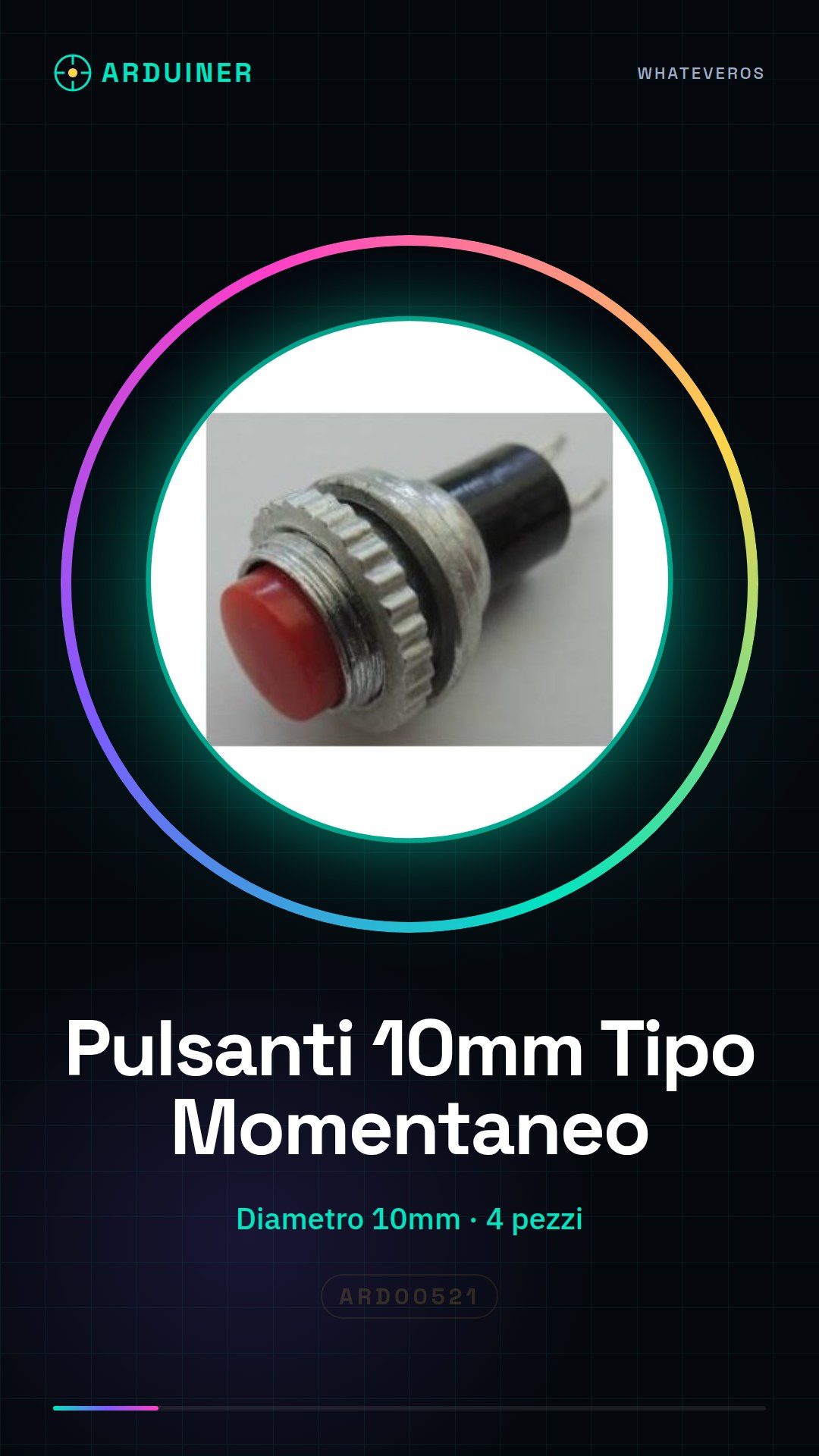
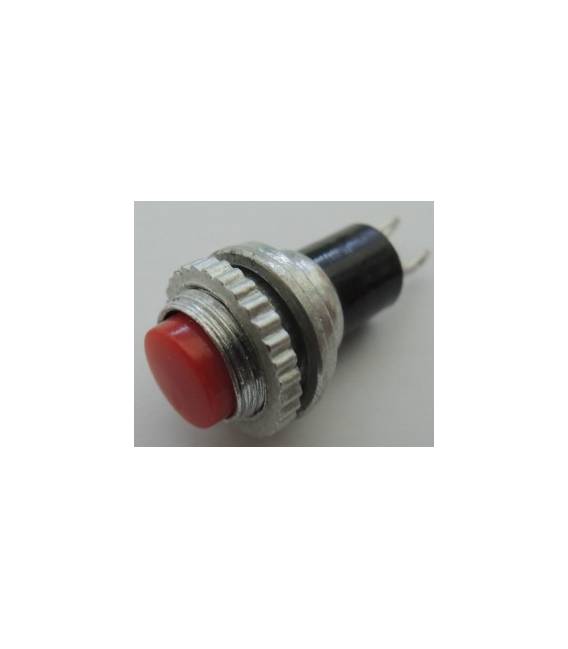
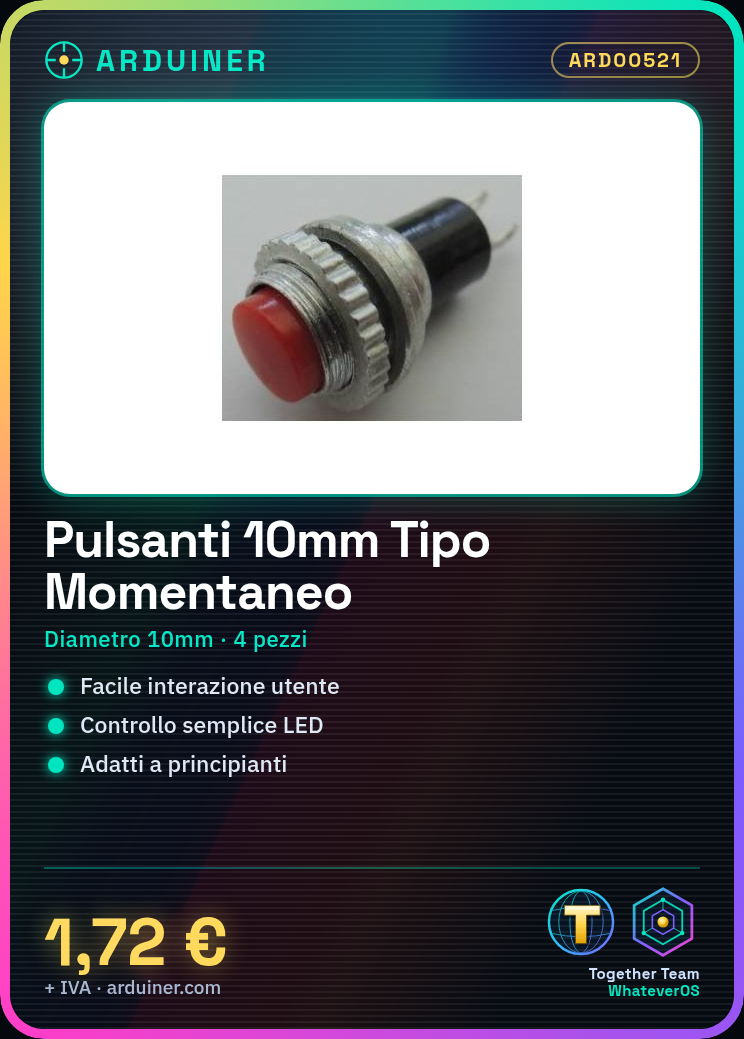
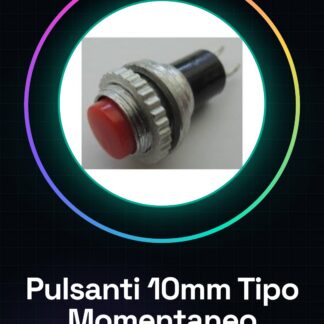
Momentary panel mount push buttons with a diameter of 10mm are essential components for electronic projects, particularly those based on Arduino. These buttons allow for easy user interaction with the device.
Features
- Diameter: 10mm
- Number of pieces: 4
What it is for
Momentary push buttons are used to create simple user interfaces in electronic projects. They are ideal for beginners who want to add basic functionality such as an LED switch or other devices controllable by a button.
Tutorial: How to Use Momentary Panel Mount Buttons
Momentary push buttons are fundamental components to interact with your electronic project. These buttons, with a diameter of 10mm, are ideal for beginner makers who want to add a simple user interface to their devices.
What you need
- Arduino
- jumper wire
- prototype breadboard
Steps
- Connect the button to the breadboard using jumper wires. Check the datasheet for the required pull-up/pull-down resistor.
- Connect one end of the button to a digital pin on the Arduino, and the other end to ground (GND).
- Load the Arduino sketch provided in the next step to read the state of the button.
- Test the project using the Arduino serial monitor to see when the button is pressed.
Example code
const int bottone = 2;
void setup() {
pinMode(bottone, INPUT_PULLUP);
Serial.begin(9600);
}

void loop() {
digitalWrite(LED_BUILTIN, digitalRead(bottone));
if(digitalRead(bottone) == LOW){ Serial.println("Pulsante premuto"); }
}
Mini project
Create a simple light switch that turns an LED on and off each time the button is pressed.
Common mistakes
- Connect the button incorrectly (do not observe polarity)
- Do not check the state of the button before use
- Insert too much pull-up/pull-down resistance, blocking the input
Recommended accessories
- LED
- Breadboard
- Variable resistors
- Buzzer
Frequently asked questions
How can I connect multiple buttons?
Use a multiplexer or a matrix of buttons to manage more buttons with fewer Arduino pins.
What is the difference between a pull-up button and a pull-down button?
A pull-up button has its unconnected side to the high voltage side of the circuit, while a pull-down keeps it to ground. The choice depends on your project schematic.
Reviews
There are no reviews yet.