 EN
 IT Italiano
 ES Español
 FR Français
 DE Deutsch
Description
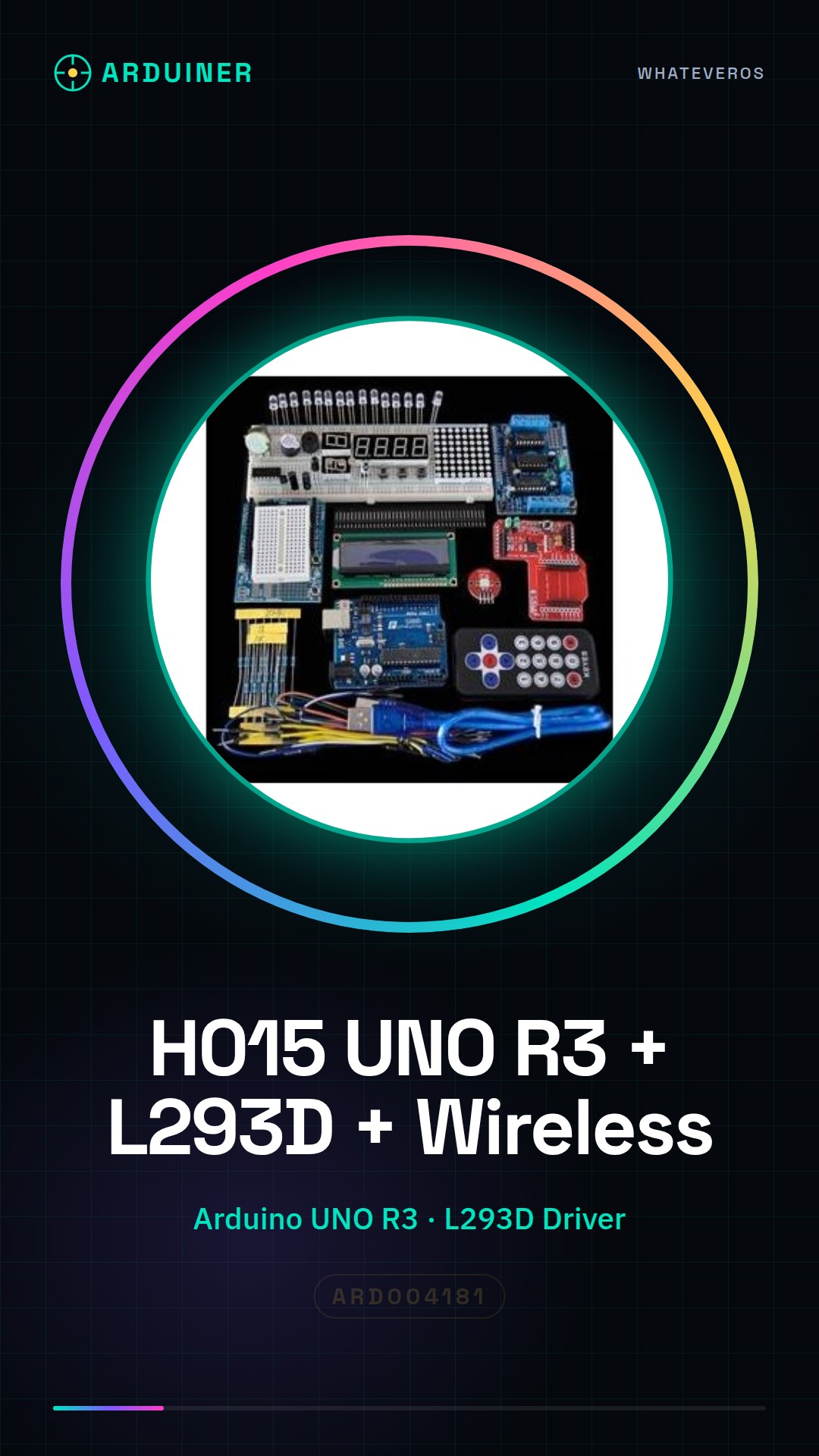
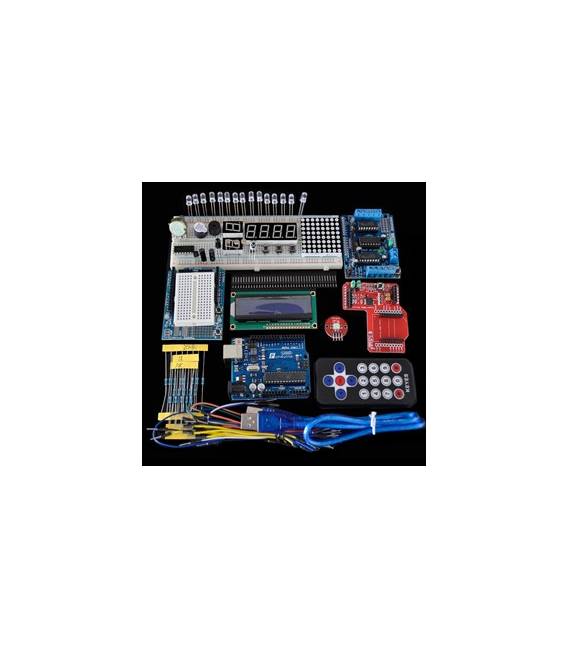
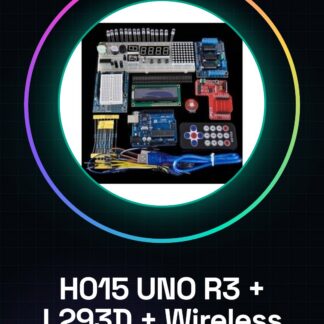
H015 UNO R3 + L293D motor driver + starter kit wireless module
| Kit list | Qty |
| L293D expansion board | 1 |
| Rotary potentiometer 15MM 3 pin spacing 2.54 5K | 1 |
| Resistor 220R, 1K, 10K (5pcs / each) | 15 |
| Male-male jumper wire for breadboard | 65 |
| 595IC / 8 * 8 DOT MATRIX (1pc / each) | 2 |
| Small button package | 2 |
| Plug-in prototype expansion board | 1 |
| 830 point breadboard | 1 |
| Remote control | 1 |
| UNO R3 with USB cable | 1 |
Tutorial: How to use H015 UNO R3 + L293D Motor Driver + starter kit Wireless Module
This kit is ideal for beginners and intermediates who want to control motors and connect to the Internet without complications. Includes an Arduino UNO R3, an L293D driver and a wireless module.
What you need
- Arduino UNO R3
- USB cable
- L293D Motor Driver
- Wireless module
- Motors (optional)
Steps
- Download and install the Arduino IDE.
- Connect the Arduino UNO R3 to the computer via USB cable.
- Install the L293D library in your Arduino IDE.
- Connect the L293D to the Arduino following the configuration in the datasheet.
- Connect the wireless module to the Arduino.
- Write a simple sketch to control a motor.
- Upload the sketch to the Arduino.
- Test the functionality of the wireless module with a test application.
Example code
```void setup() { pinMode(9, OUTPUT); pinMode(10, OUTPUT);}void loop() { digitalWrite(9, HIGH); delay(1000); digitalWrite(9, LOW); delay(1000); digitalWrite(10, HIGH); delay(1000); digitalWrite(10, LOW); delay(1000);}```Mini project
Create a simple device that controls a motor with buttons to start and stop the motion. Estimated time: 30 minutes.
Common mistakes
- Incorrectly connect the L293D pins.
- Forget to download the L293D library.
- Use an unsuitable USB cable.
- Connect the wireless module to a different frequency.
Recommended accessories
- Arduino UNO R3
- DC Motors
- Buttons
- 1kΩ resistors
Frequently asked questions
How can I control multiple motors?
Connect multiple L293D to the Arduino, one for each motor.
Does the wireless module work with Android?
Yes, the module supports both Android and iOS.
Can I use this kit to control servos?
Check the L293D datasheet.
What are the minimum requirements for the Arduino IDE?
The Arduino IDE works on Windows, macOS, and Linux.
Reviews
There are no reviews yet.