 EN
 IT Italiano
 ES Español
 FR Français
 DE Deutsch
Description
What it is
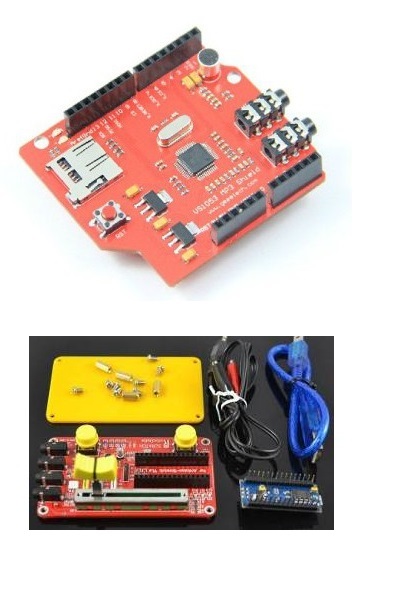
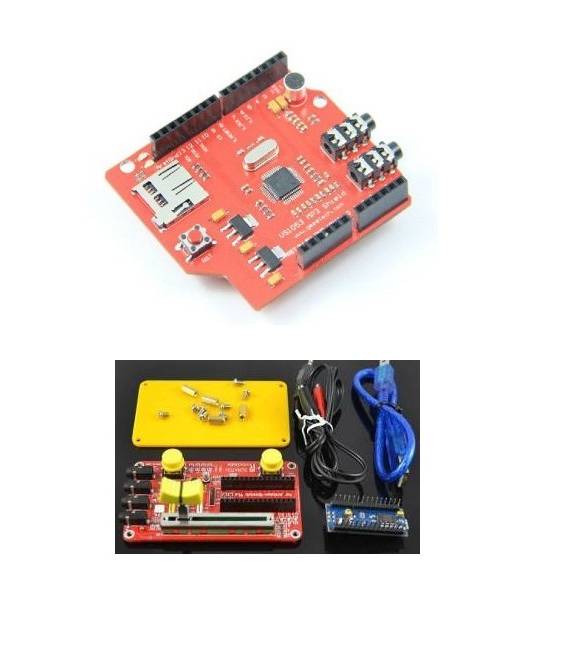
The Story Telling Kit is a package of electronic components designed to help beginners create interactive stories using Arduino. This kit allows you to start with simple projects that involve creative programming.
Features
- Ideally suited for beginners in programming with Arduino;
- Ability to create interactions based on a button that turns on a light when pressed;
What it is for
The Story Telling Kit is perfect for those who want to start programming with Arduino and create interactive projects. It is compatible with the main Arduino models.
Tutorial: How to use Story Telling Kit
The Story Telling Kit helps you create interactive stories with Arduino. Ideal for beginners and those who love creative programming.
What you need
- Arduino Uno
- USB cable
- 9V battery
- Check the datasheet
Steps
- 1. Download the latest version of Arduino IDE.
- 2. Connect the Arduino to a computer with the USB cable.
- 3. Load the example code provided.
- 4. Assemble the circuit following the instructions in the datasheet.
- 5. Activate the 9V battery.
- 6. Load your custom code.
- 7. Test your project.
- 8. Fix any errors.
Example code
int main() { Serial.begin(9600); while (1) { if (digitalRead(2) == HIGH) { Serial.println("Storia iniziata!"); } delay(1000); } }Mini project
Create an interaction based on a button that turns on a light when pressed.
Common mistakes
- Did not load the code correctly.
- Incorrectly connecting components.
- Using an unsuitable battery.
- Not following the datasheet instructions.
Recommended accessories
- Button
- 10kΩ resistor
- LED
- Check the datasheet
Frequently asked questions
The code doesn’t work?
Check connections and code.
What additional components are needed?
A button, an LED, and a 10kΩ resistor.
Can I use a different battery?
Check the datasheet for the correct voltage.
Does the code work on Arduino Nano?
Check if the Nano supports the code.
Reviews
There are no reviews yet.