 EN
 IT Italiano
 ES Español
 FR Français
 DE Deutsch
Description
What it is
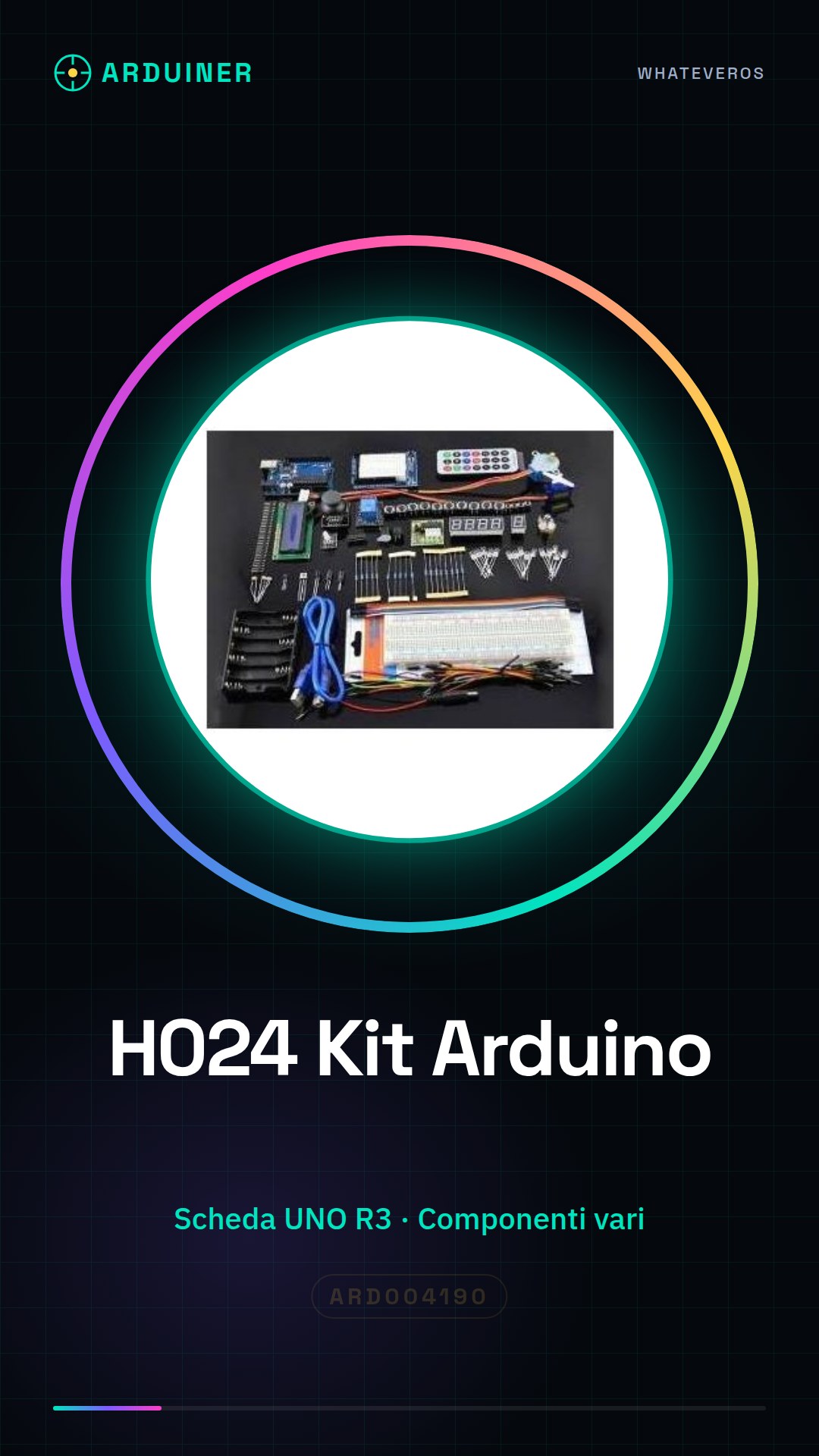
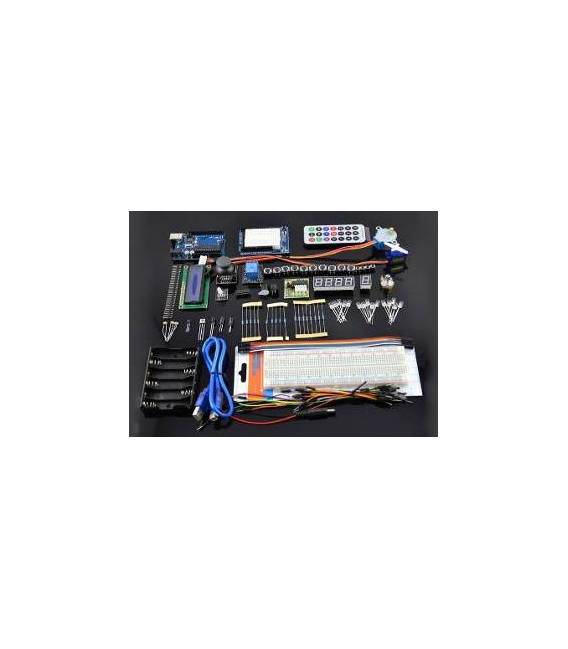
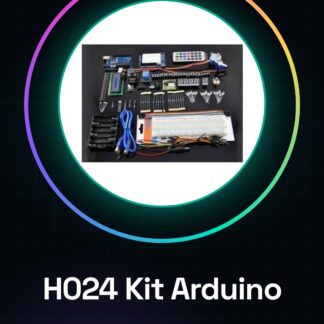
The H024 kit is a set of components for learning Arduino designed for beginners. It includes an UNO R3 board and other elements necessary to start building electronic projects.
Features
- UNO R3 Board
- Various electronic components
What it is for
The H024 kit allows you to learn the basics of Arduino in a practical and fun way. You can build projects such as an LED that turns on and off at regular intervals. It is compatible with Arduino UNO R3.
Tutorial: How to use H024 Learning Kit with UNO r3 Board
The H024 kit helps you learn the world of Arduino in a practical and fun way. Ideal for beginners and those who want to deepen the basics.
What you need
- H024 Learning DIY Kit
- Computer or laptop
- USB cable
- Power supply (e.g., wall plug adapter)
- Arduino IDE software
Steps
- 1. Unpack the kit and check that everything is present.
- 2. Connect the UNO R3 board to the power supply.
- 3. Install Arduino IDE software on a computer.
- 4. Download and install USB drivers for the UNO R3 board.
- 5. Open the Arduino IDE software.
- 6. Enter the base code provided in the tutorial.
- 7. Connect the UNO R3 board to the computer via the USB cable.
- 8. Upload the code to the UNO R3 board.
Example code
int led = 13; void setup() { pinMode(led, OUTPUT); } void loop() { digitalWrite(led, HIGH); delay(1000); digitalWrite(led, LOW); delay(1000); }Mini project
Create an LED blink that turns on and off every second.
Common mistakes
- Forget to install the USB drivers.
- Connect the UNO R3 board to the computer with the USB cable in USB mass storage mode.
- Not having installed the Arduino IDE software.
- Forget to connect the UNO R3 board to the power supply.
Recommended accessories
- LED
- Resistor
- USB cable
- Wall adapter
Frequently asked questions
How can I verify if the USB drivers are installed correctly?
Open the Arduino IDE software and connect the UNO R3 board to the computer. If a screen appears with the board’s name, the drivers are installed correctly.
Can I use a different power source than the wall plug?
Yes, you can use a USB power supply or a 5V power source.
Does the provided code work with all UNO R3 boards?
Yes, the code works with all UNO R3 boards.
Reviews
There are no reviews yet.