 EN
 IT Italiano
 ES Español
 FR Français
 DE Deutsch
Description
What it is
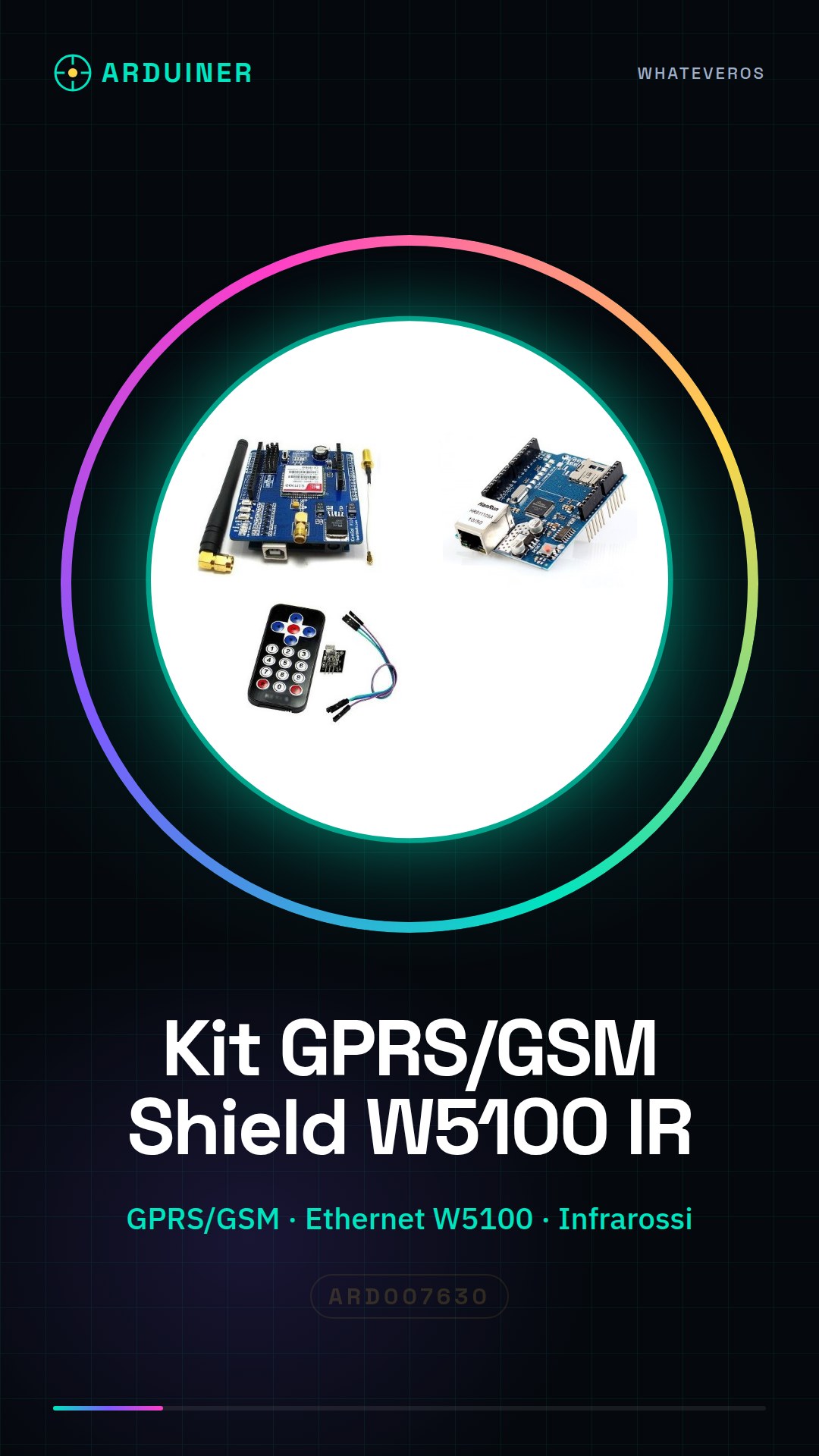
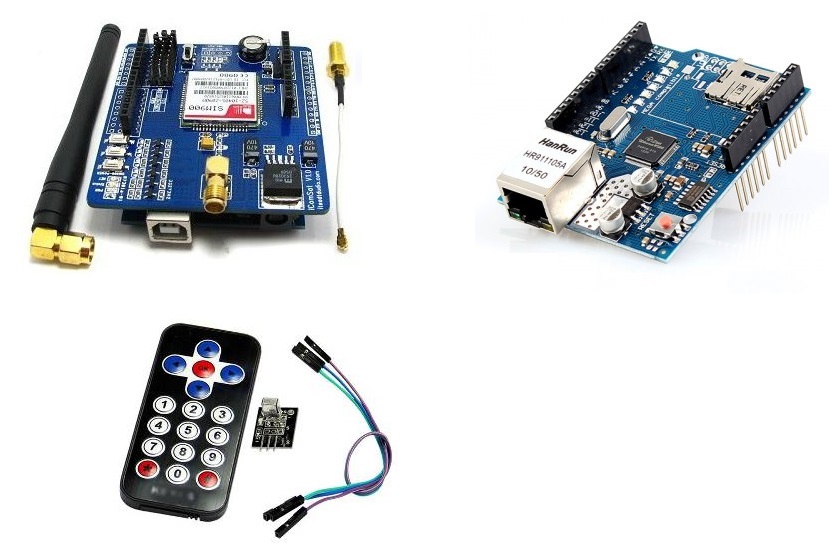
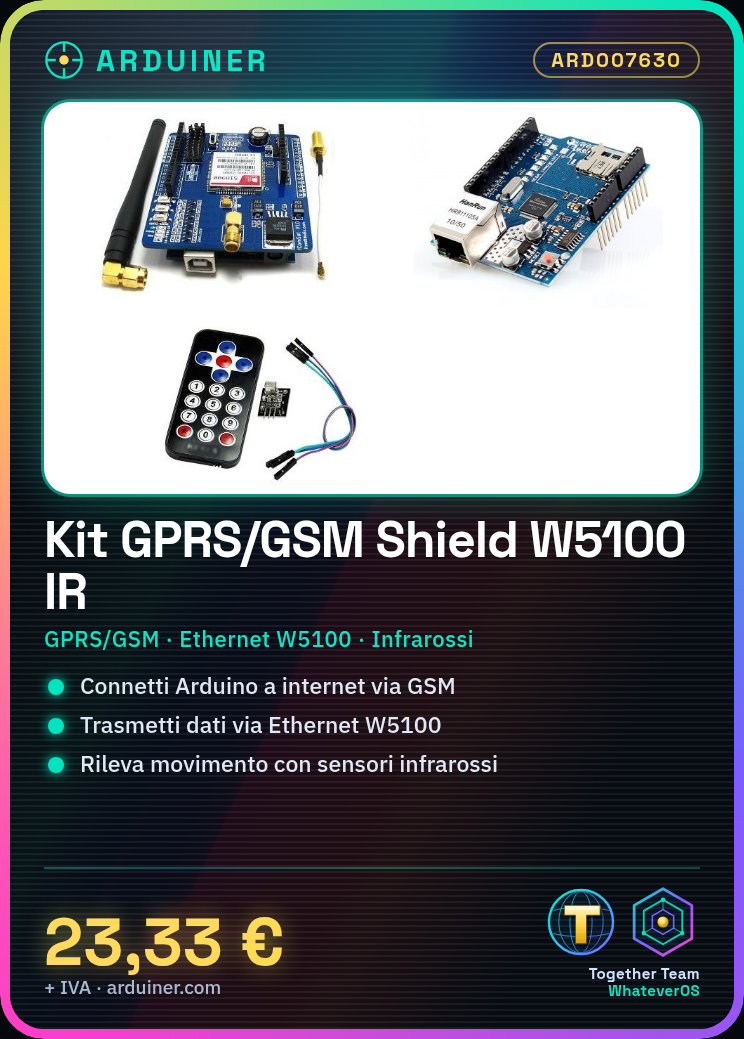
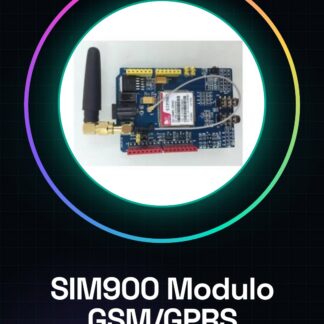
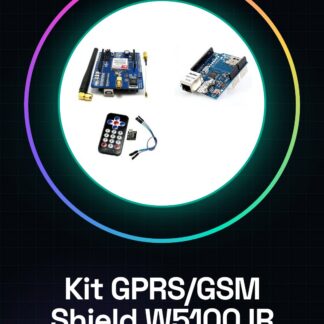
The GPRS/GSM Shield Ethernet W5100 with Infrared is an Arduino module that combines data communication features of GPRS/GSM, Ethernet, and infrared. It allows an Arduino project to connect to the internet and local networks, as well as manage communication with infrared sensors.
Features
- GPRS/GSM Connection
- W5100 Ethernet Interface
- Infrared Interface
- Compatibility with Arduino
What it is for
This kit is ideal for projects that require remote communication, monitoring, and control. Examples of use include home alarm systems that send SMS notifications in case of movement detected by infrared sensors, or devices that transmit real-time data to a server via GPRS/GSM network.
Tutorial: How to Use GPRS / GSM Shield Ethernet W5100 Infrared
The GPRS/GSM Shield Ethernet W5100 with infrared is a versatile module for Arduino that allows data and telephony connectivity, in addition it offers local network functionality. Ideal for projects requiring remote communication or monitoring.
What you need
- Arduino Uno/Nano
- MicroSD Card (optional)
- GSM/GPRS Antenna
- SIM Data Connection
Steps
- Connect the GPRS/GSM Shield Ethernet W5100 module to the Arduino using the ICSP connectors or an FTDI cable.
- Verify the correct installation of the module by connecting it to the local network via the Ethernet W5100 and check its operation with a simple test sketch.
- Configure the data connection settings (APN, username, password) to use the GPRS/GSM module services.
- Test SMS or phone call communication using the configuration software provided by the manufacturer.
- Check if a separate GSM antenna is needed to improve data connectivity performance.
- If you want to use the infrared function, connect the transmitter and receiver to the module according to the pins specified in the datasheet.
- Install the necessary libraries to manage GPRS/GSM and Ethernet communications from the manufacturer’s website or Arduino Library Manager.
- Test all functions of the kit (GPRS, GSM, Ethernet) with code examples provided by the Arduino community.
Example code
/*
Esempio base per connessione GPRS e invio SMS
*/
#include <SoftwareSerial.h>

SoftwareSerial gprs(2, 3); // RX, TX

void setup() {
    Serial.begin(9600);
    gprs.begin(19200);
}

void loop() {
    if (gprs.available()) {
        char c = gprs.read();
        Serial.print(c);
    }
}
Mini project
Create a home alarm system that sends an SMS notification when motion is detected by infrared sensors.
Common mistakes
- Incorrect APN settings configuration
- Non-working SIM data connection
- GSM antenna issues
- Ethernet module configuration error
Recommended accessories
- GSM/GPRS Antenna
- MicroSD Card
- Infrared Sensors
- LiPo Battery for Arduino
Frequently asked questions
How can I solve data connection problems?
Check APN settings and module configuration. Also check the GSM antenna.
What is the power consumption of the GPRS/GSM module?
Check the datasheet for detailed specifications.
Reviews
There are no reviews yet.