 EN
 IT Italiano
 ES Español
 FR Français
 DE Deutsch
Description
What it is
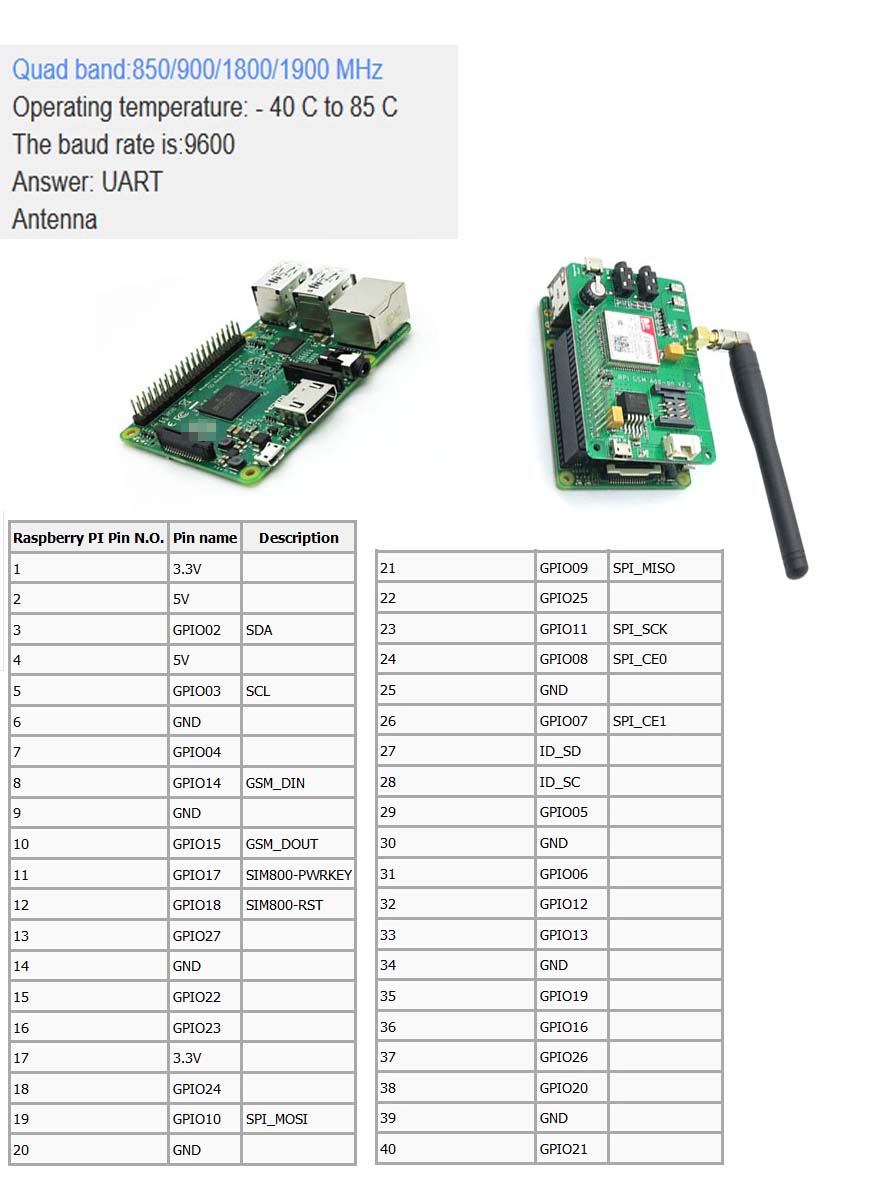
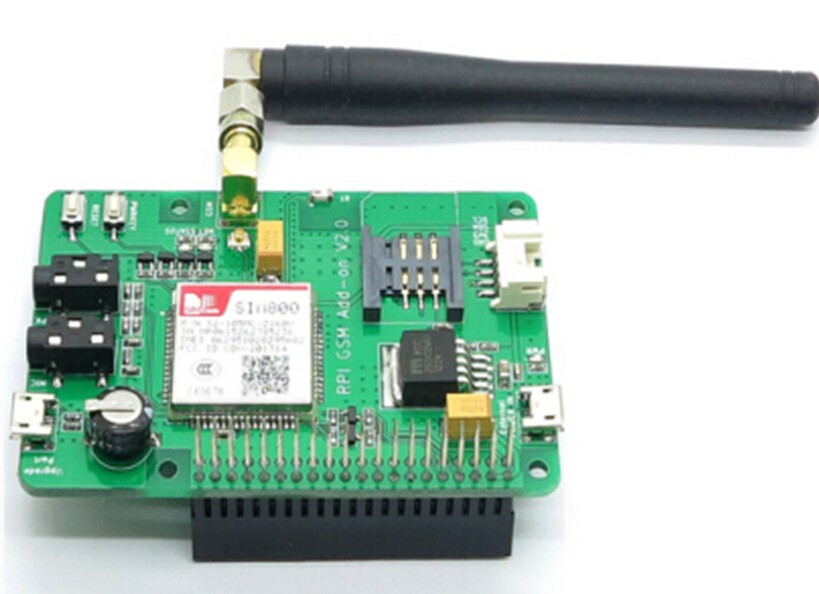
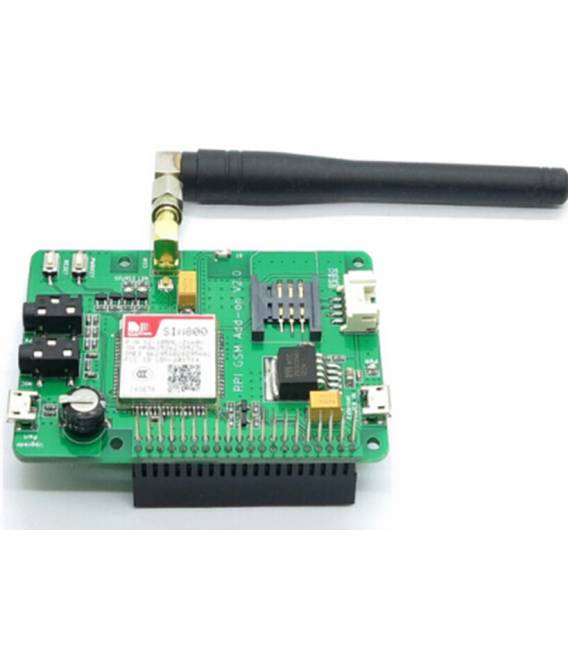
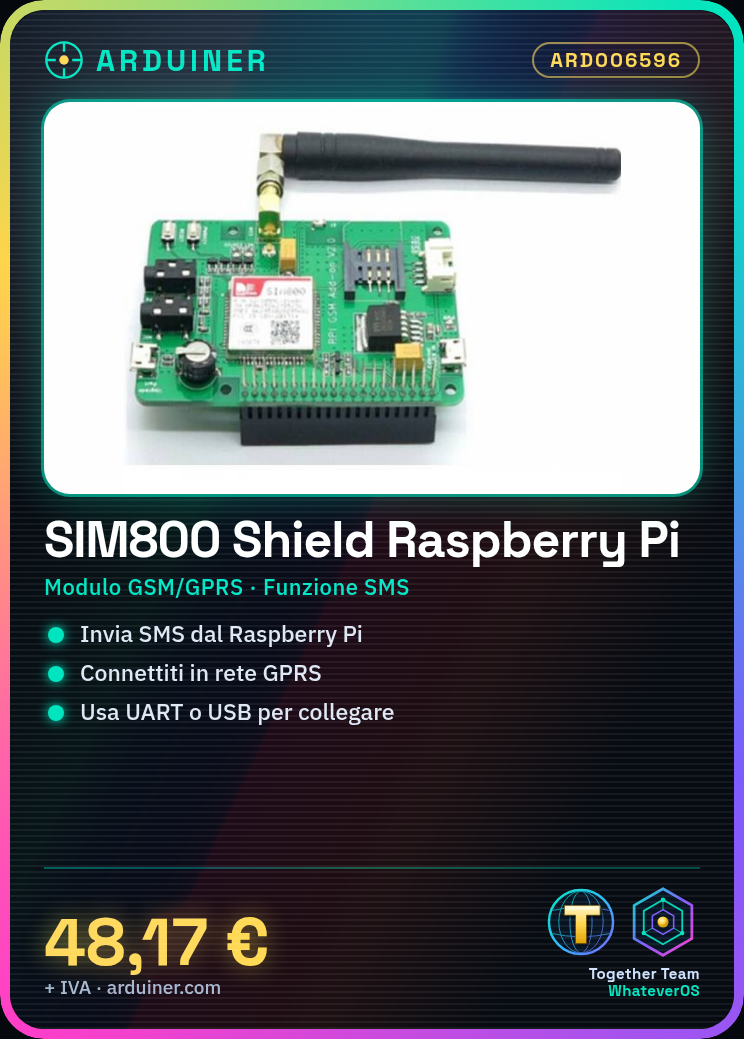
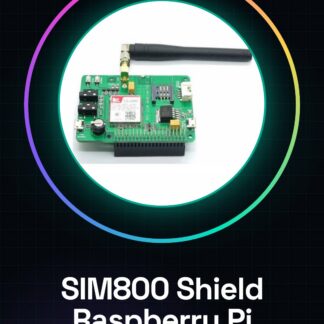
The SIM800 Shield is a GSM/GPRS module that allows a platform like the Raspberry Pi to send SMS and connect to the network. This expansion board enables Raspberry Pi-based projects to have mobile communication features.
Features
- Expansion board for Raspberry PI
- SMS function and GSM/GPRS connection
What it is for
Ideal for home automation or remote monitoring projects. You can use it to create an alarm system that sends SMS when triggered, or to monitor doors or windows.
Tutorial: How to use SIM800 Board for Raspberry Pi
The SIM800 board is a GSM/GPRS module that allows a platform like the Raspberry Pi to send SMS and connect to the network. Ideal for home automation or remote monitoring projects.
What you need
- Raspberry Pi
- Working SIM card with GPRS/SMS data
- USB/UART connection
Steps
- Connect the SIM800 shield to the Raspberry Pi via UART connector or USB-TTL
- Check that the module is properly powered (5V)
- Install the necessary drivers for communication with the module
- Configure the IP and network settings of the Raspberry Pi
- Test the GSM/GPRS connection by sending an SMS from the Raspberry Pi
- Verify that the module responds correctly to AT commands
- Install any specific libraries needed to manage the SIM800 module
- Try creating a simple application that sends automatic SMS
Example code
# Esempio di script Python
import serial
ser = serial.Serial('/dev/ttyUSB0', 9600, timeout=1)
ser.write(b'AT+CMGF=1rn')
time.sleep(1)
ser.write(b'AT+CMGS="555-1234"rn')
time.sleep(1)
ser.write('Hello World!rx1A'.encode())
Mini project
Create an alarm system that sends SMS when triggered. Use the Raspberry Pi and the SIM800 shield to monitor a door or a window.
Common mistakes
- Power supply issues for the module
- Incorrect serial communication configuration
- Missing installation of necessary libraries
Recommended accessories
- Portable battery for Raspberry Pi
- USB-TTL socket from UART to USB
- Separate GSM/GPRS antenna
- micro-USB power cable
Frequently asked questions
How can I check the battery level of the module?
Check the battery level through specific AT commands in the datasheet
What is the difference between GSM and GPRS?
GSM focuses on voice calls, while GPRS allows for fast data connections
Reviews
There are no reviews yet.