 EN
 IT Italiano
 ES Español
 FR Français
 DE Deutsch
Description
What it is
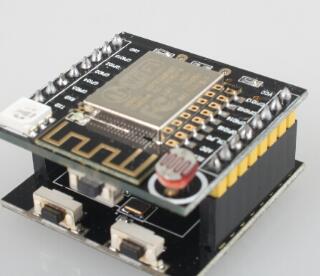
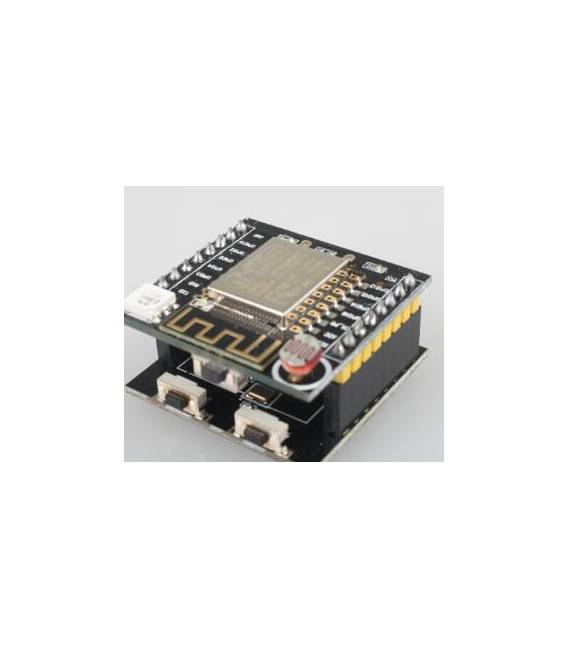
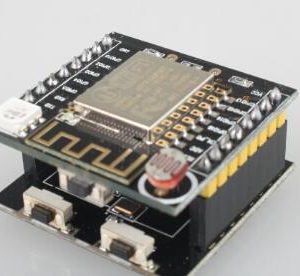
The ESP-12F development board is a WiFi module for Arduino that allows projects to connect to the internet.
Features
- ESP8266 Module
- Type: ESP-12F
- Connection: Serial
- Cloud Support
- Price: 8.48 €
What it is for
The board is ideal for IoT projects that require WiFi connectivity. It can be used to create environmental monitoring devices, send data to the cloud, or interact with other online platforms. It is compatible with Arduino and allows bidirectional communication with the cloud.
Tutorial: How to use ESP8266 Serial WIFI Witty cloud
The ESP8266 Serial WIFI Witty cloud module is ideal for projects that require WiFi connectivity. Useful for beginners and intermediates, it supports bidirectional communication with the cloud.
What you need
- ESP8266 Serial WIFI Witty cloud
- Arduino IDE
- Arduino UNO
- USB cable
Steps
- 1. Install the ESP8266 Arduino Library in your Arduino IDE.
- 2. Connect the ESP8266 module to your Arduino UNO: TX-10, RX-8, GND-9, 3.3V-5.
- 3. Run the example sketch ‘ESP8266WiFi’ to test connectivity.
- 4. Configure WiFi in the module using the function ‘WiFi.begin().’
- 5. Check the datasheet for the WiFi authentication code.
- 6. Try to send a test message with ‘Serial.print().’
- 7. Check the datasheet for WiFi commands.
- 8. Configure the module to connect to your WiFi network.
Example code
```cpp
#include <ESP8266WiFi.h>

const char* ssid = "TUO_SSID";
const char* password = "TUO_PSW";

void setup() {
  Serial.begin(115200);
  WiFi.begin(ssid, password);
  delay(1000);
  Serial.println("Connesso al WiFi");
}

void loop() {
  Serial.println("Messaggio di test");
}
```
Mini project
Create a simple environmental monitoring device that sends temperatures and humidity to your mobile apps.
Common mistakes
- Fail to configure WiFi correctly.
- Connect the module to 5V instead of 3.3V.
- Omit configuring the ESP8266 library in the Arduino IDE.
- Forget to update the ESP8266 library in your Arduino IDE.
Recommended accessories
- Temperature and humidity sensors
- LCD display
- LiPo battery
- 3.3V USB cable
Frequently asked questions
How can I verify WiFi connectivity?
Run the ‘ESP8266WiFi’ sketch and verify that the connection is stable.
What are the power requirements for the ESP8266?
Use 3.3V and do not exceed 300mA.
Can I use this module with Arduino Nano?
Yes, but check pin compatibility.
Reviews
There are no reviews yet.