 EN
 IT Italiano
 ES Español
 FR Français
 DE Deutsch
Description
What it is
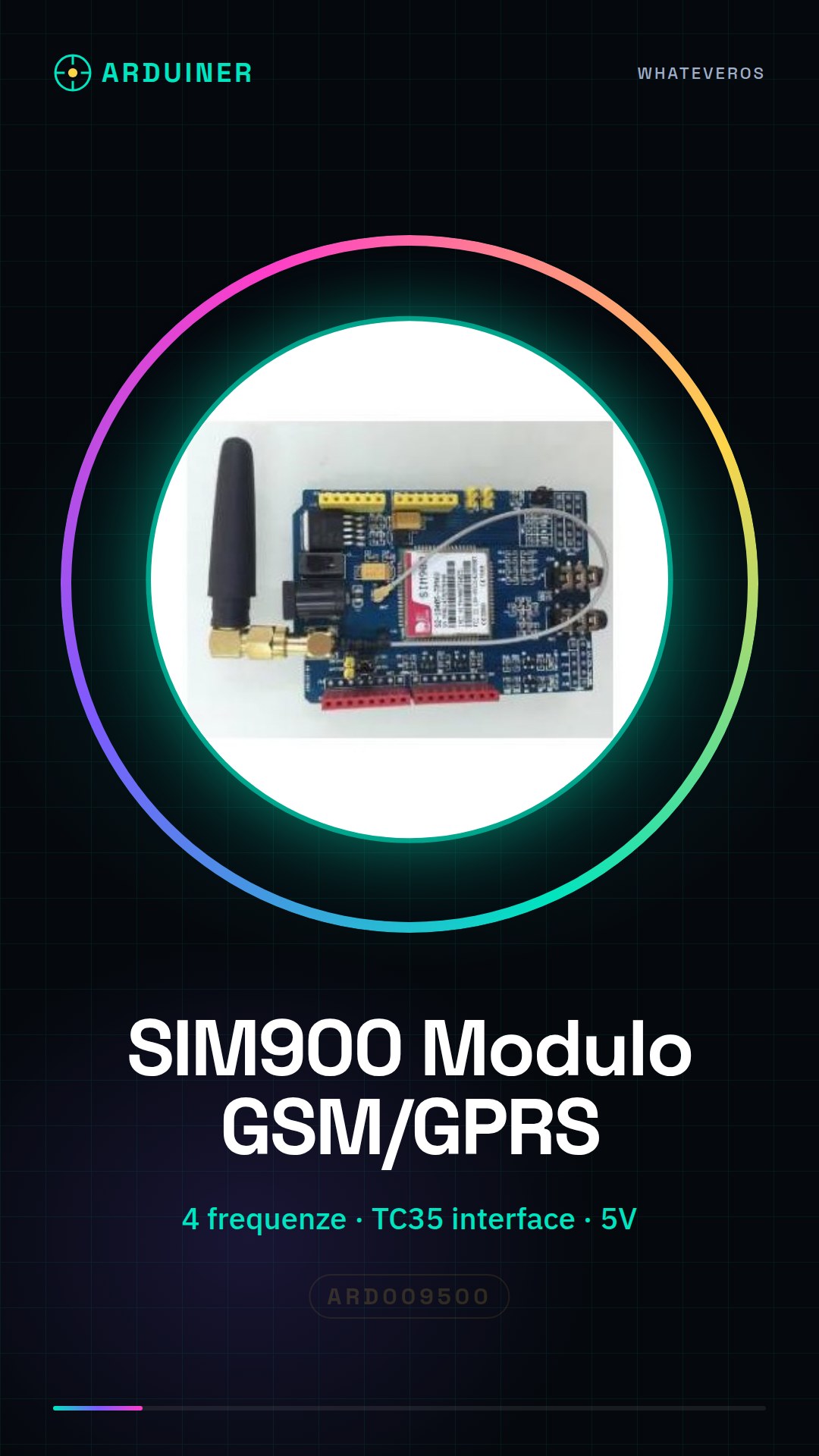
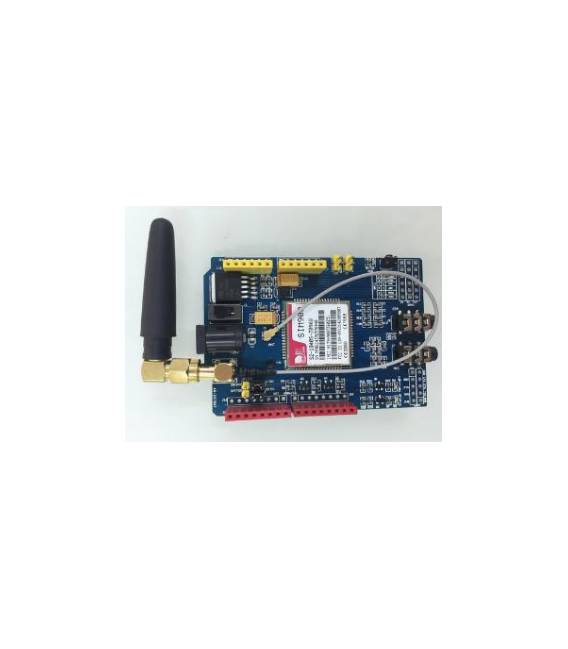
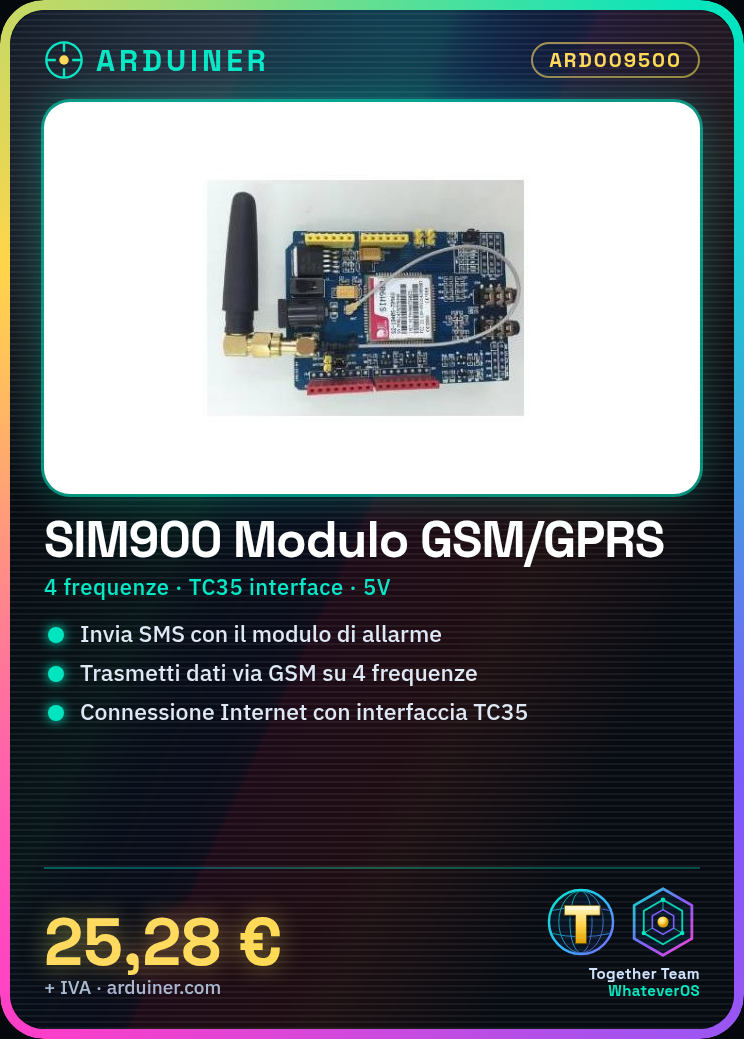
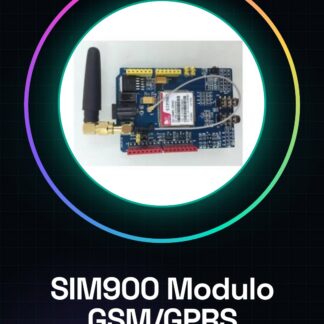
The SIM900 Module is an Arduino board that supports GSM/GPRS communication on four different frequencies. This module allows wireless data transmission using the TC35 interface, making it ideal for projects that require Internet connections or SMS messaging.
Features
- Supported Frequencies: 4 (check the datasheet)
- Module Type: GSM/GPRS
- Wireless Data Interface: TC35
What it is for
SIM900 modules are useful for creating devices that require cellular communication, such as alarm systems that send an SMS when activated. Additionally, they can be integrated into more complex projects that require an Internet connection or messaging features.
Tutorial: How to Use SIM900 Module
The SIM900 Module is a GSM/GPRS device that allows wireless communication. Ideal for projects that require Internet connection or SMS.
What you need
- Arduino or Compatible
- SIM FFC Cable
- GSM Antenna
- Power Supply (5V)
Steps
- 1. Module Installation: Insert the SIM900 into the breadboard.
- 2. Connection: Connect VCC to 5V, GND to GND, TX to RX of Arduino, RX to TX of Arduino.
- 3. Antenna: Connect the antenna to the ANT pin of the module.
- 4. Insert SIM: Use the FFC cable to insert the SIM.
- 5. Configure voltage: Connect GND to GND and VCC to 5V.
- 6. Load code: Use the Arduino IDE to load an example sketch.
- 7. Test connection: Use the serial console to send commands.
- 8. Check datasheet: Confirm the specific parameters of your SIM.
Example code
```
#include <SoftwareSerial.h>
SoftwareSerial gsmSerial(2, 3);
void setup() {
  gsmSerial.begin(9600);
  Serial.begin(9600);
}
void loop() {
  if (gsmSerial.available()) {
    Serial.write(gsmSerial.read());
  }
  if (Serial.available()) {
    gsmSerial.write(Serial.read());
  }
}
```
Mini project
Create an alarm alert device with SMS: Connect a motion sensor to pin D2 and use the SIM900 module to send a message when the alarm is triggered.
Common mistakes
- Do not forget to connect the power supply.
- Wrong pin connections.
- SIM not inserted correctly.
- Incorrect baud rate in the code.
Recommended accessories
- Arduino Uno
- PIR motion sensor
- GSM antenna
- SIM FFC cable
Frequently asked questions
How can I test the module connection?
Use the serial console to send AT commands and receive responses.
What are the minimum requirements for the power supply?
The module requires 5V voltage.
Can I use another Arduino board?
Yes, the module is compatible with any Arduino or compatible board.
What should I do if I don’t receive a response from the module?
Check the physical connection, power supply, and configuration parameters.
Reviews
There are no reviews yet.