 EN
 IT Italiano
 ES Español
 FR Français
 DE Deutsch
Description
What it is
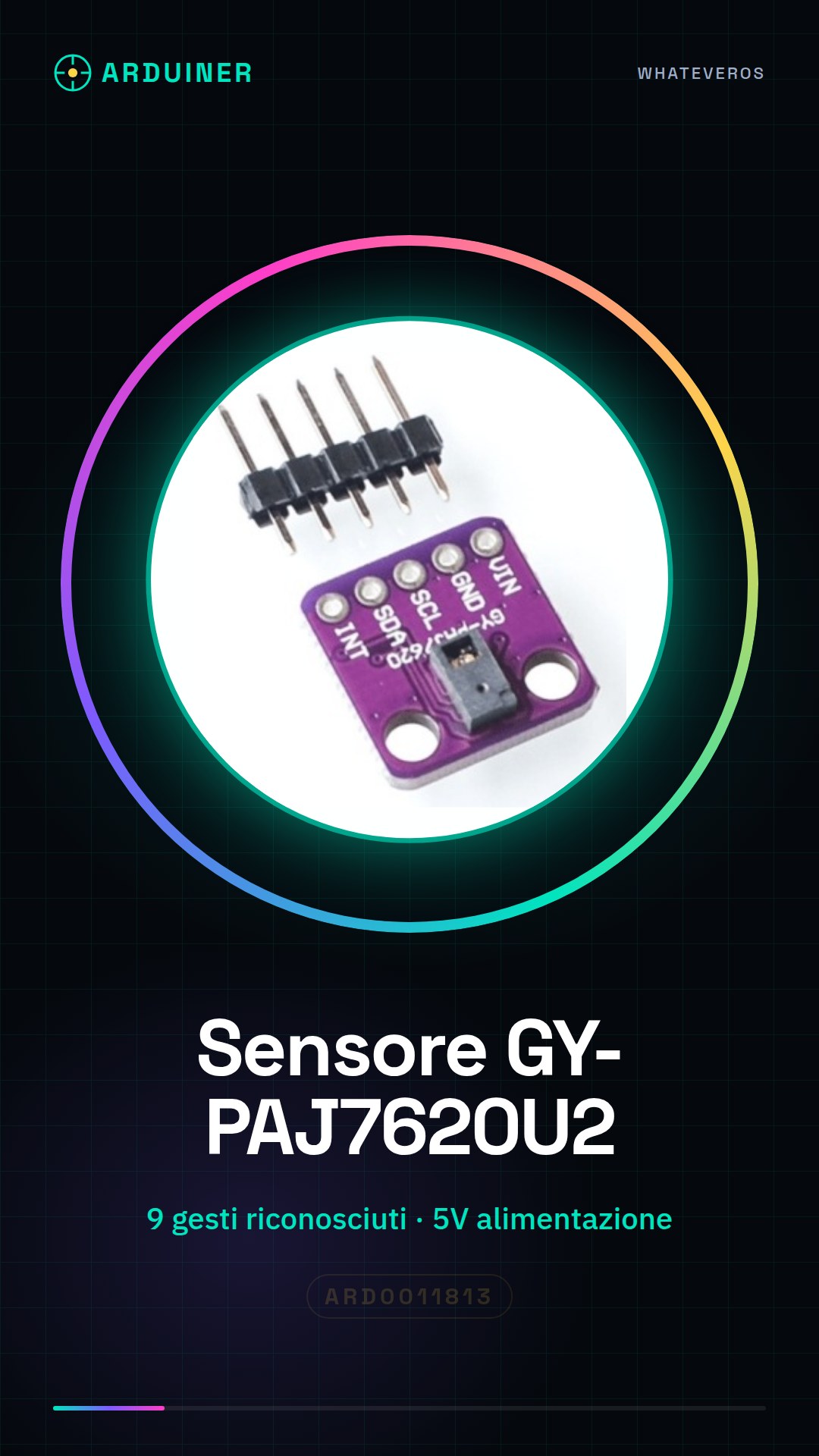
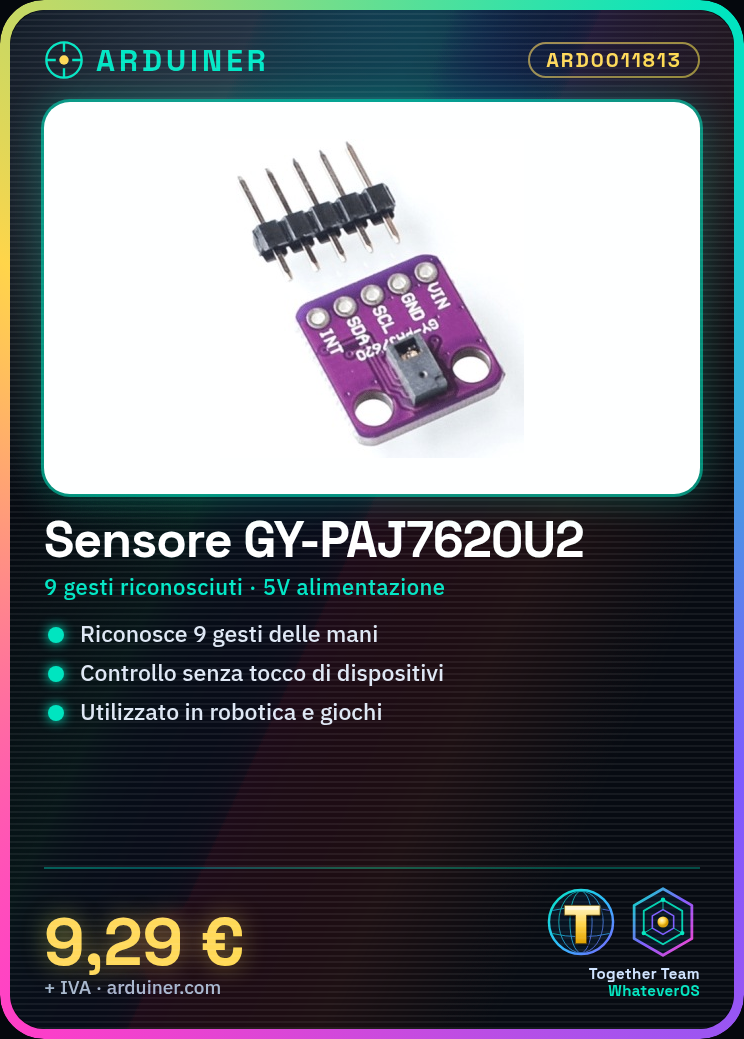
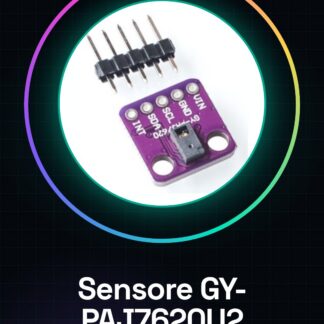
The GY-PAJ7620U2 sensor is a module that recognizes up to 9 human gestures, such as hand movements. This device is useful for human-machine interaction projects and touchless controls.
Features
- Recognizes 9 gestures
- Powerful for robotics, games, and interactive systems applications
What it is for
Ideal for projects requiring touchless control, such as adjusting volume or changing channels on a TV. Compatible with Arduino and ESP.
Tutorial: How to Use GY-PAJ7620U2 Gesture Recognition Sensor
The GY-PAJ7620U2 sensor is a module useful for detecting and interpreting human gestures such as hand movements. Ideal for interactive, robotics, or game projects.
What you need
- Arduino Uno
- USB A-MicroB cable
- 5V Power Supply
Steps
- Connect the following pins of the sensor to your Arduino: VCC to 5V, GND to GND, SDA to A4, SCL to A5.
- Download the I2Cdevlib library from GitHub and install it in the Arduino IDE.
- Include the Paj7620.h file from the I2Cdevlib library in your sketch.
- Instantiate the Paj7620 object with the SDA and SCL pins connected to the sensor.
- Check if the connection to the sensor is stable by calling the testConnection() function.
- Activate the sensor by invoking the initialize() function, passing 9 as an argument (number of recognized gestures).
- Enable the gestures you want to monitor using enableGestures(). Check the datasheet to get the correct constants.
- In the main loop, check if a new gesture has been detected and display the result.
Example code
Paj7620 gesture;

void setup() {
gesture.initialize(9);
gesture.enableGestures();
}

void loop() {
if (gesture.isNewGesture()) {
digitalWrite(LED_BUILTIN, HIGH);
Serial.print("Rilevato gesto: ");
Serial.println(gesture.getLatestRecognizedGesture());
delay(500);
digitalWrite(LED_BUILTIN, LOW);
}
}
Mini project
Create an interactive control system for a projector or TV. Use the gestures detected by the GY-PAJ7620U2 sensor to control the volume and change channels.
Common mistakes
- Make sure all pins are correctly connected.
- Ensure that the I2Cdevlib library is installed.
- Check the gesture constants in the sensor’s datasheet.
- Check the module power supply (5V).
Recommended accessories
- Arduino Uno
- 3D Printer to create a protective housing for the sensor
- RGB LED
- Buzzer
Frequently asked questions
How can I optimize gesture detection?
Increase brightness and reduce visual interference.
What is the minimum power supply required for the sensor?
5V, check the datasheet.
Reviews
There are no reviews yet.