 EN
 IT Italiano
 ES Español
 FR Français
 DE Deutsch
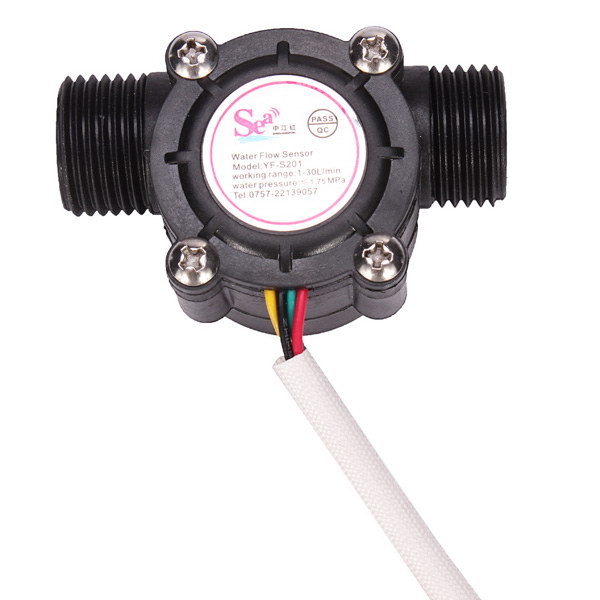
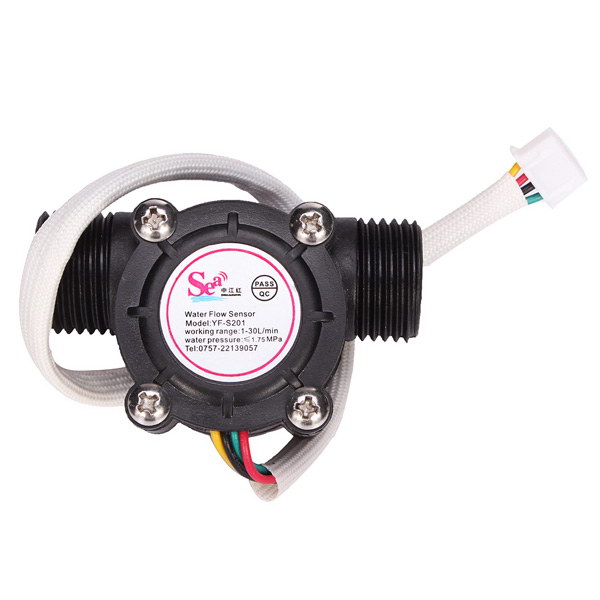
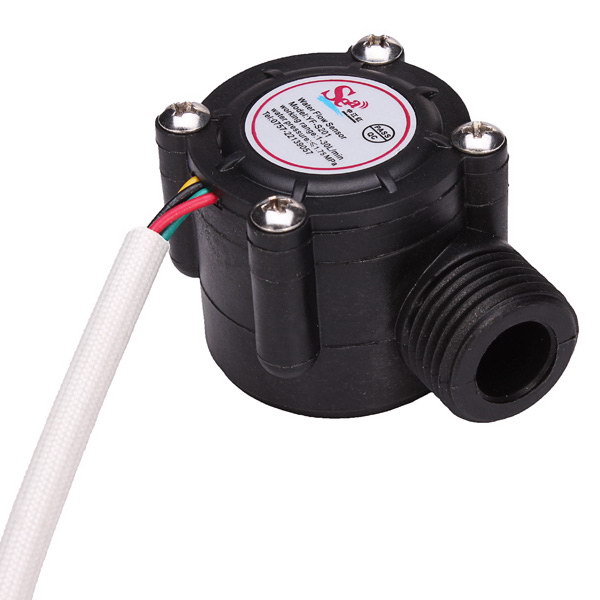
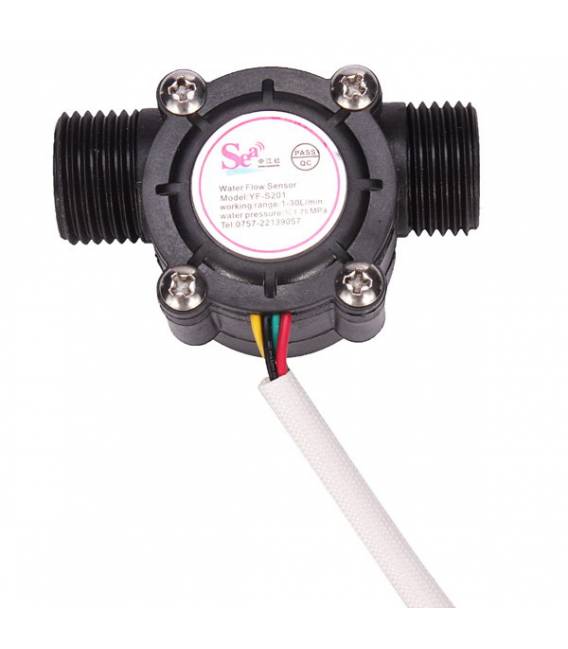
Description
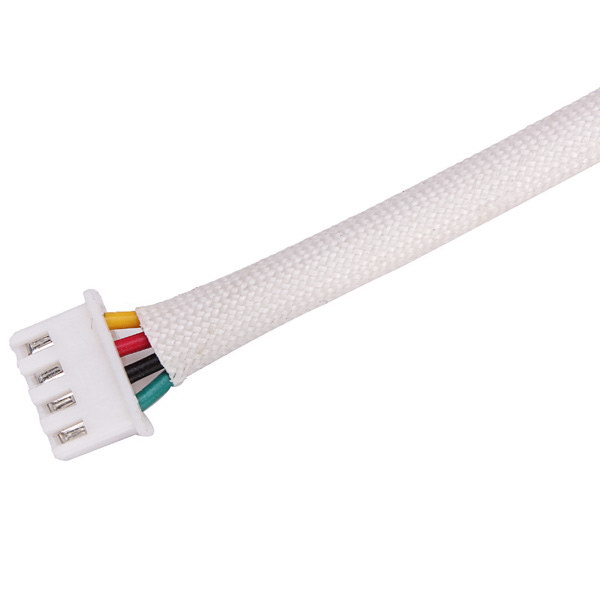
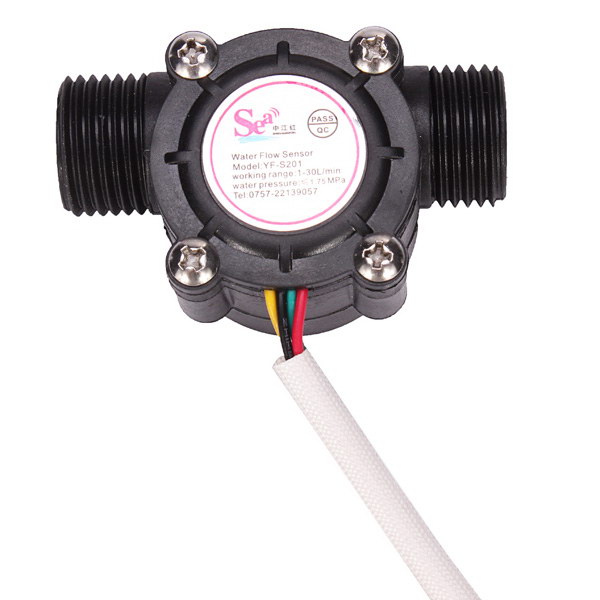
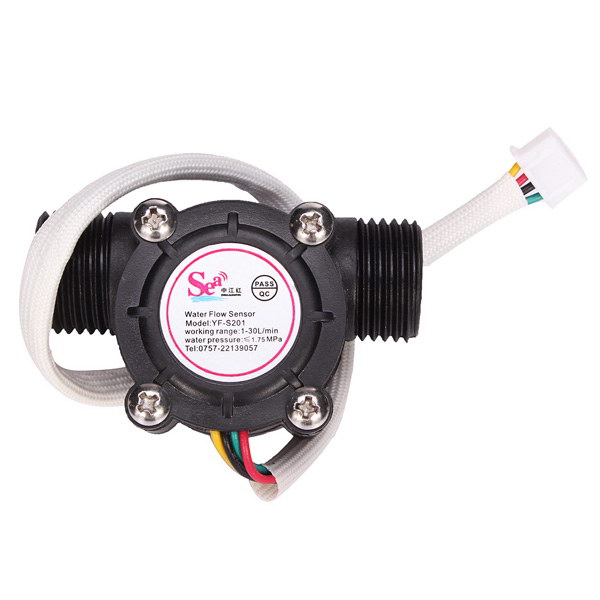
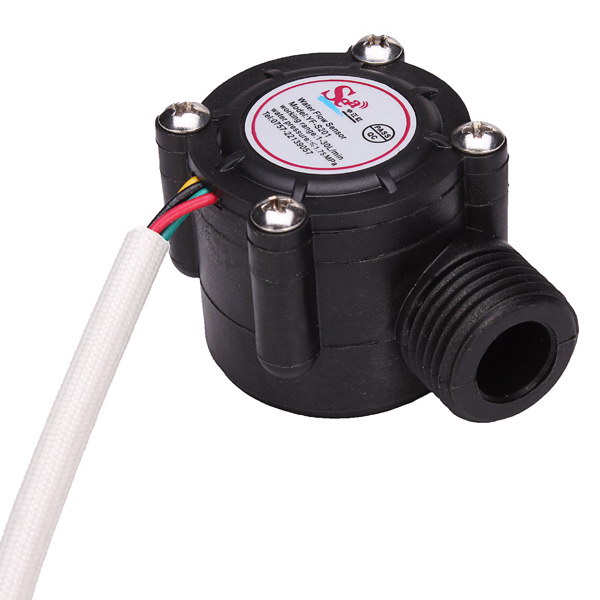
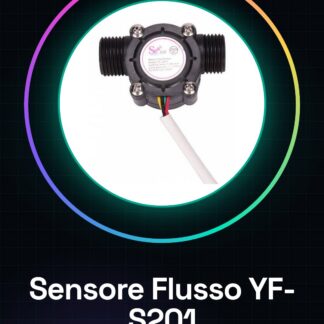
Water Flow Sensor Flowmeter YF-S201 1-30L/min 5-24VDC
Tutorial: How to Use Water Flow Sensor YF-S201
The water flow sensor YF-S201 is a useful device for monitoring water flow in hydraulic systems. It is ideal for DIY projects, home controls, and industrial applications.
What you need
- Arduino Uno
- USB Cable
- Water Connection
Steps
- Connect the YF-S201 flow sensor to a power supply between 5-24VDC, checking the datasheet for the correct pins.
- Connect the sensor output to a digital pin on the Arduino (e.g., PIN 2).
- Download and upload the Arduino firmware with the provided sketch.
- Open the serial monitor in the Arduino IDE to view the flow readings.
- Adjust the sensor parameters according to the datasheet specifications, if necessary.
- Monitor the water flow through the digital output of the Arduino.
- If needed, integrate an LCD or OLED display for direct data visualization.
- Test the stability and precision of the sensor in various flow conditions.
Example code
const int sensorPin = 2;
void setup() { Serial.begin(9600); }
void loop() { int sensorValue = digitalRead(sensorPin); Serial.println(sensorValue); delay(1000); }
Mini project
Create a water flow monitoring system for the sink that sends email alerts when it exceeds a certain threshold.
Common mistakes
- Incorrect power supply
- Wrong pin connection
- Parameters not configured correctly
- Inaccurate data reading
Recommended accessories
- 16×2 LCD Display
- ESP8266 Wi-Fi Module
- Relay to control hydraulic valves
- LiPo battery and charging module
Frequently asked questions
How can I calibrate the sensor?
Check the datasheet specifications for the calibration procedure.
The sensor is not working, what should I do?
Check the power supply and connections. Ensure that the water flow is sufficient.
Reviews
There are no reviews yet.