 EN
 IT Italiano
 ES Español
 FR Français
 DE Deutsch
Description
What it is
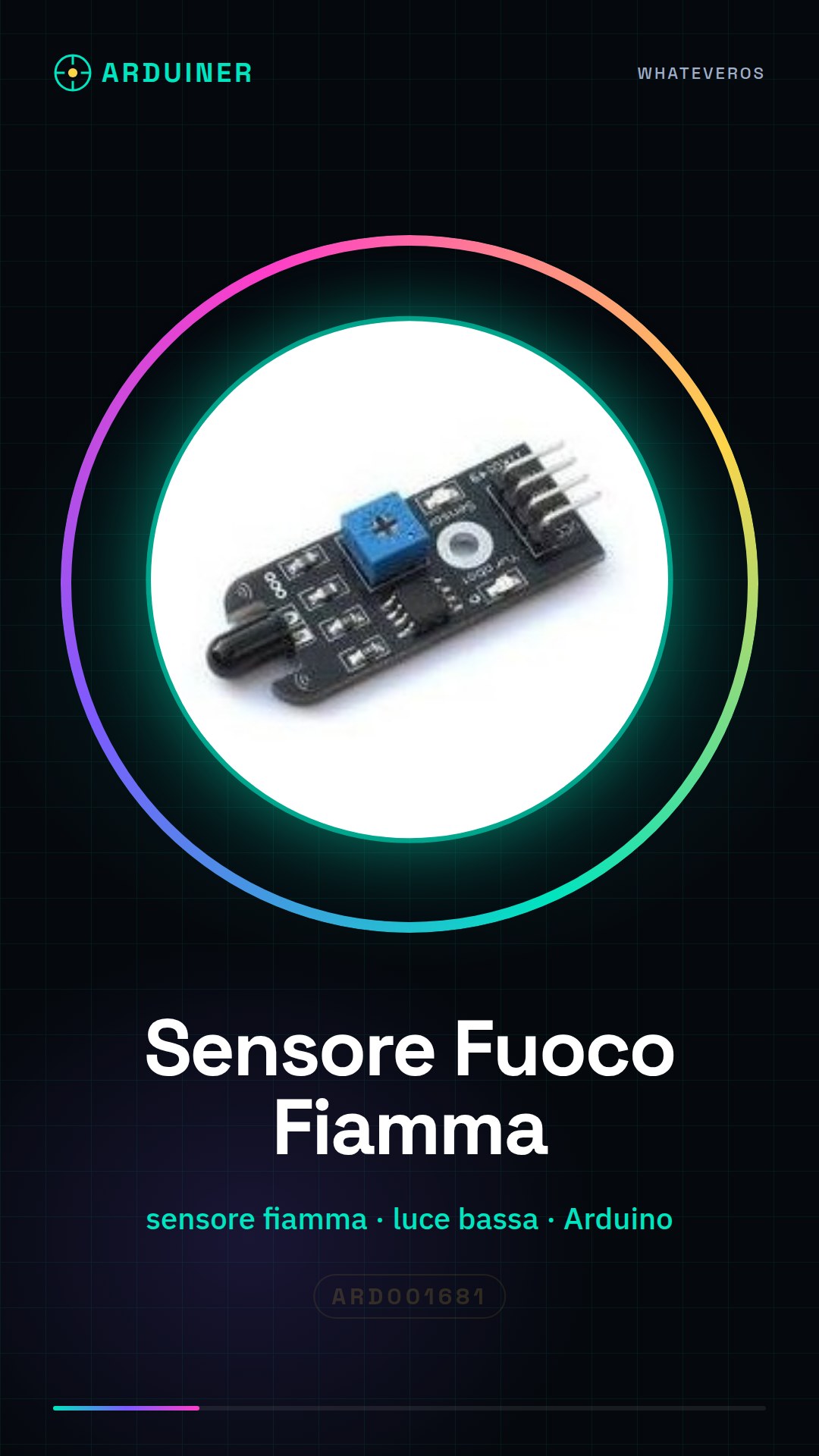
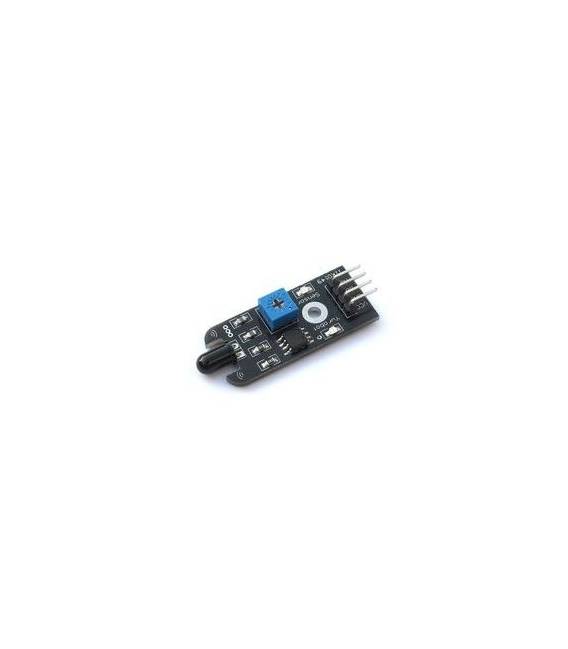
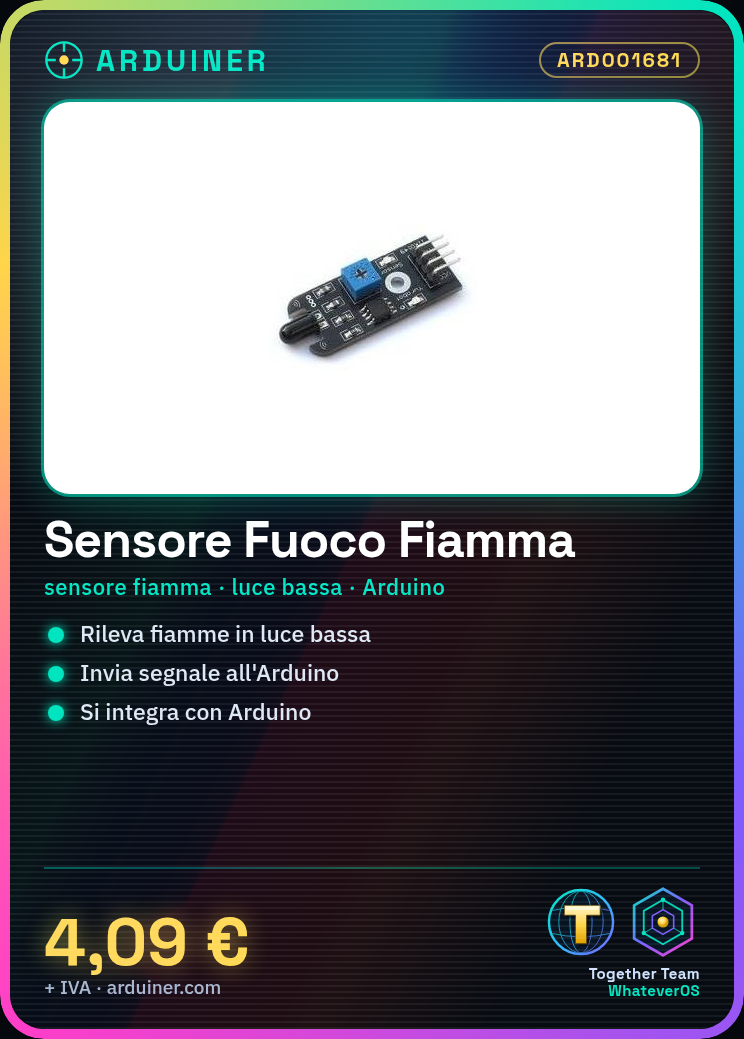
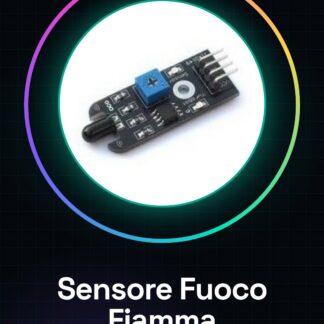
The flame detector sensor is a useful device for Arduino projects, home automation, and robotics. It is ideal for applications such as fire-fighting robots, home alarm systems, or smart cars.
Features
- Ideally suited for various devices such as smart cars and fighting robots;
- Sensitive to the presence of fire even in low-light conditions;
What it is for
The sensor can be used to create a fire alarm system that sends a notification when it detects flames. It is compatible with Arduino and can be integrated into home automation or robotics projects.
Tutorial: How to Use Fire and Flame Sensor for Arduino
This fire and flame sensor is ideal for projects such as fire-fighting robots, home alarm systems, or smart cars. It is easy to use and can detect the presence of fire even in low-light conditions.
What you need
- Arduino Uno or compatible
- USB cable to connect Arduino to the computer
- Battery power supply (if used without PC)
- Arduino IDE software installed on the PC
Steps
- Connect the fire and flame sensor to the Arduino using the provided cables.
- Open the Arduino IDE and load the example sketch for the sensor.
- Check that the USB port is correctly selected in the Arduino IDE.
- Press ‘Upload’ to send the code to the Arduino.
- Check if the LED on the sensor lights up when there is fire or flame.
- If necessary, adapt the sketch to integrate it with other components of the project.
Example code
// Includere la libreria Wire.h
#include <Wire.h>
// Definire il pin di interruzione e l'indirizzo I2C del sensore
#define FIRE_PIN 2
void setup() {
  Serial.begin(9600);
}
void loop() {
  if(digitalRead(FIRE_PIN) == HIGH){
    Serial.println("Fiamma rilevata!");
  }
}
Mini project
Create a fire alarm system that sends a notification when the sensor detects flames.
Common mistakes
- The LED on the sensor does not light up because the ambient light is too high.
- No signal is received from the sensor, check the connections and make sure the sensor is properly powered.
- Syntax error in the Arduino code preventing the upload of the sketch.
Recommended accessories
- Wi-Fi module to send notifications in case of alarm.
- Buzzer or relay to activate an acoustic alarm system.
- LCD display to show the sensor status.
- Portable USB power supply.
Frequently asked questions
How can I test the sensor?
Light a candle or a match near the sensor and check if the output changes.
Does the sensor work without Arduino?
No, it is necessary to use a microcontroller like Arduino to read data from the sensor.
Reviews
There are no reviews yet.