 EN
 IT Italiano
 ES Español
 FR Français
 DE Deutsch
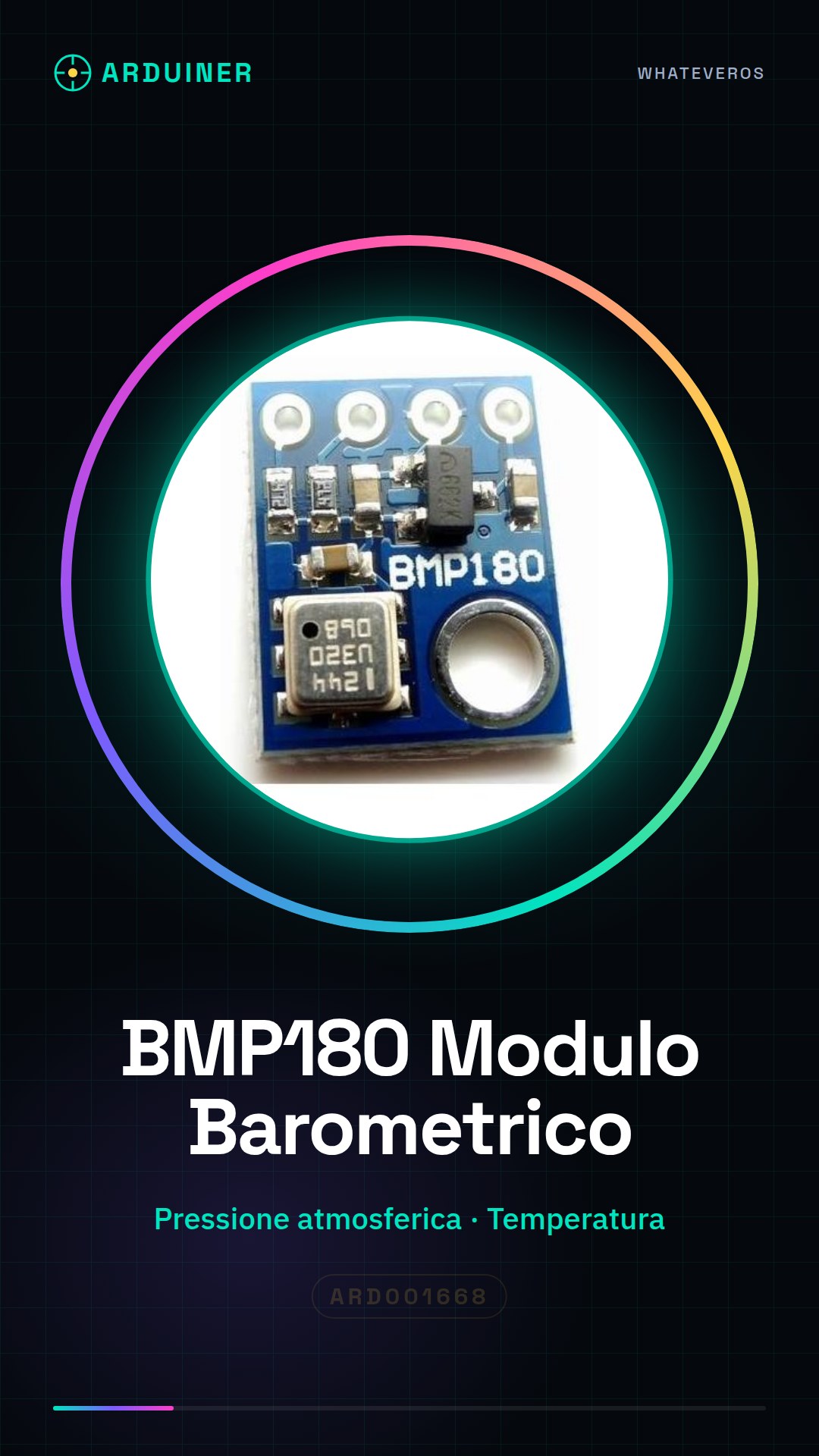
Description
Tutorial: How to Use BMP180 Barometric Module
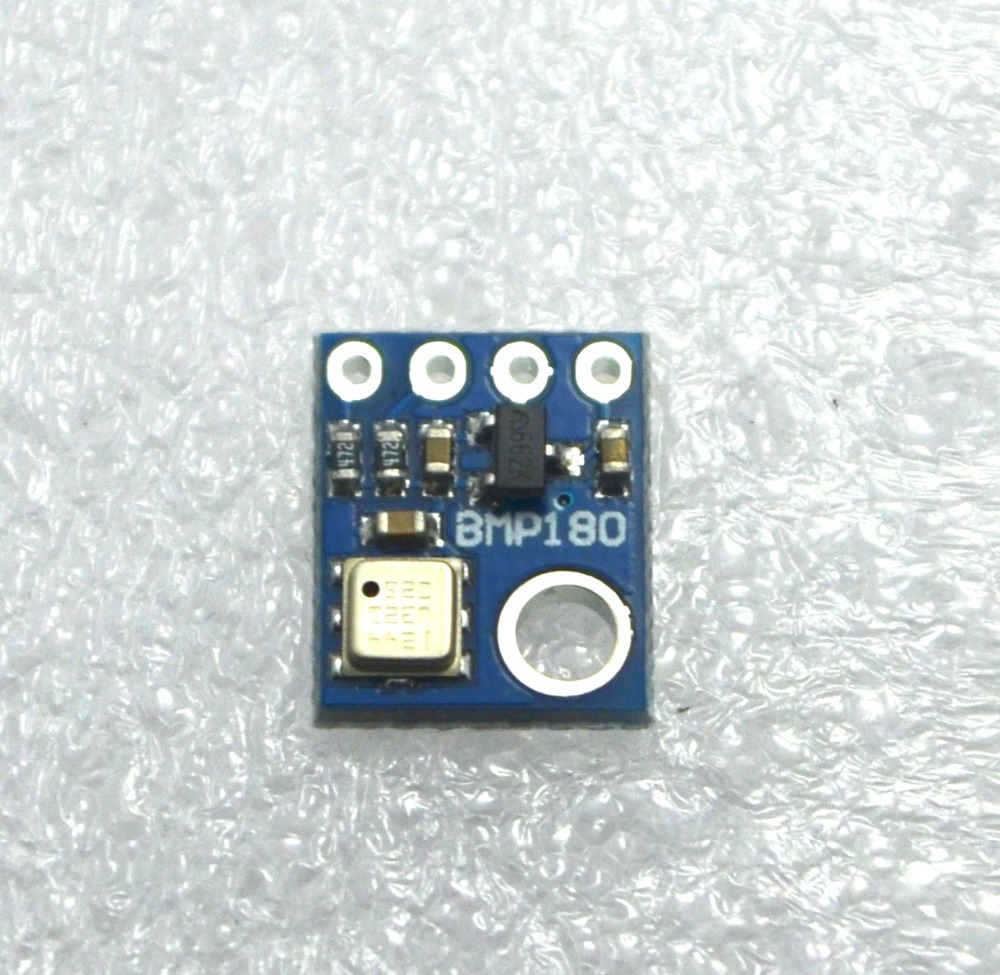
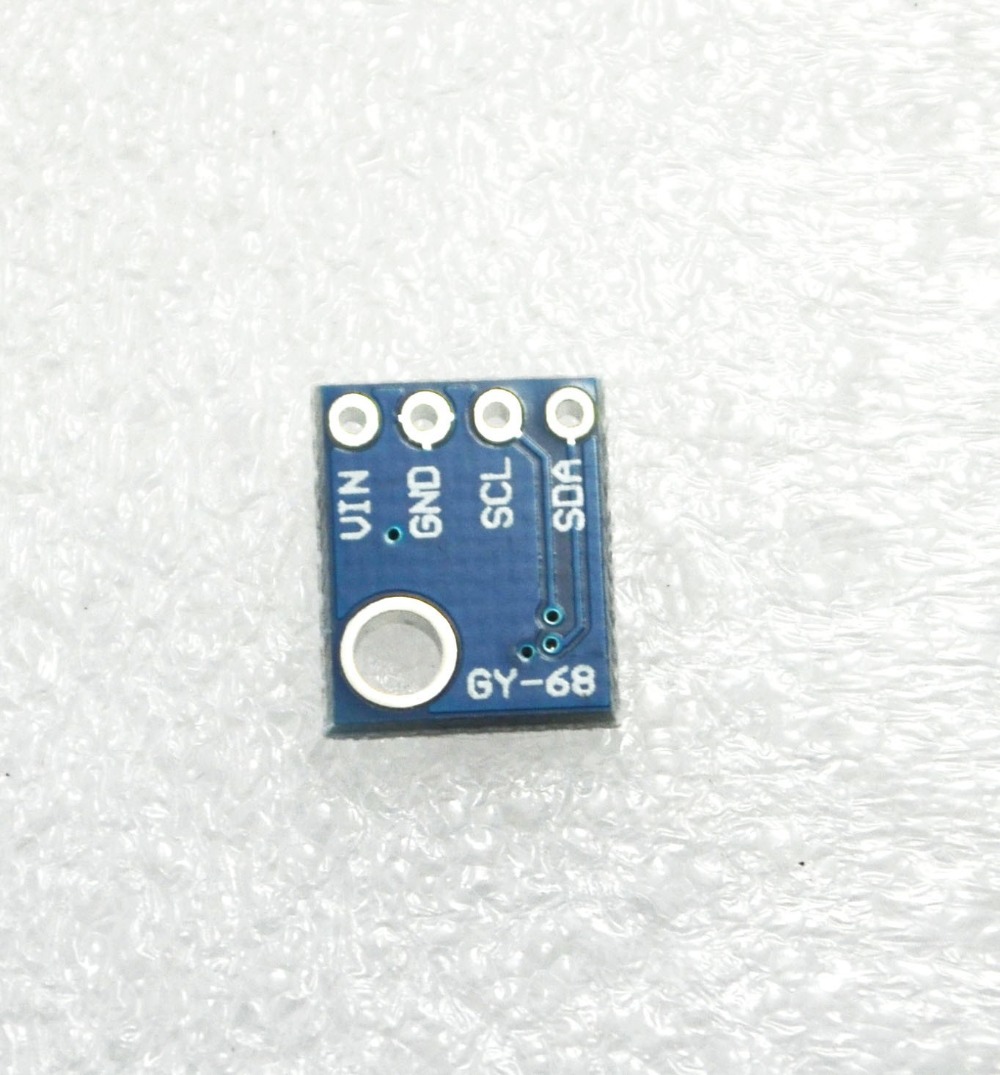
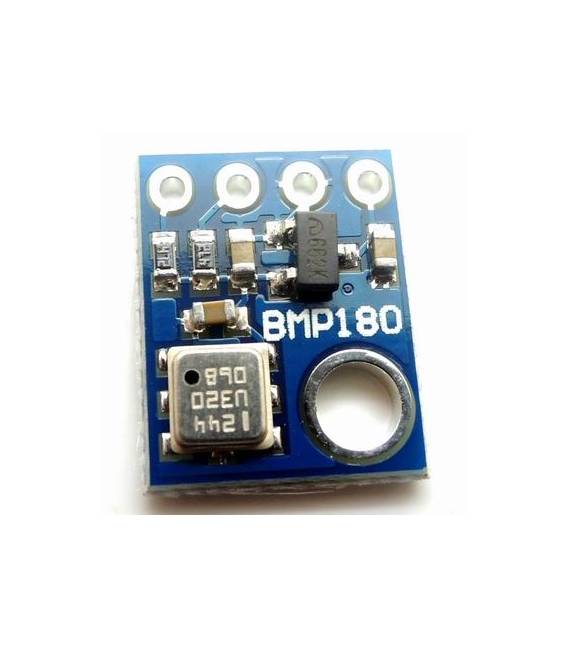
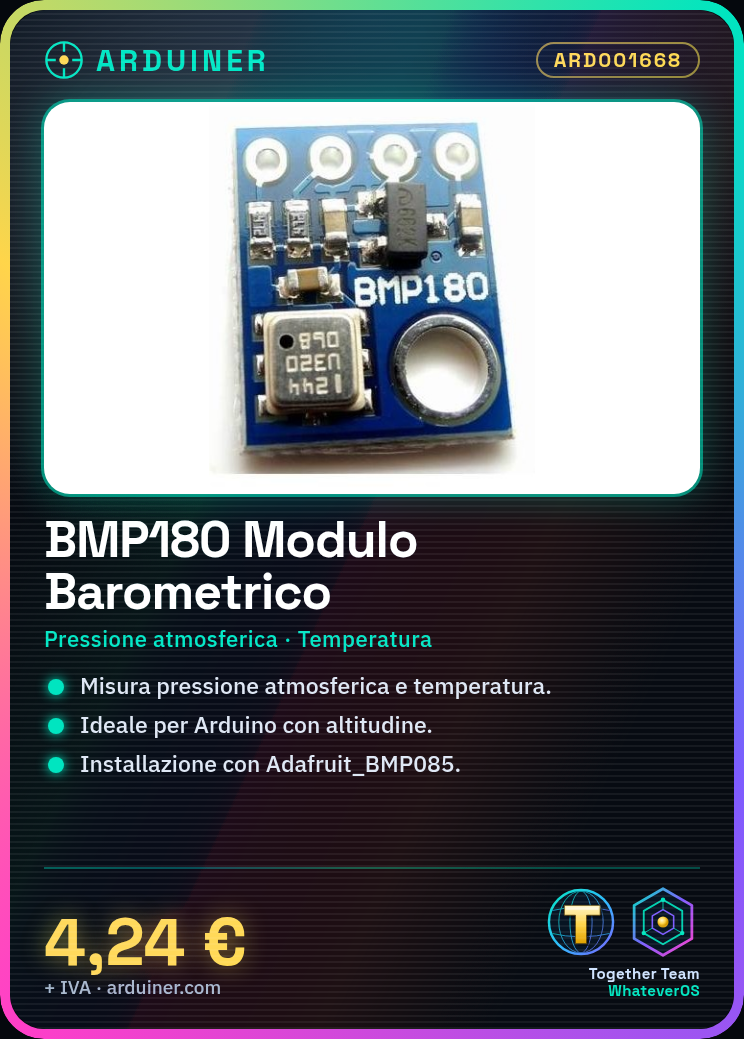
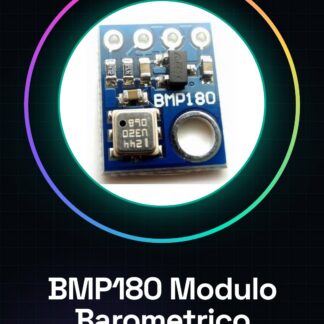
The BMP180 module is a barometric sensor that measures atmospheric pressure and temperature. It is ideal for Arduino projects that require altitude detection or local weather conditions.
What you need
- Arduino Uno
- USB A-Micro B Cable
- BMP180 Barometric Pressure Sensor Module
Steps
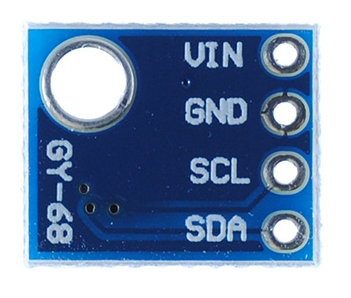
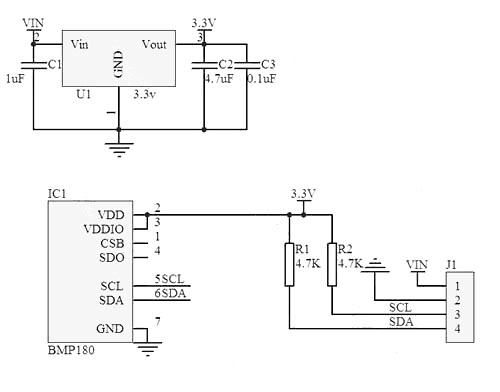
- Connect the BMP180 module to the SCL pin of Arduino using a JST cable or simply with direct wiring.
- Connect the GND pin of the module to one of the GND pins of Arduino.
- Connect the VCC pin of the module to 5V on Arduino.
- Install the Adafruit_BMP085 library in the Arduino IDE library manager.
- Open a new sketch in Arduino IDE and include the Adafruit_BMP085.h library.
- Initialize the BMP180 sensor in the setup of your sketch, using the methods of the library to configure it correctly.
- In the main loop of your sketch, read and print the measured temperature and pressure from the module.
- Check that the data is consistent with local atmospheric conditions.
Example code
// Inclusione della libreria
#include <Adafruit_BMP085.h>
// Inizializzazione del sensore
Adafruit_BMP085 bmp;
void setup() {
  Serial.begin(9600);
  if (!bmp.begin()) {
    Serial.println("Errore durante l'inizializzazione del BMP180");
    while (1); // Attende in loop infinito
  }
}
void loop() {
  float temperature = bmp.readTemperature();
  float pressure = bmp.readPressure();
  Serial.print("Temp: "); Serial.println(temperature);
  Serial.print("Pressione: "); Serial.println(pressure);
}
Mini project
Create a weather monitoring system that sends real-time data to an online platform like ThingSpeak.
Common mistakes
- Library installation error
- Incorrect connection between the module and Arduino
- Data not consistent with local atmospheric conditions
Recommended accessories
- Arduino Uno R3
- USB A-Micro B cable
- Adafruit_BMP085 library for Arduino IDE
- SD Card Shield for data storage
Frequently asked questions
How to install the library?
Download and install the library from the Arduino IDE’s library manager.
What information can the BMP180 detect?
Atmospheric pressure, temperature, and altitude (calculated from pressure).
Why are my data not consistent with local conditions?
Check correct electronic connection between BMP180 and Arduino.
Reviews
There are no reviews yet.