 EN
 IT Italiano
 ES Español
 FR Français
 DE Deutsch
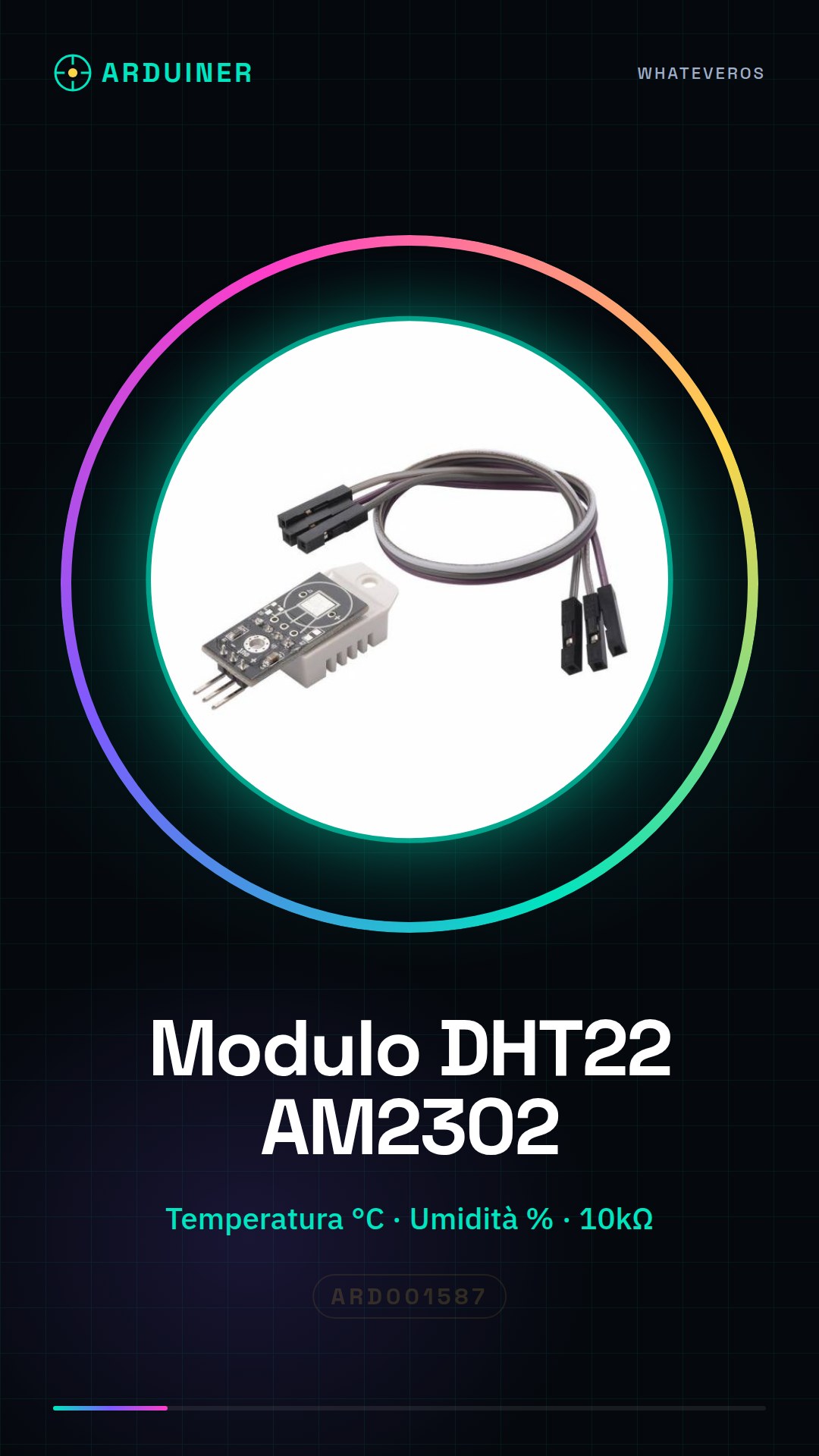
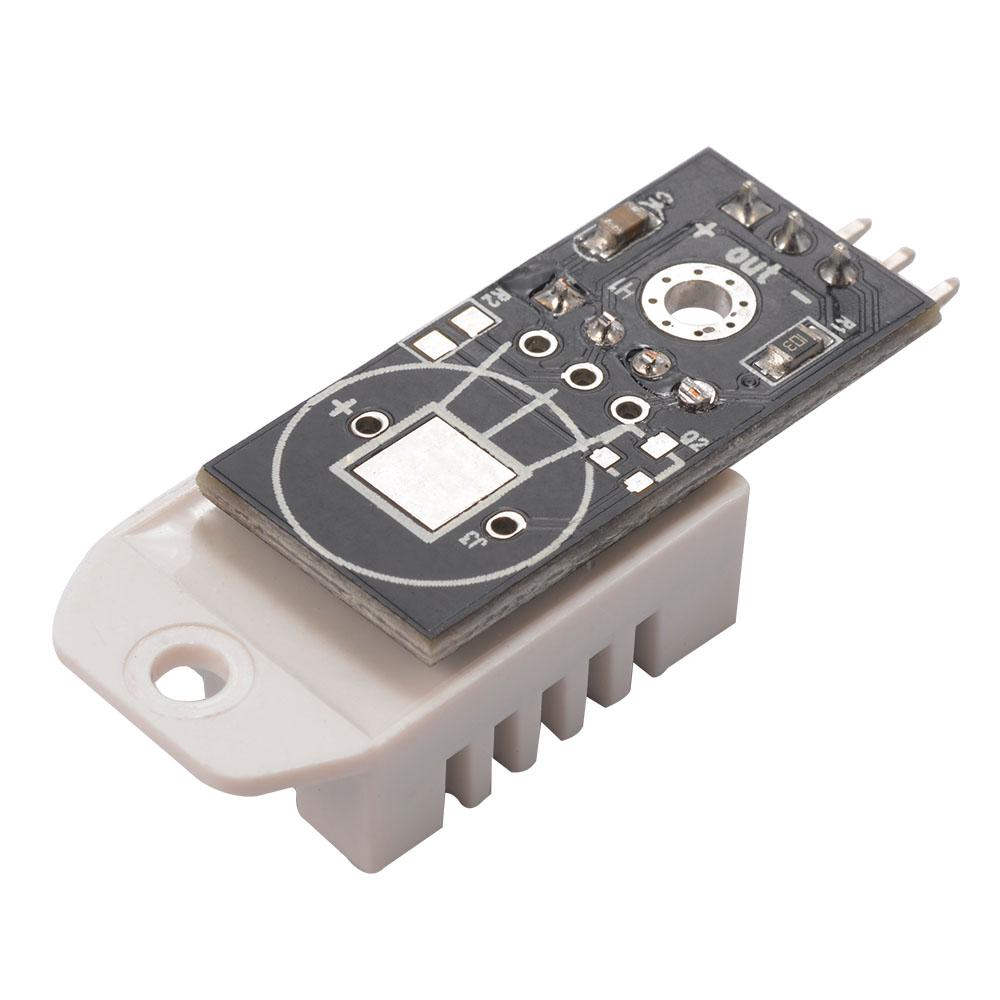
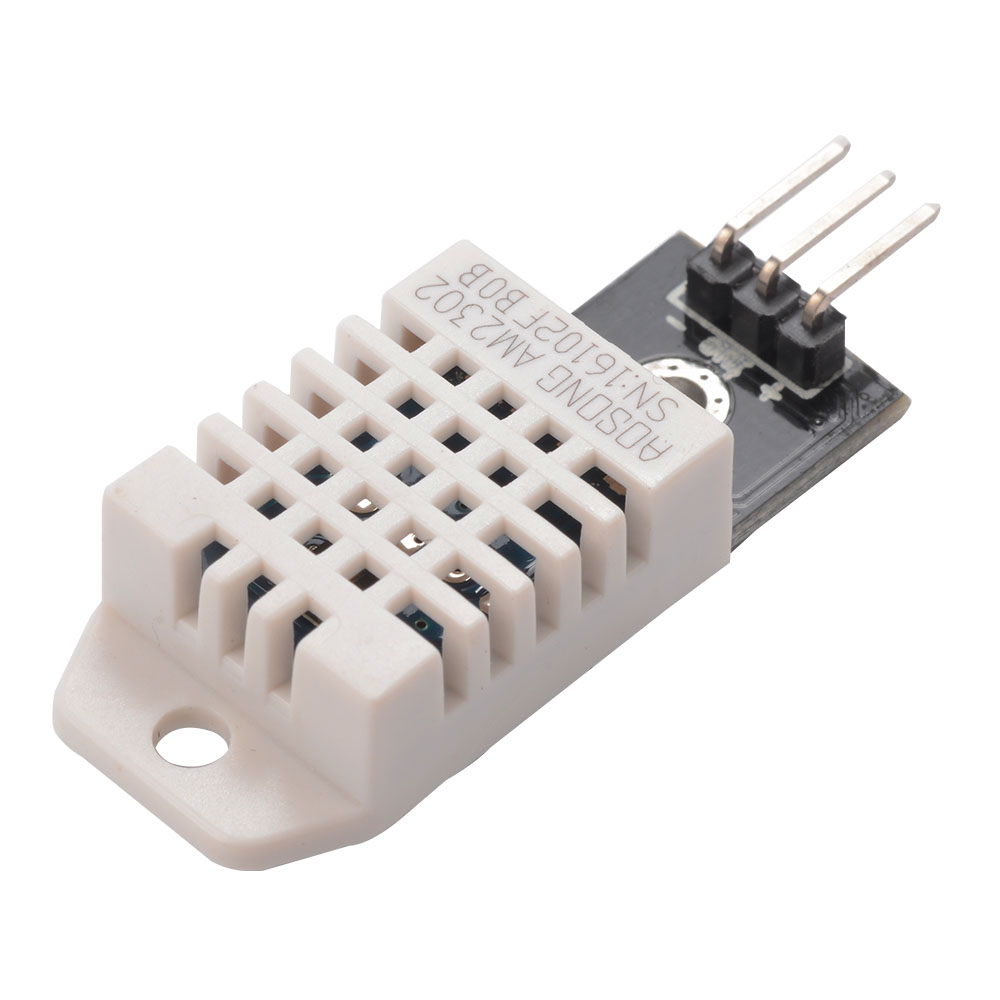
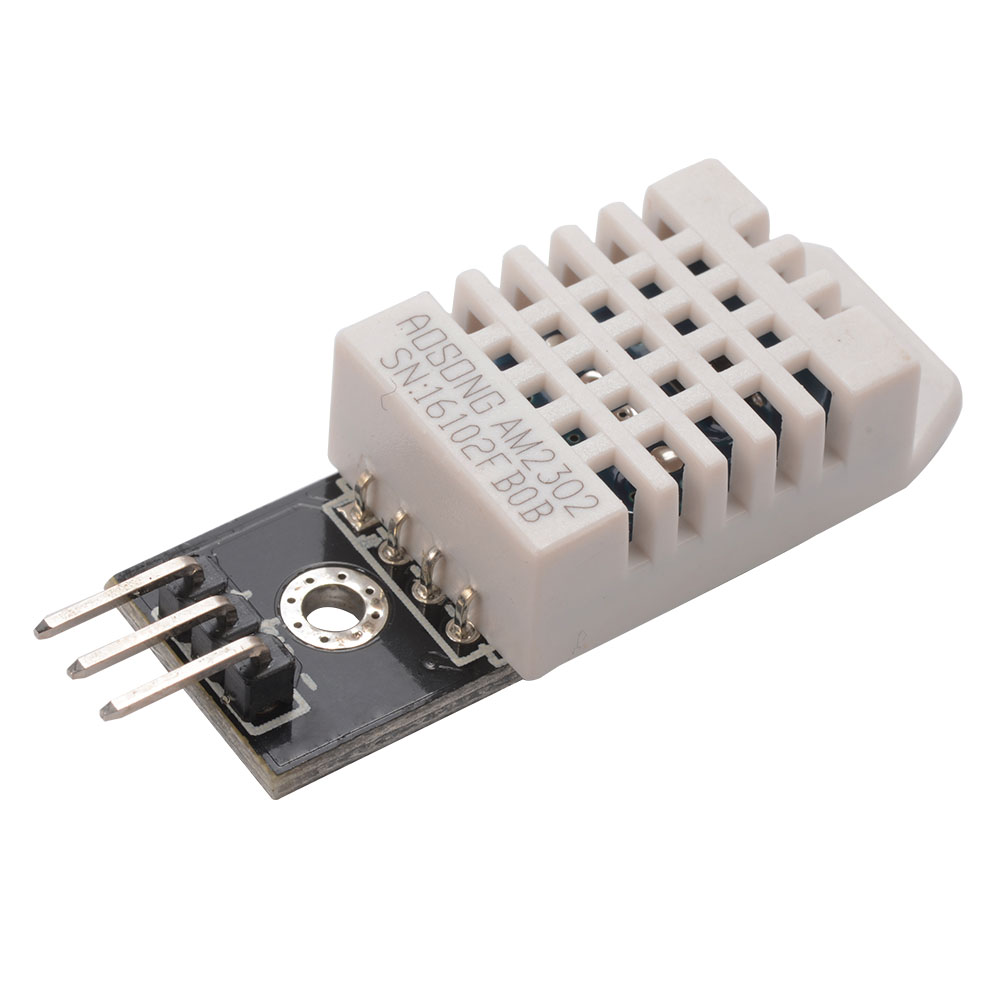
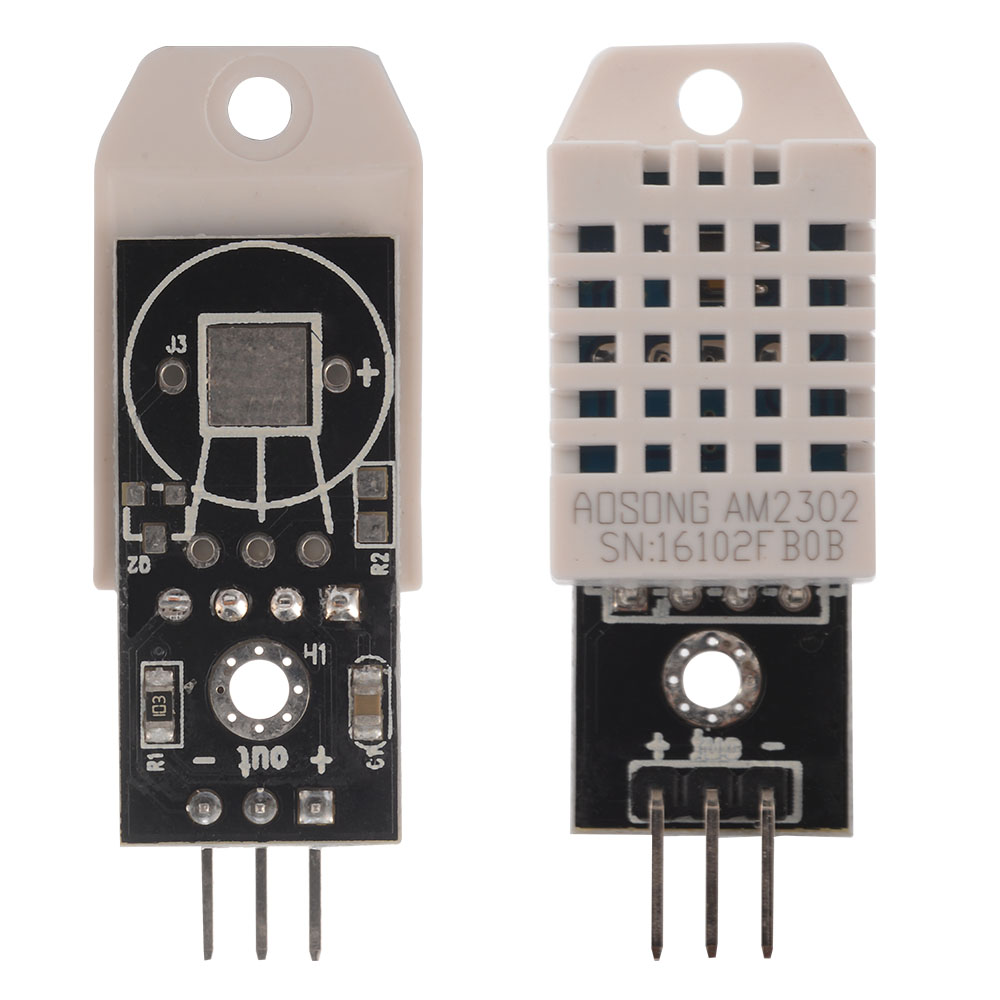
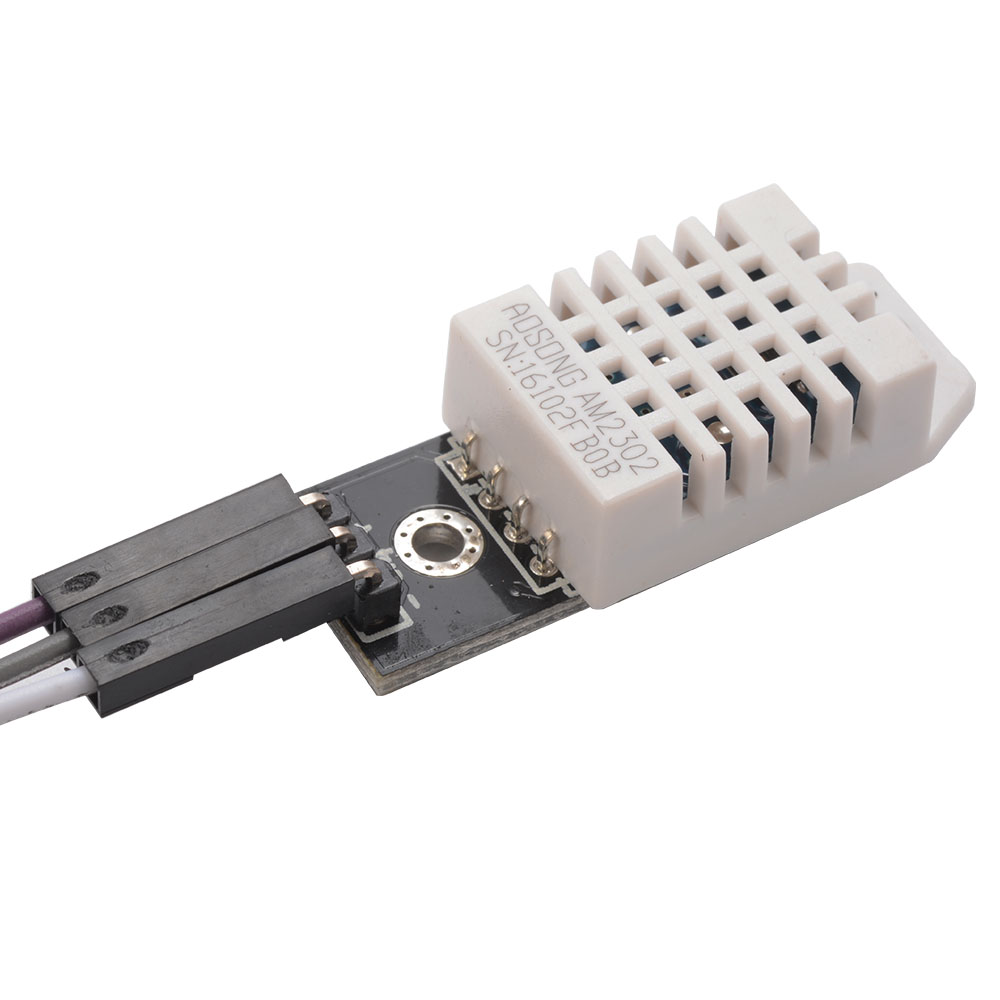
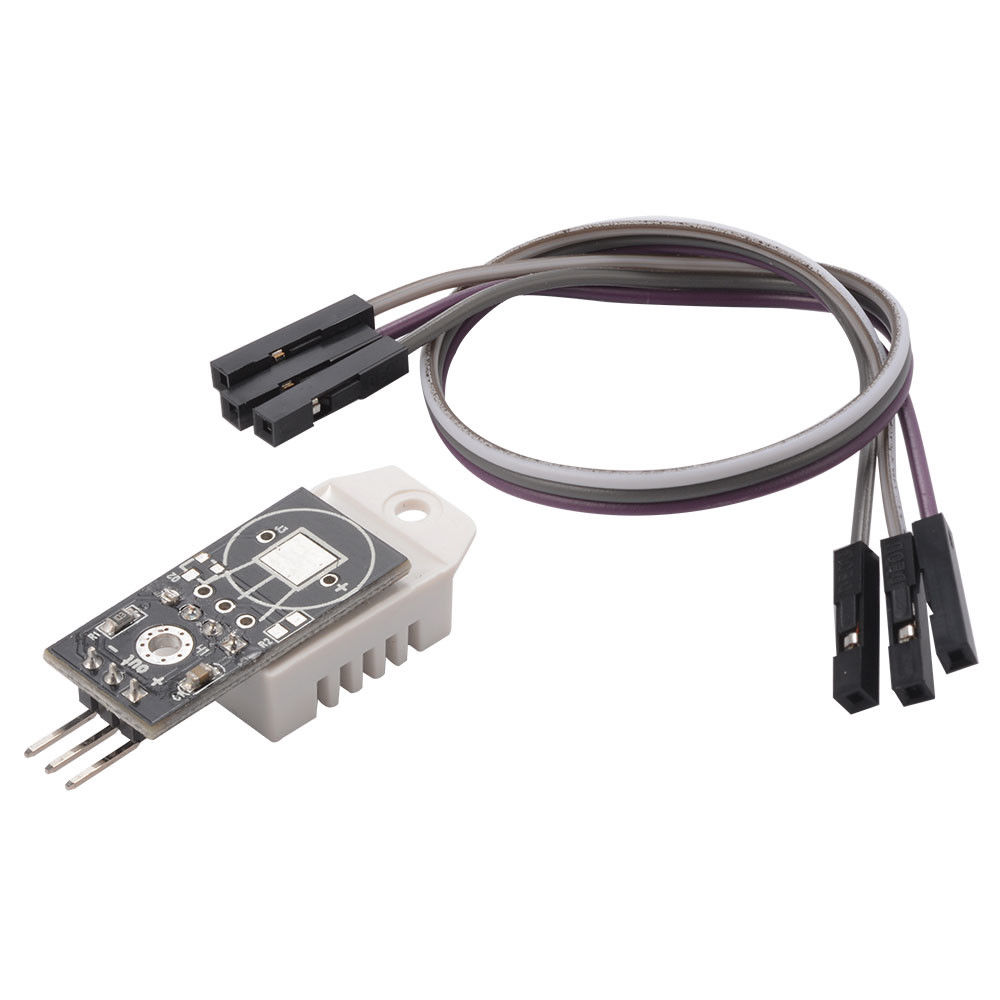
Description
Tutorial: How to Use DHT22 AM2302 Module
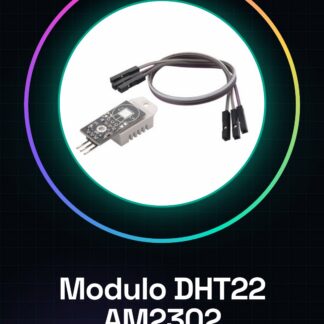
The DHT22 module is a digital sensor for measuring temperature and humidity. It is ideal for environmental monitoring projects, such as rust prevention alarm systems or weather condition controls.
What you need
- Arduino
- USB Cable
- Breadboard (optional)
- 10kΩ Resistor
- Power and Data Pins
Steps
- Connect the DHT22 module to the breadboard or directly to the Arduino.
- Connect the VCC pin of the sensor to the Arduino’s power supply (5V or 3.3V).
- Connect the GND pin of the sensor to the ground of the Arduino.
- Connect a 10kΩ resistor between the data pin of the DHT22 and a digital pin of the Arduino, then connect the other end of the resistor to the data pin of the Arduino.
- Install the Adafruit_DHT library in the Arduino software.
- Write a sketch that reads the temperature and humidity values from the DHT22 sensor.
- Upload the sketch to the microcontroller.
- Monitor the Arduino serial I/O to view sensor measurements.
Example code
// Includi la libreria
#include <DHT.h>
// Definisci il tipo di sensore e il pin di connessione
#define DHTPIN 2 // Pin digitale dove è collegato il DHT22
#define DHTTYPE DHT22   // Tipo del sensore (DHT11 o DHT22)
DHT dht(DHTPIN, DHTTYPE);
void setup() {
  Serial.begin(9600);
  dht.begin();
}
void loop() {
  float humidity = dht.readHumidity();
  float temperature = dht.readTemperature();

  // Verifica sul datasheet se i valori sono validi
  if (isnan(humidity) || isnan(temperature)) {
    Serial.println("Errore durante la lettura del sensore.");
    return;
  }

  Serial.print("Umidità: ");
  Serial.print(humidity);
  Serial.print(" %, Temperatura: ");
  Serial.print(temperature);
  Serial.println(" °C");
}
Mini project
Create a rust alarm system that sends a notification when humidity exceeds 60%.
Common mistakes
- Connect the sensor without the pull-up resistor
- Incorrectly install the Adafruit_DHT library
- Use an unsuitable power supply pin
- Read data from the sensor before initialization
Recommended accessories
- 10kΩ resistor
- LCD module to display measurements directly on the project
- Buzzer or LED for alarm
- Arduino Uno R3
Frequently asked questions
How can I check the accuracy of the sensor?
Verify data readings by comparing values with a thermometer and hygrometer next to the sensor.
My sensor is not working. What should I do?
Check all connections and ensure the sensor is properly powered.
Reviews
There are no reviews yet.