 EN
 IT Italiano
 ES Español
 FR Français
 DE Deutsch
Description
What it is
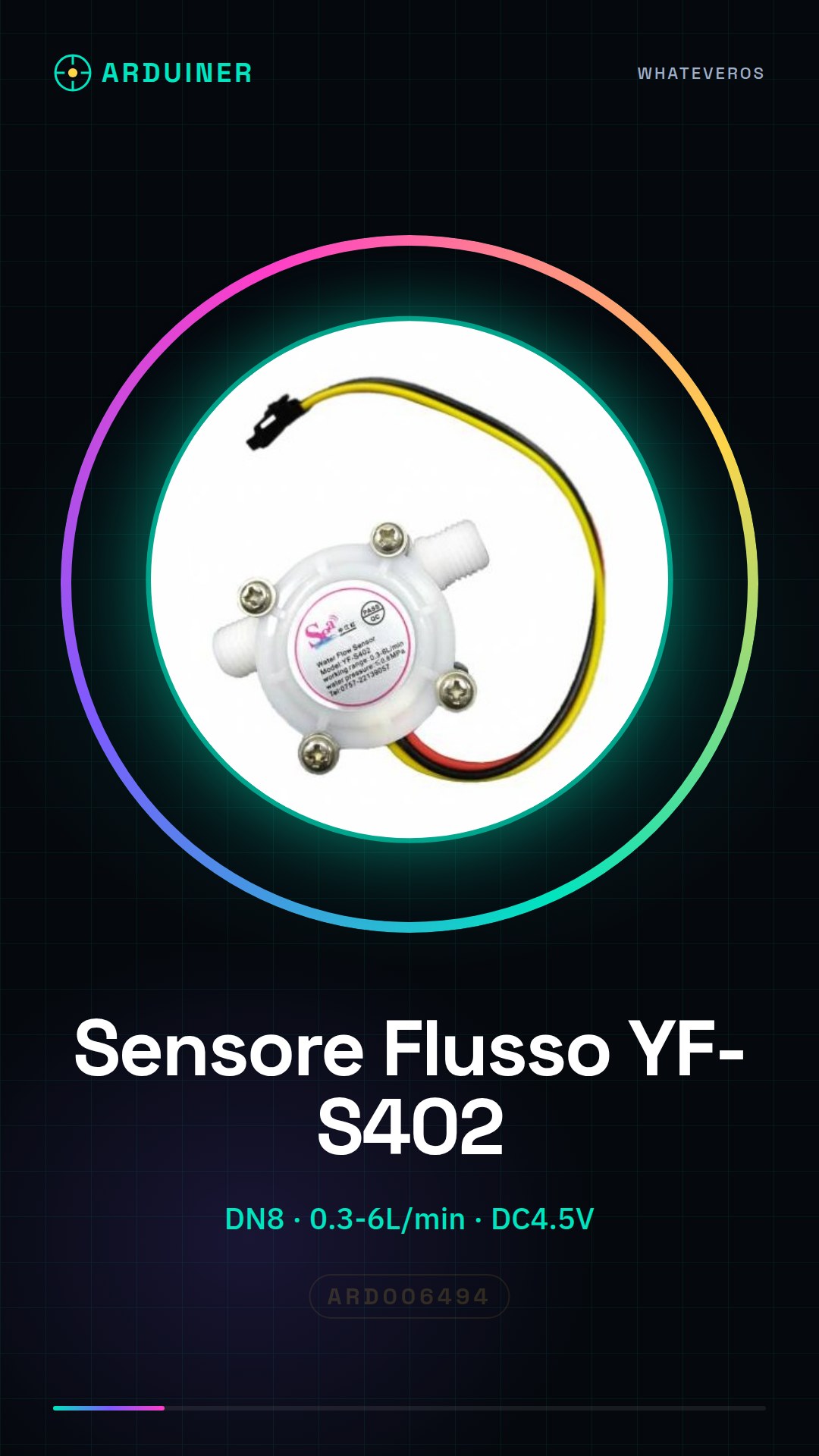
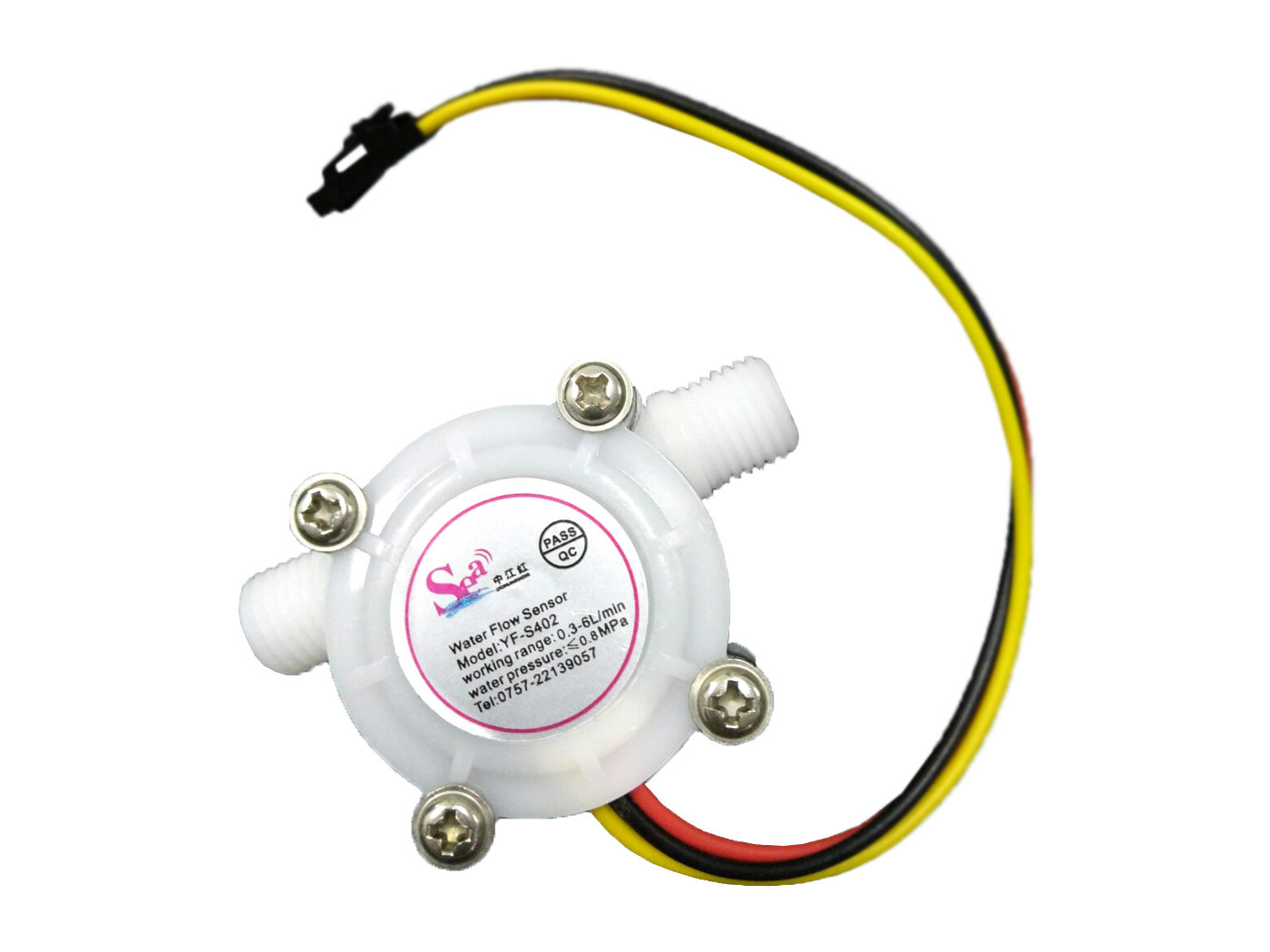
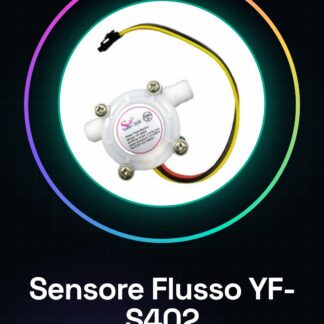
The YF-S402 water flow sensor is a device used to measure water flow in pipes up to DN8. It is compatible with Arduino and other microcontrollers, making it ideal for automatic monitoring projects.
Features
- Type: Water Flow Sensor YF-S402
- Maximum pipe diameter (DN): 8 mm
- Larger standardized connector (G1/4)
- Flow measurement range: 0.3-6L/min
- Operating voltage: DC4.5V
What it is for
The YF-S402 sensor can be used to create water monitoring systems, water counters, or DIY applications that require flow control. It is compatible with Arduino and other microcontrollers.
Tutorial: How to use Water Flow Sensor YF-S402
The YF-S402 water flow sensor is ideal for monitoring water flow in pipes up to DN8. It is very useful for DIY projects such as water counters or automatic control systems.
What you need
- Arduino Uno
- G1/4 Connection
- Serial Interface (software)
Steps
- Connect the sensor to the tube with G1/4 connectors
- Connect the sensor pins to those of the Arduino: VCC, GND and OUT
- Download the example Sketch provided by the manufacturer or the Arduino documentation
- Open the serial window to view the water flow in L/min
- Calibrate the sensor if necessary, checking the device specifications on the datasheet
- Insert water into the tube and monitor the flow values on the serial console
Example code
void setup() {
  Serial.begin(9600);
}

void loop() {
  // Leggi il valore dal sensore
  int val = analogRead(A0);
  Serial.println(val);
}
Mini project
Create a water monitoring system that sends email notifications when the flow exceeds a certain threshold.
Common mistakes
- Do not connect the sensor pins correctly
- Ignore the necessary calibration to obtain accurate values
- Use a wide range of water flows without checking the device specifications
Recommended accessories
- Arduino Uno R3
- G1/4 Tubing Connection
- Additional water temperature sensors
- Wi-Fi or Ethernet modules for the internet of things (IoT)
Frequently asked questions
How precise is the sensor?
Precision may vary, check the product’s datasheet for specifications.
Can I connect it to a Raspberry Pi?
Yes, but you might need to use an analog-to-digital conversion module for the Raspberry Pi.
Reviews
There are no reviews yet.