 EN
 IT Italiano
 ES Español
 FR Français
 DE Deutsch
Description
What it is
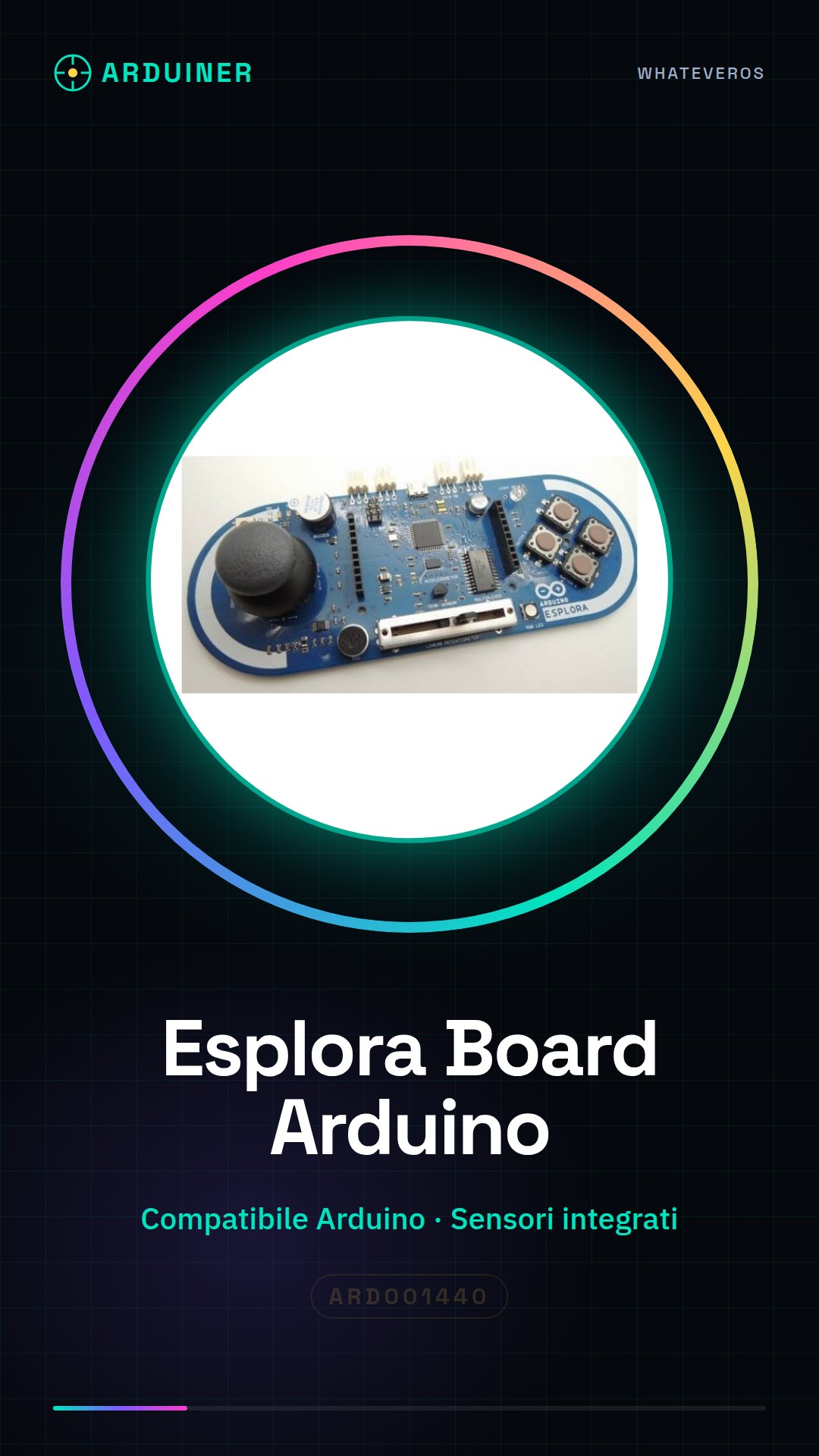
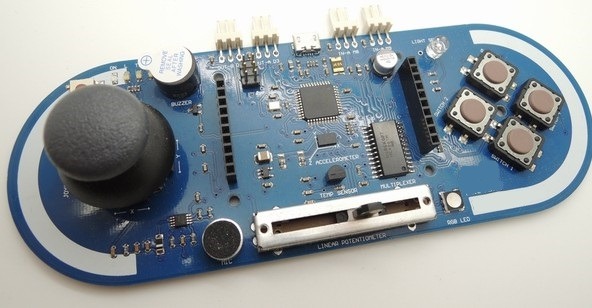
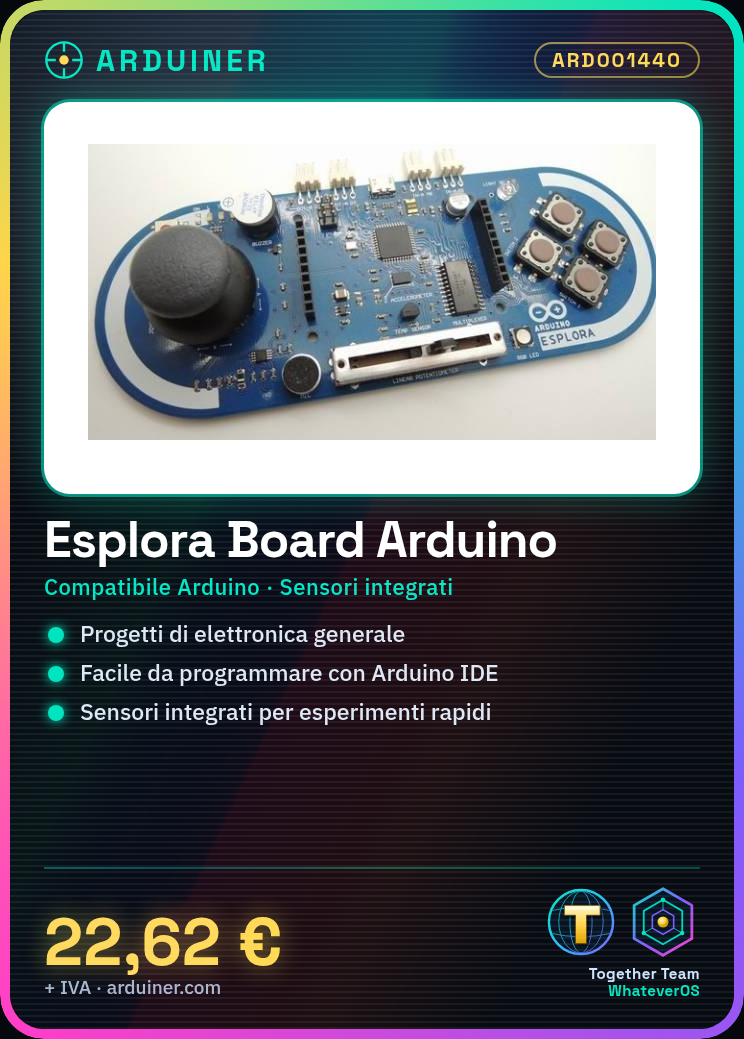
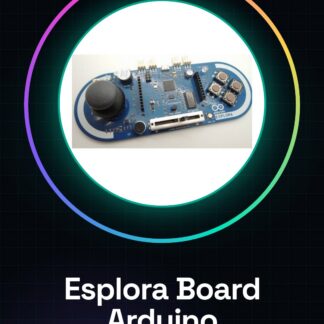
The Esplora Board is an Arduino-compatible board featuring numerous integrated sensors.
Features
- Compatible with Arduino
- Numerous integrated sensors
- SKU: ARD001440
- Price: 22.62 €
What it is for
The Esplora Board is ideal for general electronics projects, suitable for both beginners and intermediate users. It can be used to create a wide range of projects, such as an LED counter. The board is compatible with the Arduino IDE development environment.
Tutorial: How to Use Esplora Board
The Esplora Board is an Arduino-compatible board suitable for general electronics projects. Useful for beginners and intermediates.
What you need
- Arduino IDE
- USB cable
- 10kΩ resistor
Steps
- 1. Download and install the Arduino IDE.
- 2. Connect the Esplora Board to your computer via USB cable.
- 3. Select ‘Arduino Uno’ as the board in the ‘Tools > Board’ menu.
- 4. Select ‘USB Serial Port’ in the ‘Tools > Port’ menu.
- 5. Load the ‘Blink’ code to verify the connection.
- 6. Connect the 10kΩ resistor between VCC and GND to prevent damage.
- 7. Check the datasheet for further configurations.
- 8. Try basic projects like an LED counter.
Example code
int led = 13;
void setup() {
  pinMode(led, OUTPUT);
}
void loop() {
  digitalWrite(led, HIGH);
  delay(1000);
  digitalWrite(led, LOW);
  delay(1000);
}
Mini project
Create a simple LED counter using the Esplora Board and Arduino IDE in 30 minutes.
Common mistakes
- Forgetting to load a code before starting.
- Connecting the Esplora Board to the computer correctly.
- Not using the 10kΩ resistor as indicated.
- Not consulting the datasheet for further details.
Recommended accessories
- Arduino IDE
- USB cable
- 10kΩ resistor
- LED
Frequently asked questions
How can I verify the connection of the Esplora Board?
Load the ‘Blink’ code and observe LED 13.
What are the minimum requirements to use the Esplora Board?
You need the Arduino IDE and a computer with a USB connector.
Can I use the Esplora Board with other operating systems?
Yes, the Esplora Board is compatible with various operating systems.
What additional configurations can I make?
Check the datasheet for further settings.
Reviews
There are no reviews yet.