 EN
 IT Italiano
 ES Español
 FR Français
 DE Deutsch
Description
What it is
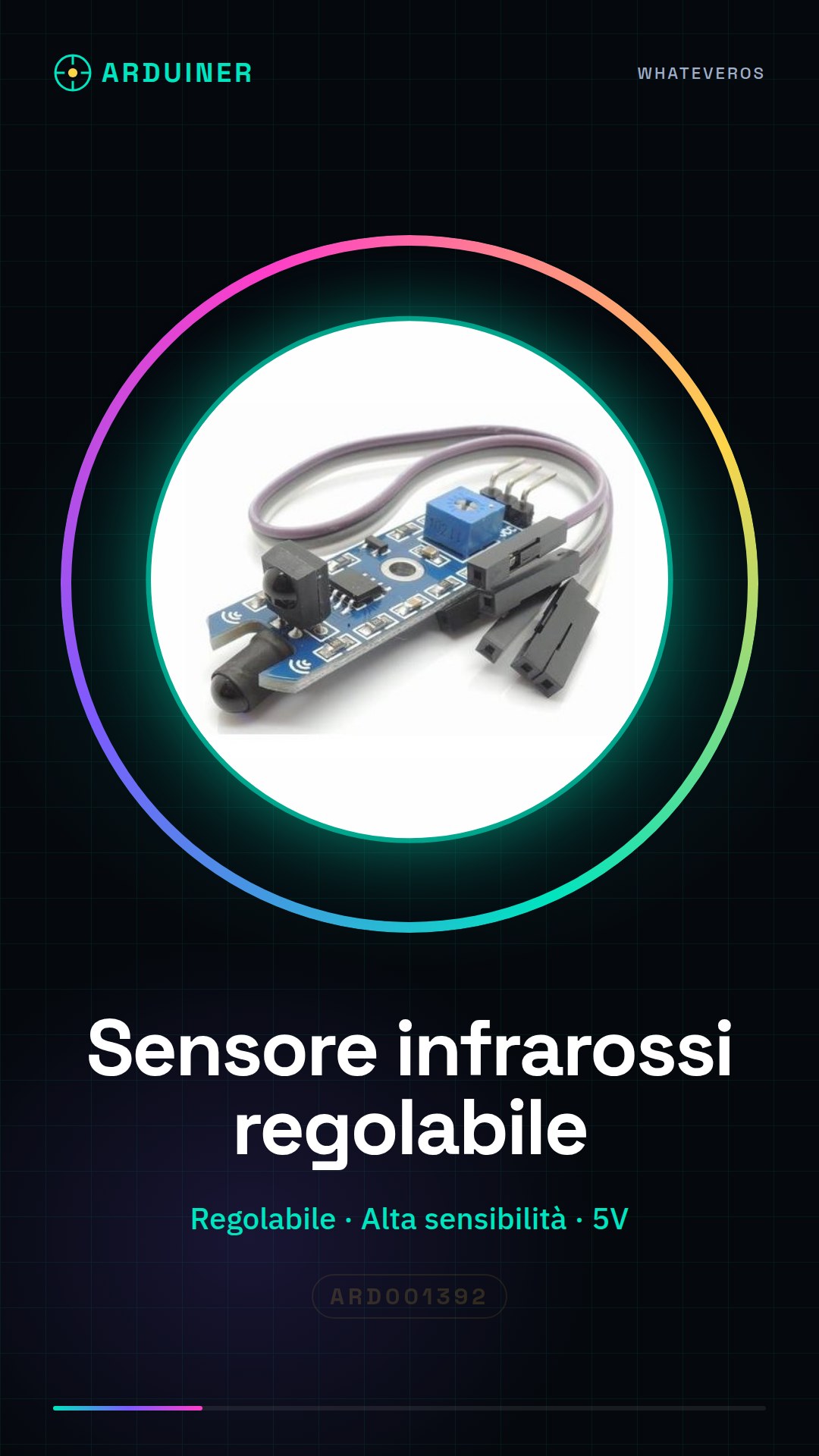
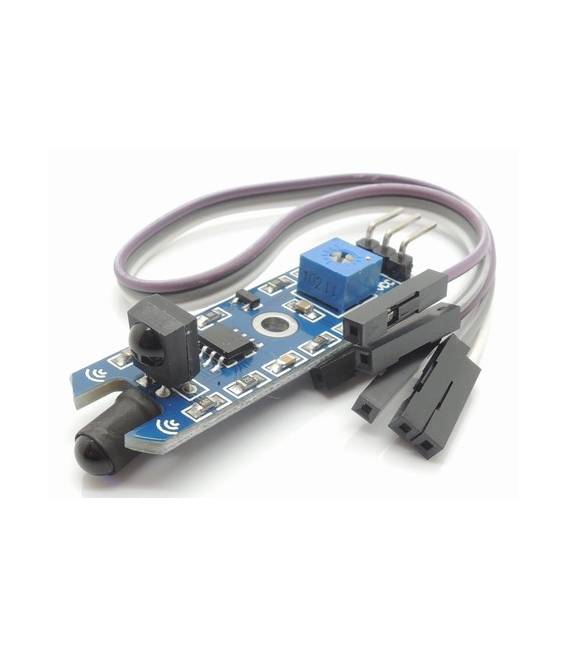
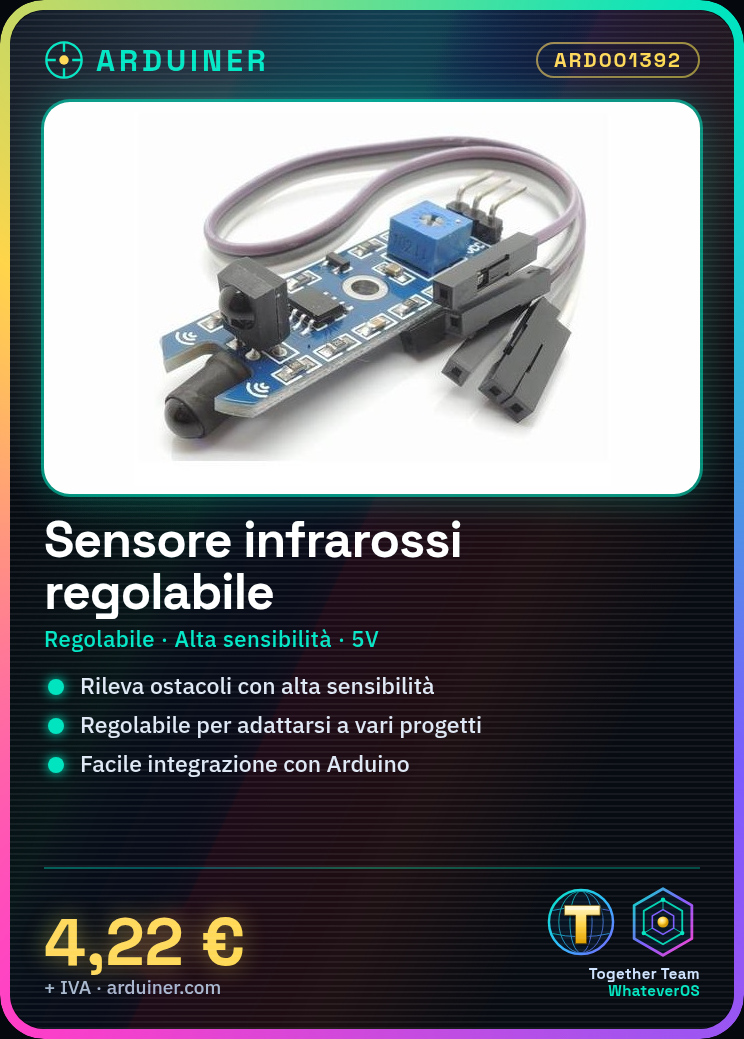
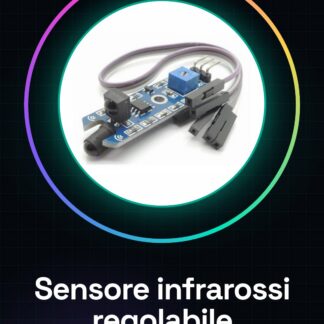
The obstacle avoidance infrared sensor module for Arduino is a useful device for robotics projects and prototypes that require distance detection. This module allows the creation of devices capable of interacting with the surrounding environment, providing protection against obstacles.
Features
- Adjustable to fit different project requirements
- High sensitivity to detect obstacles accurately
What it is for
Obstacle avoidance infrared sensor modules are ideal for creating obstacle-avoiding robots using two DC motors. The module is compatible with Arduino and can be integrated into various prototypes that require distance detection.
Tutorial: How to use Obstacle Avoidance Infrared Sensor Module
The obstacle avoidance infrared sensor module is a useful device for robotics projects and prototypes that require distance detection. It is ideal for beginners and intermediates who want to create devices capable of interacting with the surrounding environment.
What you need
- Arduino Uno or compatible
- USB A-MicroB cable
- Connection to PC
Steps
- Connect the following pins of the obstacle avoidance module to those of the Arduino: VCC to 5V, GND to GND, OUT to a digital switch (for example D2).
- Open Arduino IDE and create a new folder for the project.
- Include the ‘Wire.h’ library. If it is not present, download and install the ‘Adafruit_Sensor’ library from online libraries.
- Write the following sketch, modifying the connection pins if necessary.
- Compile and run the code on your Arduino. Check that the serial monitor output correctly indicates the presence or absence of obstacles.
- Calibrate the sensor to fit your specific needs by checking the instructions provided with the product.
- Try integrating this module into a larger project, such as an obstacle-avoiding robot or a home security system.
- Explore additional features of the sensor by reading the official documentation and datasheet.
Example code
void setup() {
  Serial.begin(9600);
}

void loop() {
  int val = digitalRead(pin); // Verifica sul datasheet per il pin corretto.
  if(val == HIGH) {
    Serial.println("Ostacolo rilevato");
  } else {
    Serial.println("Nessun ostacolo");
  }
}
Mini project
Create an obstacle-avoiding robot using this infrared sensor and two DC motors. Set the module to detect obstacles at a distance of 10-20 cm.
Common mistakes
- The OUT signal does not change when there are nearby obstacles.
- The sensor does not respond correctly to changes in configuration.
- USB connection issues between Arduino and PC.
- Compilation error due to missing necessary libraries.
Recommended accessories
- DC Motors for Robots
- Robot Wheel Kit
- Arduino Uno R3
- LiPo Battery 18650
Frequently asked questions
How do you adjust the sensitivity of the sensor?
Check the datasheet for specific configuration instructions.
What type of projects can this module handle?
It is suitable for projects such as obstacle-avoiding robots, home security systems, and interactive prototypes.
Reviews
There are no reviews yet.