 EN
 IT Italiano
 ES Español
 FR Français
 DE Deutsch
Description
What it is
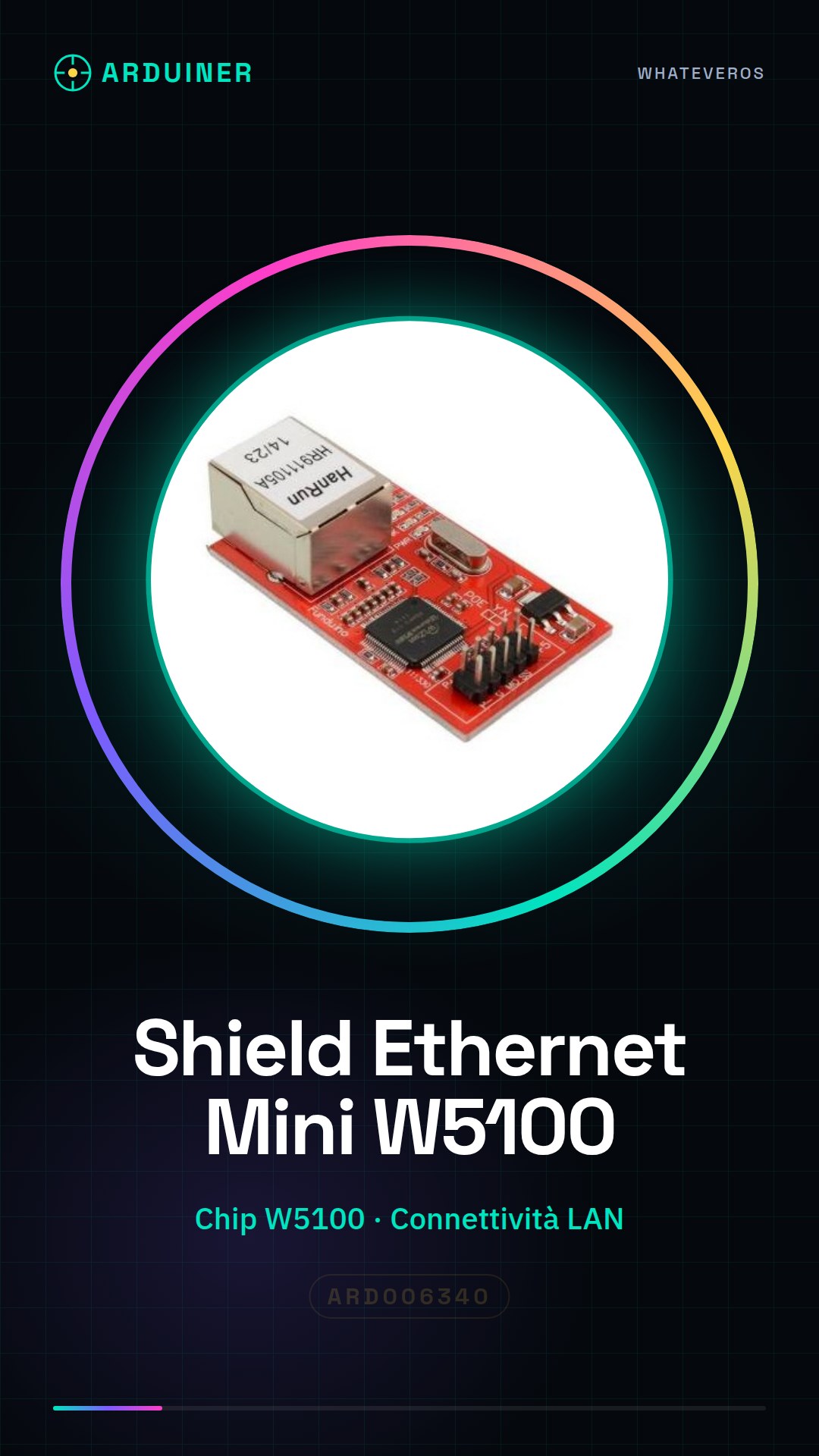
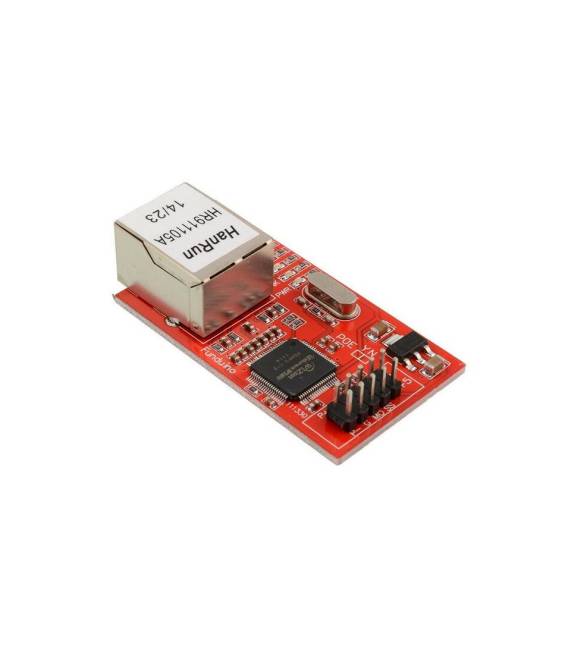
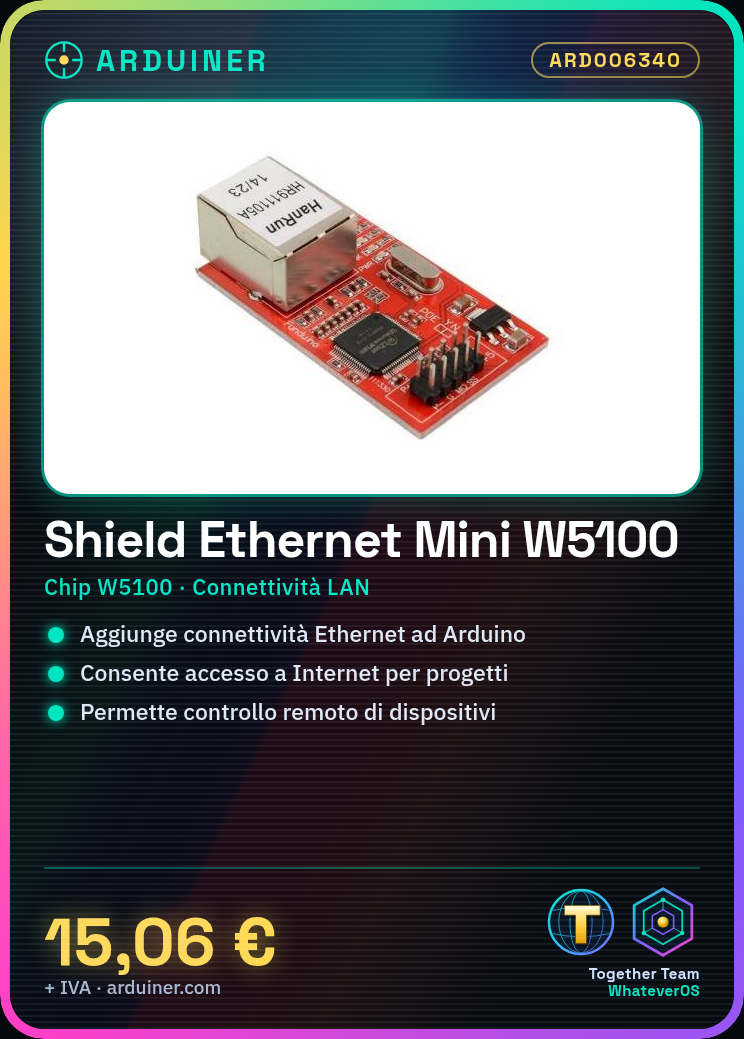
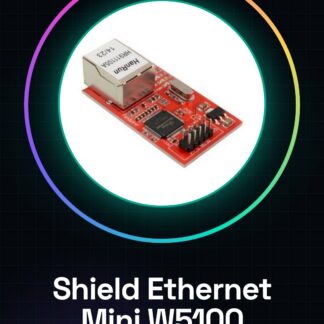
Ethernet Mini Shield W5100 LAN Module for Arduino is a shield that allows adding Ethernet connectivity features to Arduino-based projects. Using the W5100 chip, this shield enables the Arduino to connect to LAN networks and access the Internet.
Features
- W5100 Chip
- LAN Connectivity
- Compatible with Arduino
What it is for
This card is ideal for projects that require a web connection or remote monitoring. You can use this shield to create simple web pages with a dynamic IP address, control devices remotely, or send and receive data over the Internet.
Tutorial: How to Use Ethernet Mini Shield W5100 LAN Module
This Shield allows your Arduino to connect to the Internet. Ideal for projects that require web connection or remote monitoring.
What you need
- Arduino
- Ethernet cable
- prototype
- loading computer
Steps
- 1. Installation: Download and install the EthernetW5100 library.
- 2. Connection: Connect the Ethernet Shield to your Arduino.
- 3. Configure: Add the libraries to your Arduino library.
- 4. Write the code: Use the base code to initialize the network.
- 5. Load: Load the code onto your Arduino.
- 6. Test: Connect the Ethernet cable and try to view your IP address.
- 7. Configure: Set your network configuration.
- 8. Test: Try to send a simple HTTP GET request.
Example code
```cpp
#include <EthernetW5100.h>

byte mac[] = { 0xDE, 0xAD, 0xBE, 0xEF, 0xFE, 0xED };
byte ip[] = { 192, 168, 1, 177 };

void setup() {
  Ethernet.begin(mac, ip);
  Serial.begin(9600);
}

void loop() {
  Serial.println(Ethernet.localIP());
}
```
Mini project
Create a simple web site with a dynamic IP address.
Common mistakes
- Forget to add the EthernetW5100 library.
- Incorrectly connect the Ethernet Shield pins.
- Fail to properly configure the network.
- Forget to load the code onto Arduino.
Recommended accessories
- Arduino Uno
- Ethernet CAT5 cable
- LCD display
- temperature sensors
Frequently asked questions
How to set the network configuration?
Check the datasheet for specific details about your network.
Does the Shield work with Arduino Mega?
Check if the Shield supports Arduino Mega.
Can I use this Shield with an Arduino Nano?
Check if the Shield supports Arduino Nano.
What are the minimum power requirements?
Check the datasheet for power requirements.
Reviews
There are no reviews yet.