 EN
 IT Italiano
 ES Español
 FR Français
 DE Deutsch
Description
What it is
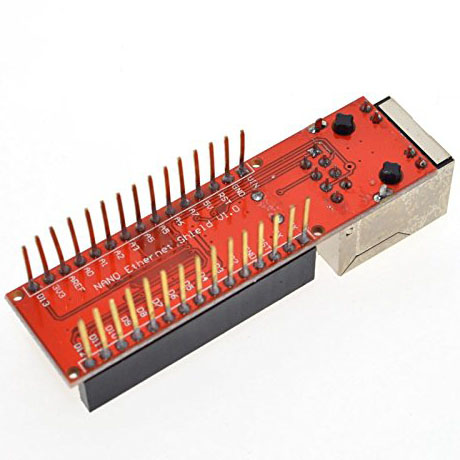
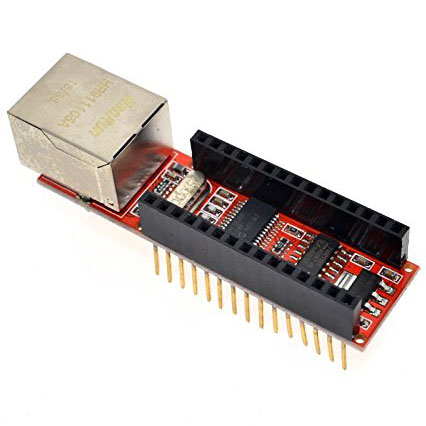
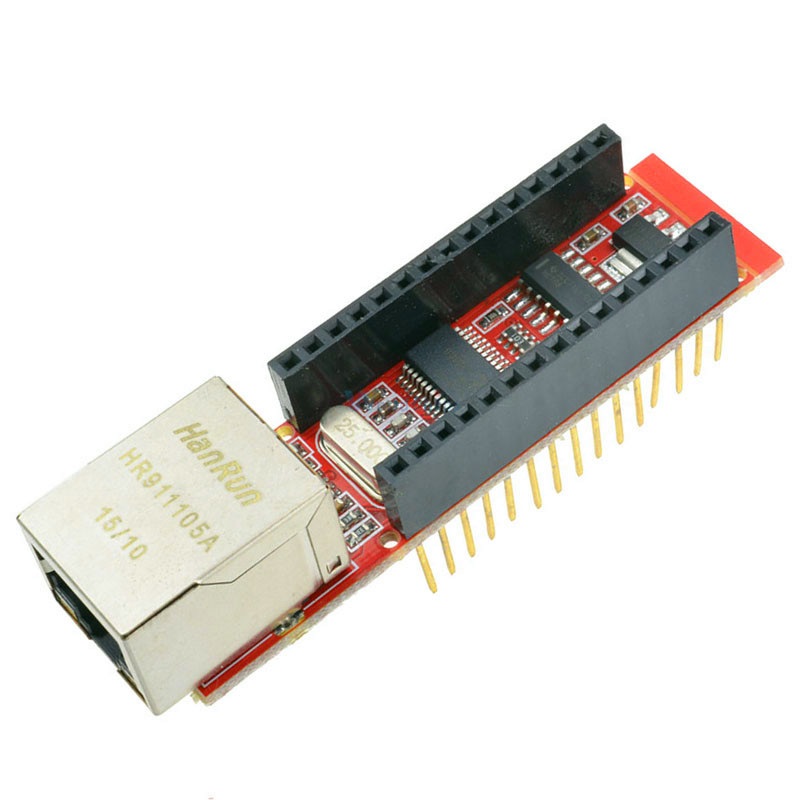
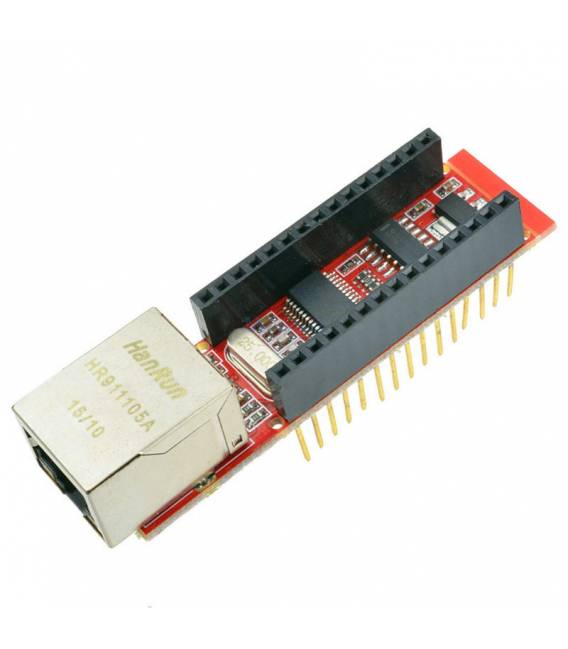
The Ethernet Shield for Arduino Nano with ENC28J60 chip is a module that allows your Arduino Nano to connect to Ethernet networks, enabling you to integrate your creation into the Internet or other local networks.
Features
- Compatible with Arduino Nano V1.0
- Includes the ENC28J60 chip for Ethernet connectivity
What it is for
Ideally used for projects that require an Internet connection or local network communication, such as simple web servers that send HTML pages. It can also be used for remote electronic monitoring.
Tutorial: How to use Arduino Nano ENC28J60 Ethernet LAN shield V1.0
This shield allows your Arduino Nano to connect to Ethernet networks. Useful for projects that require an Internet connection or network communication.
What you need
- Arduino Nano
- Computer with Arduino IDE
- Ethernet cable
- Electrical PCB for mounting
- Check the datasheet
Steps
- 1. Download and install the Arduino IDE.
- 2. Connect your Arduino Nano.
- 3. Insert the ENC28J60 Ethernet shield.
- 4. Connect the Ethernet cable to the shield.
- 5. Mount everything on a PCB.
- 6. Load the following code.
- 7. Check the Ethernet connection.
- 8. Configure the network.
Example code
void setup() {
  Serial.begin(9600);
  Ethernet.begin(mac, ip);
}

void loop() {
  // Codice principale
}
Mini project
Create a simple web server that sends an HTML page.
Common mistakes
- Do not forget to install the Ethernet library.
- Incorrect MAC or IP address.
- Shield not properly seated.
- Missing Ethernet shield drivers.
Recommended accessories
- Ethernet cable
- PCB
- Jumper wires
- Ethernet library for Arduino
Frequently asked questions
What are the specifications of the ENC28J60 chip?
Check the datasheet.
How do I configure the network?
Set the IP address and MAC address in the code.
Why doesn’t the connection work?
Check the physical connection, the code, and the network configuration.
Reviews
There are no reviews yet.