 EN
 IT Italiano
 ES Español
 FR Français
 DE Deutsch
Description
What it is
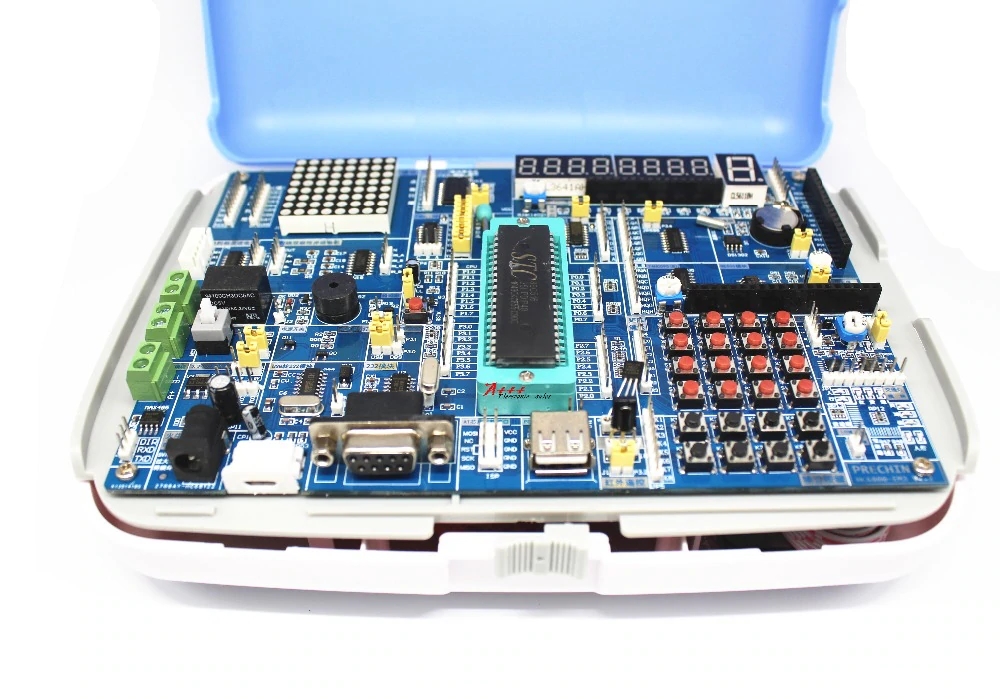
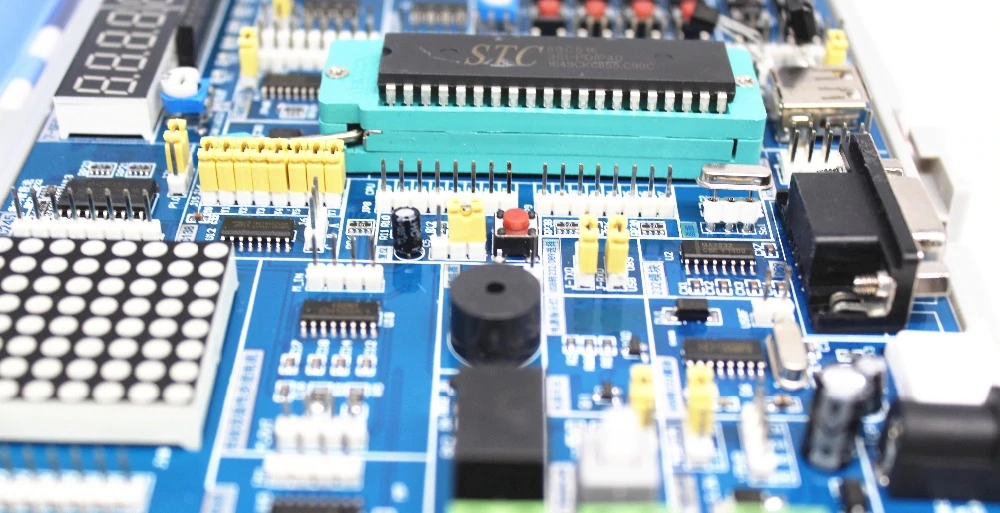
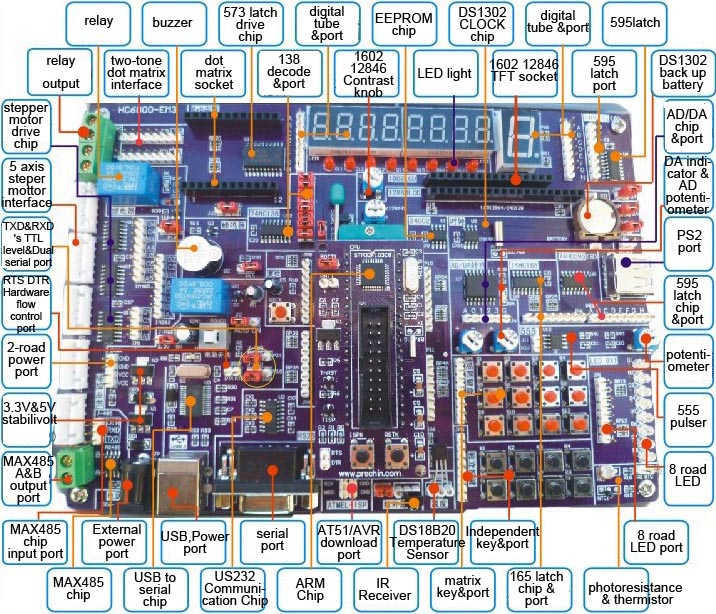
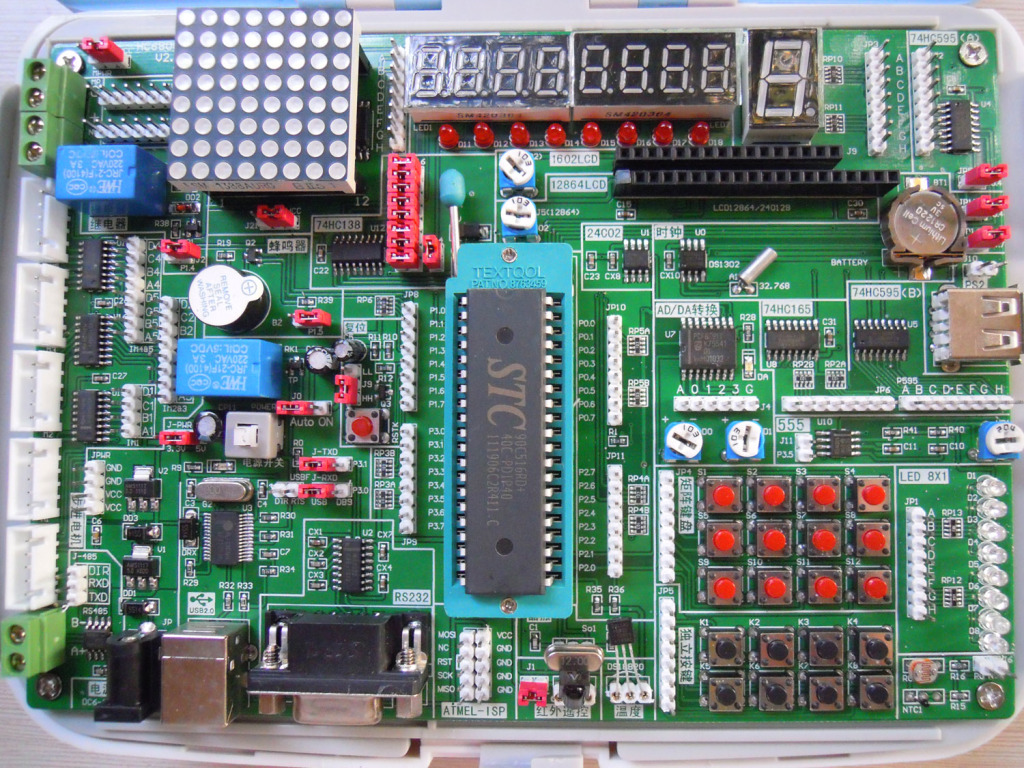
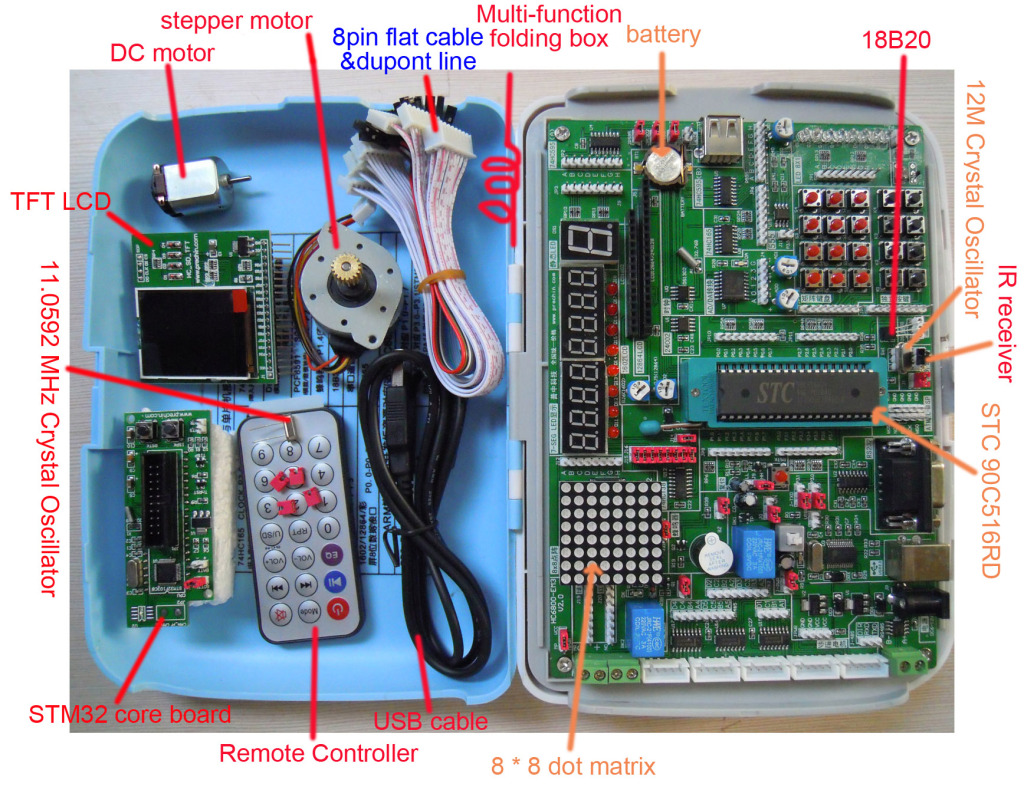
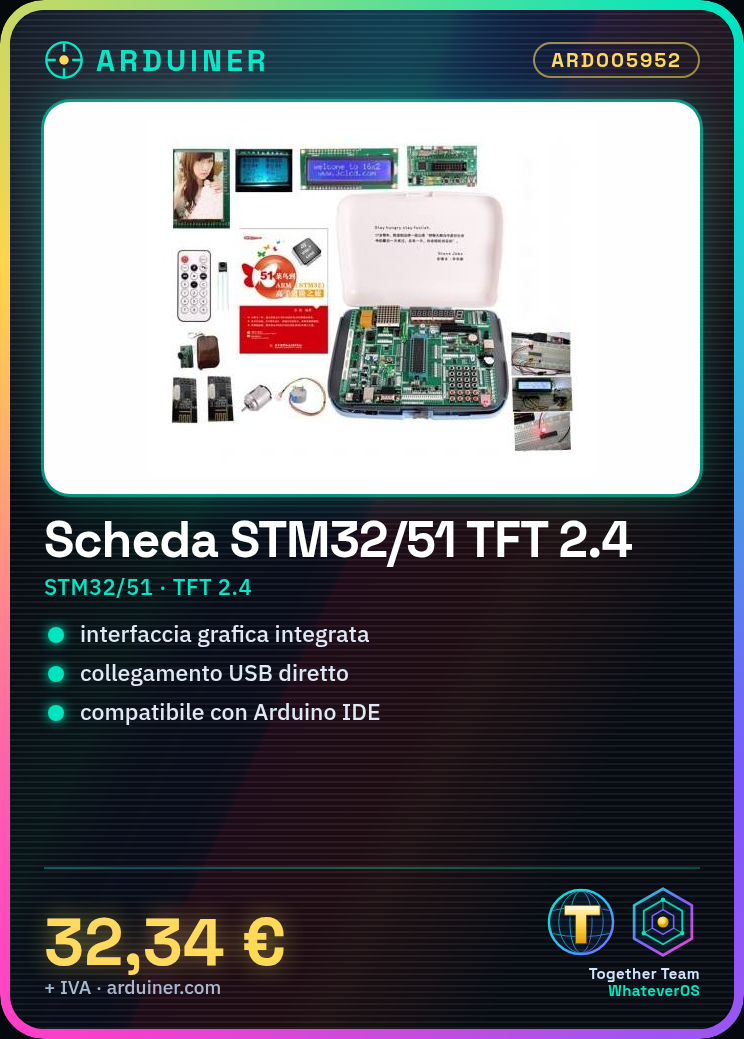
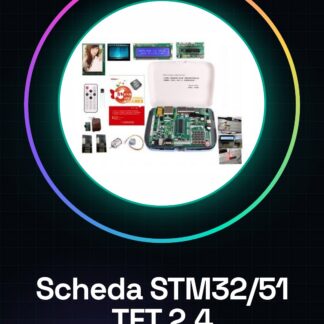
The STM32/51 Development Board with 2.4″ TFT Display is a module that integrates an STM32/51 microcontroller with a 2.4-inch TFT display. It is designed to simplify the development and testing of electronic projects that require a graphical interface.
Features
- STM32/51 Microcontroller
- 2.4-inch TFT Display
- SKU: ARD005952
- Price: 32.34 €
What it is for
The board is ideal for creating projects that require an intuitive graphical interface, such as:
- Stopwatches
- Watches
- Monitoring Tools
Compatibility with Arduino and other STM32 microcontrollers can be verified in the datasheet.
Tutorial: How to Use STM32/51 TFT 2.4″ Board
The STM32/51 TFT 2.4″ board is ideal for projects that require a graphical interface and advanced computing power. Useful for beginner and intermediate makers.
What you need
- Arduino IDE
- USB Cable
- MicroSD (optional)
- 2.4-inch TFT Display
- ESD Protection
Steps
- 1. Download and install the Arduino IDE.
- 2. Connect the board to the Arduino with the USB cable.
- 3. Check the datasheet for the power supply configuration.
- 4. Load the ‘TFT_test’ example from the Arduino IDE.
- 5. Verify the connection of the display to the board.
- 6. If necessary, set the screen resolution.
- 7. Try to display a welcome message.
- 8. Connect a microSD (if available) and try to read a file.
Example code
```
#include <Adafruit_GFX.h>
#include <Adafruit_STM32_TFT.h>

Adafruit_STM32_TFT tft = Adafruit_STM32_TFT(128, 160);

void setup() {
  tft.begin();
}

void loop() {
  tft.fillScreen(TFT_BLACK);
  tft.setCursor(0, 0);
  tft.setTextColor(TFT_WHITE);
  tft.setTextSize(1);
  tft.print("Benvenuto!");
}
```
Mini project
Create a simple stopwatch with a screen display.
Common mistakes
- Forget to install the drivers.
- Connect the pins incorrectly.
- Fail to configure the power supply correctly.
- Omit the inclusion of necessary libraries.
Recommended accessories
- USB cable
- microSD
- microSD Card Reader
- 2.4″ TFT Display
Frequently asked questions
How can I connect the display?
Follow the instructions in the datasheet for pin connections.
Which libraries are necessary?
Use the Adafruit_GFX and Adafruit_STM32_TFT libraries.
Is the microSD necessary?
No, it’s optional. Use it only if you need to store files.
How can I verify the correct configuration?
Follow the setup steps and verify the display of a test message.
Reviews
There are no reviews yet.