 EN
 IT Italiano
 ES Español
 FR Français
 DE Deutsch
Description
What it is
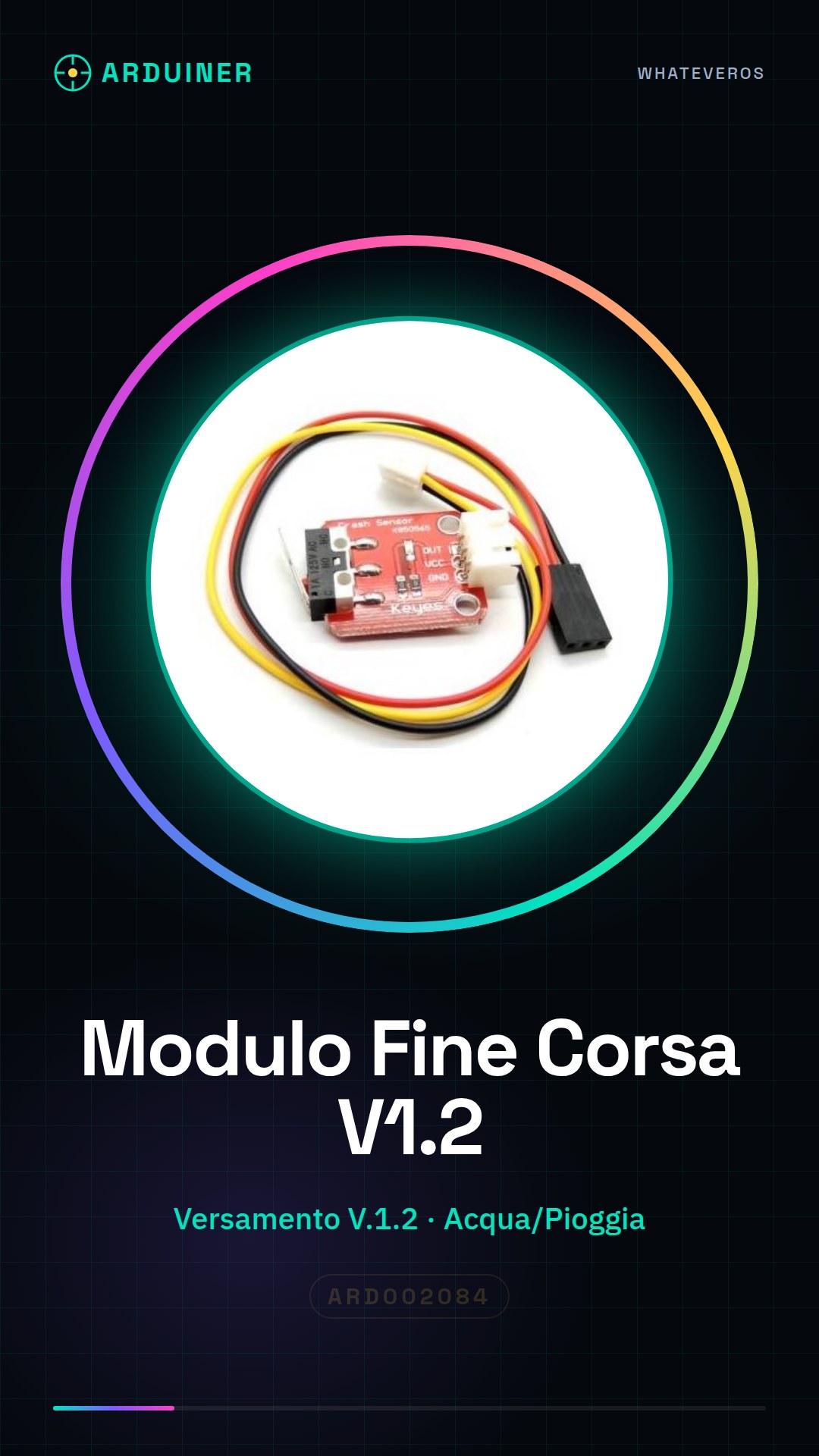
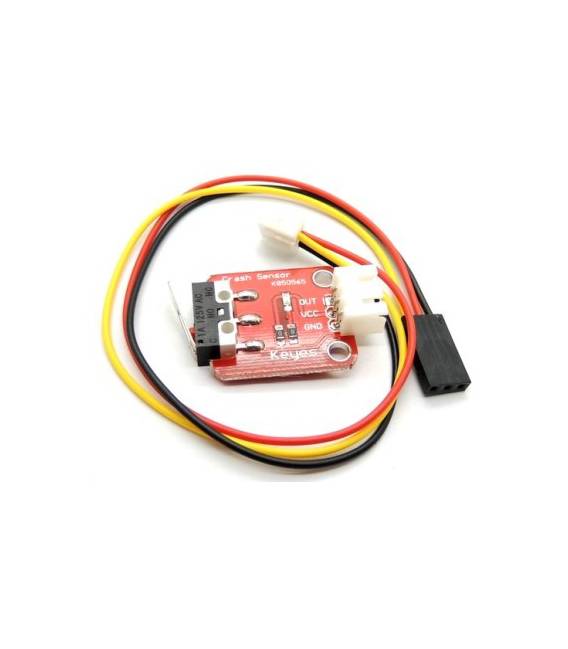
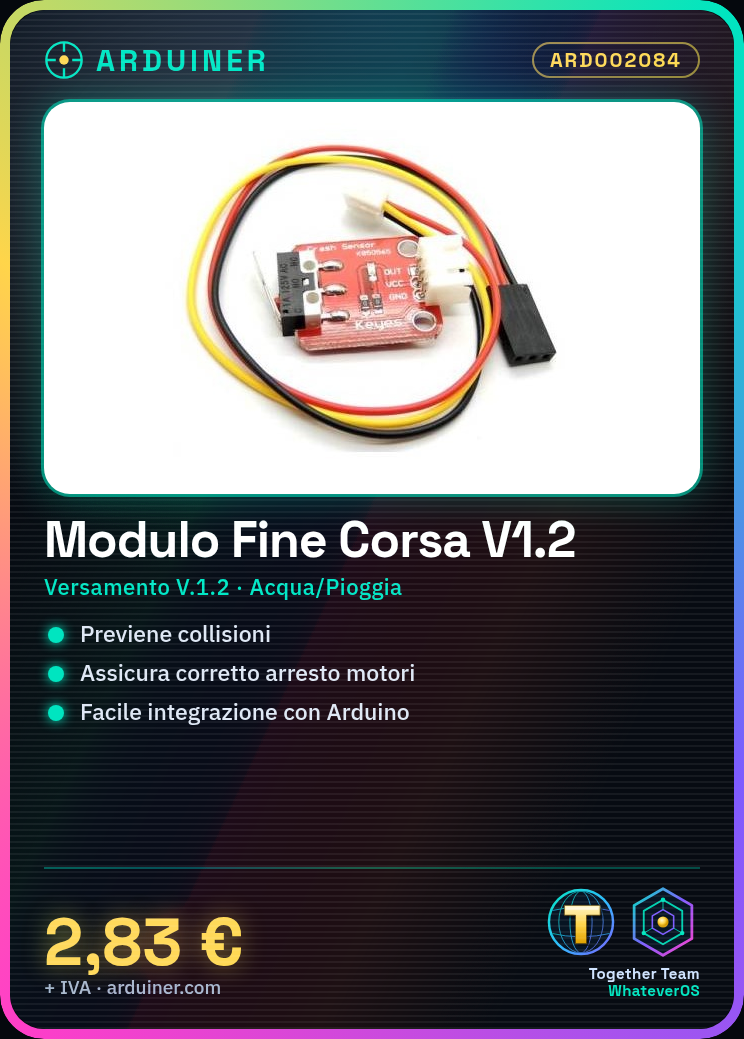
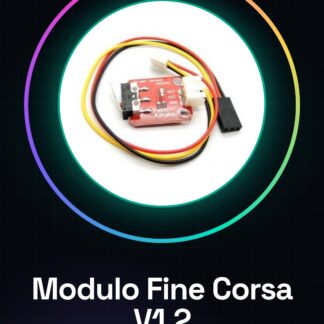
The End-of-Travel Module V.1.2 is an essential component for CNC 3D printers, designed to ensure safety and accuracy during the movement of mechanical components.
Features
- Mounting: V.1.2
- Categories: Water / Rain, Sensors
What it is for
The End-of-Travel Module V.1.2 is used to prevent collisions and ensure proper motor stoppage when reaching movement limits in CNC 3D printers. It is compatible with various Arduino systems.
Tutorial: How to Use End-of-Travel Module V. 1.2
The End-of-Travel Module V. 1.2 is crucial for CNC 3D printers, allowing motors to stop correctly when reaching the movement limit.
What you need
- CNC 3D Printer
- Arduino or compatible controller
- Connecting to the circuit
Steps
- Step 1: Connect the GND, VCC, and signal lines of the module to corresponding pins on the Arduino.
- Step 2: Verify the movement limit configuration in your CNC 3D printer.
- Step 3: Insert the module into the 3d printer control circuit.
- Step 4: Configure the module’s input pins in Arduino IDE.
- Step 5: Verify the electrical specifications on the datasheet to ensure compatibility.
- Step 6: Compile and upload the Arduino sketch to the controller.
- Step 7: Test the end-stop module functionality.
- Step 8: Adjust any configuration parameters as needed.
Example code
void setup() {
  pinMode(pinFineCorsa, INPUT);
}

void loop() {
  if(digitalRead(pinFineCorsa) == HIGH){
    // Arresta i motori
  }
}
Mini project
Create a control system for a simple 3D CNC printer that uses the V.1.2 end-stop module.
Common mistakes
- Incorrect pin connection
- Incorrect movement limit configuration
- Inadequate electrical supply
Recommended accessories
- Arduino Uno R3
- USB A-MicroB cable
- JST power connector
- Compatible 3D CNC printer
Frequently asked questions
What is the operating voltage of the module?
Check the datasheet.
How can I test the module without a 3D CNC printer?
Use a test circuit with Arduino and simulate movement signals.
Does the module connect only to Arduino or can it be used with other controllers?
It can be used with any compatible controller, not necessarily Arduino.
Reviews
There are no reviews yet.