 EN
 IT Italiano
 ES Español
 FR Français
 DE Deutsch
Description
What it is
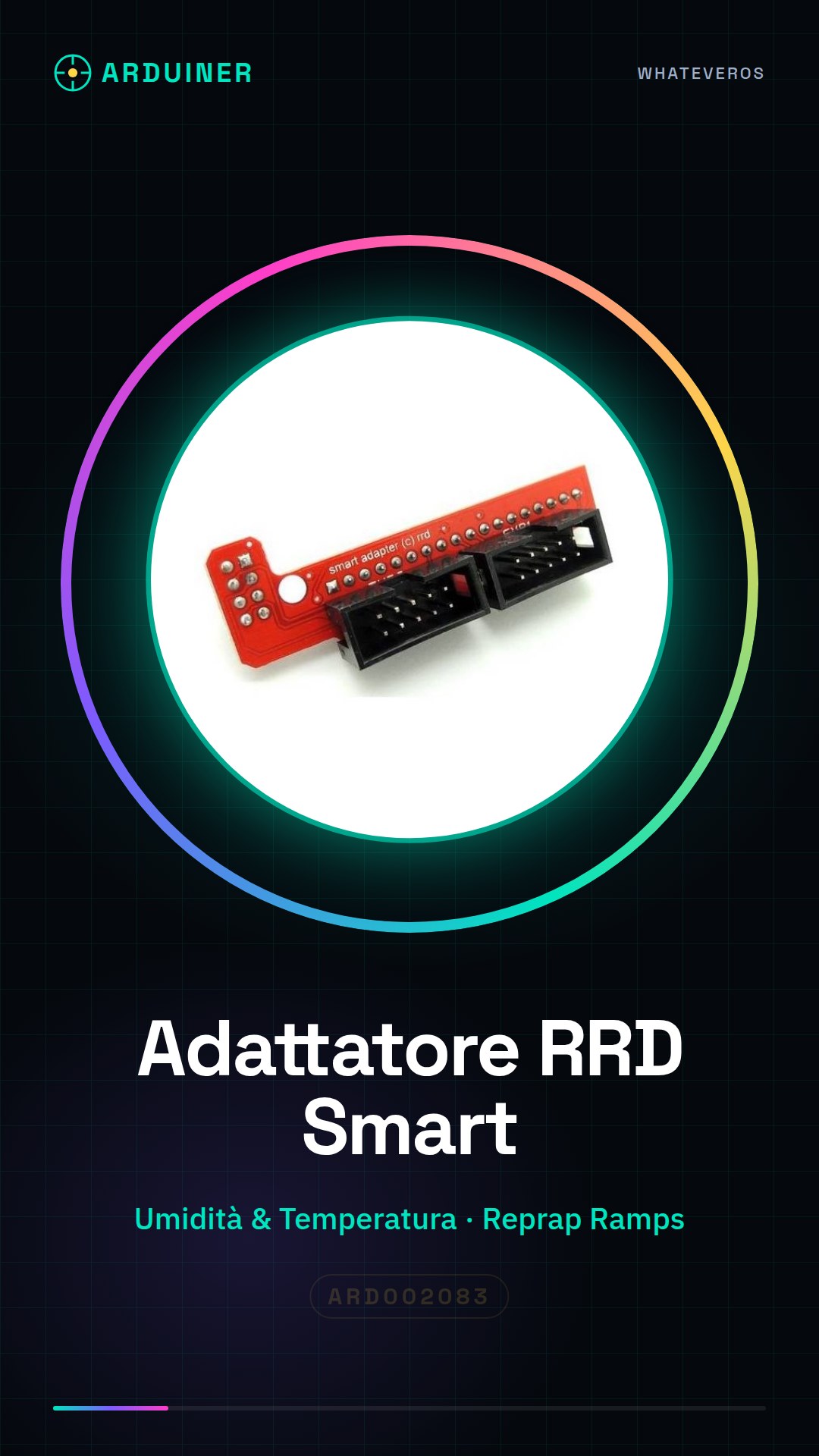
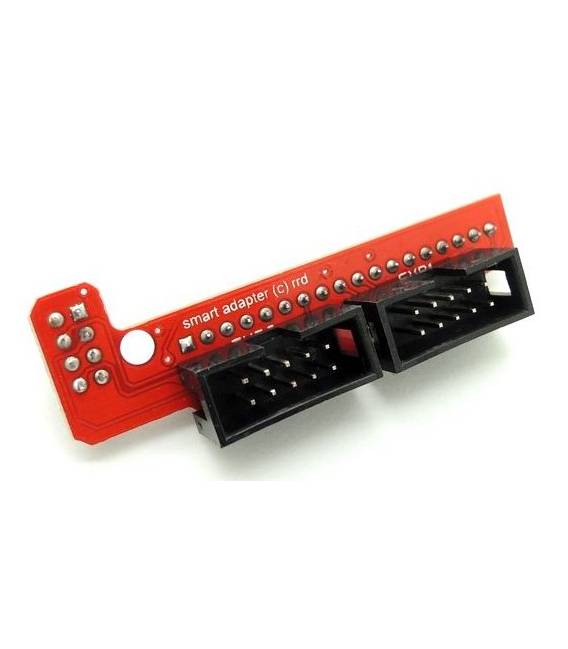
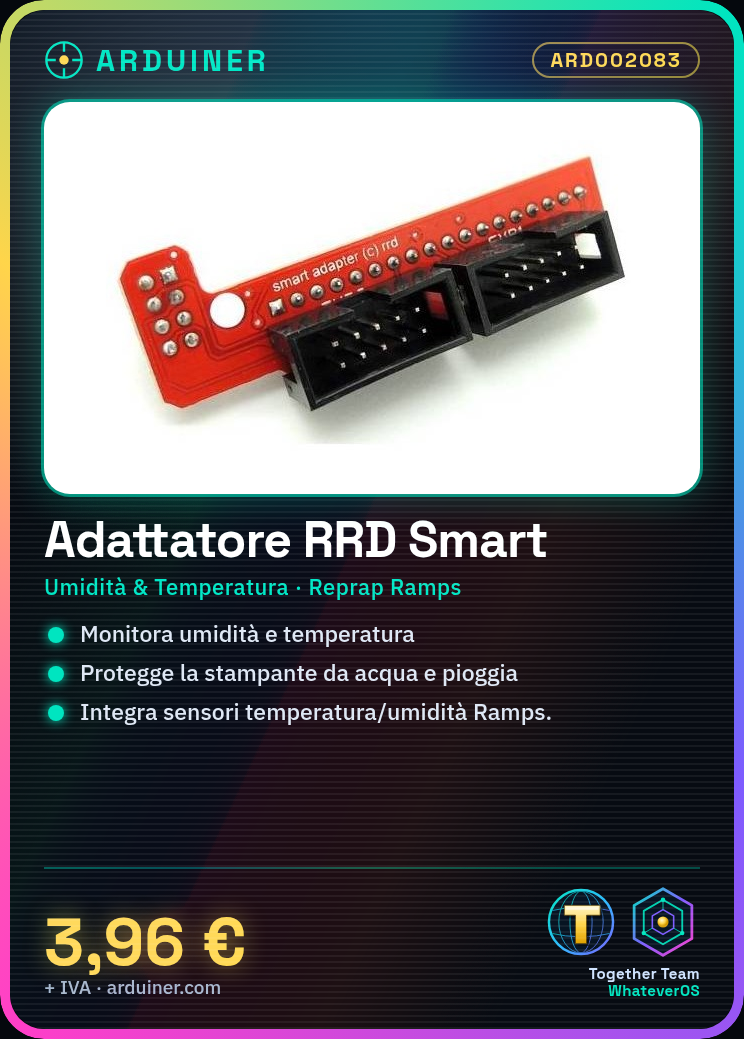
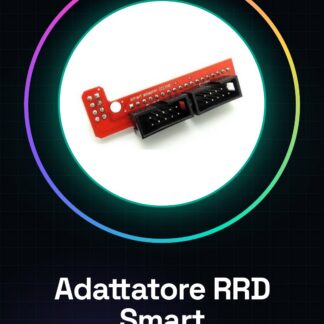
The RRD Adapter for Reprap Ramps 3d Printer is a component designed to monitor ambient humidity and temperature, protecting your printer from water or rain damage. This adapter allows you to integrate humidity and temperature sensors into your Reprap Ramps-based projects.
Features
- Ambient Humidity Monitoring for Reprap Ramps 3d Printer
- Integration of Temperature and Humidity Sensors into Reprap Ramps-based Projects
What it is for
The RRD Adapter is used to improve humidity management in 3d printers, ensuring greater accuracy during the printing process. It is compatible with Reprap Ramps-based printers and allows for the integration of temperature and humidity sensors.
Tutorial: How to Use Smart RRD Adapter for Reprap Ramps 3d Printer
The RRD adapter is a crucial component to enhance humidity management in Reprap Ramps-based 3D printers. This adapter allows you to add humidity and temperature sensors to your projects, ensuring greater accuracy during the printing process.
What you need
- 3D Printer with Reprap Ramps Control Board
- Humidity Sensor
- JST Cable
Steps
- Check the compatibility of your humidity sensor with the adapter.
- Connect the humidity sensor to the JST connector on the RRD adapter.
- Connect the adapter to the Reprap Ramps control board following the instructions in the datasheet.
- Configure your 3D printer through Marlin or a similar platform to recognize the new humidity sensor.
- Verify that the sensor is correctly detected and functioning in the printer’s control software.
Mini project
Add a DHT22 temperature and humidity sensor to a Reprap Ramps 3D printer to monitor environmental conditions during printing.
Common mistakes
- Do not verify sensor compatibility before installation.
- Incorrect connection between the sensor and the adapter.
- Incorrect configuration in the 3D printer’s control software.
- Lack of data in the datasheet for sensor configuration.
Recommended accessories
- DHT22 temperature and humidity sensor
- Reprap Ramps 3D printer
- JST cable
- Marlin software
Frequently asked questions
How can I verify that the sensor is correctly connected?
Check the communication between the sensor and the adapter using a debugging or monitoring software.
What are the advantages of using this adapter?
Improve environmental condition management, reducing variations that could affect 3D print quality.
Reviews
There are no reviews yet.