 EN
 IT Italiano
 ES Español
 FR Français
 DE Deutsch
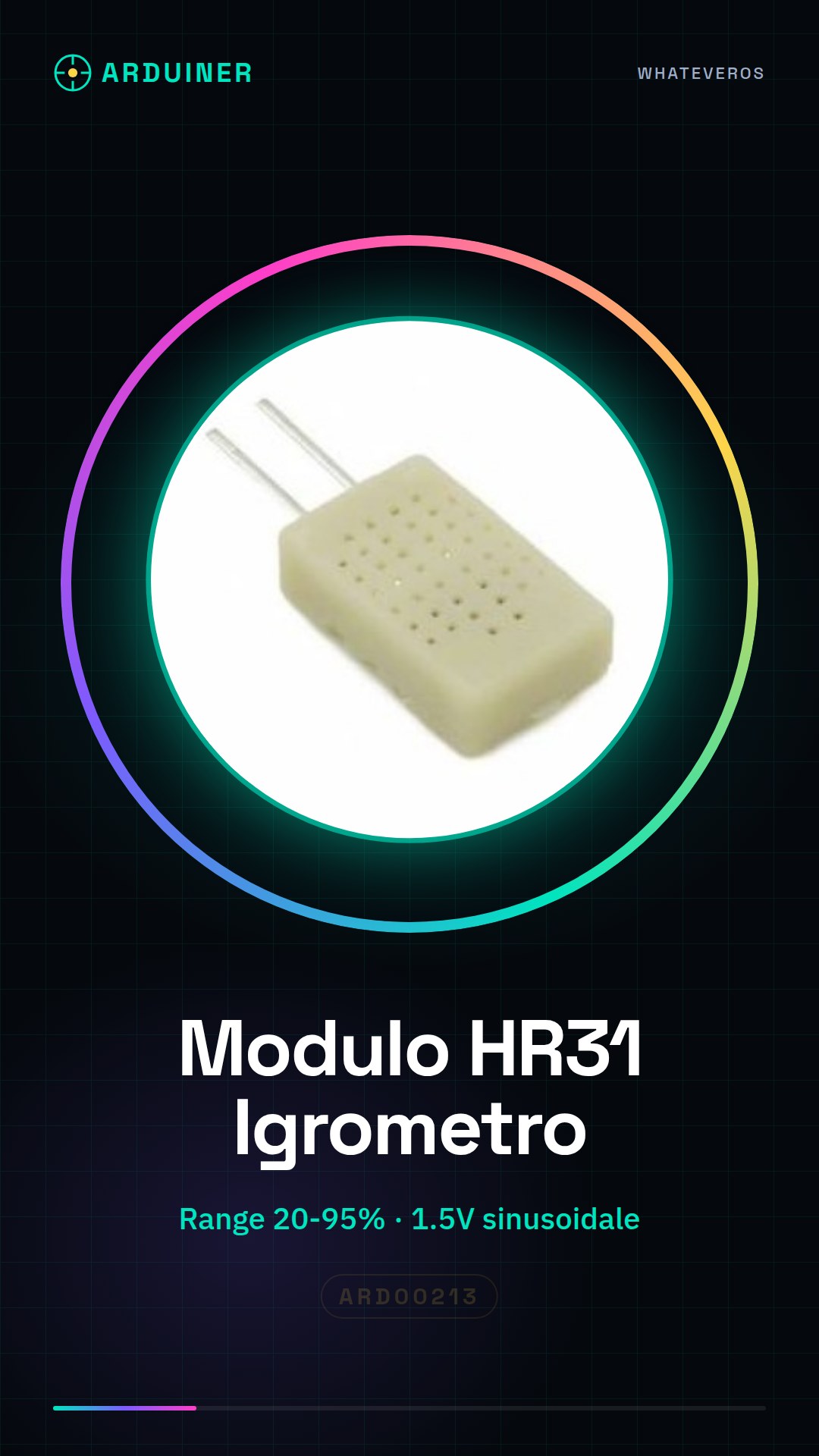
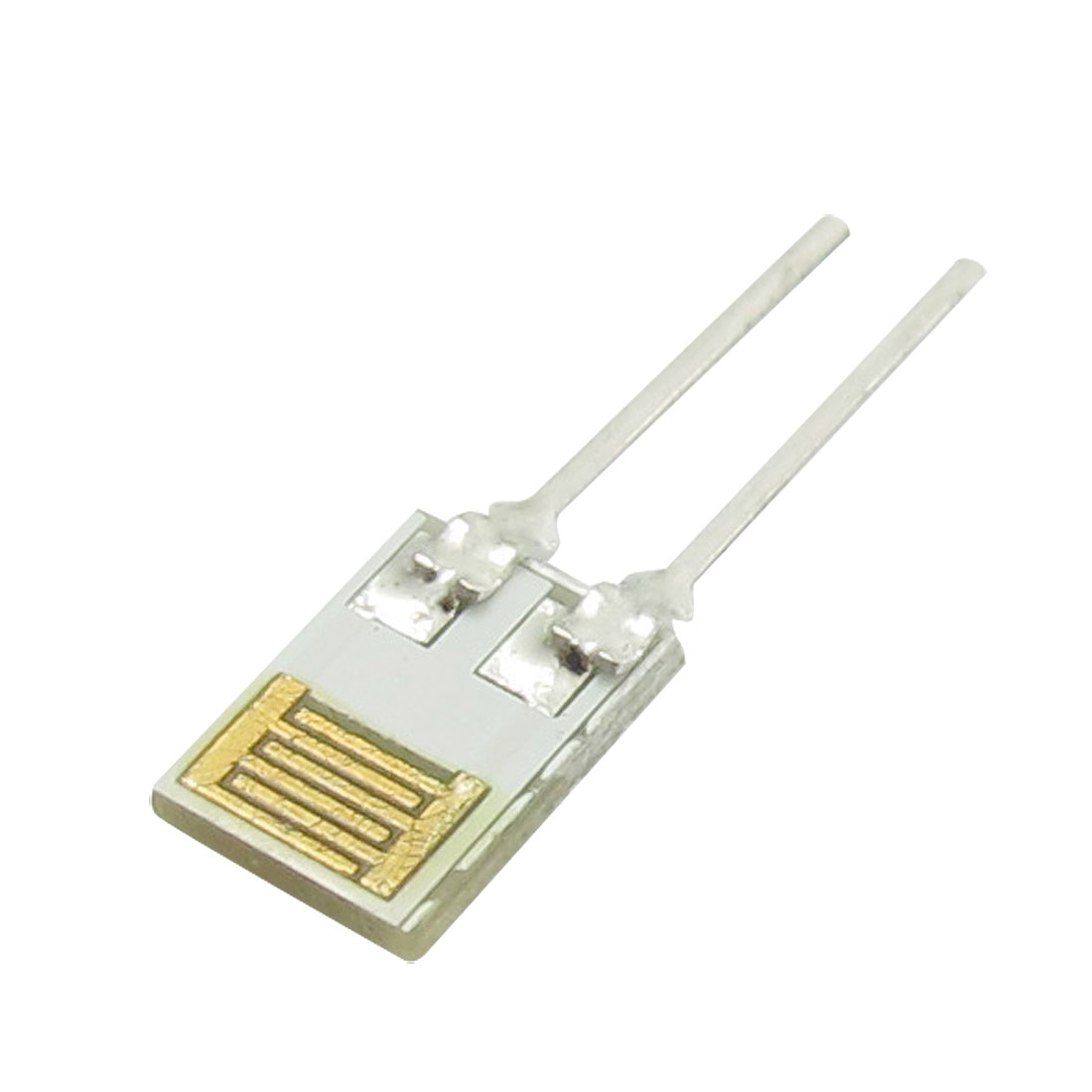
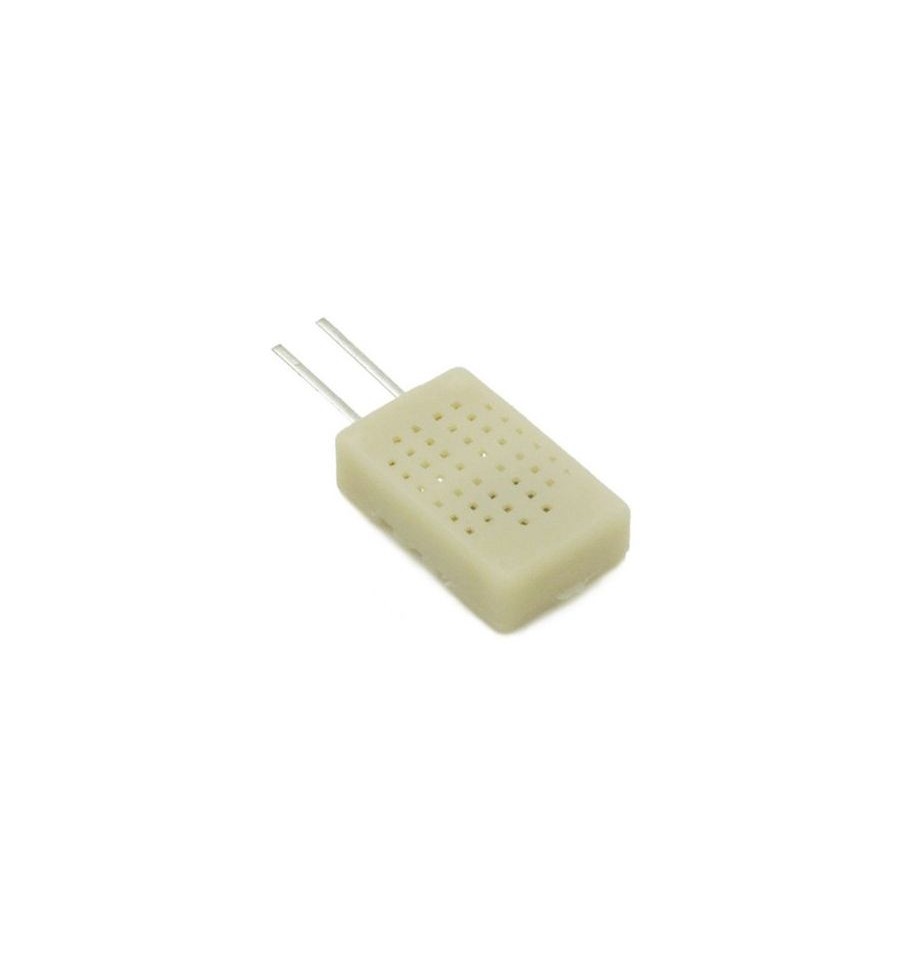
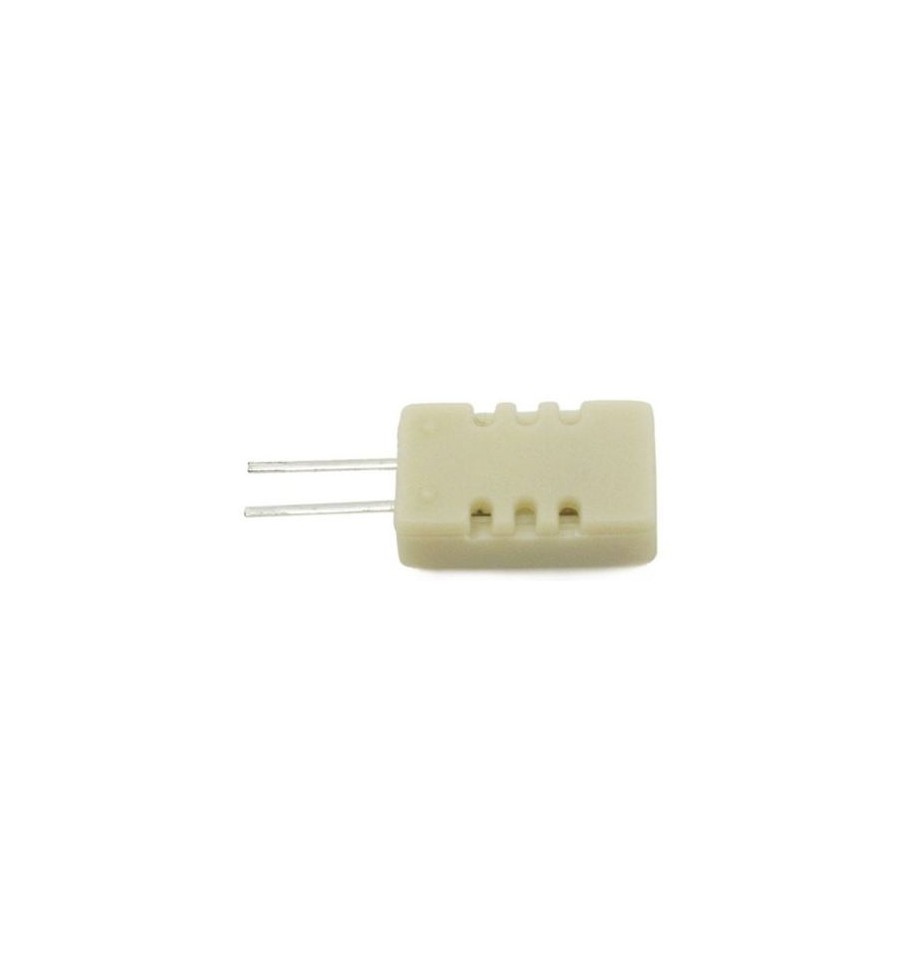
Description
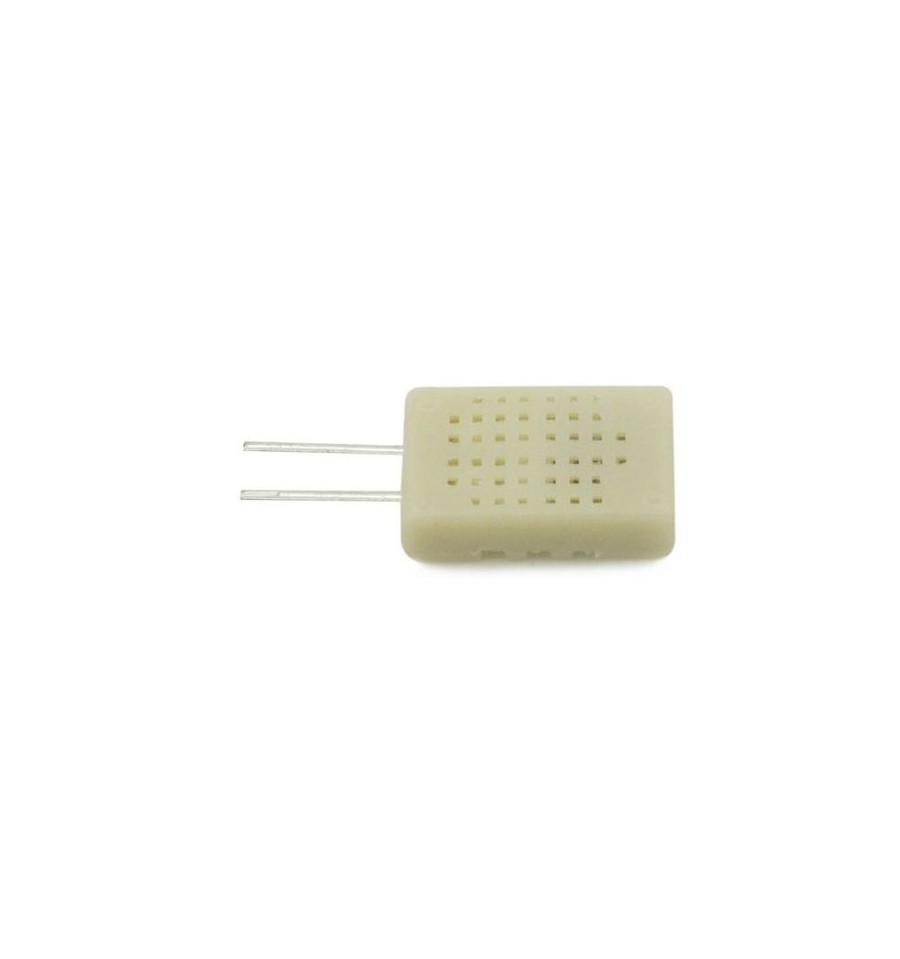
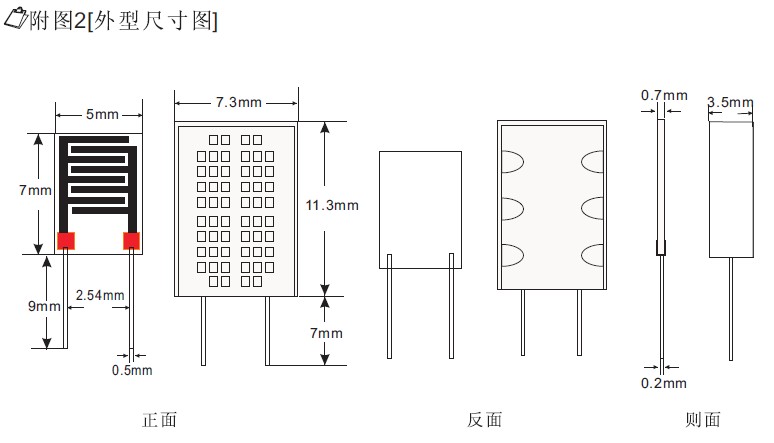
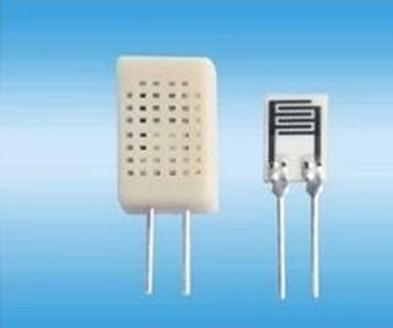
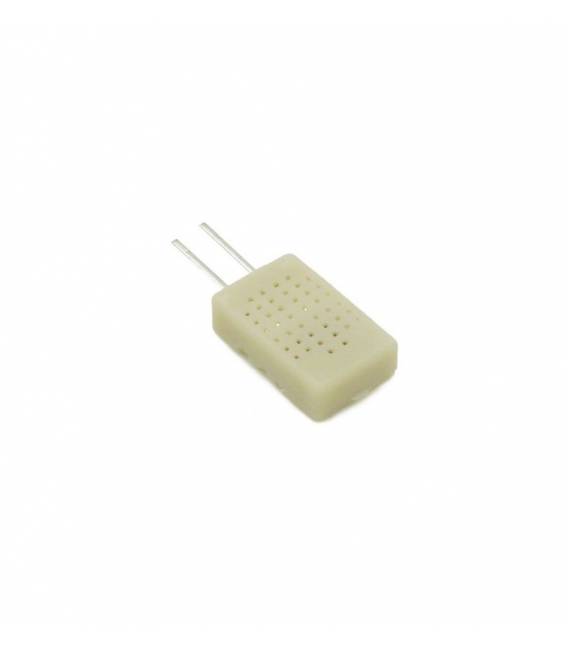
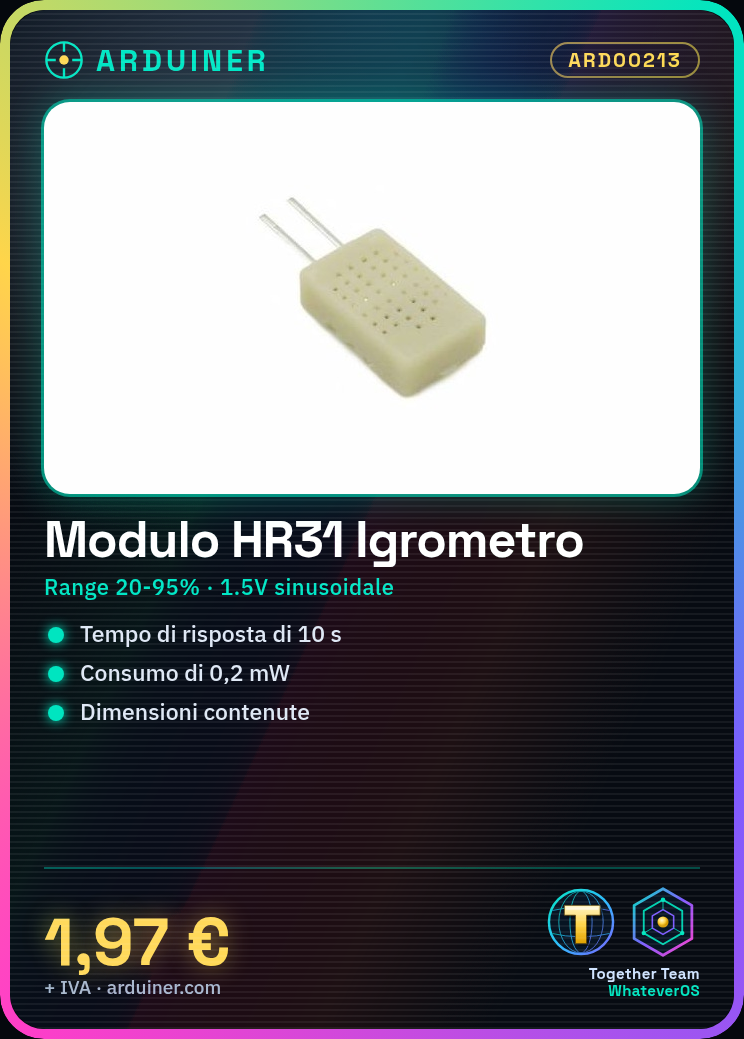
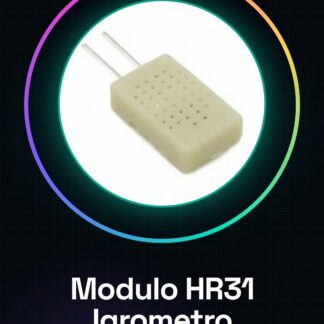
HR31 Humidity Module Humidity Sensor
The chip constitutes a solid-state humidity sensor. Essentially, the component behaves like a variable resistor in response to the humidity encountered.
The component is used in all indoor environments within public or private structures (such as hospitals, clinics, or laboratories) where humidity control is required.
Its excellent linearity, size, and operation make it a perfect sensor for low-cost and compact applications.
Supply voltage 1.5V sinusoidal
Technical specifications:
– Measurement range from 20 to 95%
– Operating temperature up to 60 C
– Power consumption 0.2mW
– Operating voltage 1.5V sinusoidal with frequency from 0.5 to 2KHz
– Central resistance value 31Kohm
– Impedance from 19.8 to 50.2Kohm
– Measurement accuracy 5%
– Hysteresis +/-1%
– Response time 10sec
Connection Methods:
1. The chip has two non-polarized pins like a simple resistor
We have datasheets available for all components, if not present in the product download card, send us a message from the contact us module and we will publish it as soon as possible on our website.
Tutorial: How to use the HR31 Humidity Module
The HR31 module measures air humidity. Perfect for environmental monitoring projects.
What you need
- Arduino
- USB cable
- HR31
Steps
- Connect VCC to 5V of the Arduino.
- Connect GND to the GND pin of the Arduino.
- Connect SDA to A4 of the Arduino.
- Install the DHT sensor library.
- Include the library in your code: #include DHT.h
- Create a DHT object with the HR31 sensor type and the connection pin.
- Read data from the sensor using the readHumidity() function.
- Display humidity on the serial monitor.
Example code
DHT dht(DHTTYPE, DHTPIN);
void setup() {
dht.begin();
Serial.begin(9600);}

void loop() {float humidity = dht.readHumidity();
if (isnan(humidity)) {
Serial.println("Errore lettura umidità!");} else {
Serial.print("Umidità: ");
Serial.println(humidity);
}
Mini project
Build an electric humidity alarm system.
Common mistakes
- Incorrect connection SDA/A4
- Do not install the DHT library.
- Initialization error with the HR31 sensor.
- Issues with unverified datasheet.
Recommended accessories
- Arduino Uno R3
- USB Type A-B cable
- 3D Printed Case for Arduino
- LCD Display
Frequently asked questions
How do you calibrate?
Check the HR31 sensor datasheet.
Does it work with ESP8266?
Yes, but verify the connection pins and library.
Reviews
There are no reviews yet.