 EN
 IT Italiano
 ES Español
 FR Français
 DE Deutsch
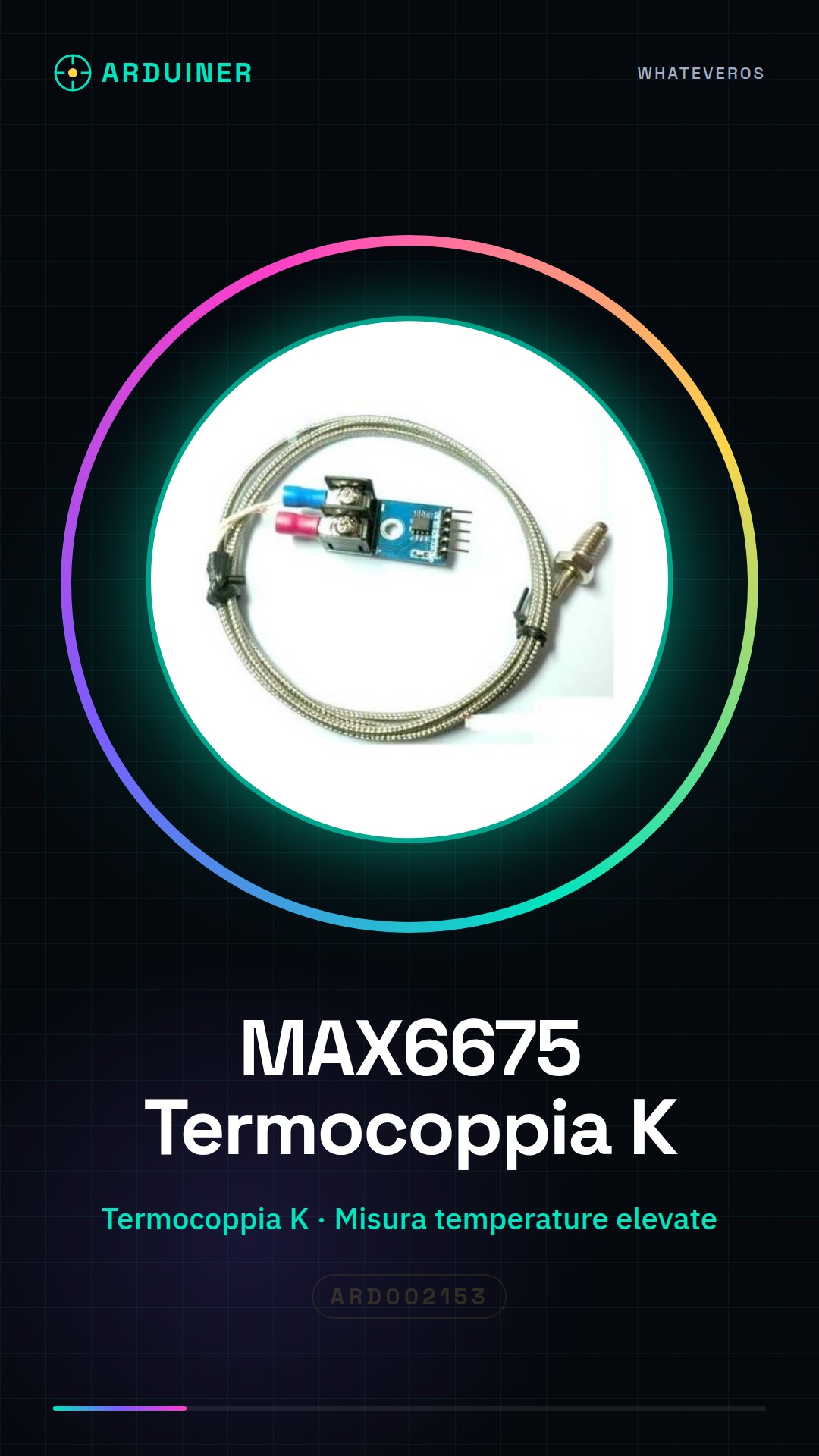
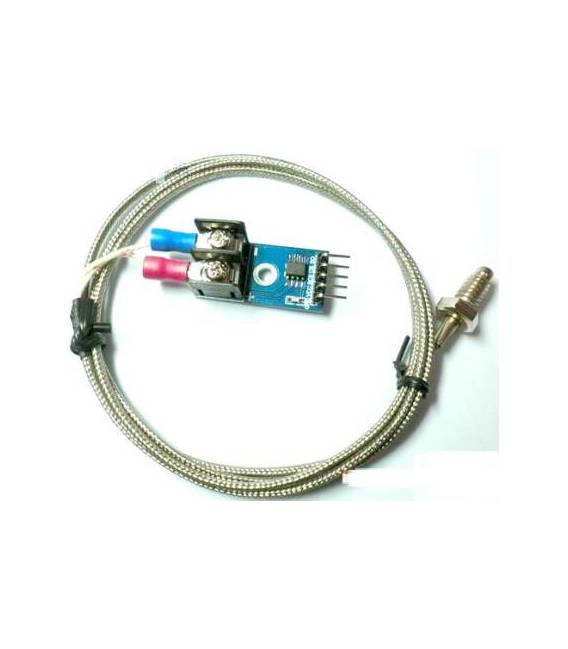
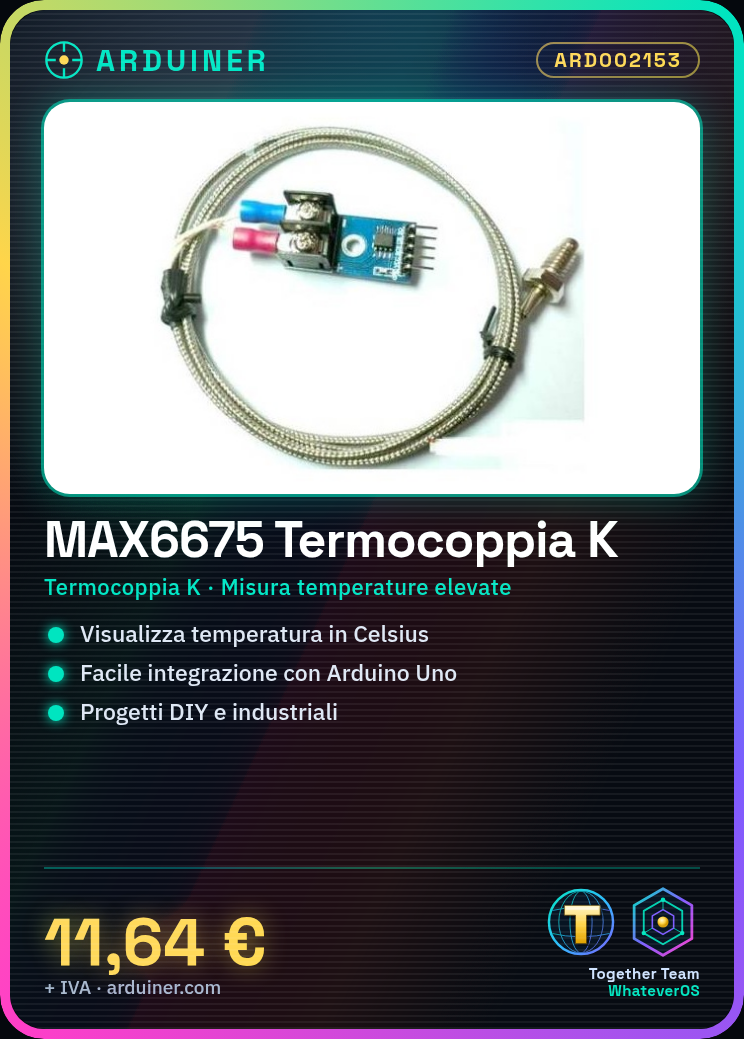
Description
Tutorial: How to Use the MAX6675 Thermocouple Module
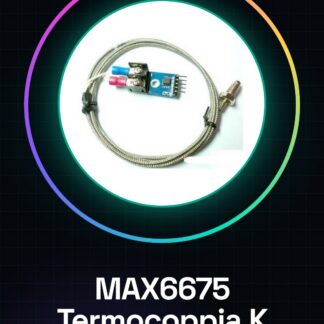
The MAX6675 module is a thermocouple temperature sensor for type K thermocouples that allows for precise measurement of high temperatures. Ideal for DIY projects, hobbies, and industrial applications. This component is suitable for both beginners and experts in the maker community.
What you need
- Arduino Uno or compatible
- USB cable
- Computer with Arduino software installed
Steps
- Connect the MAX6675 module to the Arduino using the correct pins (CS, SO, SCK)
- Load the example sketch provided in the official GitHub repository of the MAX6675 module
- View the temperature on the serial monitor of the Arduino IDE
Example code
/*
 * Sketch base per il modulo MAX6675
 */
#include <MAX6675.h>

#define SO 11 // Pin di output del modulo
#define CS 10 // Pin di selezione del modulo
#define SCK 13 // Clock del modulo

MAX6675 termo(SO, CS, SCK);

void setup() {
  Serial.begin(9600);
}

void loop() {
  float temp = termo.readCelsius();
  Serial.print("Temperatura: ");
  Serial.println(temp);
}
Mini project
Create a high-temperature alarm system with the MAX6675 module and an LED display. Configure the Arduino to send a notification when the temperature exceeds a certain critical value.
Common mistakes
- Set the module pins incorrectly
- Do not load the correct example sketch
- Ignore the datasheet during setup
Recommended accessories
- Arduino Uno R3 (SKU: ARD001845)
- USB A-B cable for Arduino (SKU: ARD002679)
- 16×2 LCD LED display for Arduino (SKU: ARD002456)
- 3.7V LiPo battery with charger (SKU: ARD002890)
Frequently asked questions
How can I calibrate the MAX6675 module?
Check the datasheet for specific calibration examples.
What is the maximum range of the sensor?
Check the datasheet for operational temperature limits.
Reviews
There are no reviews yet.