 EN
 IT Italiano
 ES Español
 FR Français
 DE Deutsch
Description
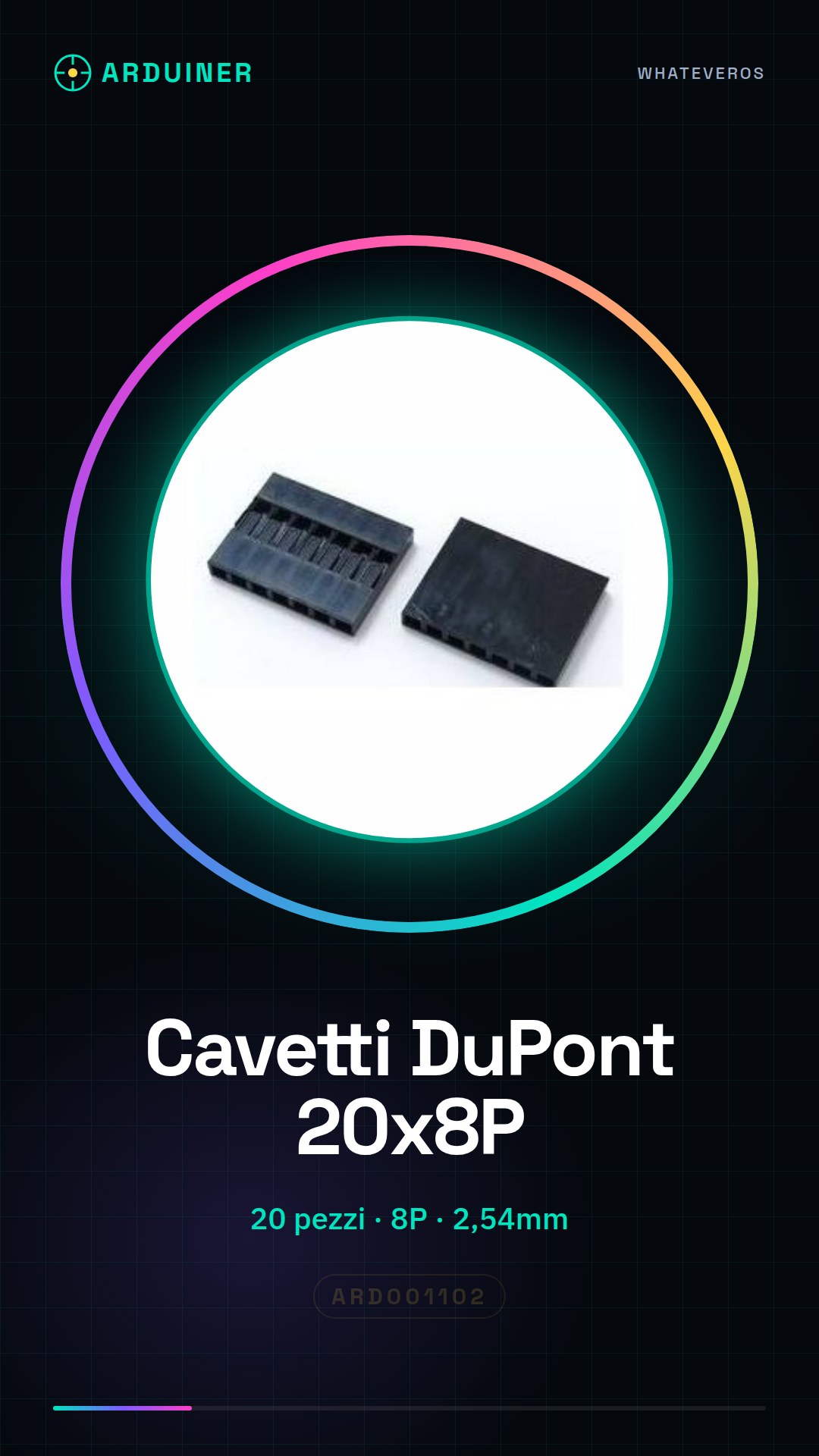
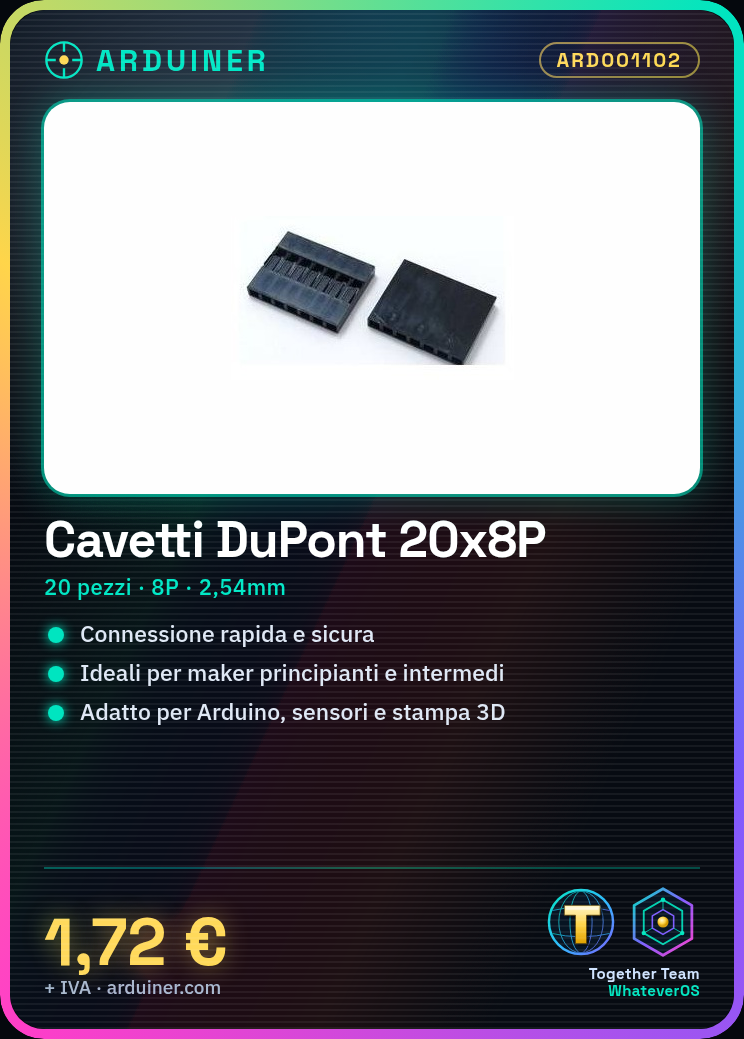
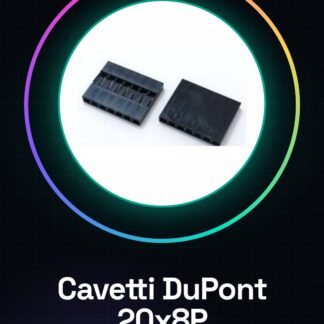
8P Dupont Connector Set of 20, Plastic Spaced Plug 2.54 mm
Tutorial: How to Use 8P Dupont Cables
Dupont cables are essential for quick and secure connections between various electronic components. They are ideal for beginner and intermediate makers working on Arduino, sensor, or 3D printing projects.
What you need
- Arduino Uno
- Various Sensors (light, temperature)
- 3D Printing
Steps
- Step 1: Identify the output pins of the Arduino and those of the sensor you wish to connect.
- Step 2: Insert one end of the Dupont cable into the connector of the Arduino.
- Step 3: Insert the other end of the cable into the connector of the sensor or any other electronic component needed for your project.
- Step 4: Repeat steps 2-3 until all components are connected to each other.
- Step 5: Ensure that all cables are securely inserted into the connectors, avoiding short circuits or loose connections.
Mini project
Create a light sensor with Arduino and a simple LED. Connect the sensor to the digital pin of the Arduino using Dupont wires, then connect the LED to a PWM pin to adjust the brightness.
Common mistakes
- Inserting wires incorrectly into the connectors
- Using wires that are too short or too long
- Not checking that all components are properly connected before activating the circuit
Recommended accessories
- Different sensors
- Arduino Uno
- LED
Frequently asked questions
What is the pin spacing?
The pin spacing is 2.54mm (0.1 inch). Check the datasheet for confirmation.
Can I use these wires with other connectors?
Yes, but make sure the connector spacing matches the wire spacing.
Reviews
There are no reviews yet.