 EN
 IT Italiano
 ES Español
 FR Français
 DE Deutsch
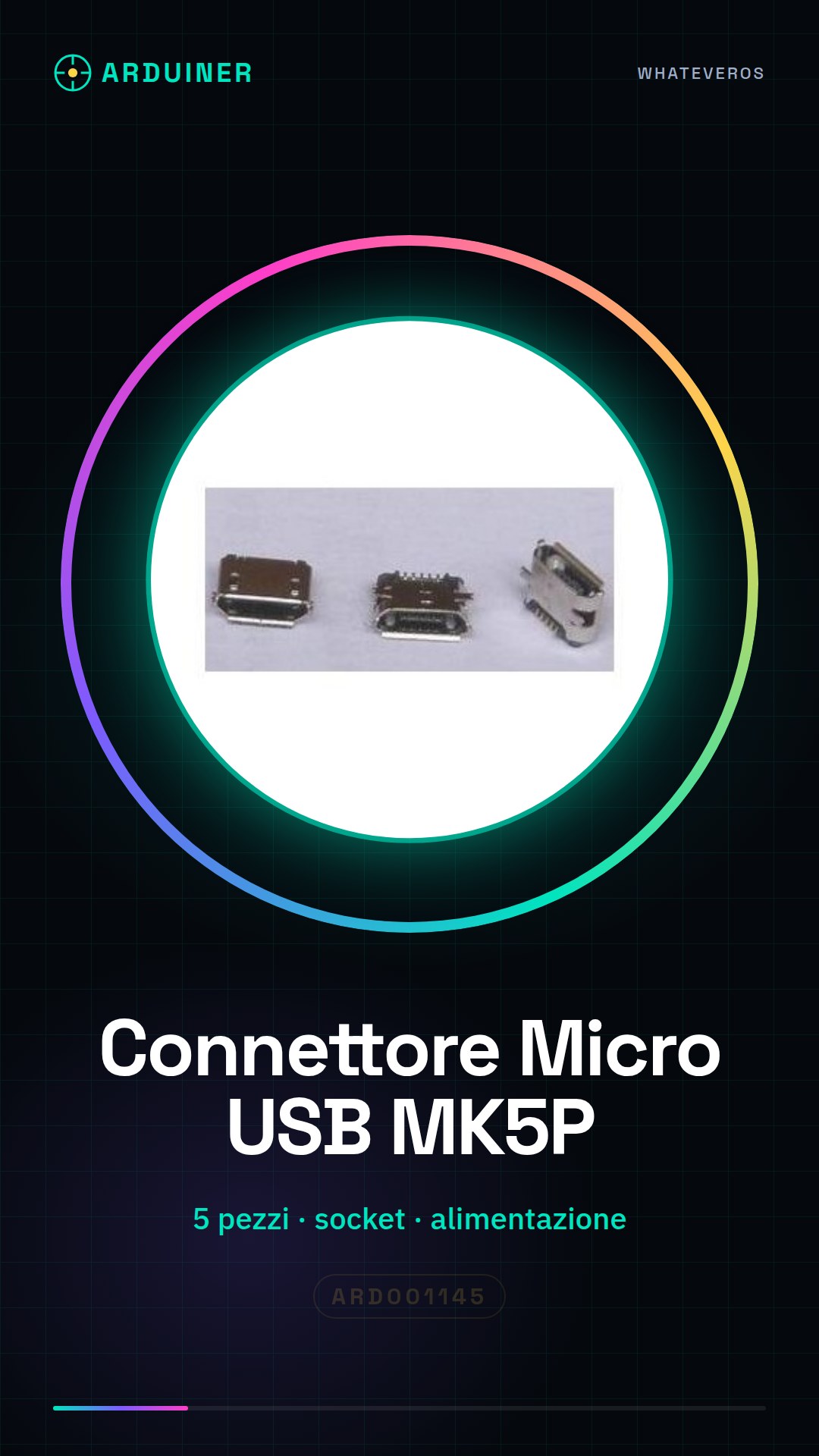
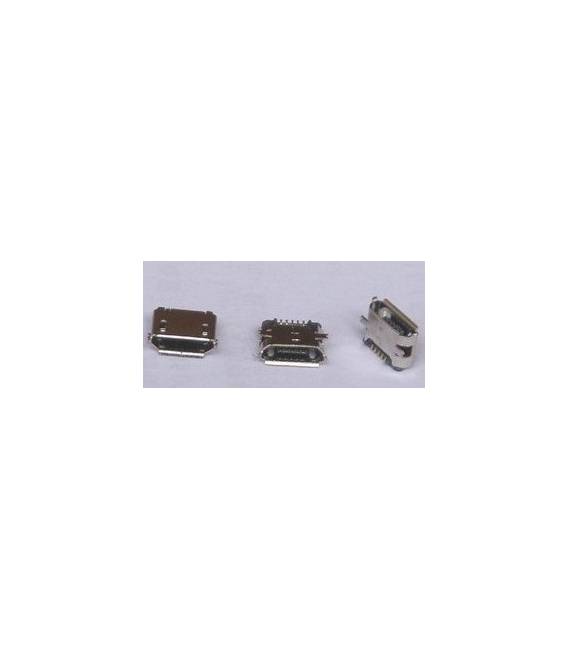
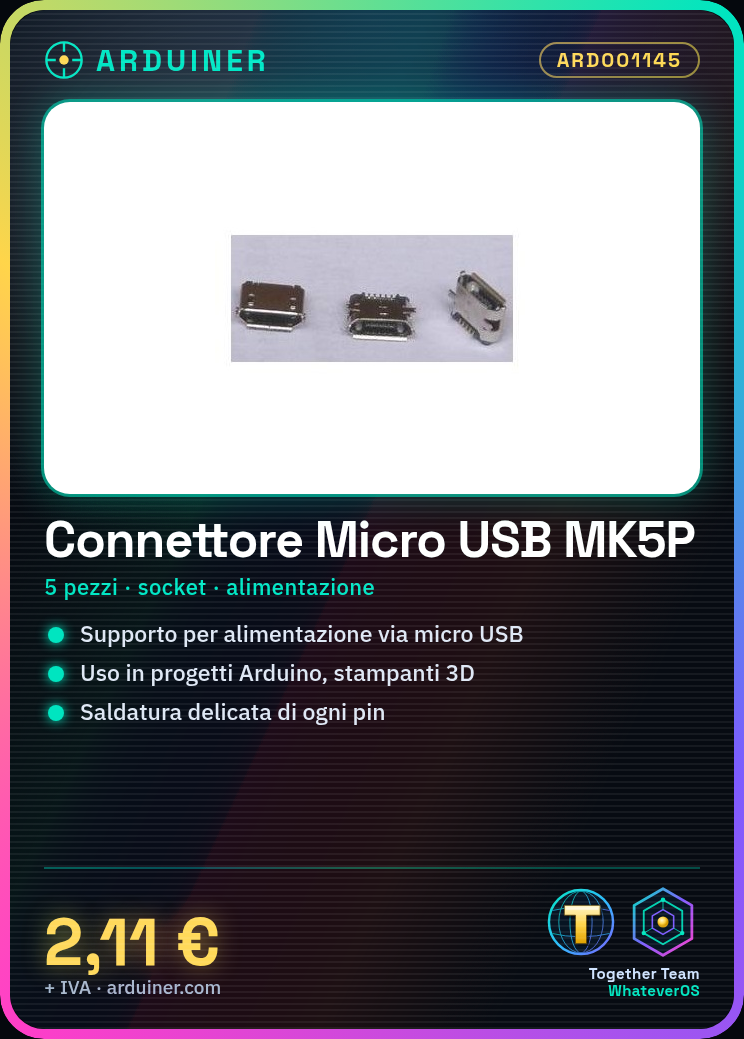
Description
Tutorial: How to Use Micro USB Female Connector MK5P
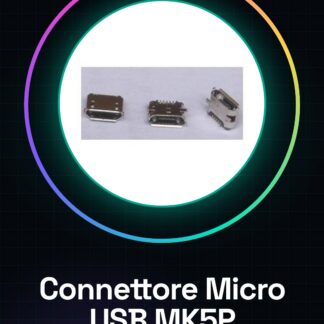
The Micro USB female connector MK5P is essential for projects requiring power supply or communication via micro USB. This component is ideal for beginner and intermediate makers who are building portable devices or prototypes.
What you need
- Arduino Projects
- 3D Printer Software Control
- Battery Charging
Steps
- Check the connector’s compatibility with your project.
- Prepare a piece of printed circuit board or a mounting surface for the connector.
- Position the connector correctly on the prepared support, ensuring that the pins are oriented properly.
- Solder each pin of the connector to the support delicately. Check the quality of the solder joint at each point.
- Verify the installation with a contact multimeter.
- If necessary, apply a drop of thermoplastic glue to further secure the connector to the surface.
- Test the connector by connecting a micro USB device and verify that communication/electricity flows correctly.
Mini project
Create a portable power base for an Arduino projector, using the Micro USB female MK5P connector as the connection point.
Common mistakes
- Do not check the connector compatibility before installation.
- Imprecise or insufficient soldering that can cause short circuits.
- Omission of final verification with a contact multimeter.
Recommended accessories
- Micro USB cable
- Soldering kit
- Multimeter
Frequently asked questions
Q: Is this connector compatible with all micro USB devices?
Check the datasheet to ensure specific compatibility of your device.
Q: Can I use this connector without soldering?
Generally, the connector should be soldered for optimal stability and safety. Other solutions may require additional components.
Reviews
There are no reviews yet.