 EN
 IT Italiano
 ES Español
 FR Français
 DE Deutsch
Description
Technical Description
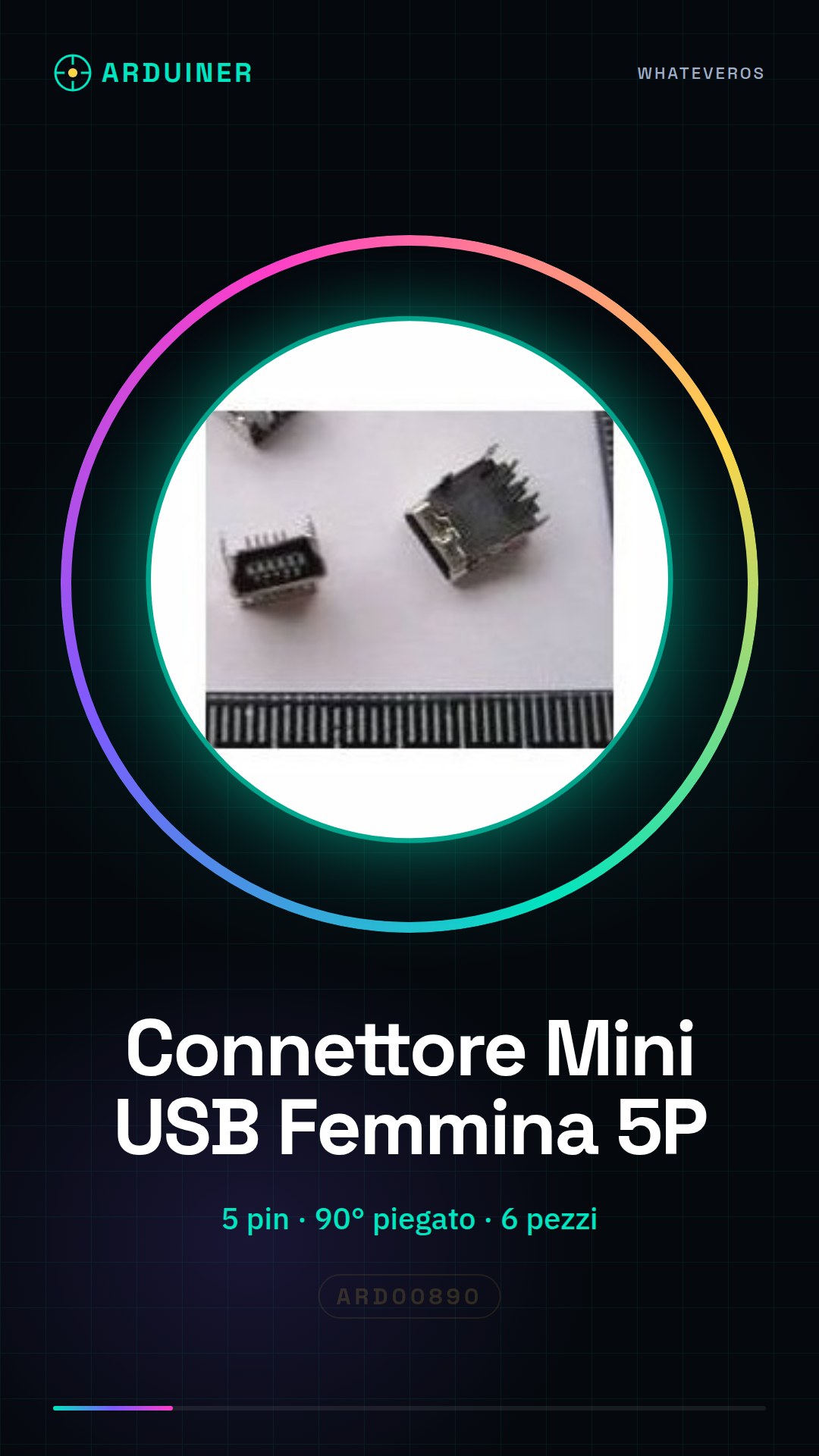
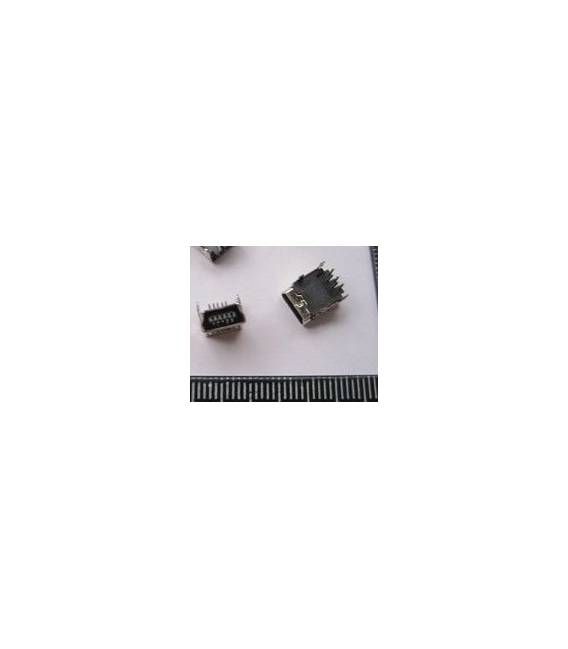
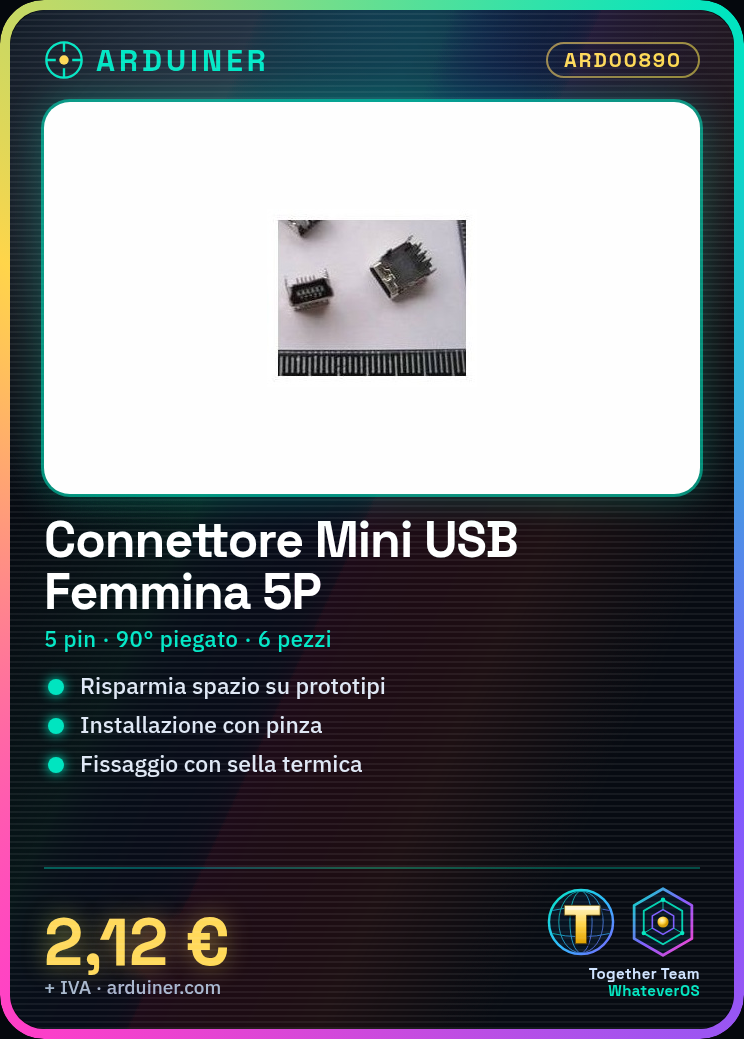
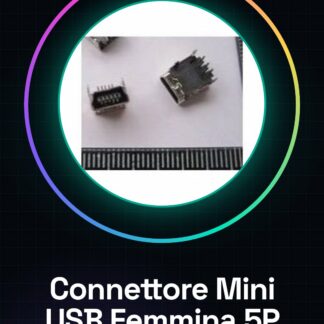
The 90-degree bent female Mini USB connector is an electronic component used for connecting electronic devices such as Arduino through the USB interface. This type of connector offers a flexible and durable connection solution, suitable for electronic projects where space needs to be saved. Its bent design allows for an optimized layout on the circuit, reducing surface area occupation.
The 90-degree bent female Mini USB connector consists of 5 contact points (5P) and is supplied in a container that contains 6 pieces. Its 90-degree bent configuration allows for easy integration into electronic projects with limited mounting space. It is important to verify the connector’s compatibility with the electronic project before installation to ensure proper function.
For installation, it is recommended to use pliers to gently bend the contact coils if necessary, to adapt them to the desired position on the circuit. The connector should be positioned on the project board or PCB, ensuring precise alignment. The connector can be secured using a thermal clip or by applying a bit of glue to fix the connector.
Key Specifications
| Parameter | Value |
| Model | Mini USB Female 5P Bent 90 Degree |
| Quantity | 6 pieces |
| Interface | Mini USB |
| Number of Contact Points | 5P |
| Bend Angle | 90 Degree |
| Container | With 6 pieces |
Installation and Usage
- Check the connector’s compatibility with the electronic project.
- Use pliers to gently bend the contact coils if necessary, to adapt them to the desired position on the circuit.
- Place the Mini USB female connector on the project board or PCB, ensuring it is well aligned and stable.
- Secure it with a thermal clip or by applying a little adhesive to fix the connector.
- Connect the mini-USB male cable to the bent 90° Mini USB female connector and check the electrical connection.
Compatibility and Requirements
- The 90 degree bent Mini USB female connector is compatible with Arduino and other devices that support mini-USB connection.
- This connector can be used with various electronic systems that require a USB connection.
- For installation, a mini-USB male cable and tools such as a heat gun or electronic component adhesive are required.
Limitations and Important Notes
- The connector is not designed for high-frequency or high-power connections.
- It is important to avoid damaging the contact springs during bending.
- Proper securing of the connector is essential to ensure a stable and long-lasting connection.
Troubleshooting
The connector does not connect properly to the mini-USB cable.
Possible cause: Damage to the contact springs during bending.
Solution: Check the condition of the contact springs and, if necessary, carefully bend the contact springs.
The electrical connection does not work.
Probable cause: Possible unstable connection or damage to the contact springs.
Solution: Check the stability of the connection and the condition of the contact springs.
The connector easily comes off the circuit.
Probable cause: Incorrect fixing of the connector.
Solution: Refix the connector with a thermal seat or electronic component glue.
The connector does not bend as expected.
Probable cause: Incorrect handling of the contact springs.
Solution: Use pliers to gently bend the contact springs.
Use cases
Portable Arduino project
Objective: Create a small portable device that communicates with the computer via USB.
What is needed: Arduino, mini-USB male cable, 90° bent mini USB female connector.
Steps: 1) Check the connector compatibility with the project. 2) Gently bend the contact springs if necessary. 3) Mount the connector on the circuit and secure it. 4) Connect the mini-USB male cable to the connector. 5) Check the electrical connection.
Expected result: The device is able to communicate with the computer via the 90° bent Mini USB female connector.
Electronic prototyping project
Objective: To create an electronic device prototype with USB connection.
What is needed: Electronic components, 90° bent Mini USB female connector.
Steps: 1) Check the connector compatibility with the prototype. 2) Gently bend the contact springs if necessary. 3) Mount the connector on the test circuit. 4) Connect the mini-USB male cable to the connector. 5) Check the electrical connection.
Expected result: The prototype is able to communicate with the computer via the bent 90° Mini USB female connector.
Electronic device maintenance
Objective: Replace a damaged connector on an electronic device.
What’s needed: Bent 90° Mini USB female connector, maintenance tools.
Steps: 1) Check the connector compatibility with the device. 2) Gently bend the contact coils if necessary. 3) Replace the damaged connector with the new one. 4) Verify the electrical connection.
Expected result: The device is able to communicate with the computer via the new bent 90° Mini USB female connector.
Electronic integrity testing
Objective: Verify the functionality of an electronic circuit.
What’s needed: Bent 90° Mini USB female connector, testing tools.
Steps: 1) Check the connector’s compatibility with the circuit. 2) Gently bend the contact coils if necessary. 3) Connect the connector to the circuit. 4) Verify the electrical connection.
Expected result: The electronic circuit is able to communicate correctly with the computer via the 90° bent female Mini USB connector.
Home Automation Project
Objective: Integrate a home automation device with a control system.
What you need: 90° bent female Mini USB connector, home automation device.
Steps: 1) Check the connector’s compatibility with the device. 2) Gently bend the contact coils if necessary. 3) Connect the connector to the device. 4) Verify the electrical connection.
Expected result: The home automation device is able to communicate correctly with the control system via the bent 90° female Mini USB connector.
Electronic lab project
Objective: To create an electronic device prototype for testing.
What’s needed: Electronic components, bent 90° female Mini USB connector.
Steps: 1) Check the connector compatibility with the prototype. 2) Gently bend the contact coils if necessary. 3) Mount the connector on the test circuit. 4) Connect the male mini-USB cable to the connector. 5) Verify the electrical connection.
Expected result: The prototype is able to communicate with the computer via the bent 90° female Mini USB connector.
School project
Objective: To create an electronics project for a school lesson.
What is needed: Arduino, mini-USB male cable, bent 90° mini USB female connector.
Steps: 1) Check the connector compatibility with the project. 2) Gently bend the contact coils if necessary. 3) Place the connector on the circuit and secure it. 4) Connect the mini-USB male cable to the connector. 5) Verify the electrical connection.
Expected result: The device is able to communicate with the computer via the bent 90° mini USB female connector.
Industrial prototyping project
Objective: To create an industrial device prototype with USB connection.
What is needed: Electronic components, bent 90° mini USB female connector.
Steps: 1) Check the connector compatibility with the prototype. 2) Gently bend the contact coils if necessary. 3) Mount the connector on the test circuit. 4) Connect the mini-USB male cable to the connector. 5) Verify the electrical connection.
Expected result: The prototype is able to communicate with the computer via the 90° bent Mini USB female connector.
In the package
- 6 pieces Mini USB female 5P connector 90 degrees bent
Complete the project
- 2 Pieces Mini USB Female 5P connector 180 degrees bent straight legs: These connectors are useful for electronic projects that require a flexible and durable USB connection.
- 4 Pieces USB Type B Female Socket Connector 90 degrees bent: These connectors are useful for electronic projects that require a flexible and durable USB connection.
- 6 Pieces USB-A Female Socket Connector 90 degrees bent: These connectors are useful for electronic projects that require a flexible and durable USB connection.
- 5 Pieces Mini USB Female Socket 5P SMD: These connectors are useful for electronic projects that require a flexible and durable USB connection.
- 12 Pieces USB A Male Socket White Bent 90 Degree
Technical FAQ
Can the connector be used with devices other than Arduino?
Yes, the Mini USB Female bent at 90° is compatible with any device that supports the mini-USB connection.
What tools are needed to install the connector correctly?
A plier is needed to delicately bend the contact springs, and a soldering iron or adhesive to secure the connector.
What are the signs of a damaged connector?
Signs of a damaged connector include difficulty in connection, and interruption signals during the transmission of electronic data.
How can I verify the compatibility of the connector with my project?
Check the connector’s compatibility with your project by verifying the USB interface compatibility and the connector size.
Tutorial: How to use 90° Bent Female Mini USB Connector
The 90° Bent Female Mini USB connector is ideal for electronic projects where you need a USB interface but need to save space. This component is particularly useful for makers working on small prototypes or portable devices.
What you need
- Arduino
- Mini-USB male cable
- Pliers
Steps
- Verify the connector’s compatibility with your electronic project.
- Use pliers to gently bend the contact coils if necessary, to adapt them to the desired position on the circuit.
- Place the Mini USB female connector on the project board or on the PCB, ensuring it is well aligned and stable.
- Secure it with a thermal soldering iron or by applying a little adhesive to fix it firmly.
- Connect the mini-USB male cable to the bent 90° Mini USB female connector.
- Check the electrical connection using a multimeter or another power source.
- If necessary, solder the contacts for a permanent connection.
Mini project
Create a small portable device with Arduino that communicates with the computer via this 90° bent Mini USB connector. The project should take approximately 30 minutes.
Common mistakes
- Do not check the connector compatibility before installation
- Do not damage the contact coils during bending
- Do not secure the connector after installation
Recommended accessories
- Thermal Solder
- Electronic Component Adhesive
- Metal Bending Pliers
Frequently asked questions
Can the connector be used with other devices besides Arduino?
Yes, the 90° Bent Mini USB Female connector is compatible with any device that supports mini-USB connection.
What tools are necessary to install the connector correctly?
A pair of pliers, thermal solder, electronic adhesive, and a multimeter can be useful.
Reviews
There are no reviews yet.