 EN
 IT Italiano
 ES Español
 FR Français
 DE Deutsch
Description
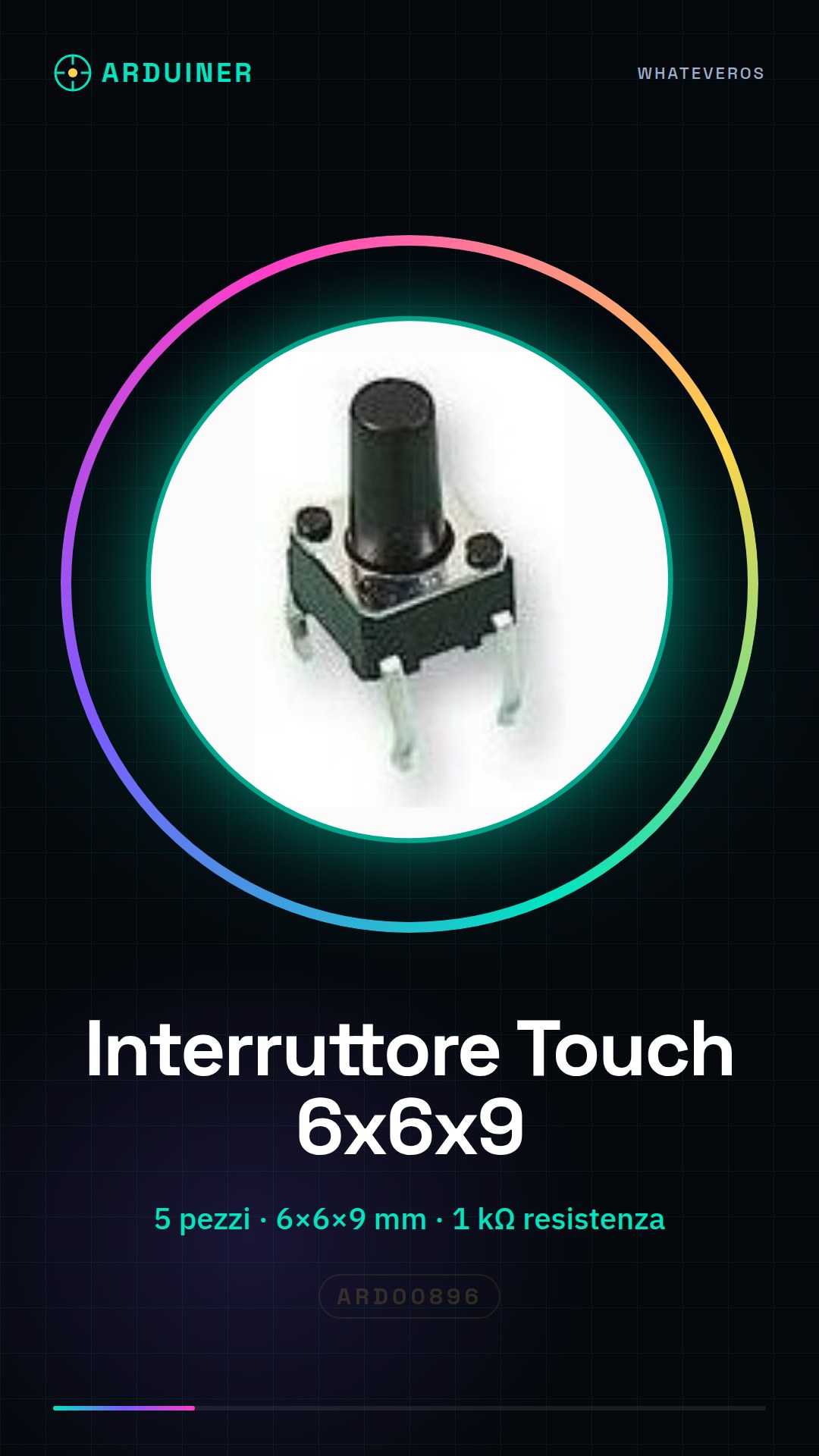
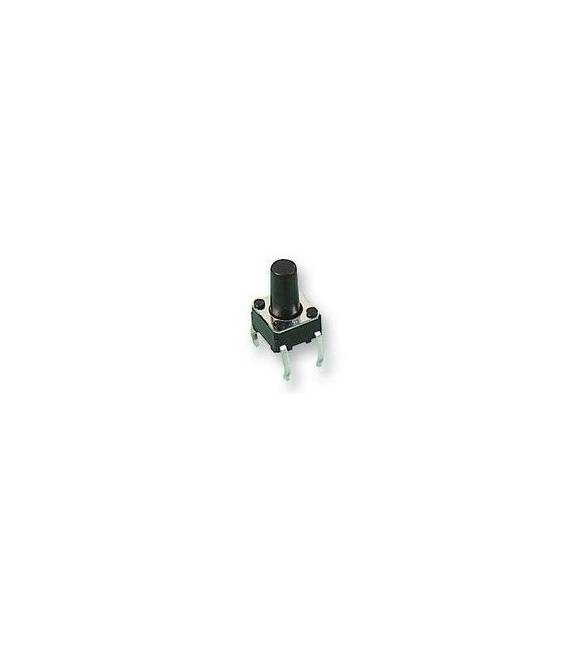
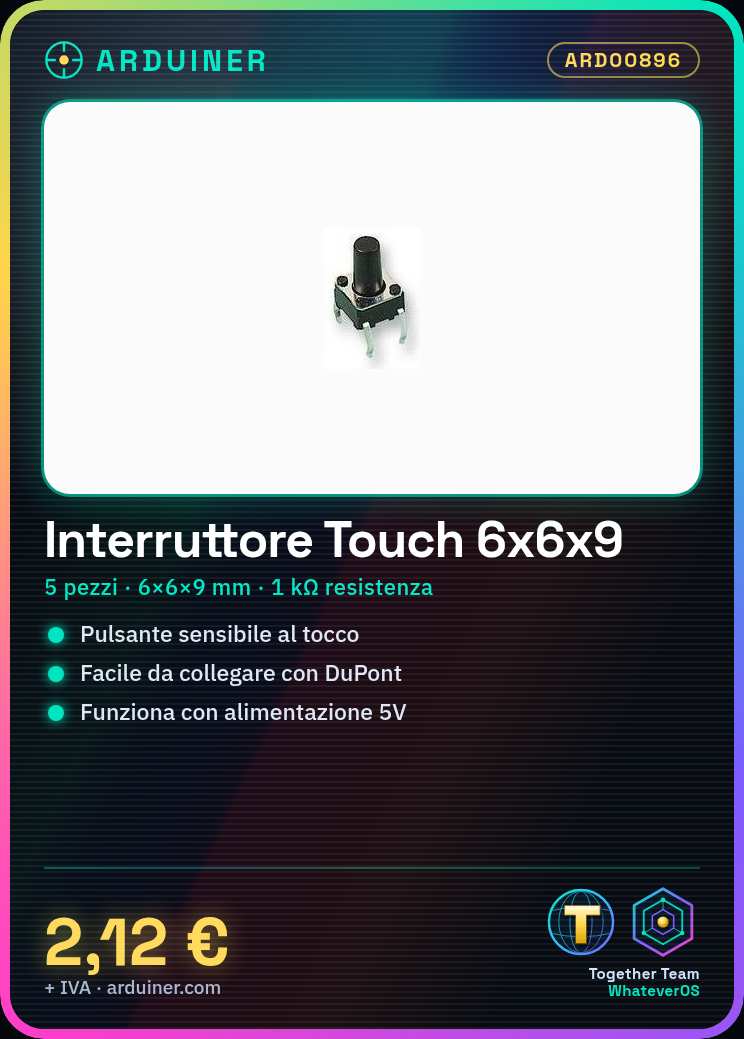
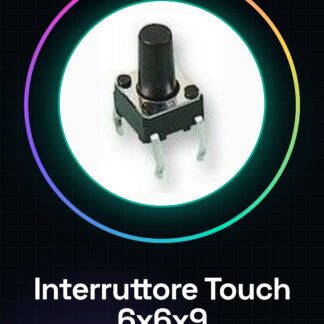
5PCS 6 * 6 * 9 micro switch touch switch button switch
We have datasheets available for all components, if not present in the product download sheet, send us a message from the contact us module and we will publish it as soon as possible on our website.
Tutorial: How to use Touch Switch 6x6x9
This touch switch is ideal for projects that require a touch-sensitive button, perfect for beginners and intermediate designers.
What you need
- Arduino or compatible
- Dupont connector
- 1 kΩ resistor (check datasheet)
- Power cable (5V)
Steps
- 1. Installation: Attach the touch switch with a Dupont connector.
- 2. Connection: Connect the connector to pin D2 (check datasheet) of the Arduino.
- 3. Attach the 1 kΩ resistor between the GND pin and the VCC pin of the connector.
- 4. Connect the VCC pin of the connector to the 5V of the Arduino.
- 5. Connect the GND pin of the connector to the GND of the Arduino.
- 6. Load the code: use the provided code.
- 7. Test: Press the button and check if the LED turns on.
- 8. Debug: Check if pin D2 reads correctly as touch.
Example code
```cpp
int touchPin = 2;
int ledPin = 13;

void setup() {
  pinMode(touchPin, INPUT);
  pinMode(ledPin, OUTPUT);
}

void loop() {
  if (digitalRead(touchPin) == HIGH) {
    digitalWrite(ledPin, HIGH);
  } else {
    digitalWrite(ledPin, LOW);
  }
}
```
Mini project
Create a simple warning screen with the touch switch that turns on an LED when touched.
Common mistakes
- Forget to connect the 1 kΩ resistor.
- Connect the VCC pin to 3.3V instead of 5V.
- Set the pin as OUTPUT instead of INPUT.
- Do not test the switch after connection.
Recommended accessories
- LED 5mm
- Resistor 220Ω
- Arduino Uno
- DuPont Connectors connector
Frequently asked questions
How can I verify if the switch works?
Press the button and observe if the LED lights up.
What is the difference between the GND pin and the VCC pin?
GND is ground, VCC is positive current.
Can I use a different power supply than 5V?
Check the datasheet for compatible values.
What is the function of the 1 kΩ resistor?
Limits the current to protect pin D2.
Reviews
There are no reviews yet.