 EN
 IT Italiano
 ES Español
 FR Français
 DE Deutsch
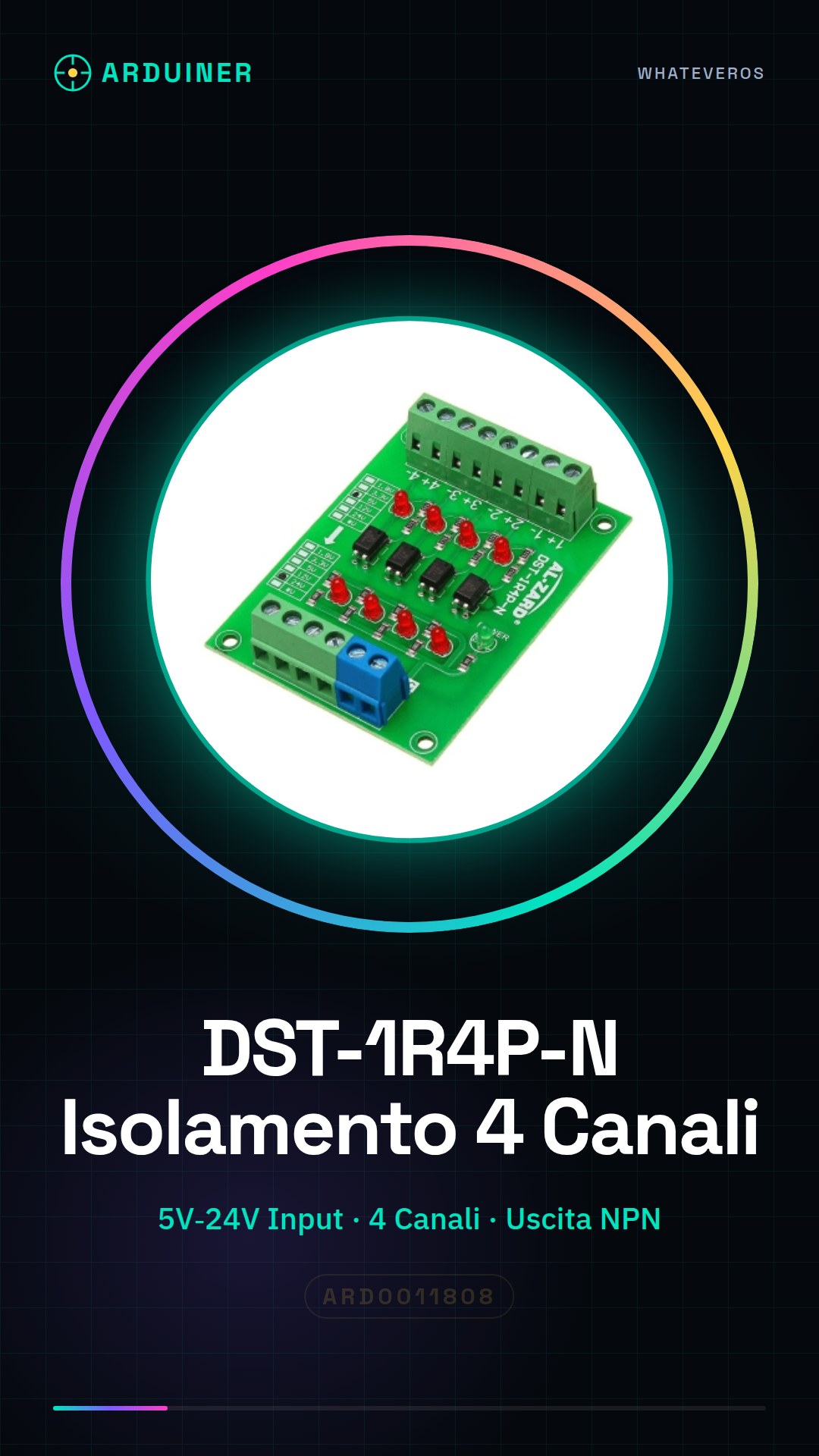
Description
What it is
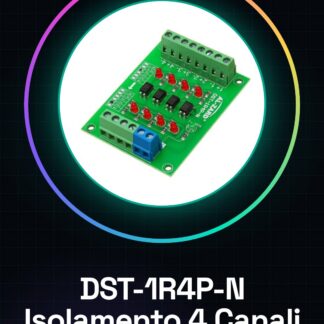
The DST-1R4P-N module is a 4-channel optical isolator device designed to convert signals from 5V to 24V. It is suitable for electronic automation applications, such as interfacing with PLC (Programmable Logic Controllers).
Features
- 4-channel optical isolator
- Power supply voltage from 5V to 24V
What it is for
The DST-1R4P-N is used to create simple control interfaces between electronic devices, for example, connecting a button to the PLC and the LED to the module’s output. It is compatible with projects that require electrical isolation between different parts of a system.
Tutorial: How to use DST-1R4P-N
The DST-1R4P-N is a 4-channel optical isolator module, ideal for converting signals from 5V to 24V. Useful for automation projects and interfaces with PLC.
What you need
- DST-1R4P-N
- Arduino or compatible microcontroller
- 1 kΩ resistor
- 5-24V power supply cable
Steps
- 1. Check the datasheet for the module specifications.
- 2. Connect the module’s ground to the ground of your circuit.
- 3. Connect the PLC’s NPN output to one of the module’s inputs.
- 4. Connect a 1 kΩ resistor between the PLC’s NPN output and ground.
- 5. Connect the module’s output to an Arduino input pin.
- 6. Load the provided source code.
- 7. Check that the module’s LED turns on when the PLC sends a signal.
- 8. Repeat for all channels of the module.
Example code
```cpp
int ledPin = 13;
int inputPin = 2;

void setup() {
  pinMode(ledPin, OUTPUT);
  pinMode(inputPin, INPUT);
}

void loop() {
  digitalWrite(ledPin, digitalRead(inputPin));
}
```
Mini project
Create a simple control interface with a button and an LED. Connect the button to the PLC and the LED to the module’s output.
Common mistakes
- Do not follow the correct power connector.
- Connect the PLC directly to the module’s output without a resistor.
- Forget to check the ground pins.
- Do not use a compatible microcontroller.
Recommended accessories
- Arduino Uno
- Momentary Push Button
- LED
- 1 kΩ Resistor
Frequently asked questions
Does the module work with different power supplies from 5-24 V?
Check the datasheet. Other power supplies may damage the module.
Can I use a different power supply from 5-24 V?
Check the datasheet. Other power supplies may damage the module.
Does the module support NPN signals?
Yes, the module supports NPN signals.
Reviews
There are no reviews yet.