 EN
 IT Italiano
 ES Español
 FR Français
 DE Deutsch
Description
What it is
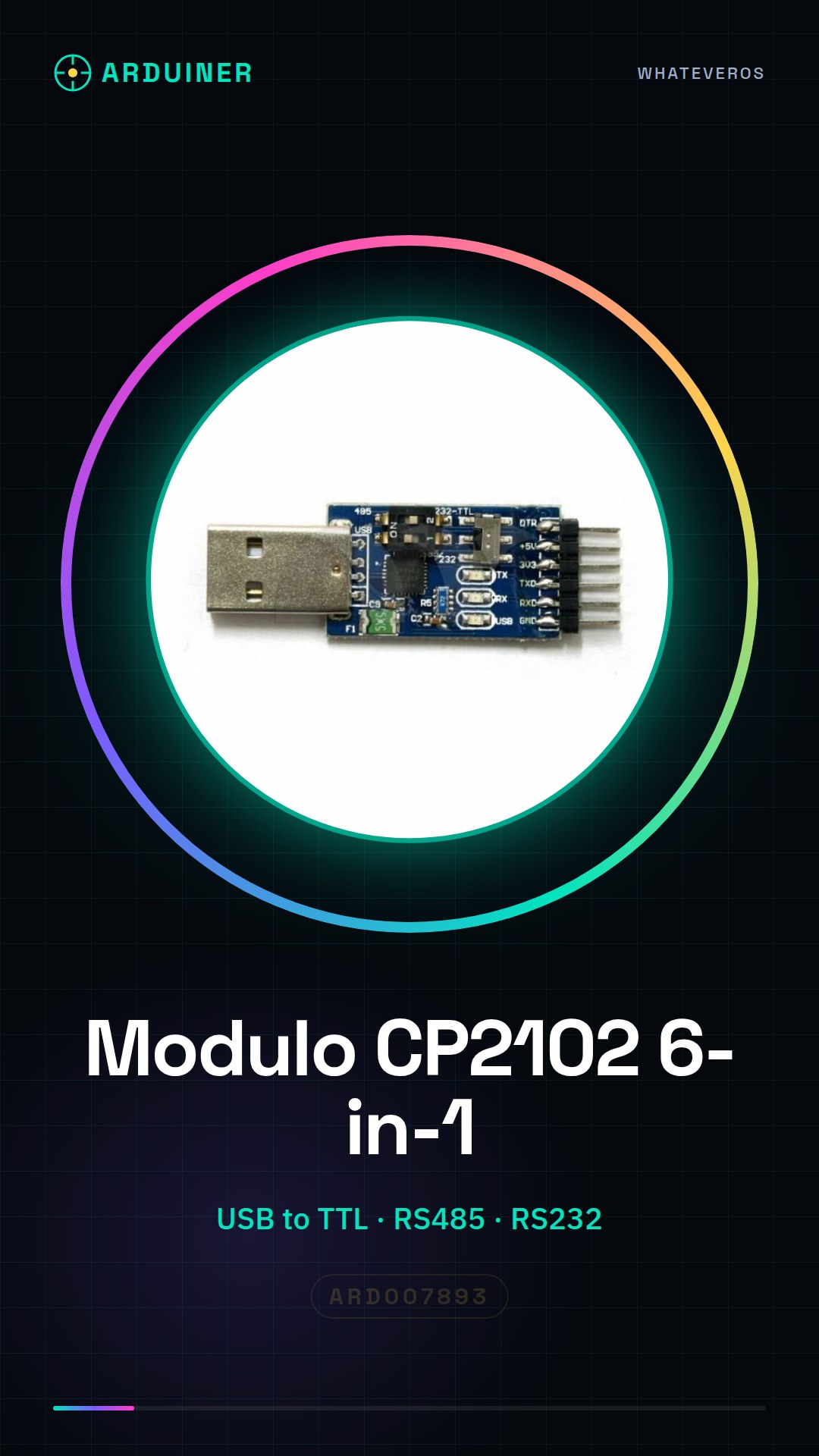
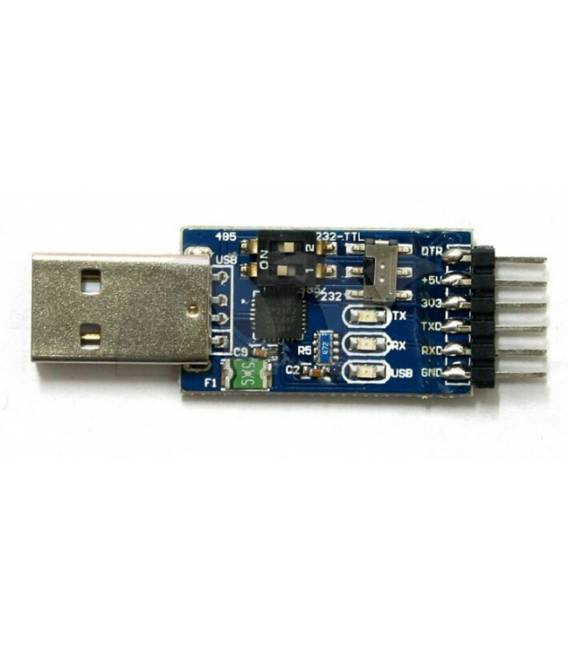
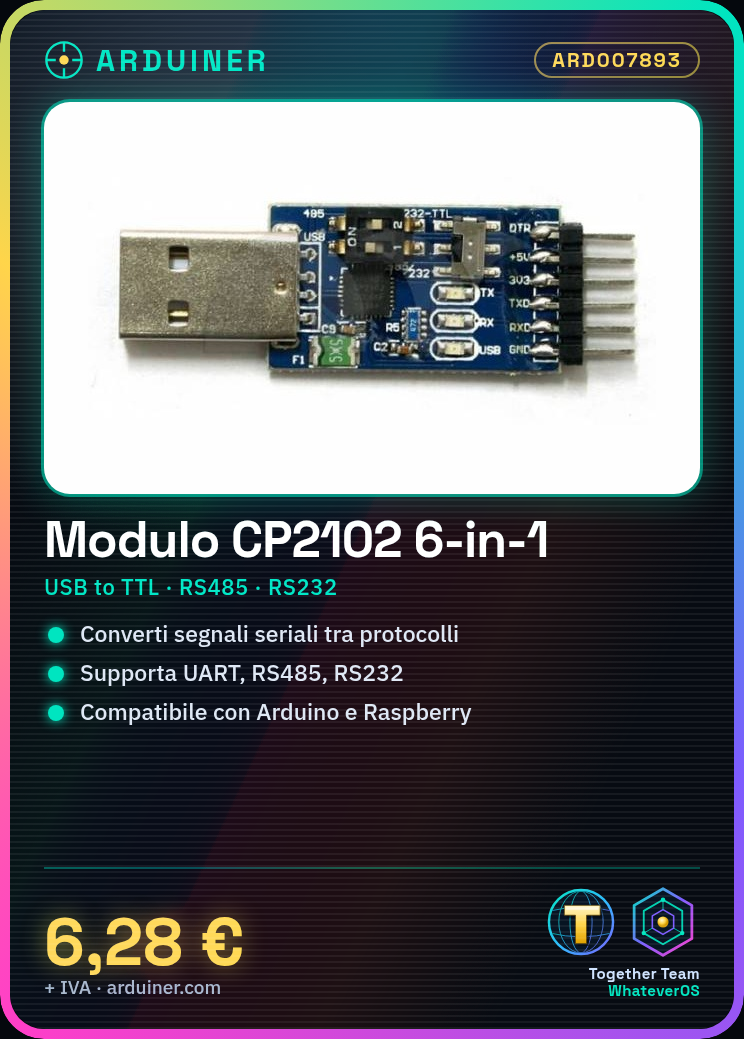
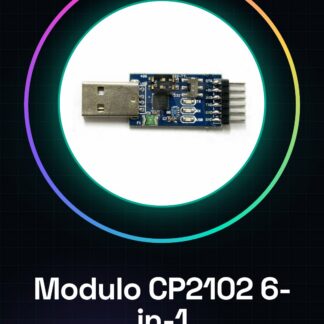
The CP2102 USB TTL RS485 RS232 Serial Converter 6-in-1 UART Module is a device that allows the conversion of serial signals between different protocols.
Features
- USB TTL RS485 RS232 Converter
- Supports serial UART protocols
- Compatible with Arduino and Raspberry Pi
- SKU: ARD007893
- Price: 6.28 €
What it is for
This module is useful for connecting devices that are not directly compatible with Arduino or Raspberry Pi. It can be used to create remote control systems, serial interfaces with sensors and actuators, and to communicate with industrial devices that use RS485 protocols.
Tutorial: How to use CP2102 Module
This module is used to convert serial signals into various protocols, useful for connecting devices that are not directly compatible with Arduino or Raspberry Pi.
What you need
- Arduino or Raspberry Pi
- USB cable
- RS485 cable
- RS232 cable
- TTL cable
- PC or laptop
Steps
- 1. Download and install the CP210x driver from the manufacturer’s support page.
- 2. Connect the module to your PC via USB.
- 3. Check the datasheet to verify the correct polarity of the pins.
- 4. Connect the module’s pins to the correct pins on your Arduino or Raspberry Pi.
- 5. Check the datasheet for the pins to connect.
- 6. Set the communication speed on your Arduino or Raspberry Pi.
- 7. Test the communication with a sample sketch.
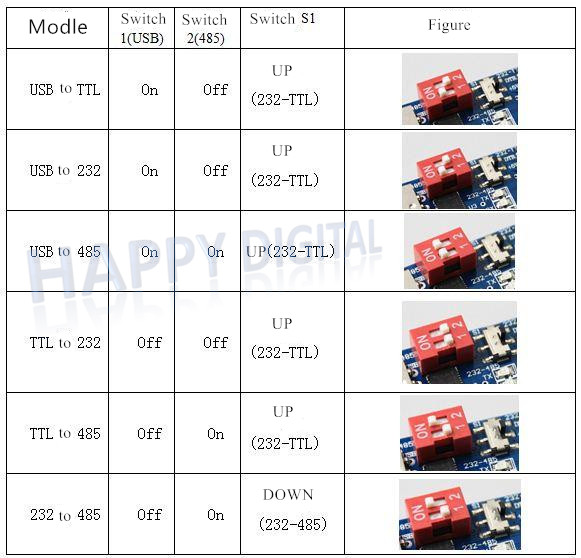
- 8. Configure the module for the desired protocol (RS485, RS232, TTL).
Example code
void setup() {
  Serial.begin(9600);
}

void loop() {
  Serial.println("Hello, world!");
}
Mini project
Create a simple remote control system for a DC motor using a button and an RS485 module.
Common mistakes
- Fail to install the driver correctly.
- Connect the pins in reverse.
- Set the communication speed incorrectly.
- Forget to configure the protocol correctly.
Recommended accessories
- DC Motors
- Button
- RS485 Cable
- RS232 Cable
Frequently asked questions
How can I verify if the module is installed correctly?
Check that the driver is installed correctly and that the module is recognized by the operating system.
What are the pins of the module?
Check the datasheet to know the pins and their uses.
Can the module handle all protocols at once?
The module supports 6 protocols, but only one at a time. Check the configuration.
Reviews
There are no reviews yet.