 EN
 IT Italiano
 ES Español
 FR Français
 DE Deutsch
Description
What it is
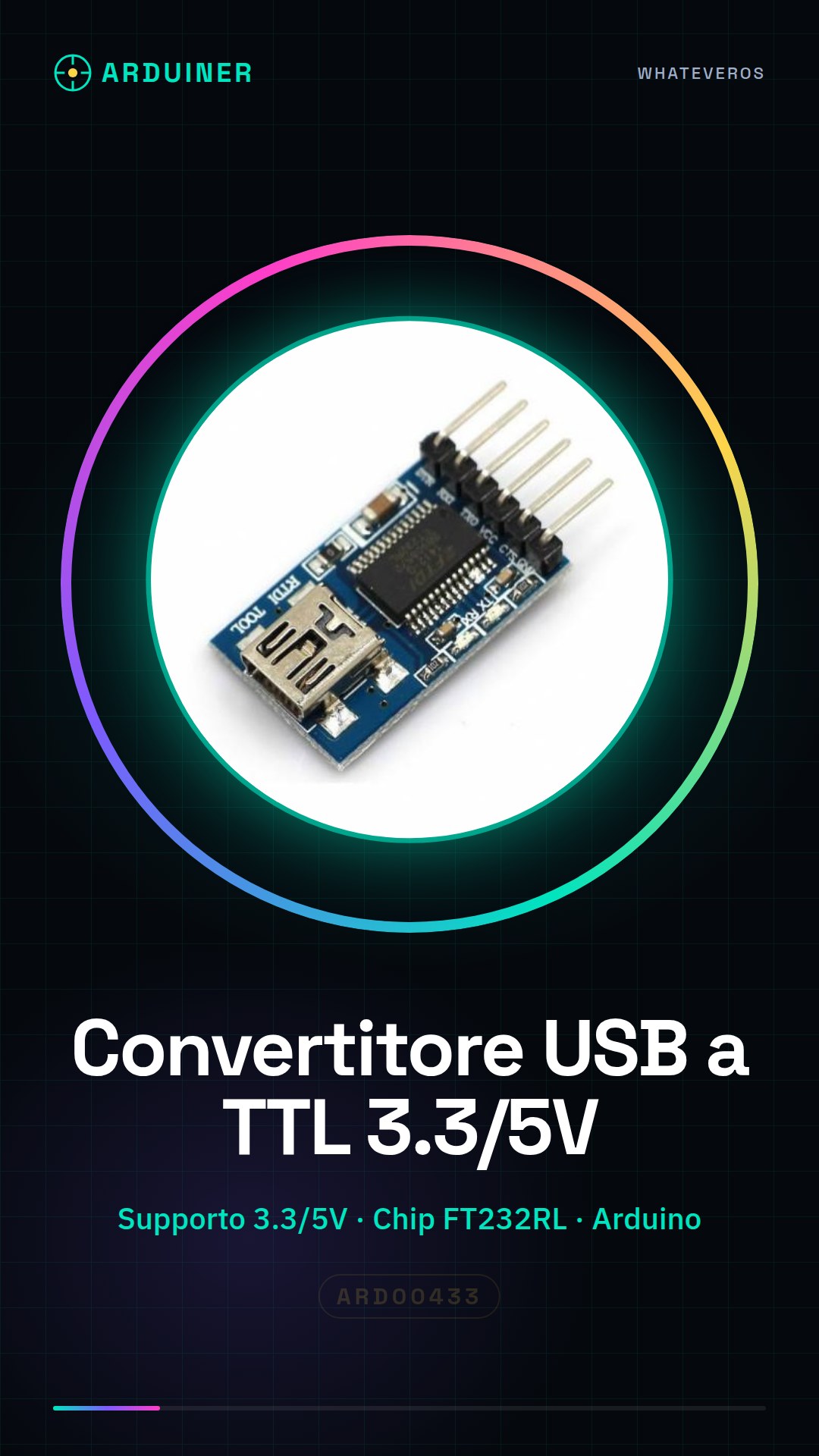
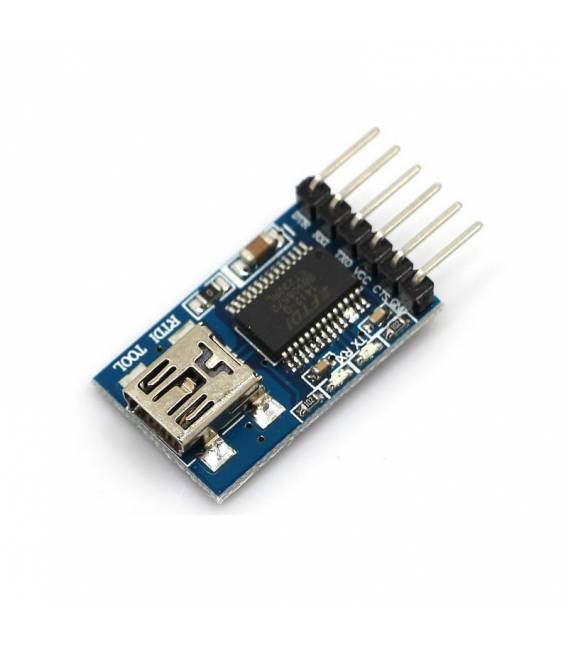
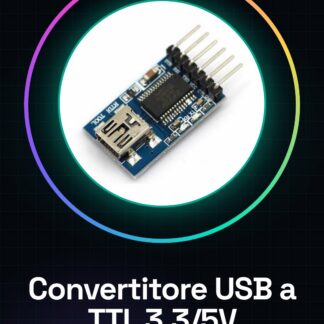
The USB to TTL Converter supports 3.3V and 5V with FT232RL chip is an electronic component that allows serial communication between a computer and electronic devices like Arduino that use a TTL (True TTL) interface.
Features
- Supports 3.3V and 5V voltage levels
- FT232RL chip
- Compatible with Arduino
- Compatible with MWC debugger
What it is for
This converter is essential for programming Arduino and other electronic devices that do not have an integrated USB connector. It allows uploading sketches, sending data, and receiving information from the computer via a standard USB interface. It is ideal for beginners and intermediate programmers who want a simple and affordable solution for communication between computers and electronic devices.
Tutorial: How to use USB to TTL Converter FT232RL
The USB to TTL FT232RL converter is essential for serial communication between computer and Arduino. Ideal for beginner and intermediate programmers who want to easily load sketches onto devices without an integrated USB connector.
What you need
- Arduino or device with serial port
- Computer with Windows, Mac OS, or Linux operating system
Steps
- Connect the converter to the computer via USB
- Check the correct installation of the driver on the FTDI website (check the datasheet for specifications)
- Configure the Arduino IDE: set the serial port as ‘FTDI Basic’
- Load a test sketch onto the Arduino connected to the converter
- Verify that the converter’s indicator LED lights up during communication
- If necessary, use a multimeter to check logic levels (3.3V or 5V) on the TX and RX pins
- Use a software serial console such as PuTTY or Tera Term to send commands to the connected device
Mini project
Create a simple LCD display that receives data from the computer via the USB to TTL FT232RL converter
Common mistakes
- Serial connection driver error
- Incorrect serial port setting in Arduino IDE
- Incorrect logic level (3.3V or 5V)
Recommended accessories
- Various sensors to test data communication
- LCD display to show data received from the computer
- Digital multimeter to check logic levels
- Separate FTDI serial cable for comparison
Frequently asked questions
How can I check that the converter is working correctly?
Check the illumination of the converter’s LED during communication and use a software serial console.
What are the advantages of using this converter compared to other models?
The FT232RL offers compatibility with various operating systems and stability in serial communication.
Reviews
There are no reviews yet.