 EN
 IT Italiano
 ES Español
 FR Français
 DE Deutsch
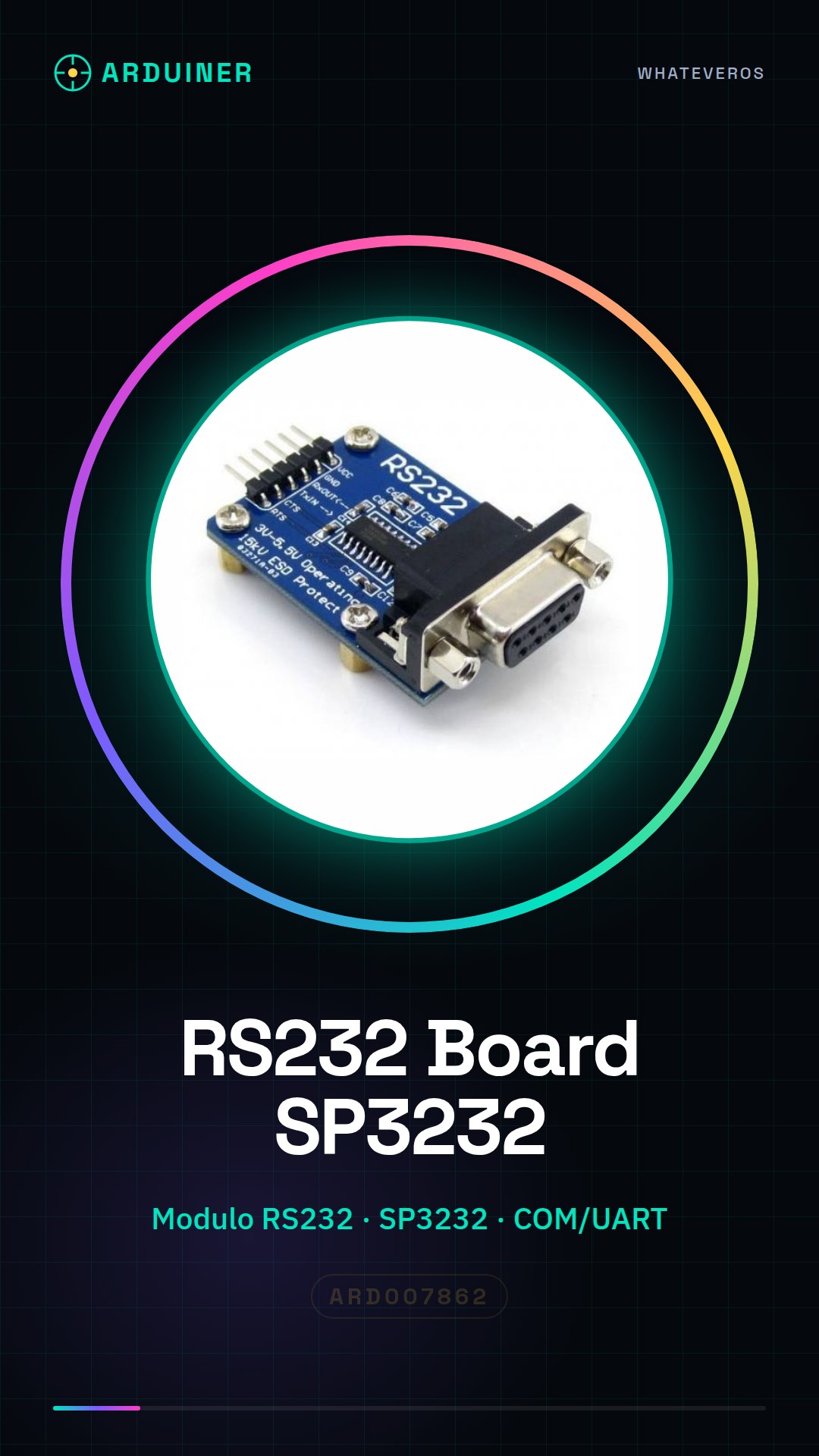
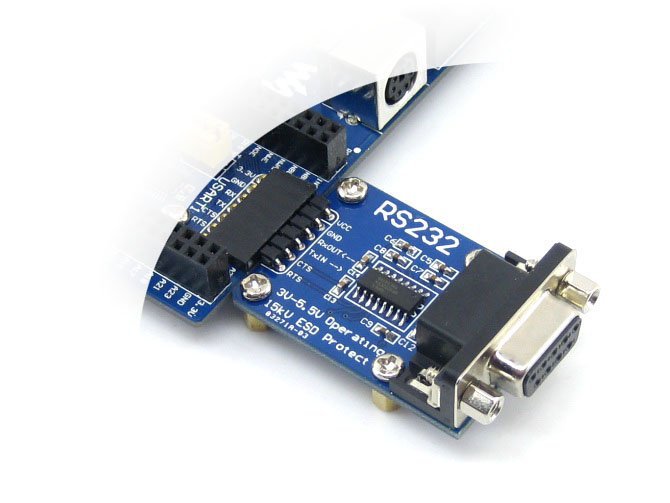
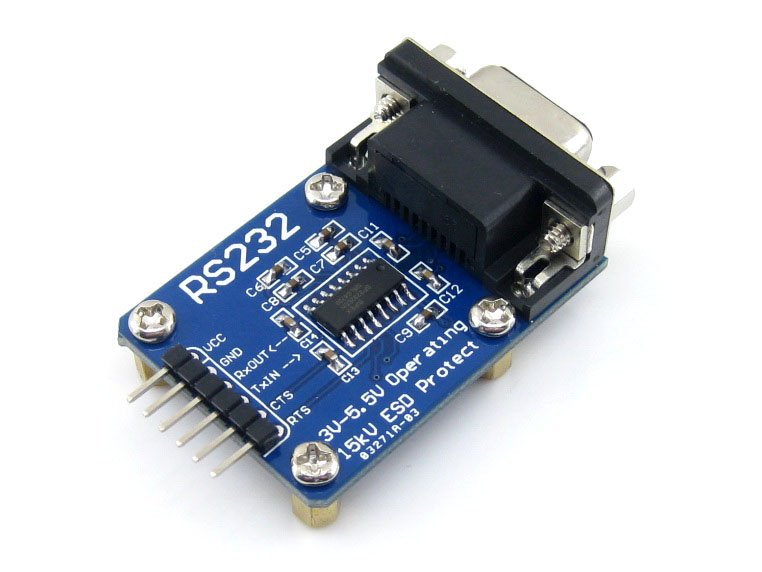
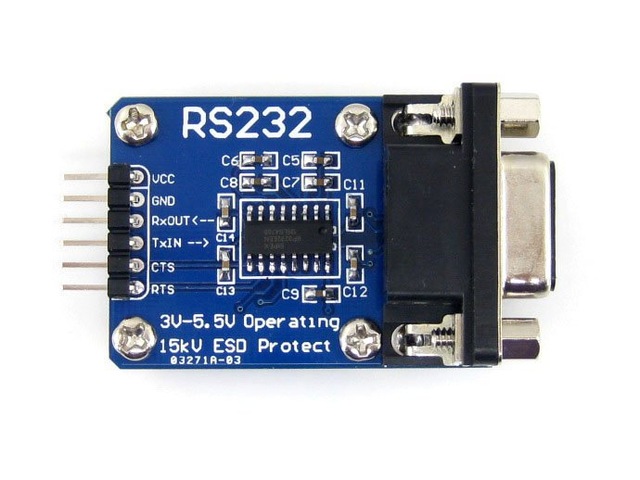
Description
What it is
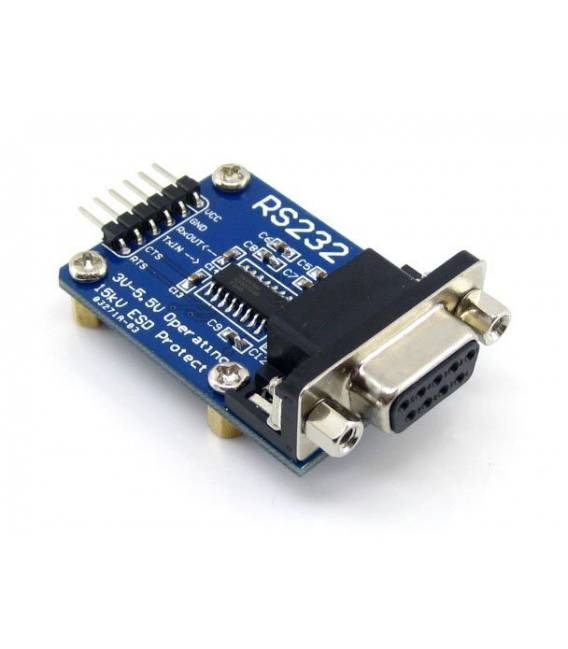
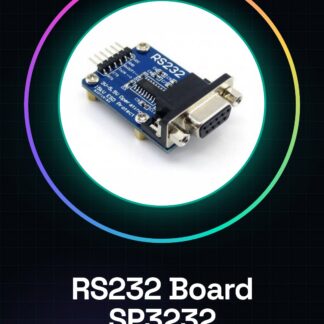
L’RS232 Board SP3232 RS232 Communication Module Kit Development Board SP3232 COM/UART port This is an RS232 communication module designed to connect devices with COM or UART interfaces. This component is ideal for projects requiring a serial interface, such as those developed on Arduino and Raspberry Pi.
Features
- RS232 communication module based on SP3232 technology
- Ideally suited for projects with COM/UART interfaces
What it is for
L’RS232 Board SP3232 It is usable in various scenarios, such as creating remote control devices for lights or other applications. It is compatible with Arduino and Raspberry Pi, making it a versatile option for beginners and intermediate makers.
Tutorial: How to use RS232 Board SP3232
The RS232 Board SP3232 is an RS232 communication module for Arduino, ideal for projects requiring serial connectivity. Useful for beginners and intermediate makers.
What you need
- Arduino or compatible
- RS232 cable
- PC with development software
- RS232 configuration software
Steps
- 1. Connect the Arduino to the PC via USB.
- 2. Install the RS232 driver on the PC.
- 3. Connect the RS232 cable to the SP3232 module.
- 4. Connect the RS232 cable to the device to be controlled.
- 5. Upload the following code to the Arduino.
- 6. Configure the RS232 configuration software.
- 7. Verify communication between Arduino and the device.
- 8. Test the basic functionality of the module.
Example code
```
void setup() {
  Serial.begin(9600);
}

void loop() {
  Serial.println("Ciao, RS232 Board!");
}
```
Mini project
Create a simple remote control device for a light. Connect the RS232 Board to a relay and control the light via software.
Common mistakes
- Connect the RS232 cable to the wrong constraint.
- Fail to correctly configure the baud rate.
- Omit the installation of the RS232 drivers.
- Neglect to verify communication.
Recommended accessories
- Relay
- RS232 cable
- Arduino UNO
- PC with Windows
Frequently asked questions
How to configure the baud rate?
Configure it in the Arduino code with `Serial.begin(baud_rate);`.
Which drivers to install?
Install the USB device RS232 drivers.
Why doesn’t the communication work?
Check the baud rate configuration and physical connections.
Can I use this module with a different microcontroller?
Check the datasheet to see if the module supports compatible microcontrollers.
Reviews
There are no reviews yet.