 EN
 IT Italiano
 ES Español
 FR Français
 DE Deutsch
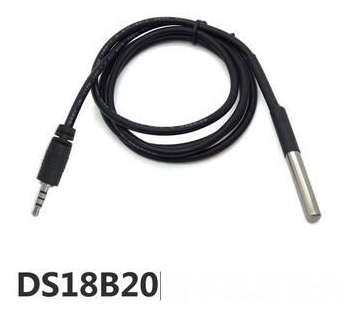
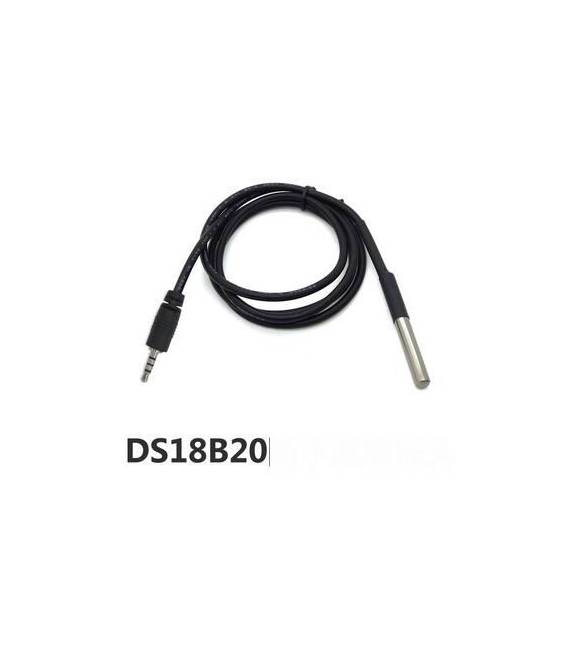
Description
Tutorial: How to Use the DS18B20 Waterproof Temperature Sensor Module
The DS18B20 temperature sensor module is a fundamental component for monitoring temperature in various environments, both indoors and outdoors. Ideal for home automation projects, environmental monitoring, and DIY applications.
What you need
- Arduino or compatible microcontroller
- Jack Cable
- PC or device with Arduino IDE installed
Steps
- Connect the DS18B20 module to the microcontroller via the Jack cable
- Install the OneWire and DallasTemperature libraries
- Configure the connection pin of the module
- Initialize the sensor in the setup() function
- Read the temperature in the loop() cycle and display it on the screen
Example code
void setup() {
  Serial.begin(9600);
  sensors.begin();
}

void loop() {
  sensors.requestTemperatures();
  float tempC = sensors.getTempCByIndex(0);
  Serial.println(tempC);
}
Mini project
Create a thermal alarm system that sends a notification when the temperature exceeds a certain value.
Common mistakes
- Do not verify the correct installation of the libraries
- Do not configure the connection pin correctly
- Use the sensor without initializing it first
- Do not check the minimum and maximum temperature for the operating environment
Recommended accessories
- Arduino Uno
- Compatible microcontroller
- LCD 16×2
- ESP8266 WiFi Module
Frequently asked questions
What is the module’s power supply voltage?
Check the datasheet
Which library is required to use the module?
OneWire and DallasTemperature
Can it be used in a humid or wet environment?
Yes, it is waterproof
Reviews
There are no reviews yet.