 EN
 IT Italiano
 ES Español
 FR Français
 DE Deutsch
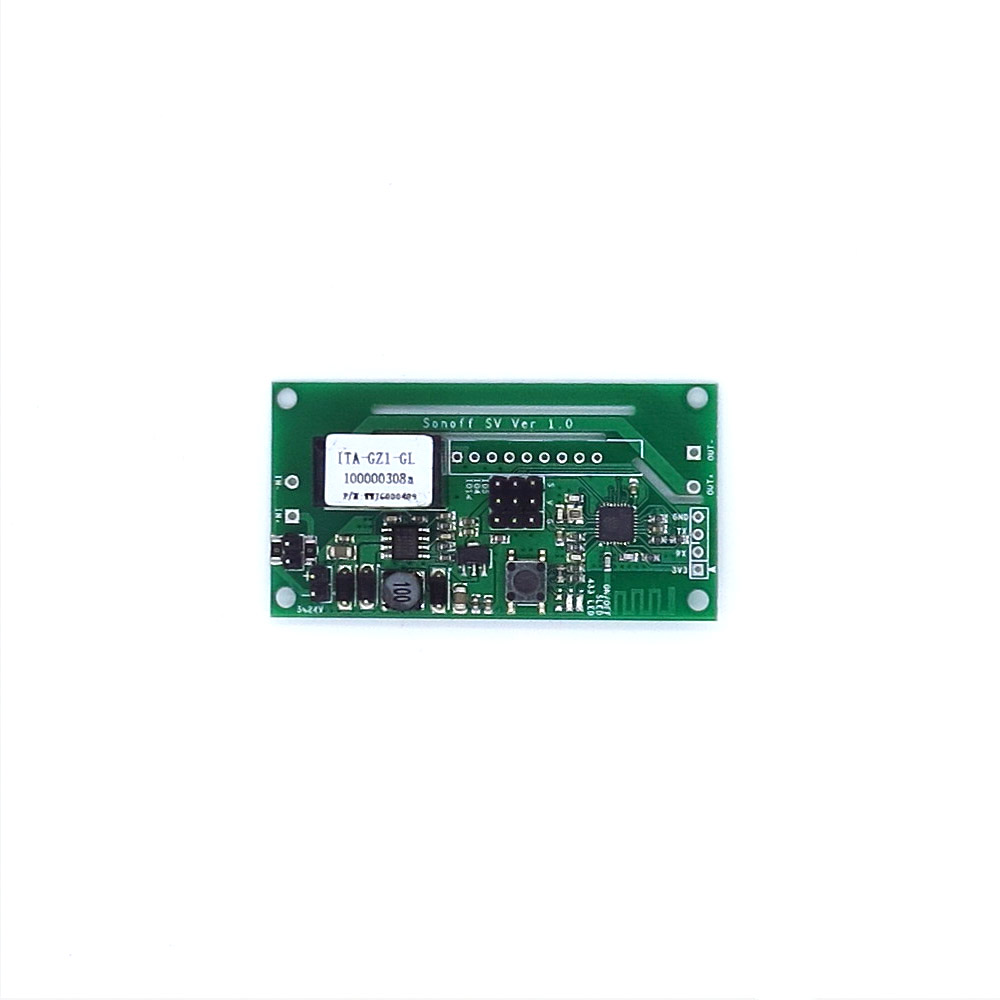
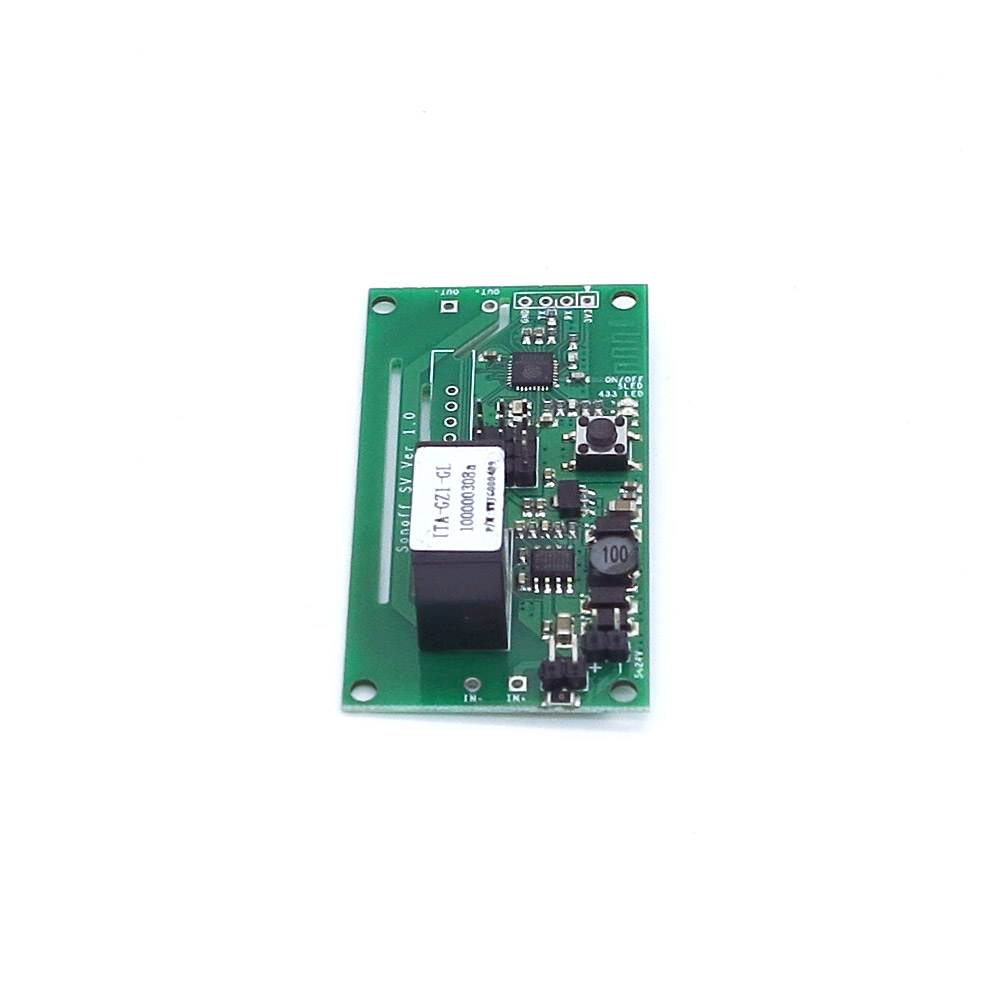
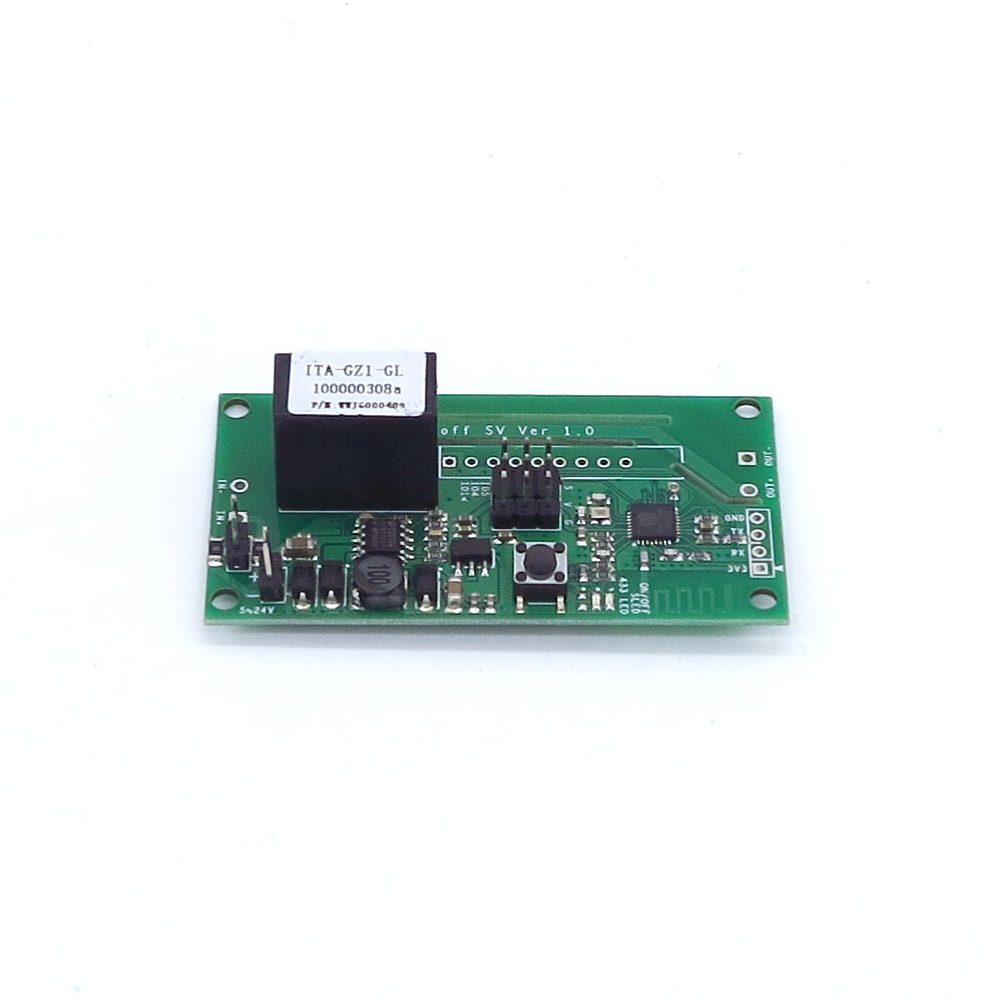
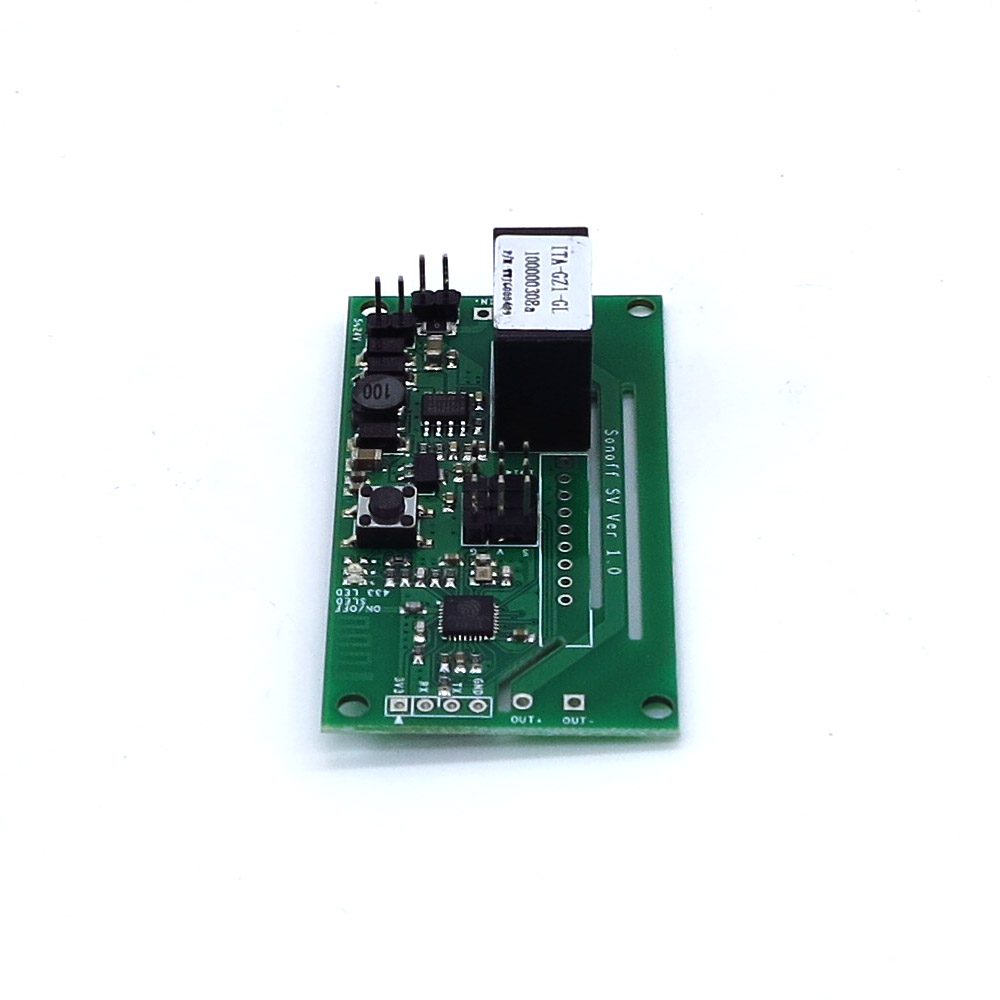
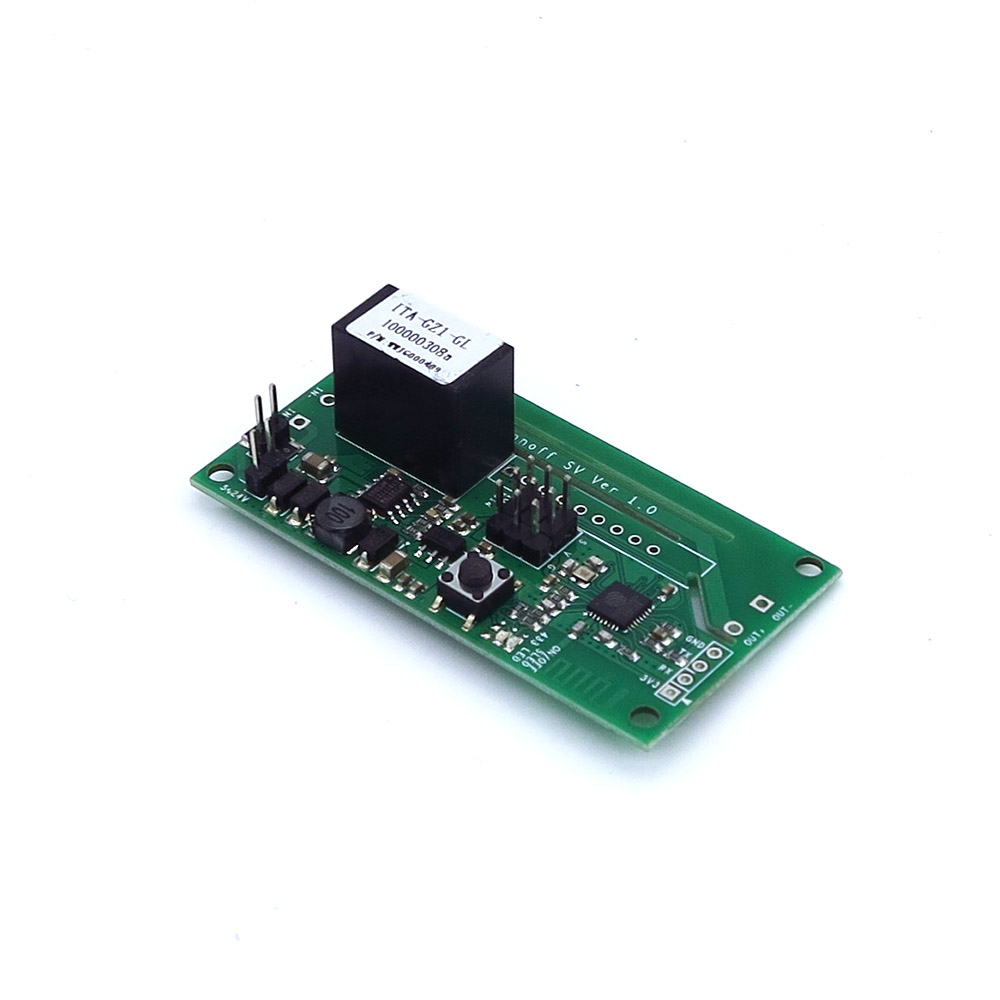
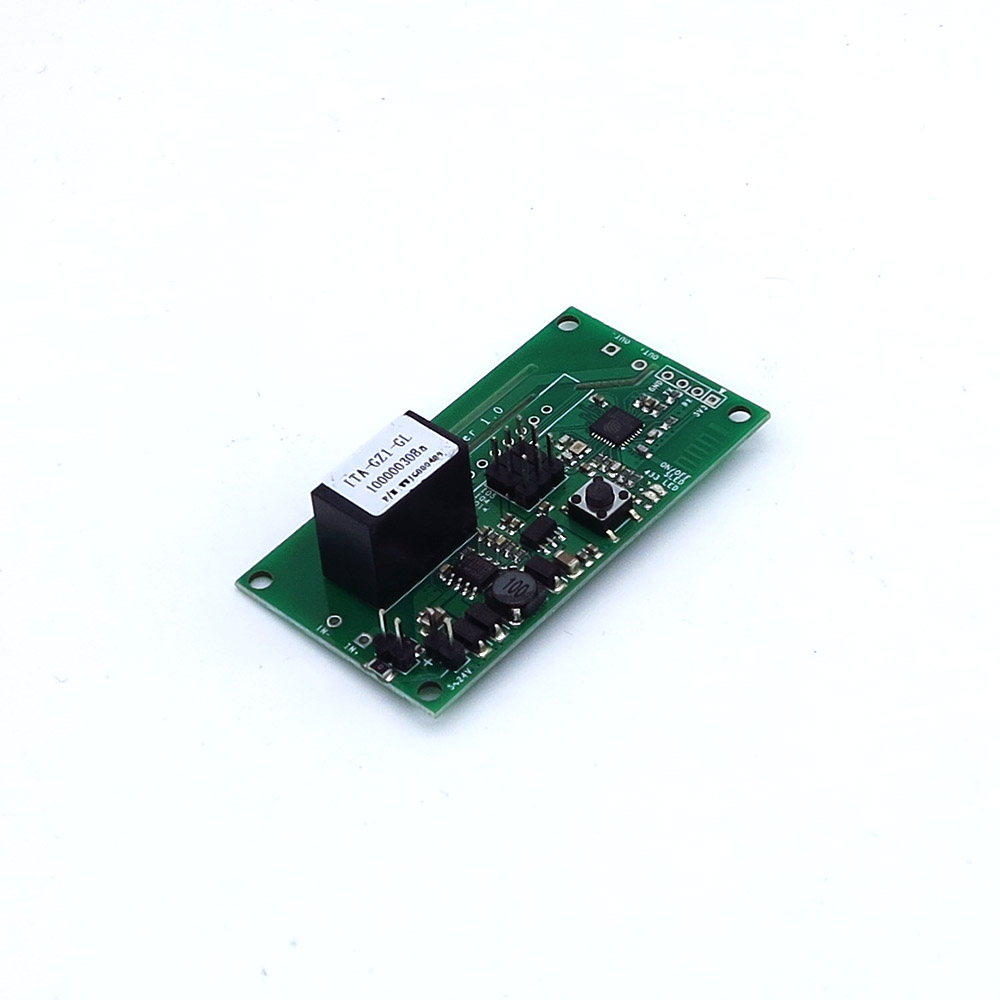
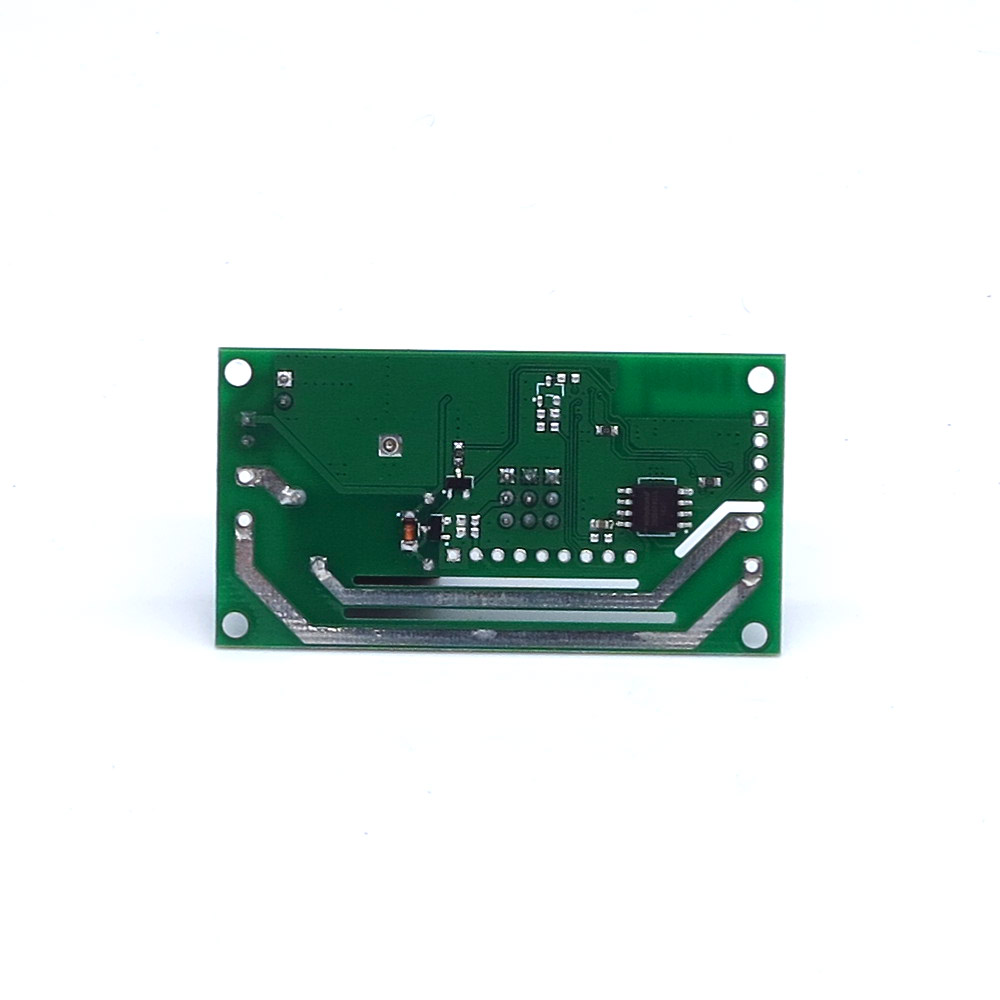
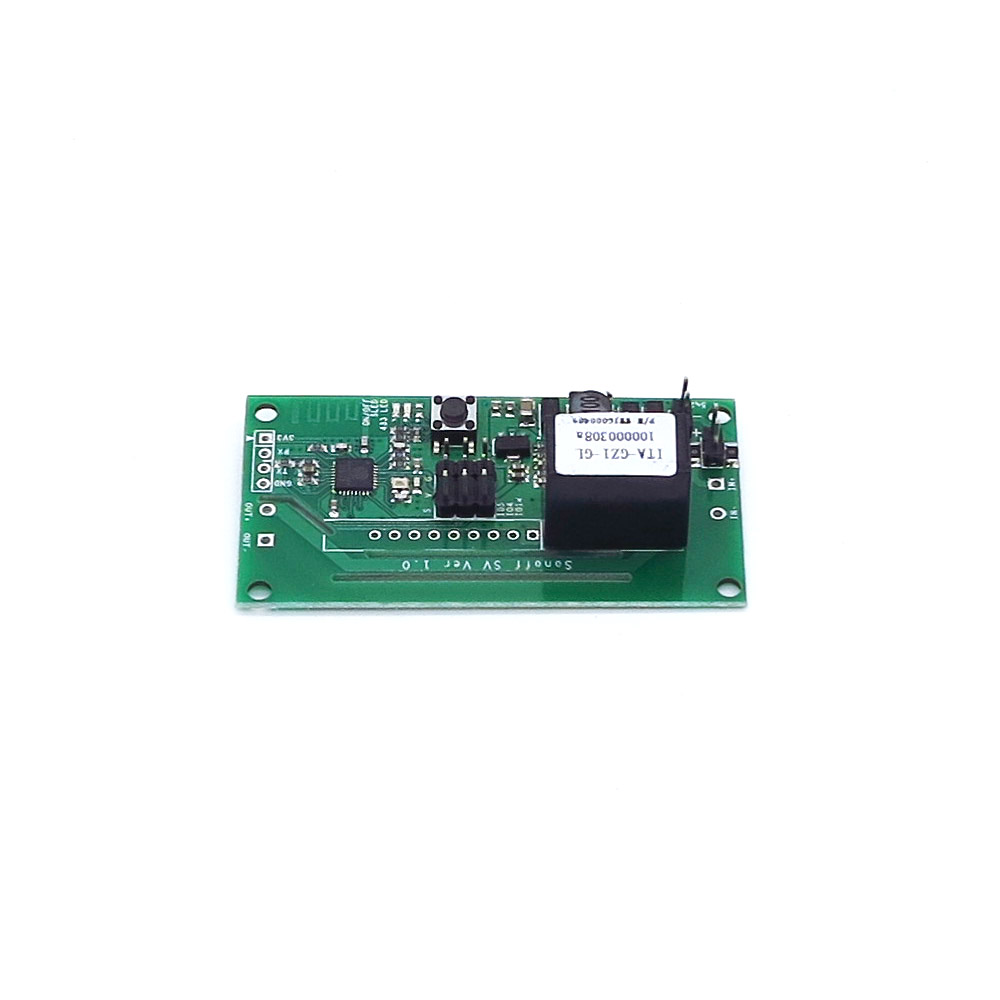
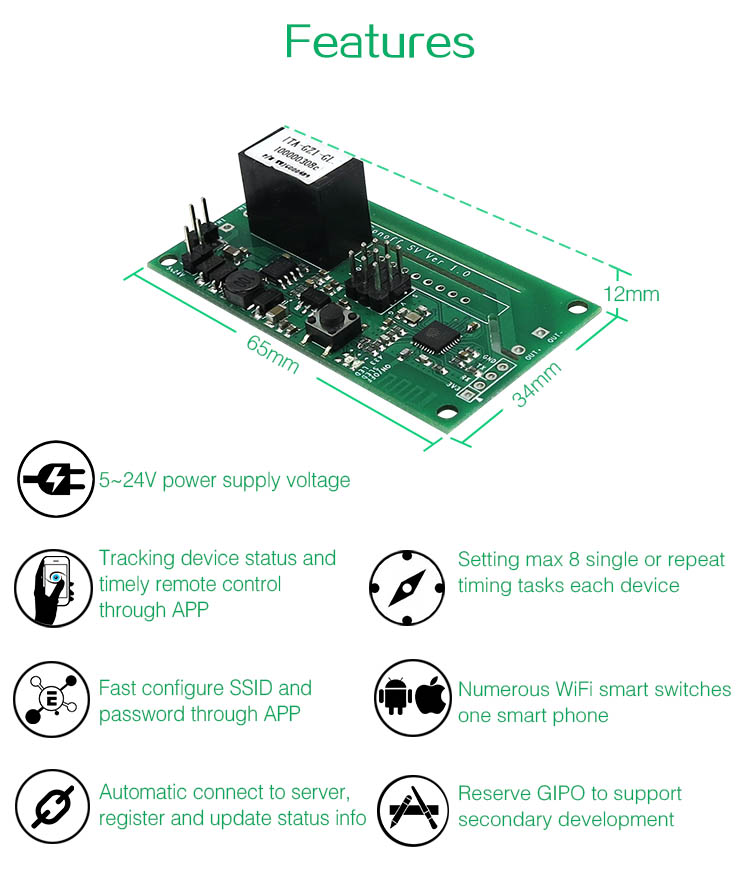
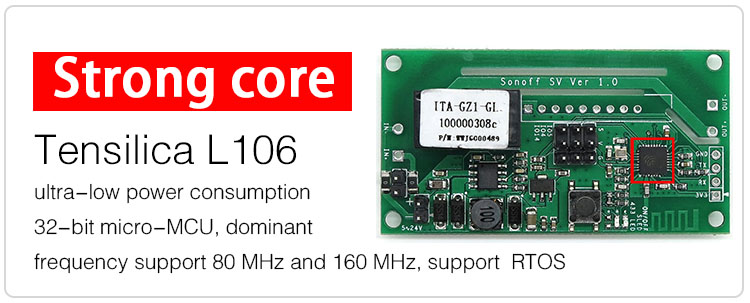
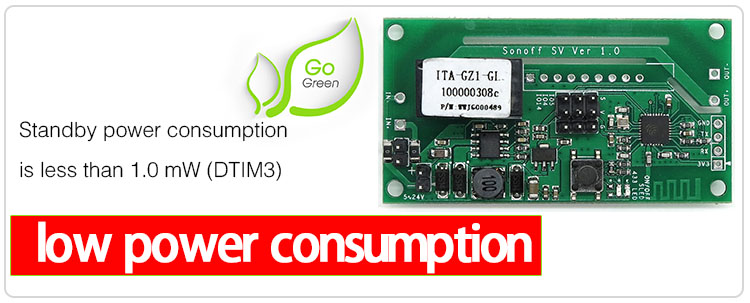

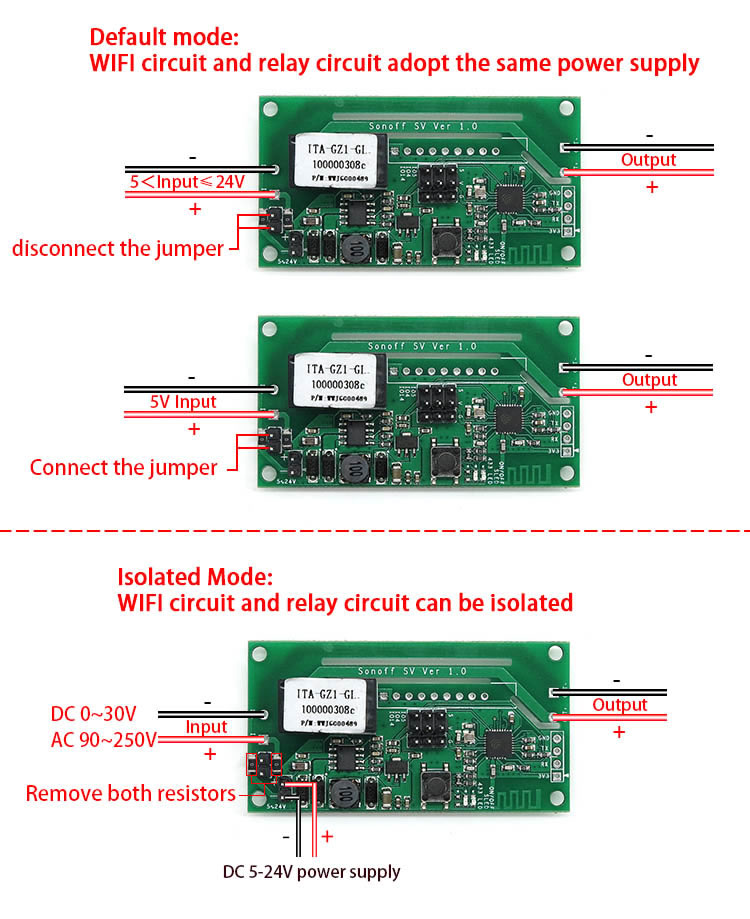
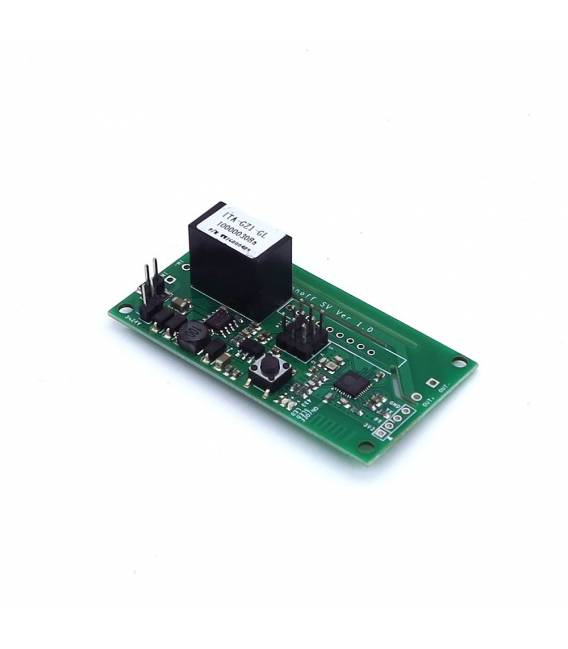
Description
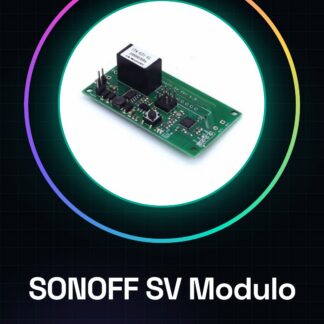
SONOFF SV Module DC 5V-24V DIY WIFI Remote Control Smart Home4v
Tutorial: How to Use SONOFF SV
The SONOFF SV is a WiFi module for remotely controlling electrical devices. It is useful for smart home and home automation projects.
What you need
- Arduino UNO or Compatible
- USB Cable
- DC Cable 5V-24V
- Device to Control
- Arduino IDE Software
Steps
- 1. Download and install the latest version of Arduino IDE.
- 2. Connect to the Arduino UNO with the USB cable.
- 3. Download the provided Sketch code.
- 4. Connect the SONOFF SV to the device to control via the DC cable.
- 5. Connect the SONOFF SV to the Arduino UNO.
- 6. Start the Sketch code.
- 7. Configure WiFi on the SONOFF SV.
- 8. Control the device with your smartphone or computer.
Example code
void setup() {  // Codice di configurazione}
void loop() {  // Codice di controllo del dispositivo}
Mini project
Create a remotely controllable lighting system. Connect the SONOFF SV to a light and control it via smartphone.
Common mistakes
- Forget to configure WiFi on the SONOFF SV.
- Connect the SONOFF SV to an unsupported device.
- Do not use the latest version of Arduino IDE.
- Forget to start the Sketch code.
Recommended accessories
- Arduino UNO
- USB cable
- LED light
- Smartphone or computer
Frequently asked questions
How to configure WiFi on the SONOFF SV?
Access the online configurator or use a smartphone with the dedicated app.
Which devices does the SONOFF SV support?
Supports devices powered by DC 5V-24V.
Can I use the SONOFF SV with a compatible Arduino?
Yes, as long as it is compatible with Arduino IDE.
How long does the battery last?
Check the datasheet.
Reviews
There are no reviews yet.