 EN
 IT Italiano
 ES Español
 FR Français
 DE Deutsch
Description
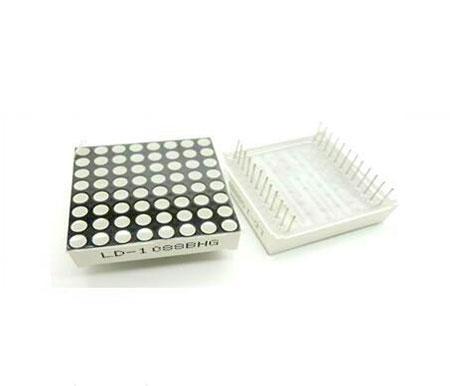
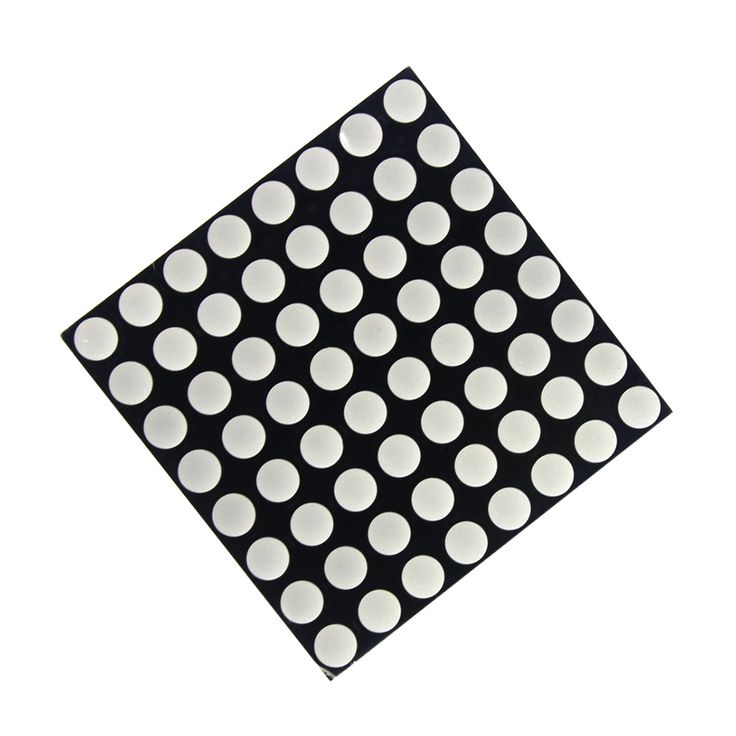
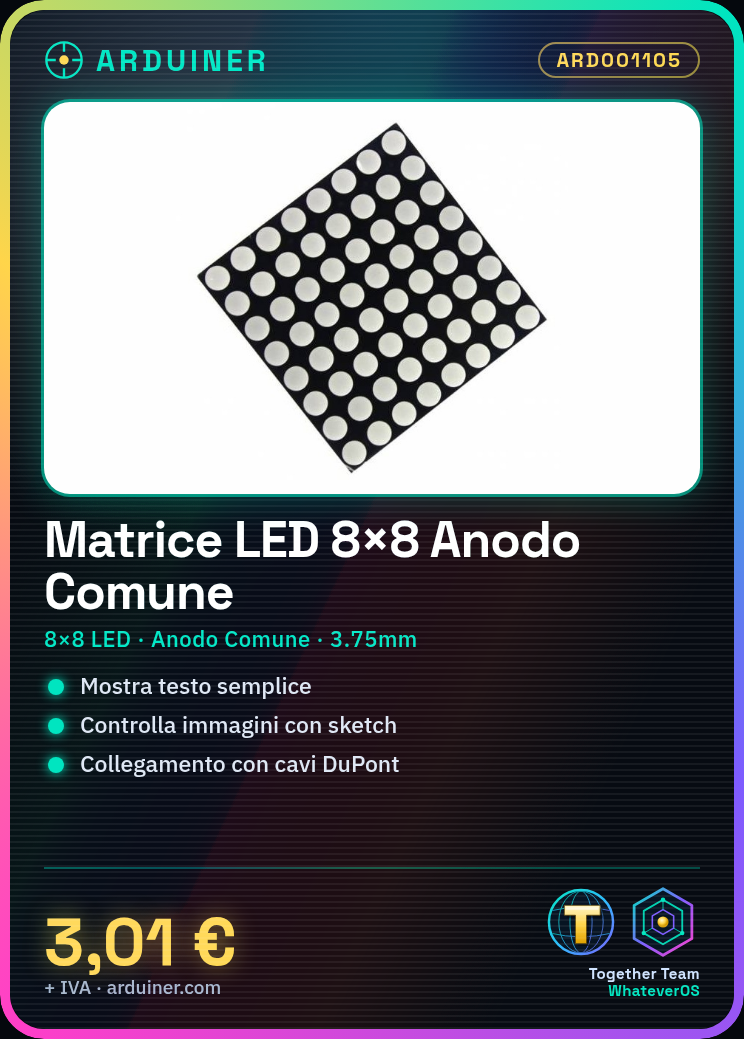
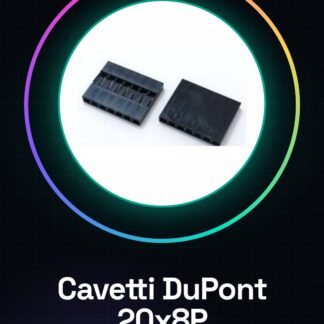
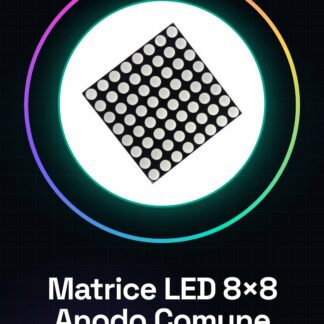
Tutorial: How to Use 8×8 Common Anode LED Matrix The 8×8 Common Anode LED Matrix is ideal for projects requiring simple image or text display. Useful for beginners and intermediate makers. What You Need 8×8 Common Anode LED Matrix, Arduino or compatible microcontroller DuPont headers Suitable resistors (check datasheet) Steps 1. Connect the 8×8 LED matrix to the microcontroller using DuPont headers. 2. Connect the Anode (A) of the matrix to a microcontroller pin. 3. Connect the matrix GND pins to a microcontroller GND pin. 4. Connect the Cathodes (C) of the matrix to resistors and then to GND. 5. Upload a sample sketch to the microcontroller. 6. Check that the LED matrix is working correctly. 7. Try displaying a simple character or symbol. 8. Familiarize yourself with display codes to control LED matrices. Example Code “` #include #include Adafruit_8x8matrix matrix = Adafruit_8x8matrix(); void setup() { matrix.begin(); } void loop() { matrix.print(‘A’); delay(2000); } “` Mini-Project Create a welcome display with the 8×8 LED matrix. Common Errors Incorrectly connecting the Cathodes (C) to resistors. Using incorrect resistor values. Using a 5V pin for the Anode. Forgetting to add delay between displays. Recommended Accessories 220Ω Resistors Arduino Uno LCD Display 16×2 LiPo Battery 3.7V Frequently Asked Questions How do I connect the Cathodes (C)? Connect each Cathode to a resistor and then to GND. What resistors should I use? Check the datasheet for the correct voltage. Why isn’t the matrix working? Check connections and code. Ensure you have the correct resistors. Can I use an 8×8 Common Cathode LED Matrix? Yes, but with different connectors. Check the pinout.
Reviews
There are no reviews yet.