 EN
 IT Italiano
 ES Español
 FR Français
 DE Deutsch
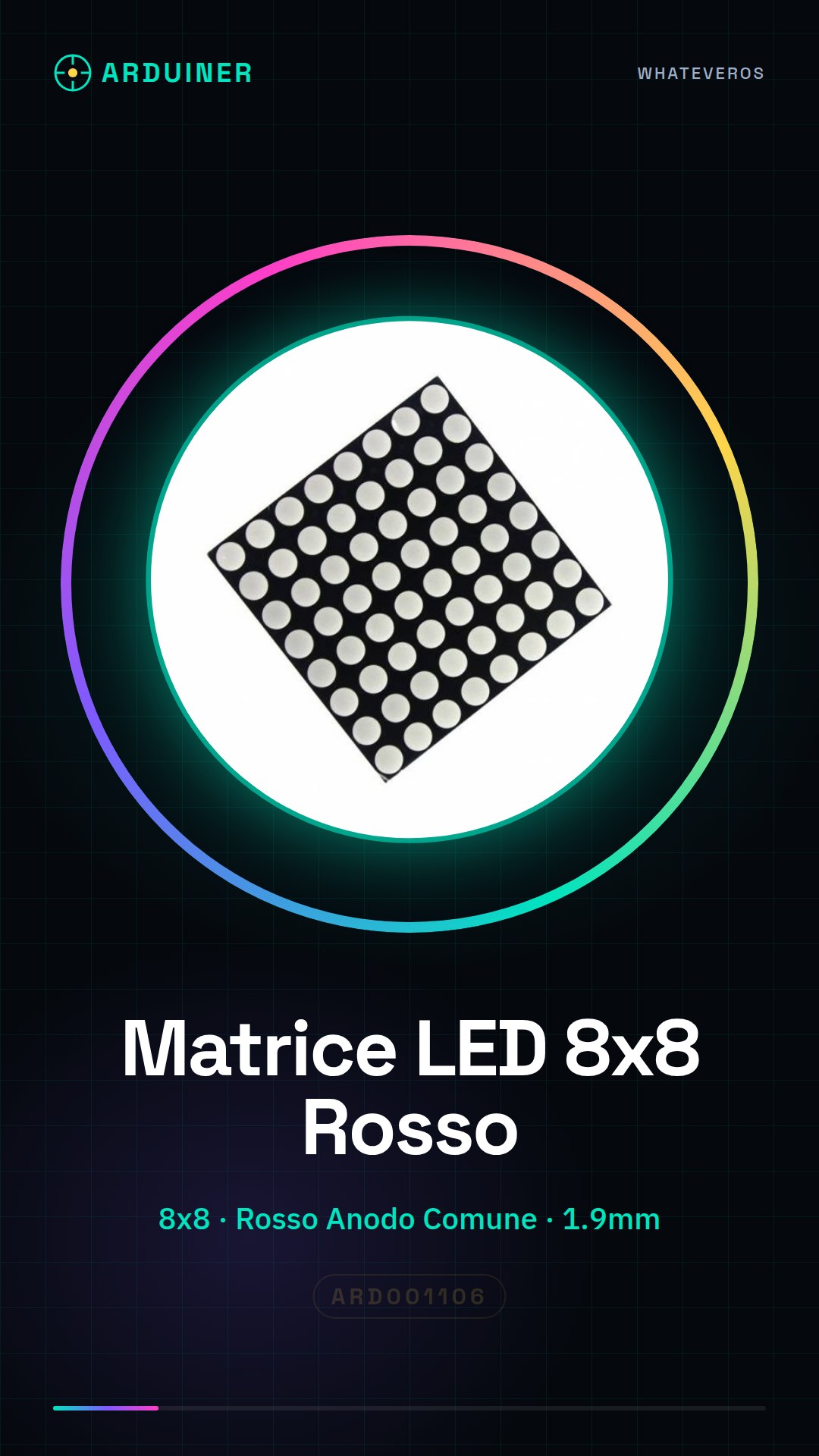
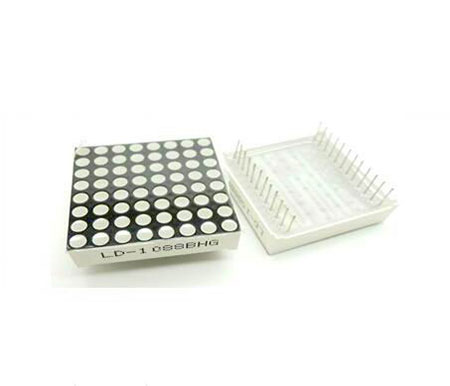
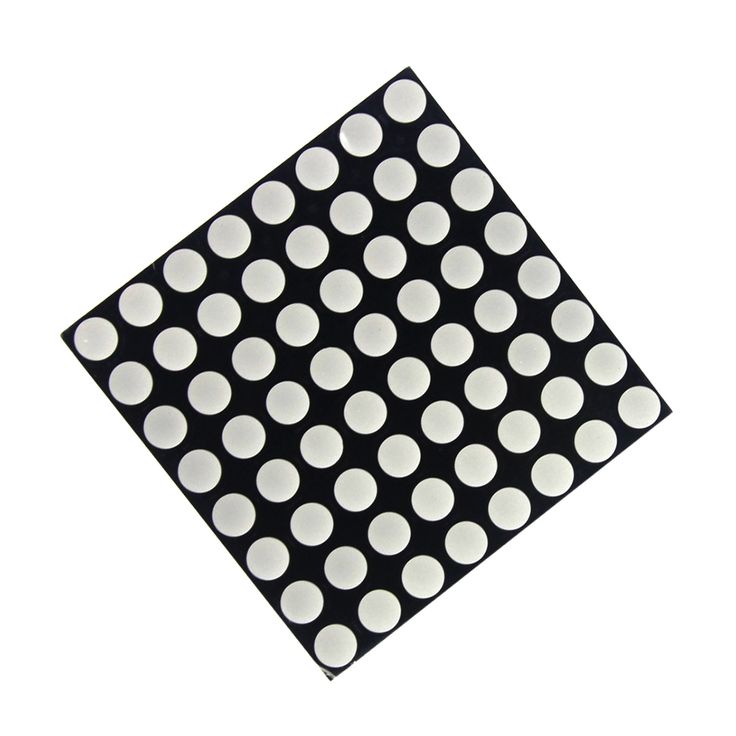
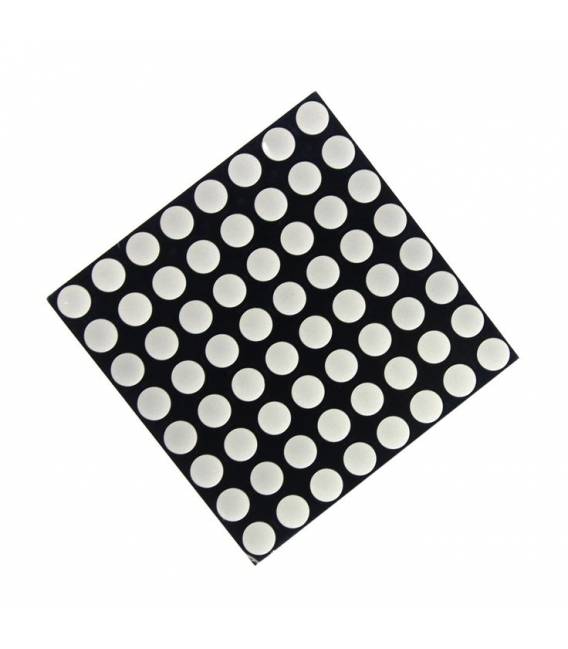
Description
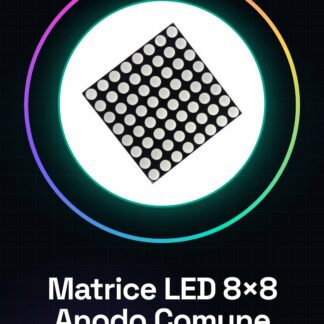
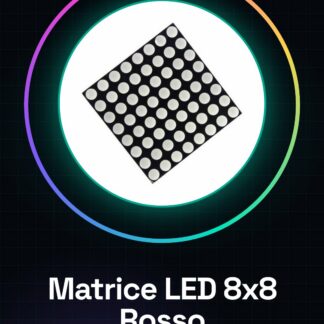
Tutorial: How to Use the Common Anode Red LED Matrix 8×8 1.9mm
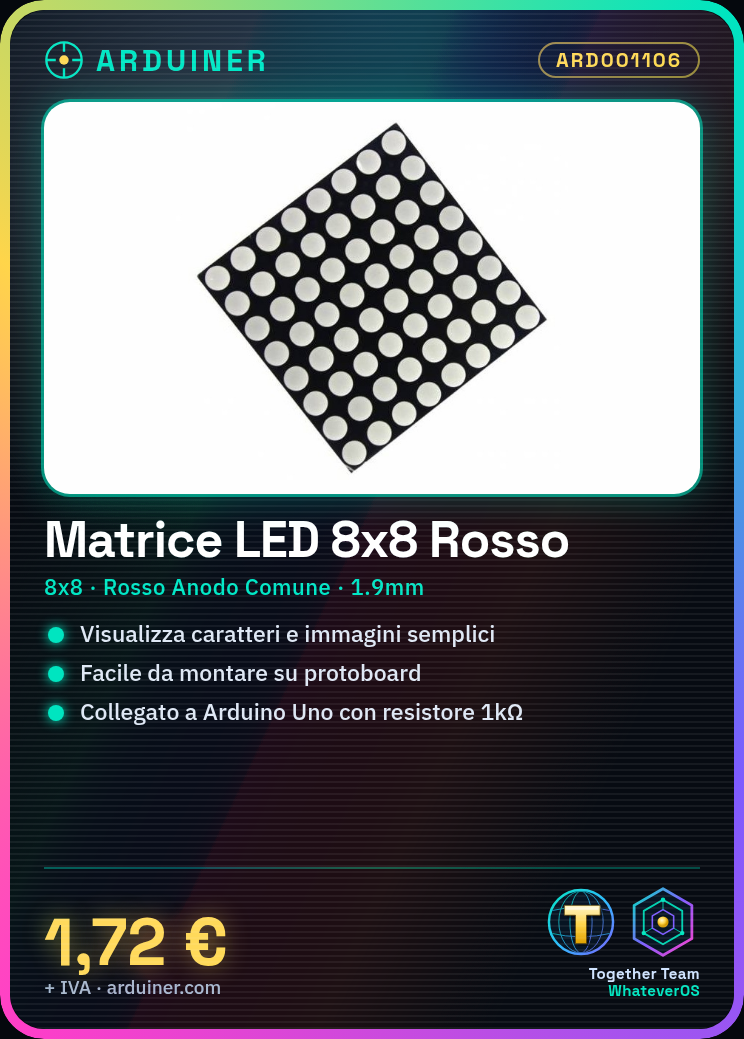
The LED matrix 8×8 is an ideal component for displaying characters and simple images. It is useful for beginners and basic projects.
What you need
- Common Anode Red LED Matrix 8×8 1.9mm
- Arduino Uno
- 1kΩ Resistor
- Dupont Connector
Steps
- 1. Mount the LED matrix on the breadboard or a support.
- 2. Connect the VCC pin of the matrix to the VCC (5V) of the Arduino.
- 3. Connect the GND pin of the matrix to the GND of the Arduino.
- 4. Connect the A1 (or any other digital pin) of the matrix to the D8 pin of the Arduino through a 1kΩ resistor.
- 5. Load the provided source code onto the Arduino.
- 6. Check the connections to ensure there are no incorrect connectors.
- 7. Power on the Arduino and verify that the matrix displays a character.
- 8. Modify the code to display different characters or images.
Example code
```
#include <FastLED.h>

#define LED_PIN     8
#define LED_TYPE    WS2812B
#define LED_COUNT   64

CRGB leds[LED_COUNT];

void setup() {
  FastLED.addLeds<LED_TYPE, LED_PIN, GRB>(leds, LED_COUNT);
  FastLED.setBrightness(50);
}

void loop() {
  for (int i = 0; i < 8; i++) {
    for (int j = 0; j < 8; j++) {
      leds[i*8+j] = CRGB::Red;
    }
  }
  FastLED.show();
  delay(1000);
}
```
Mini project
Create a simple warning signal with the LED matrix. Connect the matrix to a digital pin and write a code that turns the LEDs on and off in sequence to form a warning signal.
Common mistakes
- Check that pin A1 is correctly connected to a digital pin on the Arduino.
- Ensure that the resistor is correct and not damaged.
- Check that the LED matrix is properly mounted and does not have incorrect connectors.
- Check the datasheet to see if pin A1 supports direct connection to a digital pin without a resistor.
Recommended accessories
- Arduino Uno
- 1kΩ Resistor
- DuPont Connectors Connector
Frequently asked questions
How can I display a specific character?
Modify the code to specify the desired character using a mapping table.
Does the LED matrix support colors?
The 8×8 red LED matrix does not support colors. Use an RGB matrix to display colors.
Which Arduino pins can I use?
You can use any digital pin on the Arduino.
Does the LED matrix consume a lot of power?
Power consumption is moderate, but check the datasheet for precise values.
Reviews
There are no reviews yet.