 EN
 IT Italiano
 ES Español
 FR Français
 DE Deutsch
Description
What it is
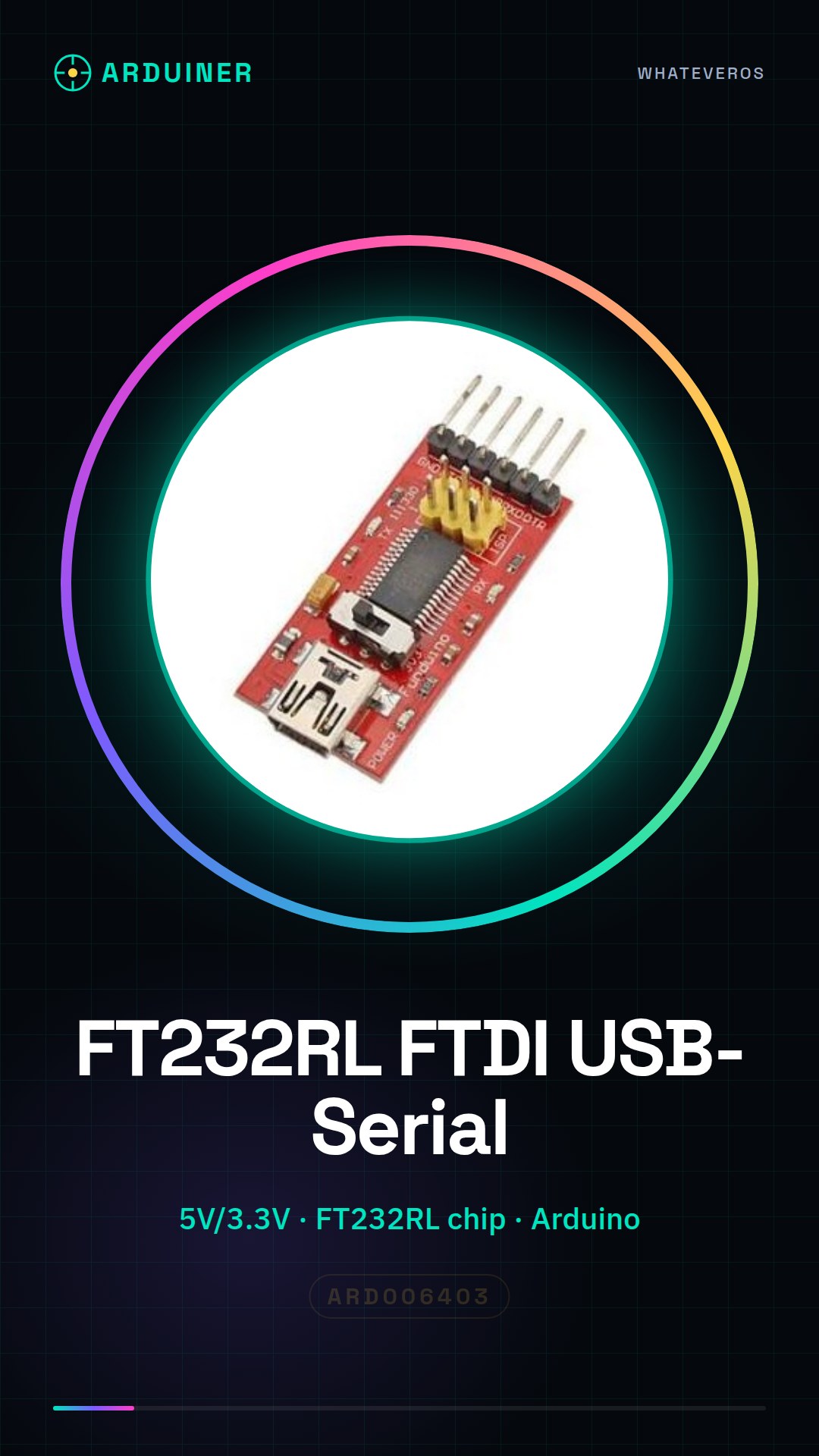
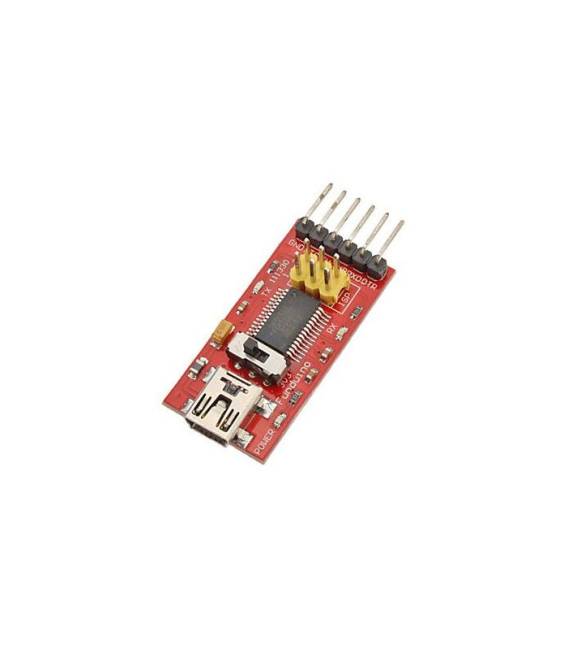
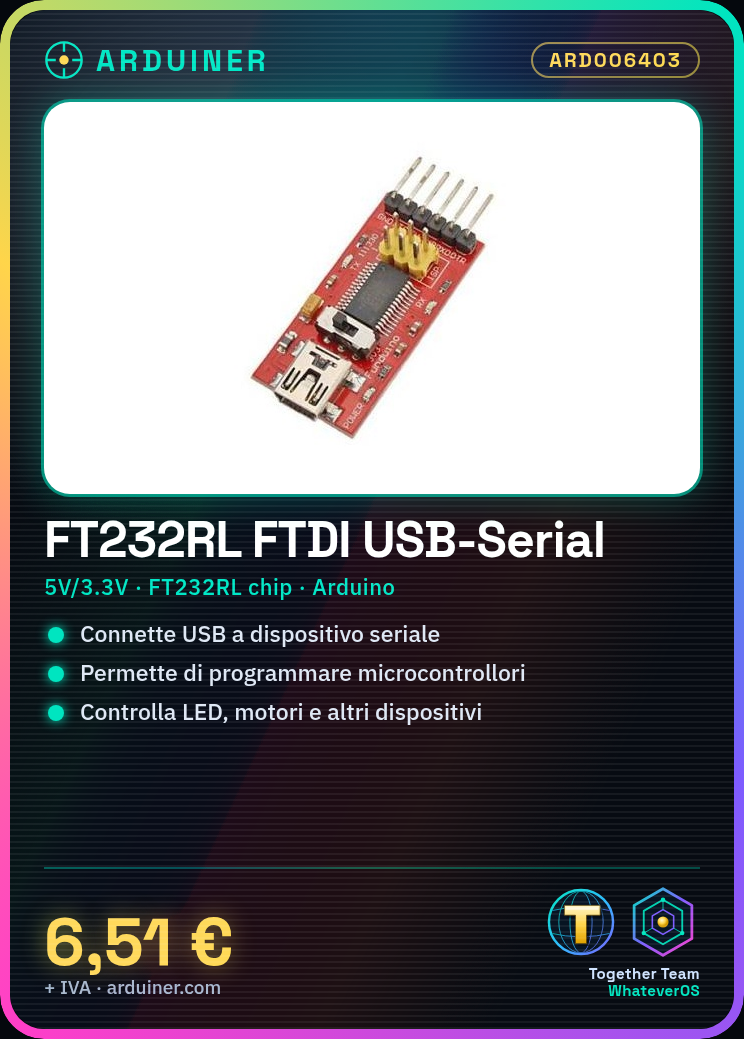
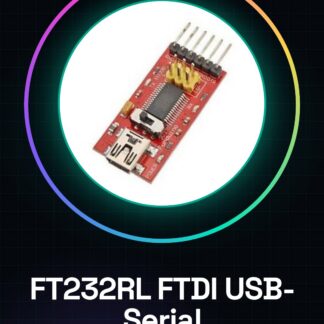
The FT232RL FTDI module is a converter that allows communication between a USB device and a TTL (Transmitter-Receiver Logic) device. Essentially, it translates the USB signal into a TTL signal, enabling the connection of serial devices to a computer.
Features
- USB to TTL Converter
- FTDI chip FT232RL
- 5V and 3.3V Power Supply
- SKU: ARD006403
- Price: 6.51 €
What it is for
The FT232RL module is ideal for connecting serial devices, such as Arduino and other microcontrollers, to a computer. It can be used for:
– Creating simple serial interfaces to control LEDs, motors, or other devices via a computer.
– Transmitting data between a computer and a serial device.
– Programming microcontrollers via a computer.
Tutorial: How to Use FT232RL FTDI USB to TTL Serial Module 5V and 3.3V
The FT232RL converter is essential for connecting serial devices to a computer. Ideal for beginners and intermediates working with Arduino and other microcontrollers.
What you need
- FT232RL FTDI Converter
- Arduino or microcontroller serial
- USB cable
- Soldering station (optional)
Steps
- 1. Check that the converter has the following pins: VCC, GND, TXD, RXD.
- 2. Connect the VCC of the converter to the 5V of the Arduino.
- 3. Connect GND of the converter to GND of the Arduino.
- 4. Connect TXD of the converter to RXD of the Arduino.
- 5. Connect RXD of the converter to TXD of the Arduino.
- 6. Connect the USB cable to the converter.
- 7. Start the Arduino IDE program.
- 8. Load the ‘Serial Monitor’ example code onto the Arduino.
Example code
void loop() {}Mini project
Create a simple serial interface to control an LED with the press button.
Common mistakes
- Do not connect the TXD and RXD pins correctly.
- Forget to activate the serial in the code.
- Connect the VCC to the 3.3V instead of the 5V.
- Do not have the FTDI driver installed.
Recommended accessories
- Arduino Uno
- LED
- 220 Ohm resistor
- Push button
- USB cable
Frequently asked questions
How can I check if I have the FTDI driver installed?
Open the Device Manager and look for ‘FTDIBUS’.
Can I use this converter with a 3.3V microcontroller?
Yes, but make sure the converter supports 3.3V.
Which pins of the converter should I use for a 3.3V microcontroller?
Connect VCC to 3.3V, GND to GND, TXD to RXD, RXD to TXD.
I lost the USB cable, can I use another one?
No, make sure you have the specific FTDI USB cable.
Reviews
There are no reviews yet.