 EN
 IT Italiano
 ES Español
 FR Français
 DE Deutsch
Description
What it is
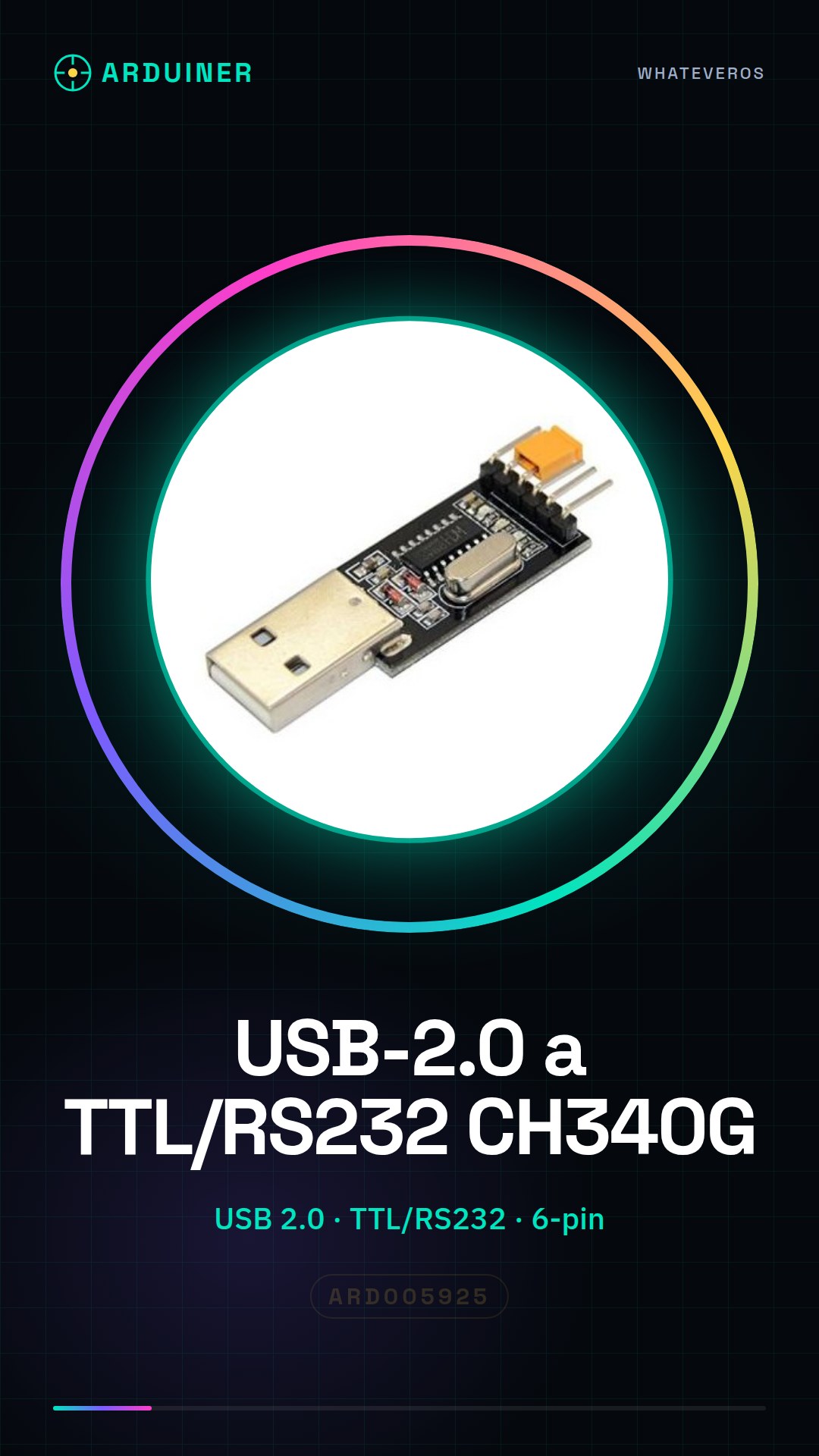
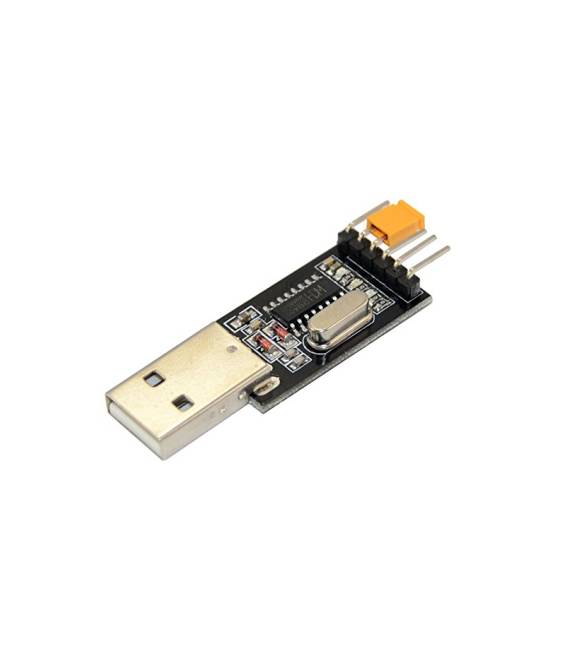
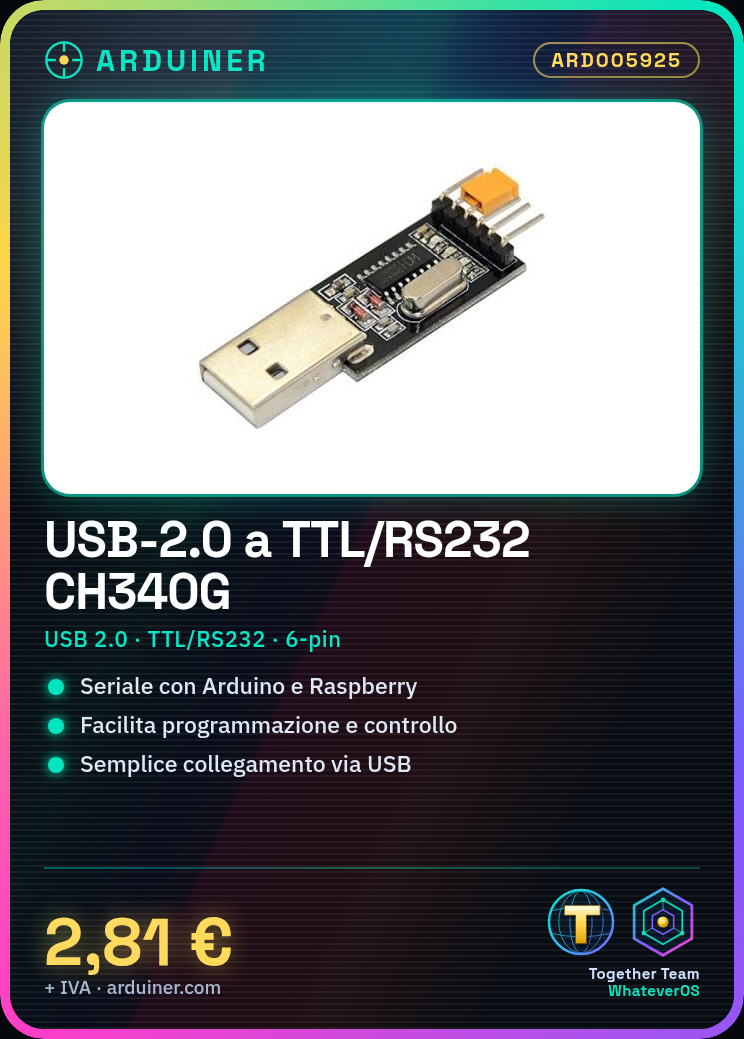
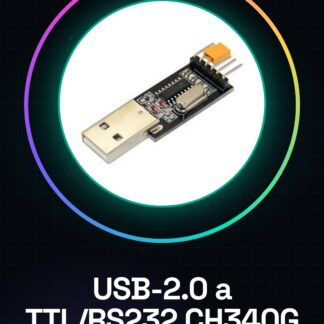
The CH340G USB 2.0 to TTL/RS232 module is an essential component for serial communication between electronic devices such as Arduino, Raspberry Pi, or other microcontrollers and the computer.
Features
- Serial Converter Module from USB 2.0 to TTL/RS232
- Integrated CH340G chip
- 6-pin connector
What it is for
It is used for programming and serial communication of devices such as Arduino, Raspberry Pi, or other microcontrollers. It is ideal for beginners who want to start programming and controlling their projects without complications.
Tutorial: How to use CH340G Serial Converter Module
The CH340G serial converter module is a fundamental component for establishing bidirectional communication between your computer and devices such as Arduino, Raspberry Pi, or other microcontrollers. It is ideal for beginners who want to start programming and controlling their projects without complications.
What you need
- Arduino Uno or compatible
- Computer with USB port
Steps
- Connect the CH340G module to the computer using a USB cable. Ensure that the USB port is free and stable.
- Identify the pins of the module: VCC, GND, TX, RX, DTR (optional), CTS (optional).
- Connect VCC to the 5V of the Arduino and GND to the GND.
- Connect TX of the converter to RX of Arduino and RX of the converter to TX of Arduino.
- If necessary, connect DTR of the converter to the reset pin of Arduino to perform an automatic reset during data transmission.
- Install the CH340G driver on your computer if it is not already present. You can find the drivers on the manufacturer’s website or on GitHub.
- Open the Arduino IDE and select ‘Arduino Uno’ as the programming device in the ‘Tools’ menu
- Load a simple sketch to test the communication.
Example code
void setup() {
Serial.begin(9600);
}

void loop() {
if (Serial.available()) {
String msg = Serial.readString();
Serial.print("Ricevuto: ");
Serial.println(msg);
}
}
Mini project
Create a simple serial communication project. Program Arduino to send data to the computer and receive responses.
Common mistakes
- The module is not recognized by the operating system.
- The communication between the converter and the Arduino is intermittent.
- Error in the TX and RX pin connection.
- Difficulty in installing CH340G drivers.
Recommended accessories
- USB A-MicroB cable
- Power adapter for Arduino
- Wi-Fi antenna for Raspberry Pi
Frequently asked questions
Where can I find the drivers?
The drivers are available on the CH340G manufacturer’s website or on GitHub.
What is the data transmission speed?
Check the datasheet. Generally supports various speeds such as 9600, 115200 baud.
Reviews
There are no reviews yet.