 EN
 IT Italiano
 ES Español
 FR Français
 DE Deutsch
Description
What it is
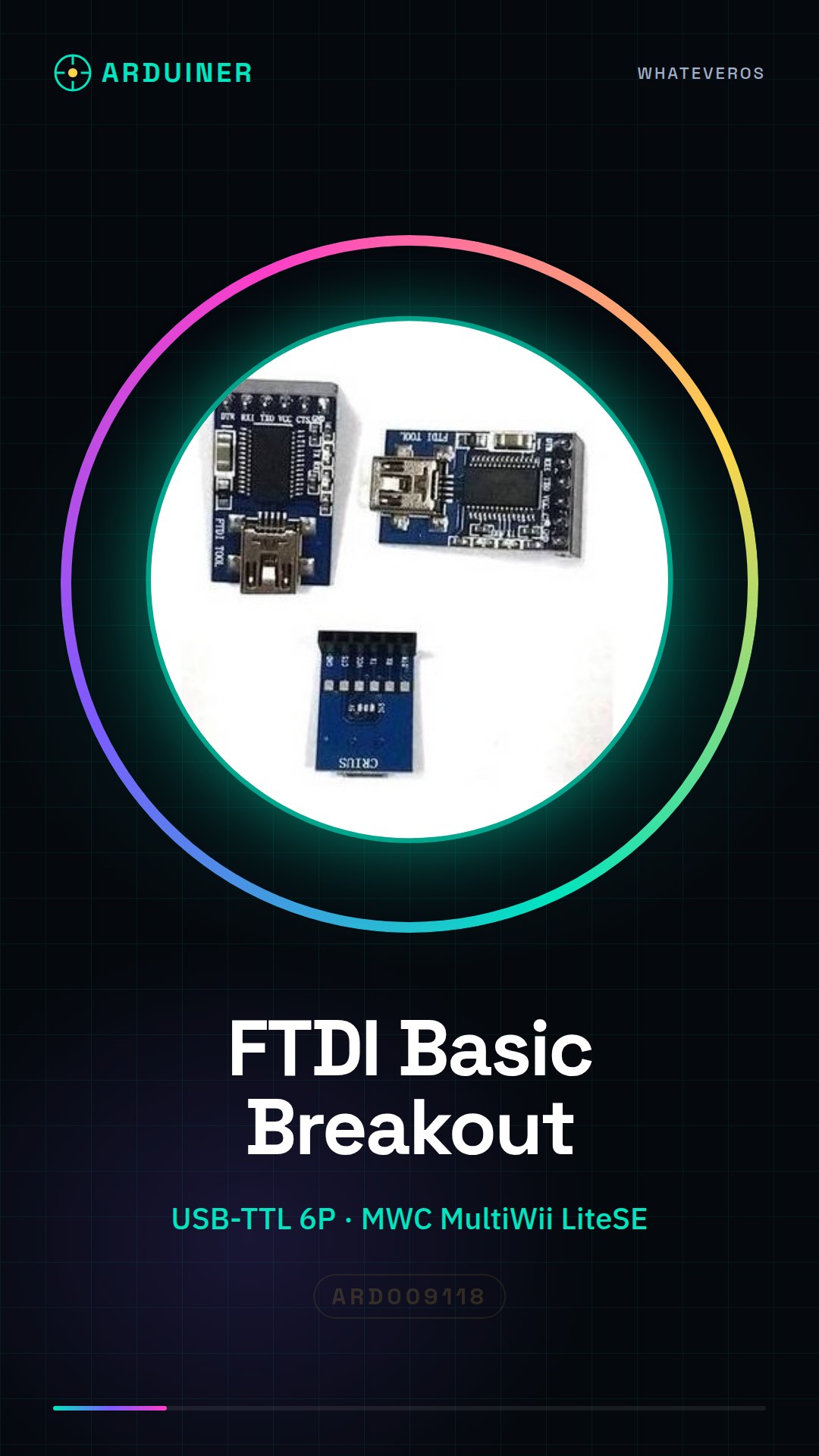
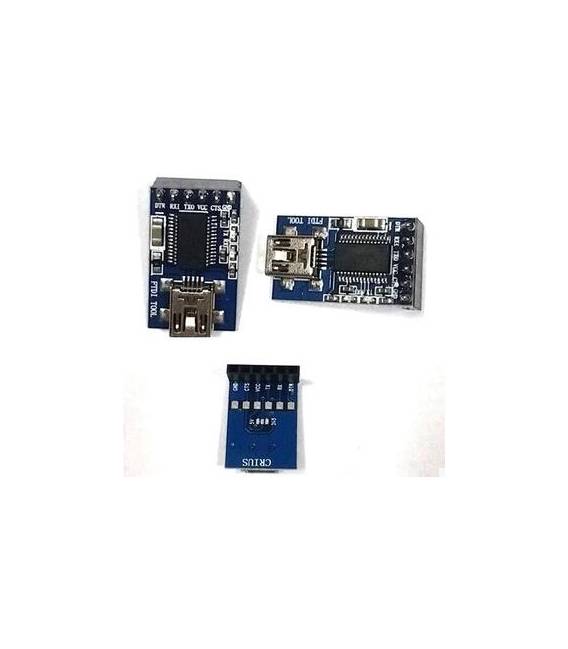
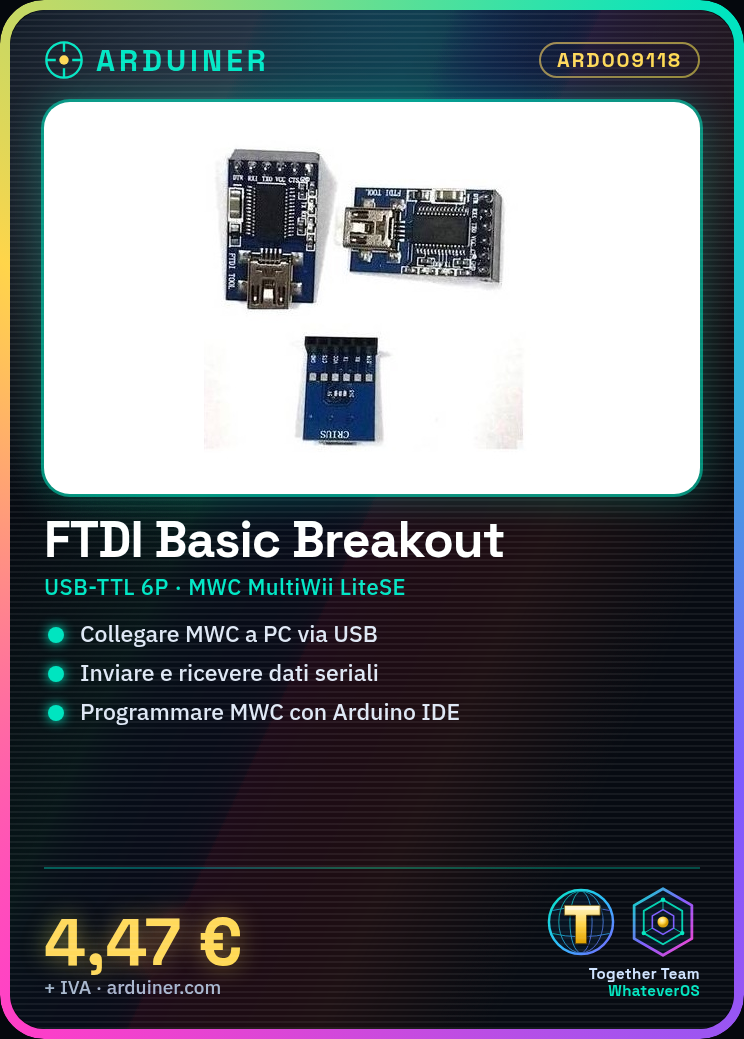
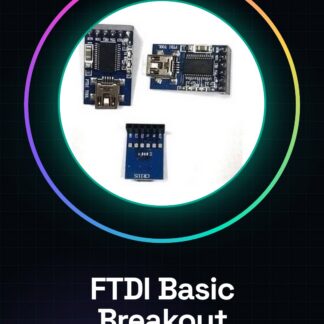
The FTDI Basic Breakout USB to TTL 6P module is a converter that allows connecting an electronic device with a TTL interface (e.g., MWC MultiWii LiteSE) to a computer via USB port.
Features
- USB-TTL Converter 6P
- Ideal for programming and connecting electronic components
- Compatible with MWC MultiWii LiteSE
What it is for
This module is useful for beginner programmers and testers who want to communicate with their MWC MultiWii LiteSE via USB. You can use it to send and receive serial data, program your MWC, or monitor its parameters.
Tutorial: How to use the FTDI Basic Breakout Module
This module allows you to communicate with your MWC MultiWii LiteSE via USB. Useful for beginner programmers and testers.
What you need
- PC with USB
- MWC MultiWii LiteSE
- Arduino IDE
Steps
- Download and install the Arduino IDE.
- Connect the FTDI module to your PC via USB.
- Check the datasheet for the correct pin polarity.
- Connect the TX pin of the MWC to the RX pin of the FTDI module.
- Connect the RX pin of the MWC to the TX pin of the FTDI module.
- Configure the serial settings in the Arduino IDE to 57600 baud.
- Upload the example code ‘Serial.println(“Hello MWC!”)’ to the Arduino.
- Verify communication with the MWC through the serial console.
Example code
Serial.println("Ciao MWC!");Mini project
Create a simple sketch that sends a serial message at regular intervals and verify reception on MWC.
Common mistakes
- Connect the RX pin to the TX pin and vice versa.
- Set the serial speed to something other than 57600 baud.
- Ignore the pin polarity.
- Do not verify communication with the serial console.
Recommended accessories
- USB cable
- Pin header
- Multimeter
Frequently asked questions
How can I verify the pin polarity?
Check the datasheet or use a multimeter to measure the voltage.
What are the minimum requirements for the Arduino IDE?
Latest version compatible with your Arduino.
Can I use this module with other microcontrollers?
Yes, but check the pin compatibility.
How long does it take to complete the tutorial?
about 30 minutes.
Reviews
There are no reviews yet.