 EN
 IT Italiano
 ES Español
 FR Français
 DE Deutsch
Description
What it is
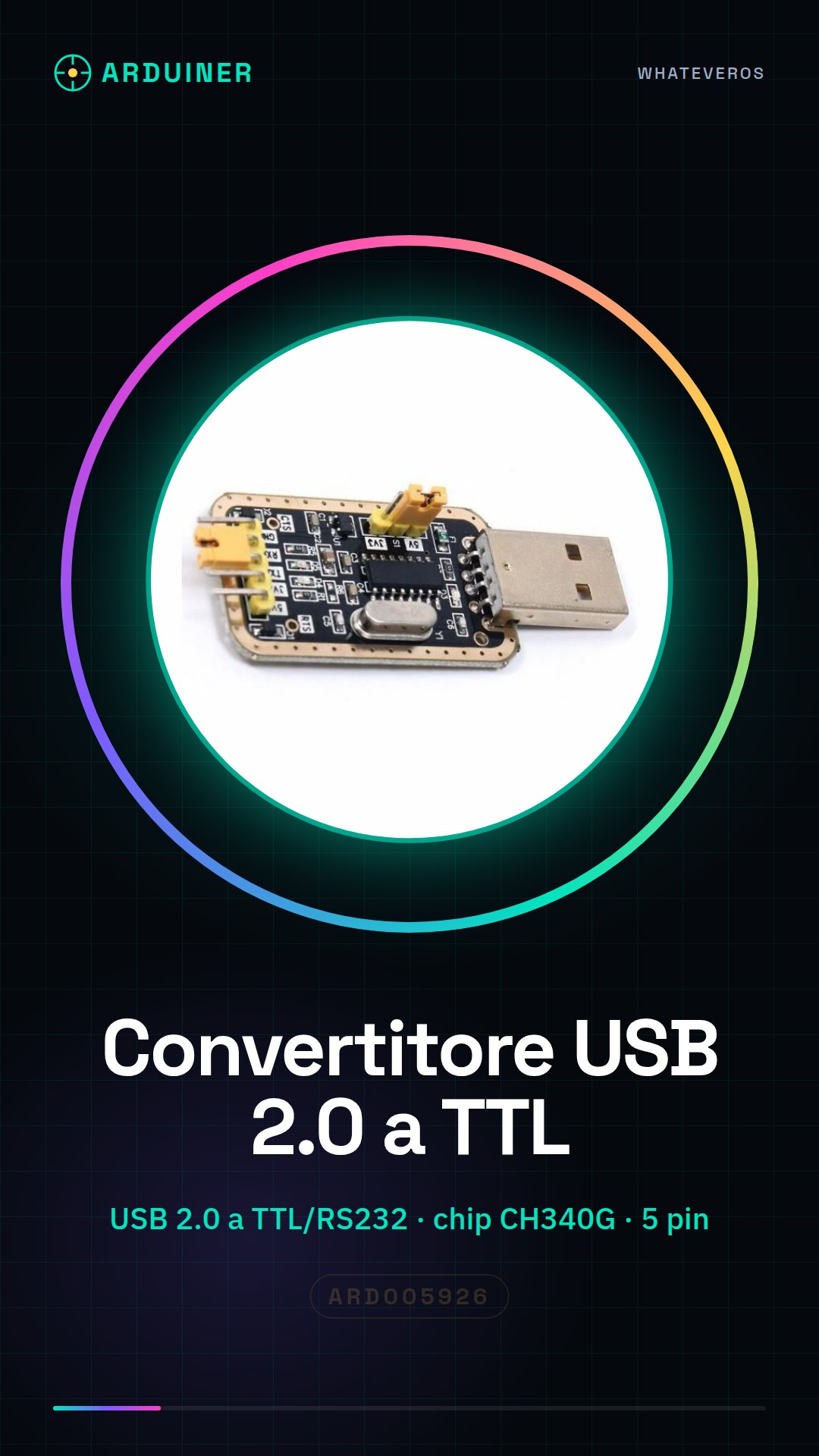
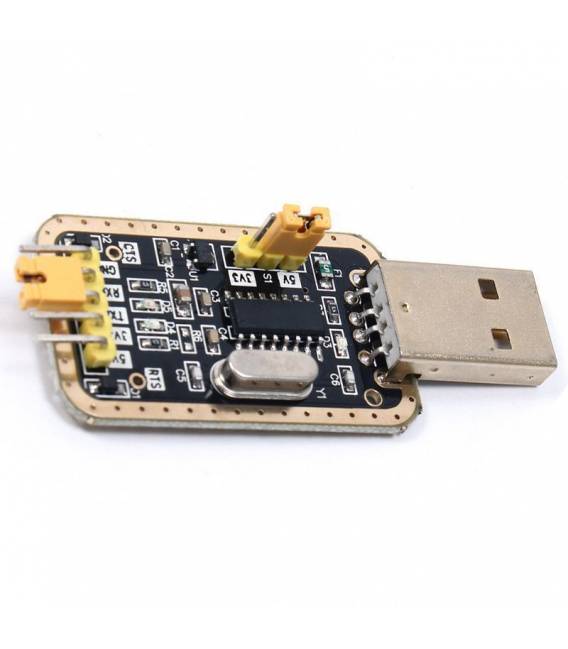
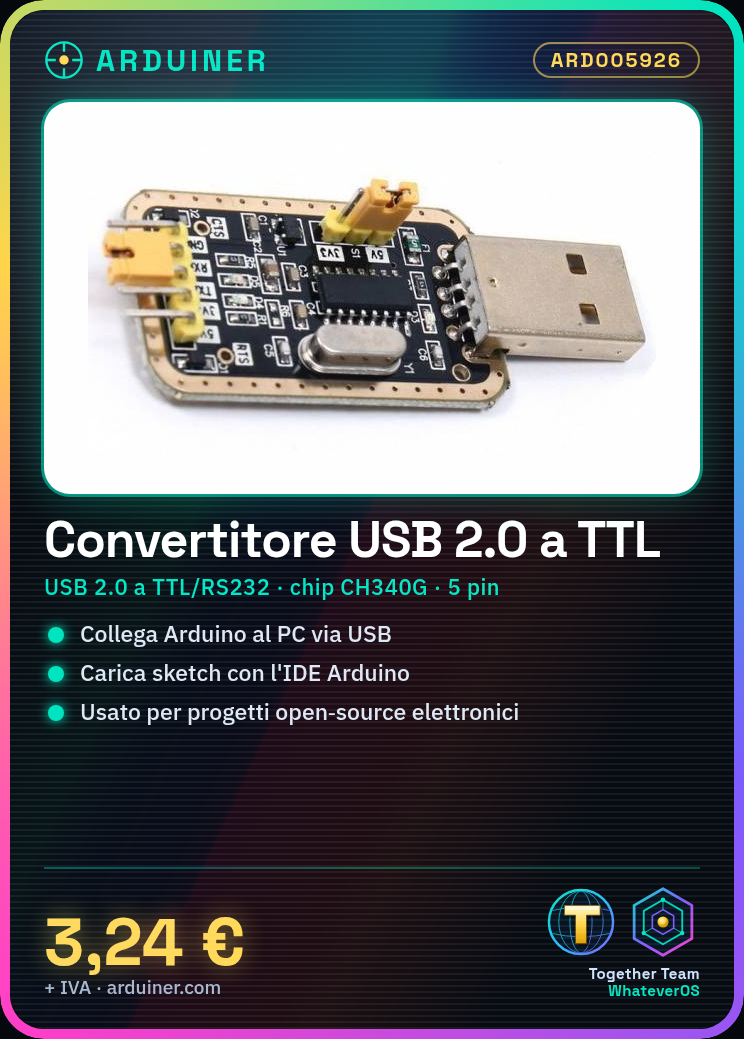
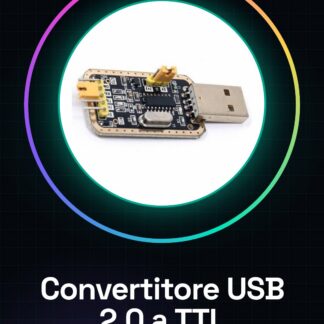
The CH340G USB 2.0 to TTL/RS232 Serial Converter Module is an essential component for serial communication between devices and computers.
Features
- USB 2.0 to TTL/RS232 Serial Converter
- Provides 5-pin connectors
- Uses the CH340G chip
What it is for
It is used to connect devices with TTL or RS232 serial interface, such as Arduino and Raspberry Pi, to the computer via USB. Useful for microcontroller programmers and open-source electronics projects.
Tutorial: How to use USB 2.0 to TTL/RS232 Serial Converter Module
The CH340G module is essential for connecting devices with TTL or RS232 serial interface to the computer via USB, useful for Arduino and other microcontroller programmers. This component is ideal for both beginners and experts working on open-source electronics projects.
What you need
- Arduino Uno
- USB A-male to B-female cable
- Arduino IDE software installed
Steps
- Connect the CH340G module to the computer via USB cable.
- Open the Arduino IDE and select the correct port from the ‘Tools -> Serial Port’ menu.
- Verify that the device is recognized by the operating system (Windows: Device Manager, macOS/Linux: ls /dev/tty*)
- If necessary, install the CH340 drivers for Windows.
- Connect the Arduino Uno to the CH340G module following the pinout table provided.
- Upload a test sketch to the Arduino using the CH340G module (e.g., Blink).
- Verify that the Arduino LED is blinking as expected.
- If everything works correctly, you can now use the module to upload and communicate with other USB-supported microcontrollers.
Example code
//Sketch di prova
void setup() {
  Serial.begin(9600);
}

void loop() {
  digitalWrite(LED_BUILTIN, HIGH);   // Accendi il LED
  delay(1000);                       // Attende un secondo
  digitalWrite(LED_BUILTIN, LOW);    // Spegni il LED
  delay(1000);                        // Attende un secondo
}
Mini project
Create an interactive serial console that allows sending commands to the microcontroller and receiving real-time responses.
Common mistakes
- The module is not recognized by the operating system.
- Communication with the Arduino is not working correctly.
- Error during installation of CH340G drivers for Windows.
- Insufficient power supply issues for the module and connected microcontroller.
Recommended accessories
- USB A-male to B-female cable
- Arduino Uno R3
- CH340 drivers for Windows
- Breadboard
Frequently asked questions
Which drivers do I need to install?
For Windows, download and install the CH340G drivers from the manufacturer’s website.
How can I verify communication with the Arduino?
Load a test sketch like Blink and observe the integrated LED on the Arduino to see if it blinks correctly.
Reviews
There are no reviews yet.