 EN
 IT Italiano
 ES Español
 FR Français
 DE Deutsch
Description
What it is
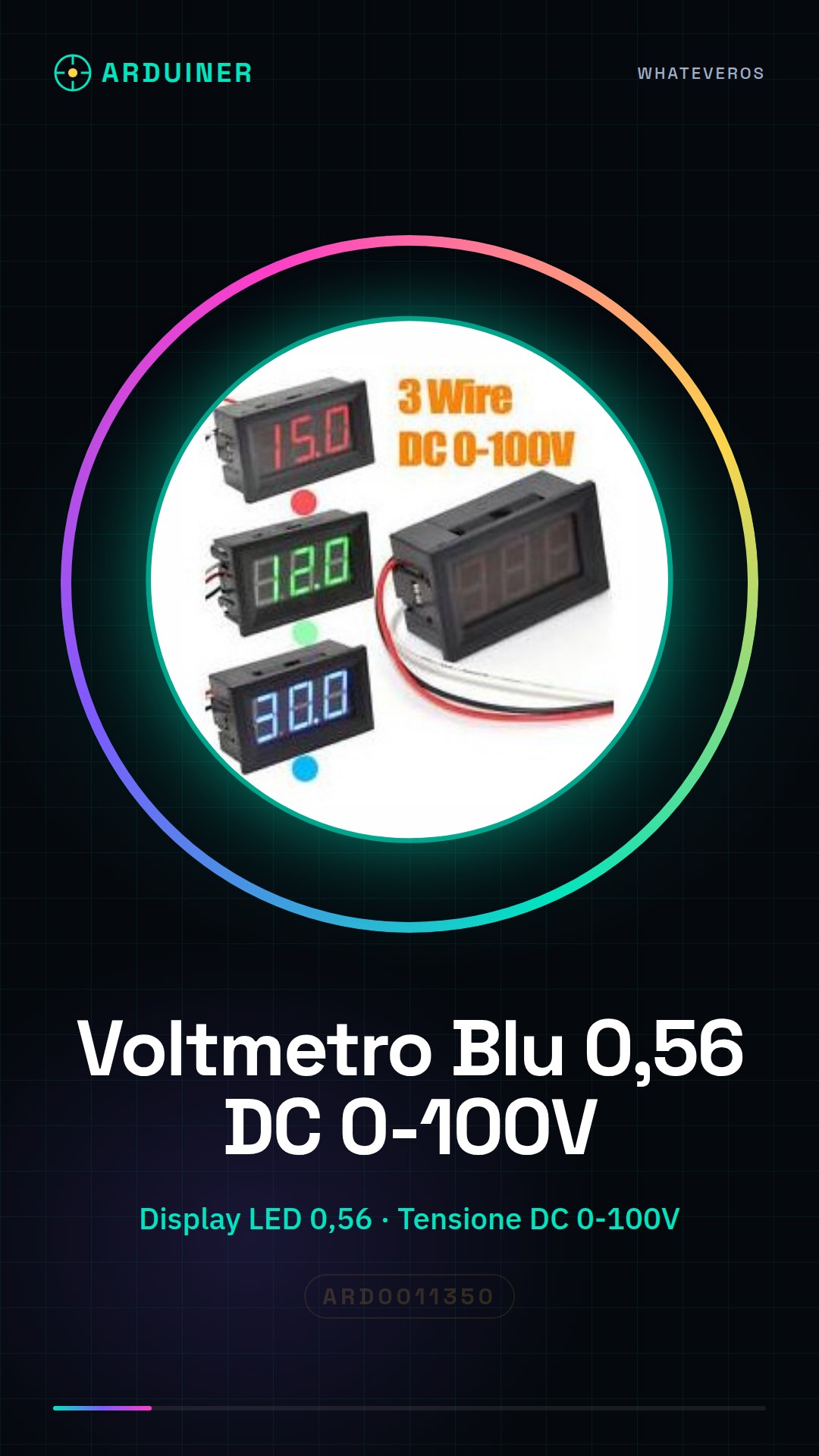
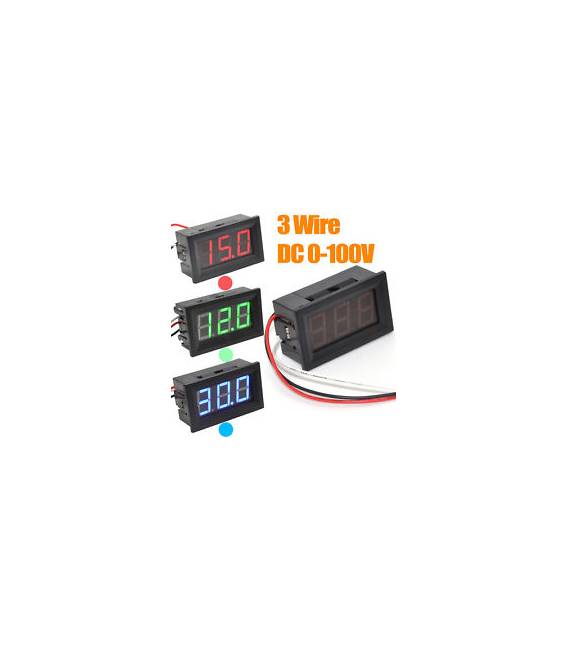
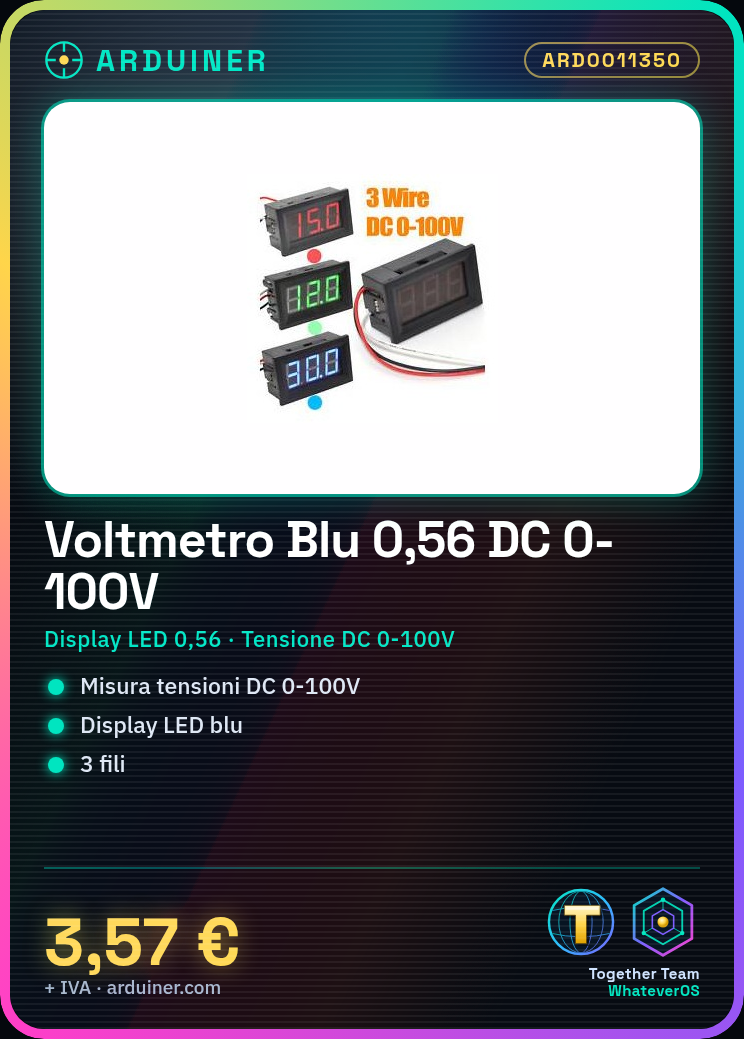
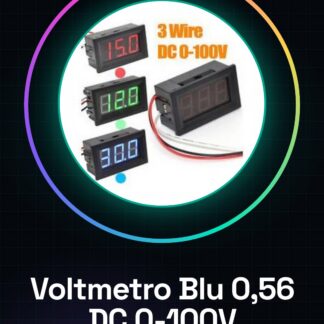
The Blue Voltmeter 0.56″ 3-Wire DC0-100V LED Digital Voltage Meter Panel is a device for measuring direct current (DC) voltages from 0 to 100 volts. It features a 0.56-inch blue LED display that shows the measured voltage.
Features
- 0.56-inch blue LED display
- DC voltage measurement 0-100V
- 3 connection wires
What it is for
This voltmeter is useful for monitoring and controlling voltages in electronic projects, such as the power supply of a circuit or an Arduino. It can also be used to check the voltage of a test power supply.
Tutorial: How to use Blue Voltmeter 0.56″ 7-Wire DC0-100V
This LED voltmeter is ideal for measuring voltages from 0 to 100V in electrical electronic projects. Useful for beginners and intermediates.
What you need
- Blue Voltmeter 0.56″ 3-Wire DC0-100V
- Voltage test tool (optional)
Steps
- Check that the voltmeter works by connecting the wires to the terminals. Verify on the datasheet.
- Connect the + terminal to the positive measurement point, the – terminal to the negative.
- Verify that the display shows the correct voltage.
- Use a multimeter to compare the values shown by the voltmeter.
- If necessary, adjust the minimum or maximum voltage on the voltmeter.
- Verify the regular operation of the LED display.
- Use the voltmeter to monitor voltages in various electronic projects.
- If the display does not respond, verify the correct polarity of the connections.
Mini project
Measure the voltage of your test power supply (12V). Connect the wires to the voltmeter and verify the reading on the display.
Common mistakes
- Connecting the wires backwards can damage the voltmeter.
- If the display shows nothing, check the correct polarity.
- Do not use the voltmeter above the maximum voltage (100V).
- If the display is not working, ensure that the connections are correct.
Recommended accessories
- Multimeter
- Test Power Supply 12V
- Test Cable
- Voltage Testing Tools
Frequently asked questions
The display shows nothing when I connect the wires.
Check the correct polarity of the connections and ensure that the voltage is within the range of the voltmeter.
The voltmeter does not show the correct voltage.
Check the correct polarity and proper connection of the wires. Use a multimeter to compare the values.
The LED display does not respond.
Check the correct power supply and connections. If the problem persists, contact the seller.



Reviews
There are no reviews yet.