 EN
 IT Italiano
 ES Español
 FR Français
 DE Deutsch
Description
What it is
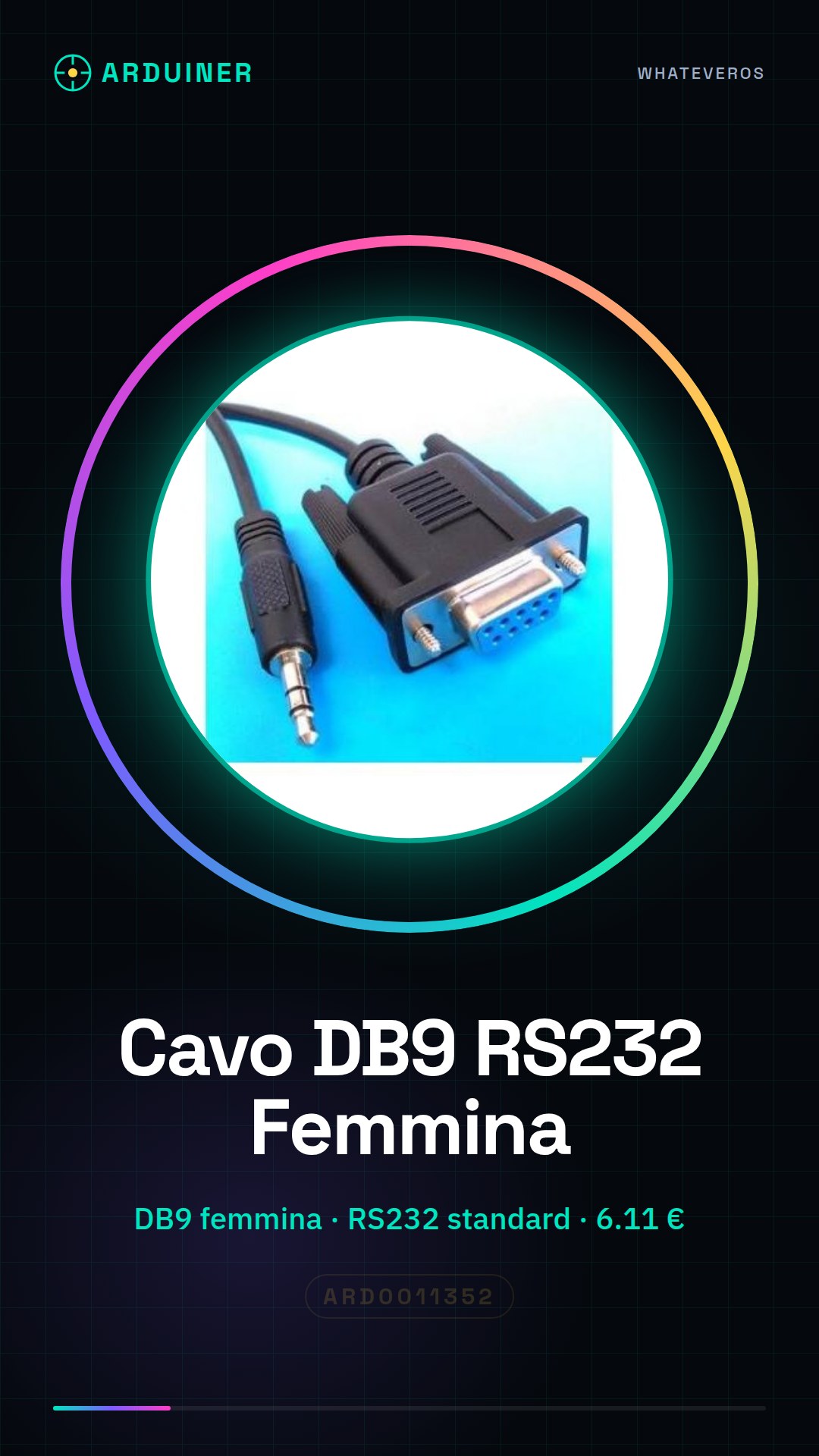
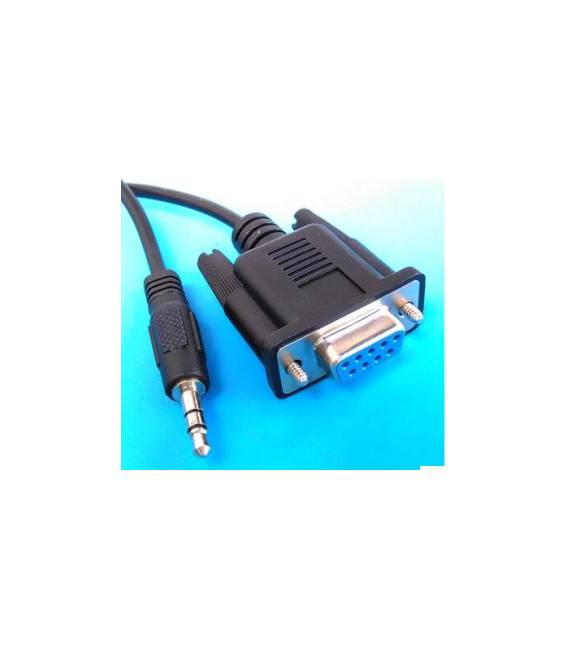
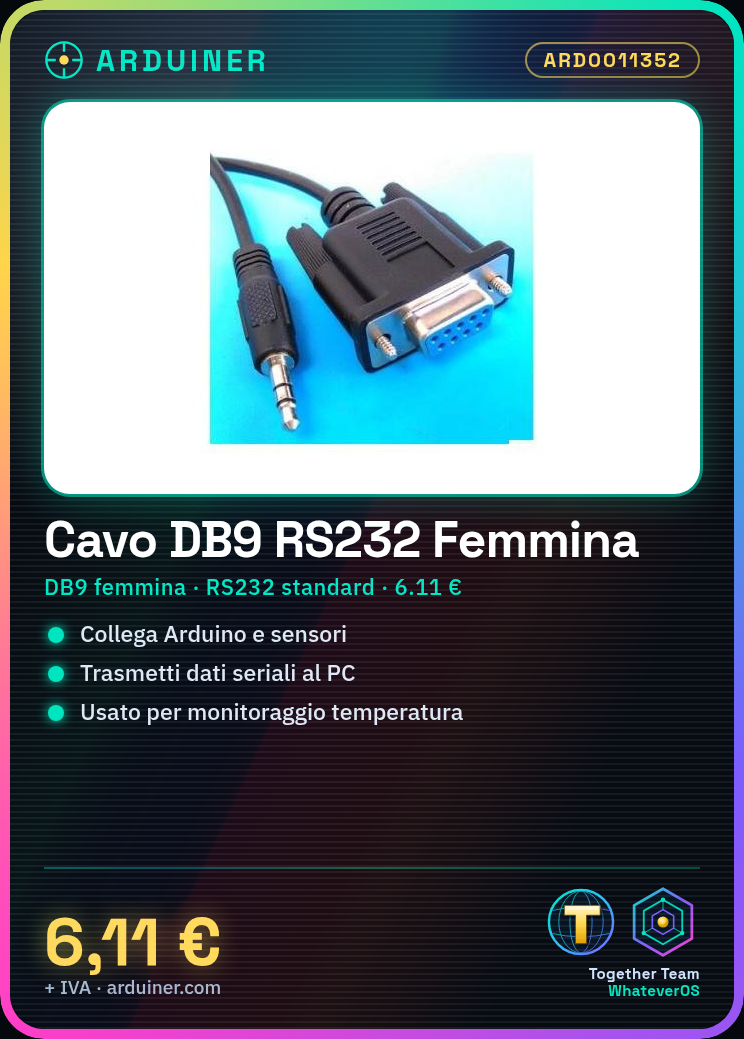
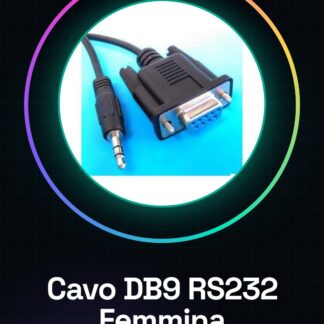
The DB9 RS232 Female Cable is a connection cable used to transmit serial data between electronic devices. It features a DB9 female connector, commonly used in serial communication applications.
Features
- DB9 Female Connector
- RS232 Standard
- SKU: ARD0011352
- Price: 6.11 €
- Availability: Pre-order
What it is for
The DB9 RS232 Female Cable is ideal for connecting serial devices to an Arduino. It can be used to transmit data from sensors, modules, or other electronic devices to your computer. Example use: connecting a temperature sensor to Arduino and sending temperature data to the computer via the RS232 cable.
Tutorial: How to Use the DB9 RS232 Female Cable
The DB9 RS232 Female Cable is a fundamental component for serial communication between computers and electronic devices. It is ideal for those starting with Arduino or other microcontrollers and wanting to explore serial communication.
What you need
- Connecting a computer to an electronic device via RS232 port
- Transferring data between a computer and a microcontroller
- Configuring and monitoring remote devices
Steps
- Check that the cable is compatible with your computer and electronic device
- Connect the cable to the DB9 port of the computer
- Connect the other end of the cable to the electronic device
- Install the necessary driver if it is not already present in the system
- Verify the connection through the port monitor of the Arduino IDE
- Configure the RS232 communication in the electronic device
- Send data from the computer to the device and vice versa
- Monitor the communication to ensure everything is working correctly
Mini project
Create a simple monitoring system using Arduino and RS232 cable. Connect a temperature sensor to Arduino and send temperature data to the computer via the RS232 cable.
Common mistakes
- Do not verify cable compatibility with the device
- Do not install necessary drivers
- Configure RS232 communication incorrectly
- Do not verify connection before sending data
Recommended accessories
- DB9 Male Adapter
- Arduino Uno
- Temperature Sensor
- Laptop or computer with RS232 port
Frequently asked questions
Is the cable compatible with all computers?
Check the datasheet for specific compatibility of your computer.
How can I configure RS232 communication?
Follow the instructions in the datasheet of your electronic device.
What are the standard RS232 signals?
Check the datasheet for standard RS232 signals.



Reviews
There are no reviews yet.