 EN
 IT Italiano
 ES Español
 FR Français
 DE Deutsch
Description
What it is
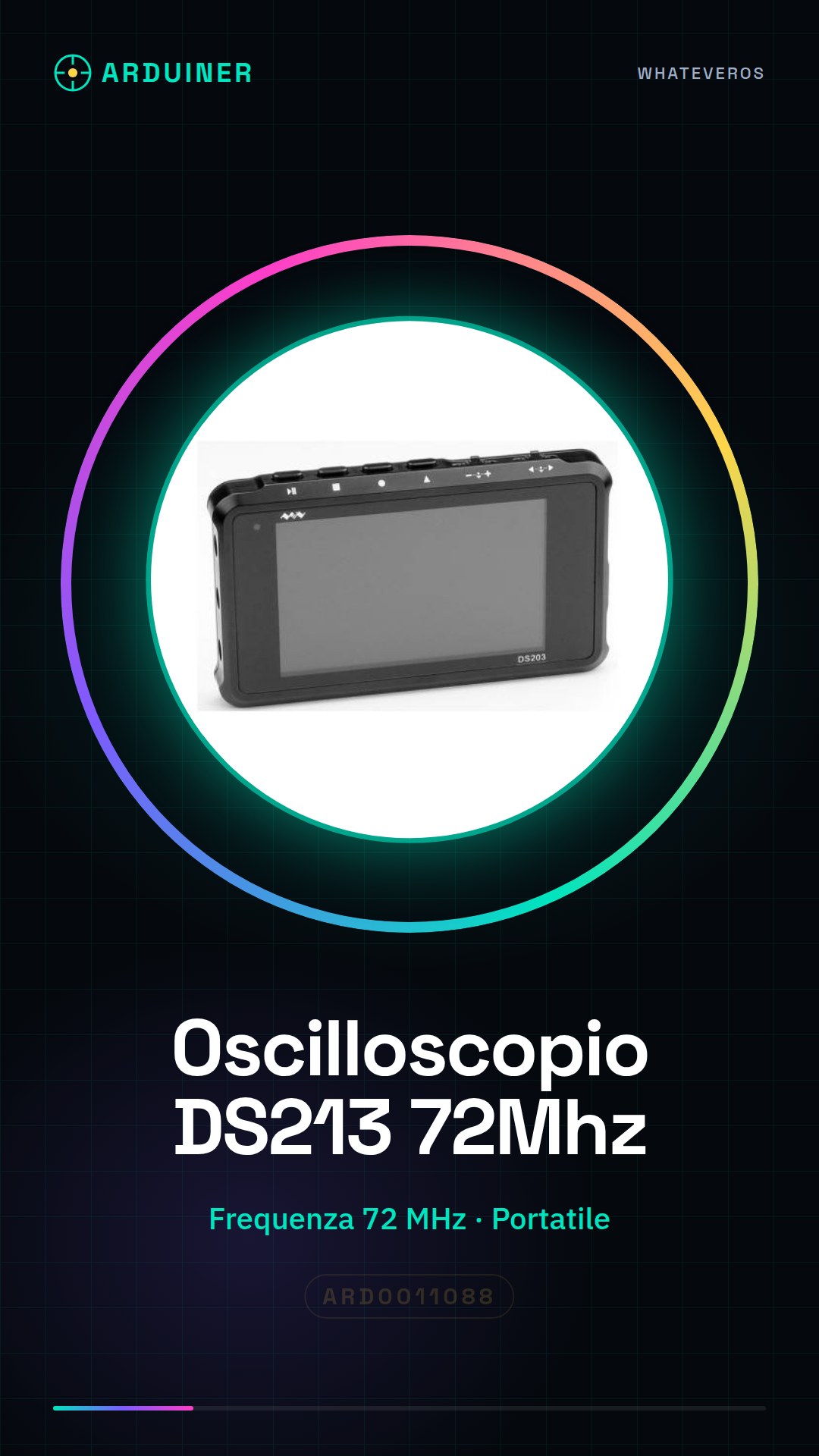
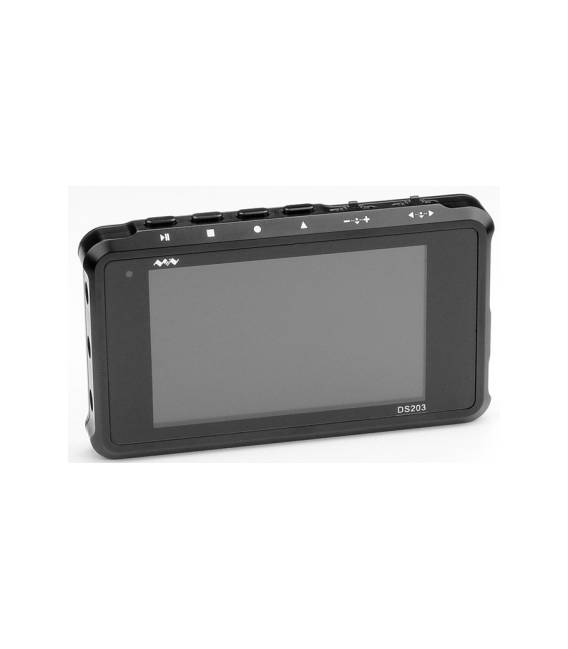
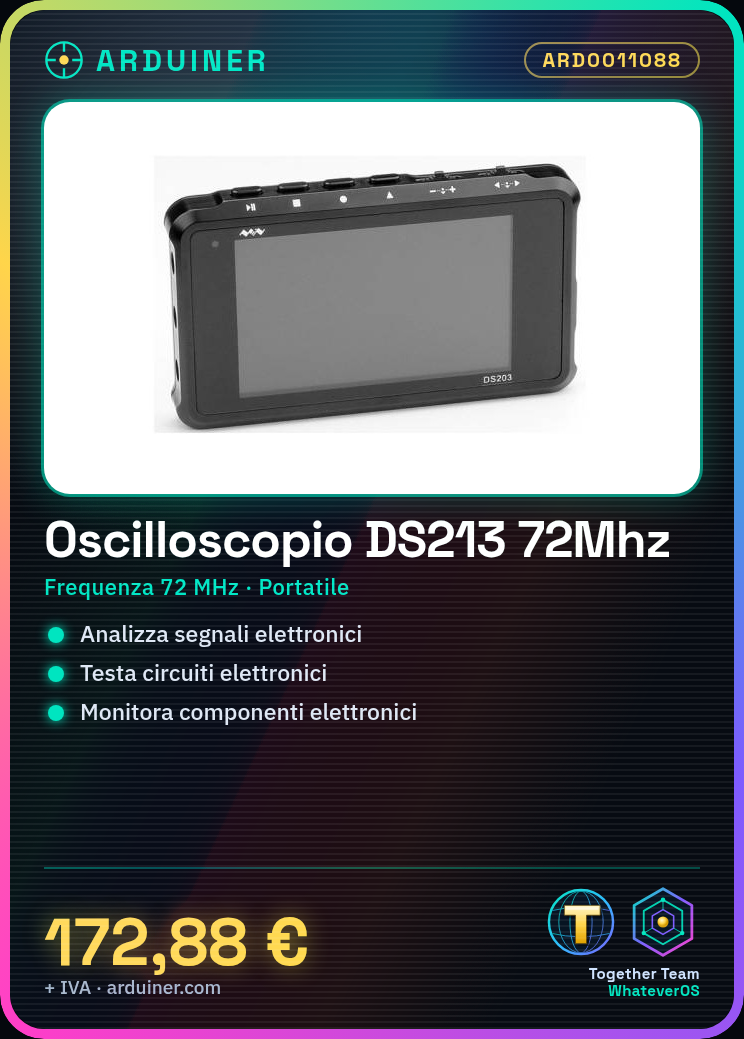
The Portable Oscilloscope DS213 72MHz is a portable electronic measurement tool, ideal for analyzing signals and circuits.
Features
- Maximum sampling frequency: 72 MHz
- Compact and portable dimensions
What it is for
The Oscilloscope DS213 72MHz is useful for:
– Analyzing electronic signals
– Testing electronic circuits
– Monitoring the behavior of electronic components
It is compatible with Arduino and other microcontrollers.
Tutorial: How to use the Portable Oscilloscope DS213 72MHz
The Portable Oscilloscope DS213 72MHz is a fundamental tool for analyzing electronic signals. Useful for makers and engineers who need to test electronic circuits.
What you need
- Portable Oscilloscope DS213 72MHz
- USB cable for power supply
- Test lead or component to test
- PC with visualization software (optional)
Steps
- 1. Ensure the Oscilloscope is fully charged.
- 2. Connect the USB cable to the Oscilloscope and then to your PC.
- 3. Turn on the Oscilloscope.
- 4. Connect a test lead to the terminal of the Oscilloscope.
- 5. Set the signal scale to an appropriate level (check the datasheet).
- 6. Set the acquisition frequency (check the datasheet).
- 7. Display the signal on the screen.
- 8. Analyze the signal and record the data.
Mini project
Create a simple electronic oscillator and connect it to the Oscilloscope to view the signal.
Common mistakes
- Do not use a scale that is too high to avoid overloads.
- Do not connect directly to the power supply without a protective resistor.
- Setting the acquisition frequency too low can cause loss of detail.
- Do not forget to turn off the Oscilloscope after use to save battery.
Recommended accessories
- Various test leads
- Resistors
- Capacitors
- PC with visualization software
Frequently asked questions
How can I connect the Oscilloscope to my circuit?
Connect a test lead to the Oscilloscope terminal and to your circuit. Make sure to use a lead suitable for the voltage of your circuit.
Can I use the Oscilloscope without a PC?
Yes, the Oscilloscope can display signals directly on the screen. A PC is only useful for advanced analysis.
How long does the battery last?
Check the datasheet for exact details, but generally the battery lasts 4-6 hours of use.
Can I use the Oscilloscope with Arduino?
Yes, the Oscilloscope can be used to test signals coming from an Arduino, but it is not an Arduino module.




Reviews
There are no reviews yet.