 EN
 IT Italiano
 ES Español
 FR Français
 DE Deutsch
Description
What it is
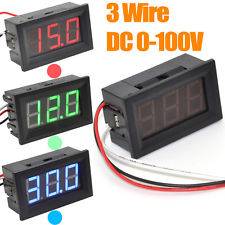
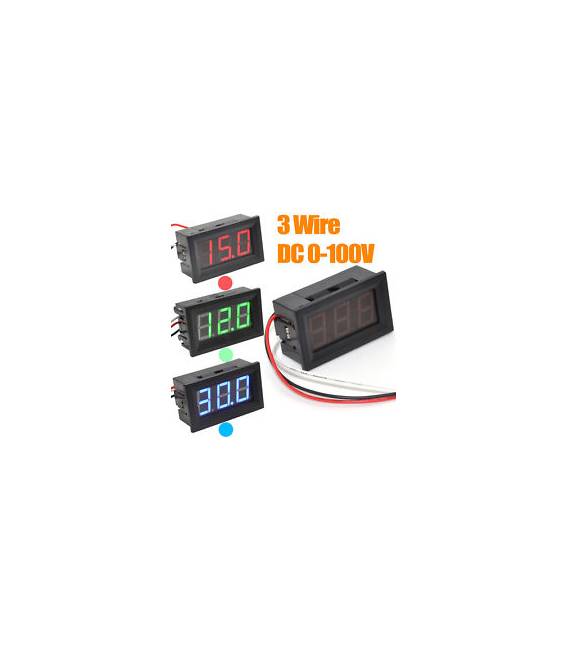
Red 0.56″ Voltmeter with digital LED display, ideal for measuring continuous (DC) voltages from 0 to 100V. Comes with 3 wires for connection.
Features
- Display size: 0.56 inches
- Display: Digital LED
- Measurement range: 0-100V DC
- Number of wires: 3
- Color: Red
What it is for
This red digital voltmeter is perfect for monitoring voltage in electronic projects, such as for controlling power supply or battery voltage. It can also be used to monitor voltage in appliances and automation systems.
Tutorial: How to use 0.56” 3-wire DC0-100V Voltmeter
This red digital voltmeter is ideal for monitoring voltage in electronic projects. It is perfect for beginners and makers who want to control power supply or battery voltage.
What you need
- Voltmeter ARD0011348
- Test leads connectors
- Battery or power supply
Steps
- Check the datasheet for the power and measurement pins of the voltmeter.
- Connect the power pins of the voltmeter to the power supply.
- Connect the measurement pins of the voltmeter to the points in the circuit where you want to measure the voltage.
- Verify that the voltmeter is correctly powered and that the display shows a consistent voltage.
- If necessary, adjust the voltmeter to the appropriate measurement range.
- Verify that the measured voltage corresponds to the expected voltage in the circuit.
- If used with a microcontroller, connect the voltmeter to the analog input pins.
- If used with a potentiometer circuit, ensure that the variable voltage is within the voltmeter’s measurement range.
Mini project
Create a battery voltage monitoring system using a voltmeter and a microcontroller. Connect the voltmeter to an analog pin of the microcontroller and write a sketch that reads and records the voltage.
Common mistakes
- Connect the voltmeter to the wrong voltage.
- Do not verify the measurement range.
- Do not connect the power and measurement pins correctly.
- Use the voltmeter on a voltage range higher than its capacity.
Recommended accessories
- Arduino microcontroller
- 9V battery
- Test leads
- Test lead
Frequently asked questions
How do you adjust the measurement range of the voltmeter?
Check the datasheet to see how to adjust the measurement range of the voltmeter.
Can it measure negative voltages?
Check the datasheet to see if the voltmeter is designed to measure negative voltages.
Is it compatible with Arduino?
Yes, it is compatible with Arduino, connecting the measurement pins to an analog pin.



Reviews
There are no reviews yet.