 EN
 IT Italiano
 ES Español
 FR Français
 DE Deutsch
Description
What it is
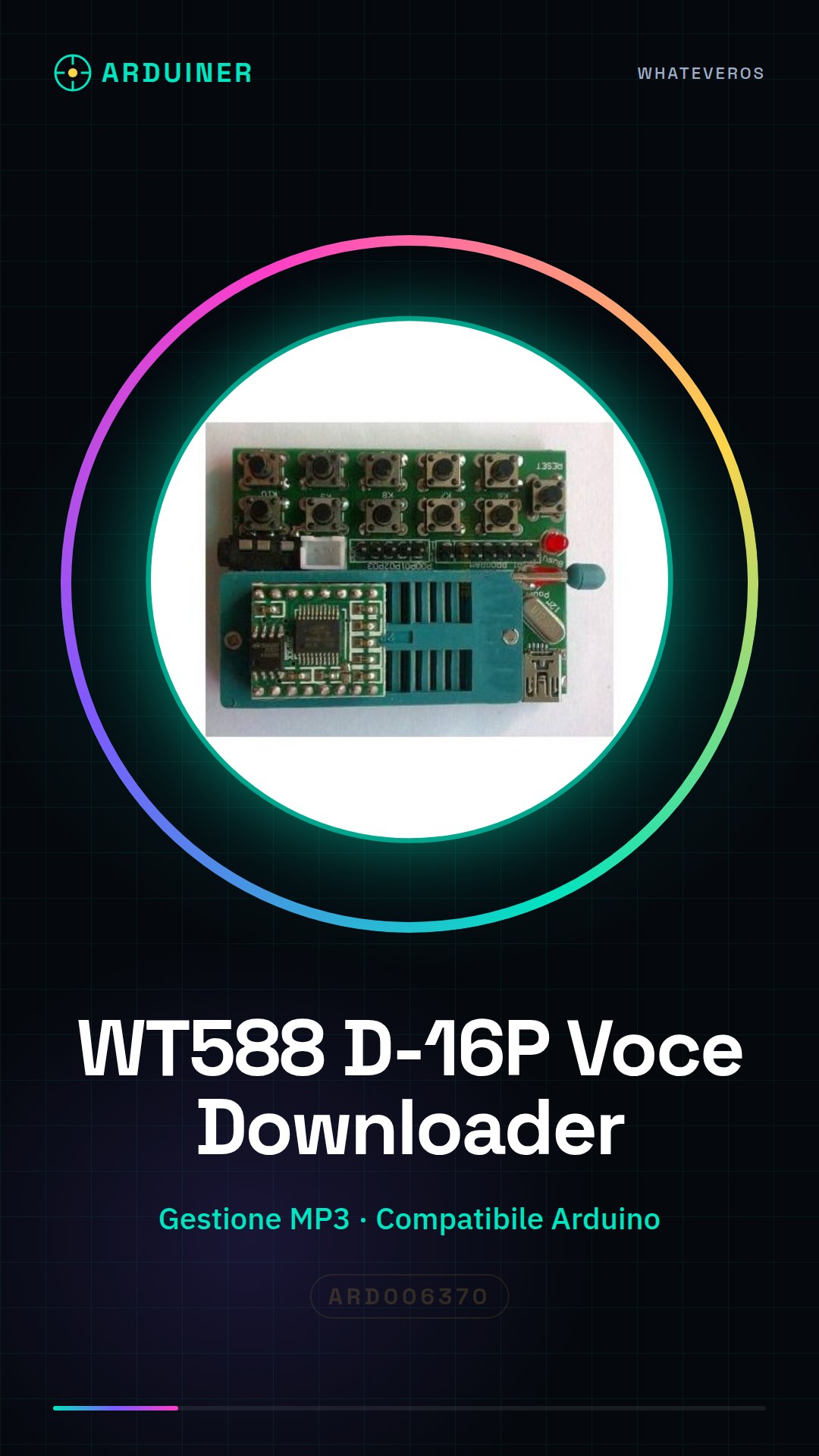
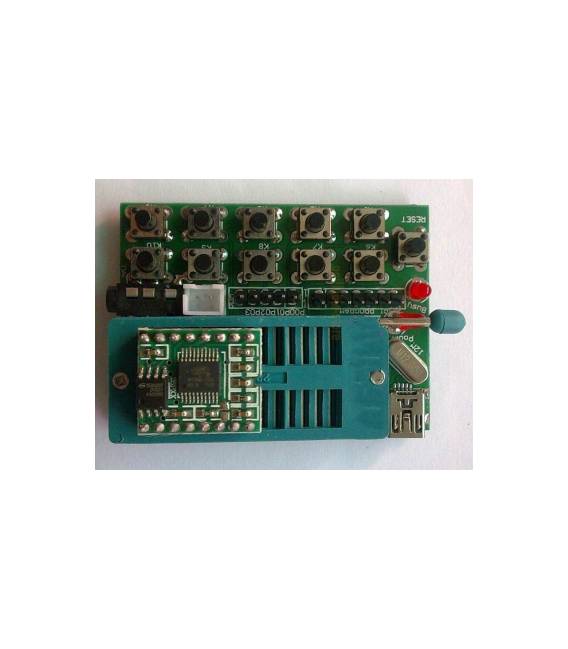
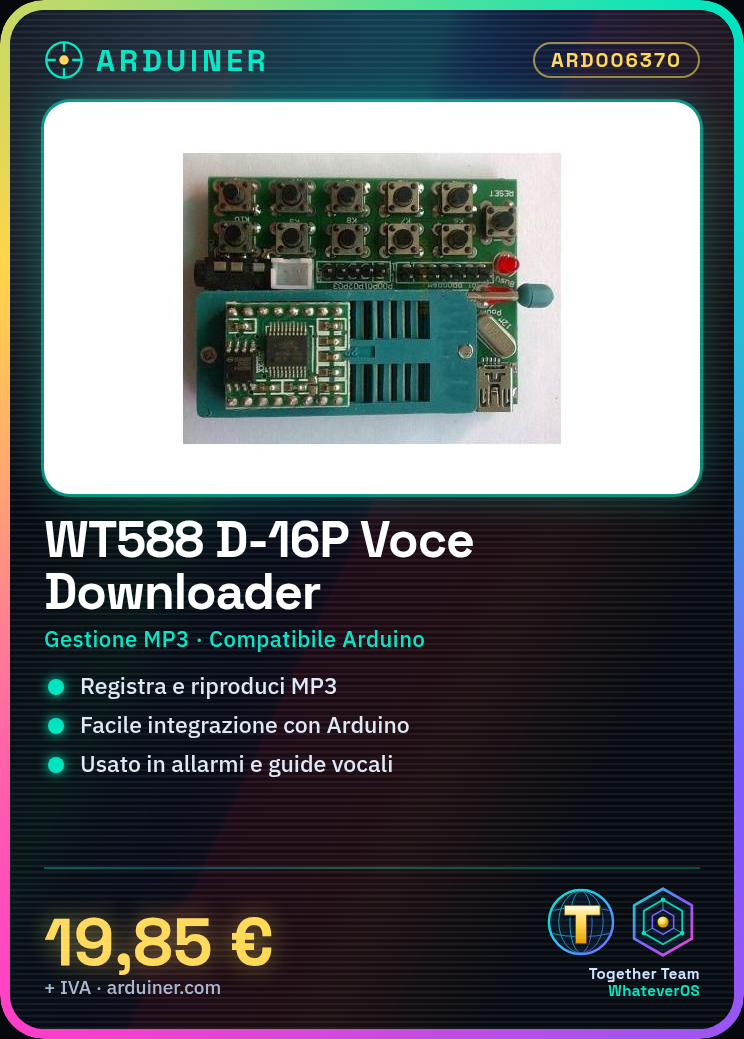
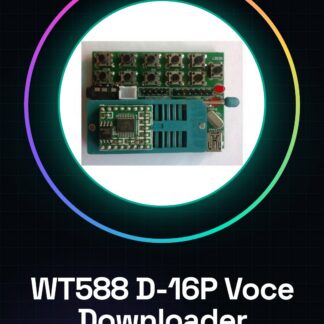
The WT588 WT588D-16P is a voice module for Arduino that allows the recording and playback of MP3 audio files. This voice downloader offers easy integration with microcontroller-based projects.
Features
- Voice Module WT588D-16P
- Management of MP3 audio files
- Compatible with Arduino
What it is for
Projects using the WT588D-16P can include home alarms, voice guides, and other voice interaction applications. It is ideal for integrating custom audio messages into Arduino devices.
Tutorial: How to use WT588D-16P Voice Downloader
The WT588D-16P is a voice module that allows recording and playing back audio messages on Arduino. It is ideal for voice interaction projects, such as home alarms or voice guidance.
What you need
- Arduino Uno or compatible
- PC with installed Arduino IDE
- Audio recording software (e.g., Audacity)
- USB A-Micro B cable
Steps
- Connect the WT588D-16P module to the TX and RX pins of the Arduino.
- Install the necessary library for the WT588D-16P from the Arduino repository.
- Audio file recording: use Audacity or a similar software to record the desired voice message. Check the datasheet for supported audio format specifications (e.g., PCM, WAV).
- Save the audio file to the microSD card and insert it into the SD slot of the module.
- Upload the Arduino sketch that includes the WT588D-16P library.
- Configure playback and recording settings according to the datasheet specifications.
- Test the project by loading a recorded voice message.
- End.
Example code
// Includi la libreria WT588D-16P
#include <WT588D.h>

// Definizione del modulo
WT588D wt;

void setup() {
  Serial.begin(9600);
  wt.begin();
}

void loop() {
  // Comandi per la riproduzione audio
}
Mini project
Create a voice alarm: when the motion sensor is triggered, the Arduino uses WT588D-16P to alert with a recorded voice.
Common mistakes
- Unsupported audio format
- Module disconnection during recording or playback
- Incorrect volume settings
Recommended accessories
- PIR Sensor (Arduino)
- Microphone for Arduino
- 3D Printing for Project Cases
- SD Card
Frequently asked questions
Which audio formats are supported?
Check the datasheet for supported audio format specifications.
How can I increase the audio resolution?
Check the datasheet for audio quality settings.
The module does not connect correctly
Check the connectors and verify the module power supply.
Reviews
There are no reviews yet.