 EN
 IT Italiano
 ES Español
 FR Français
 DE Deutsch
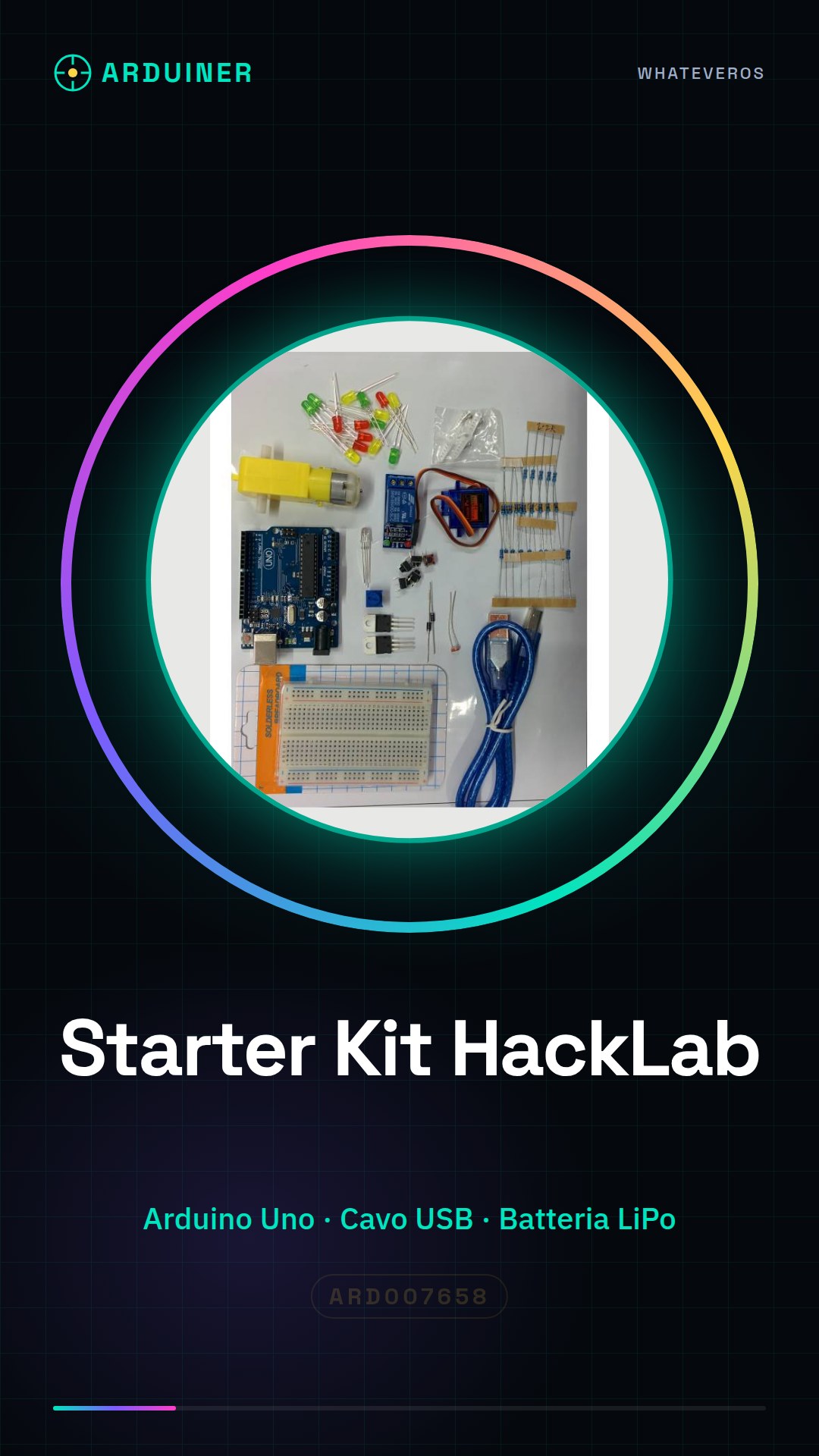
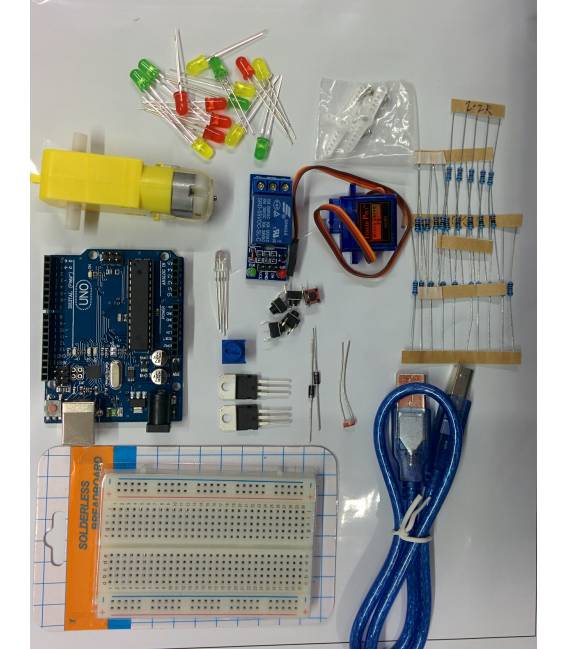
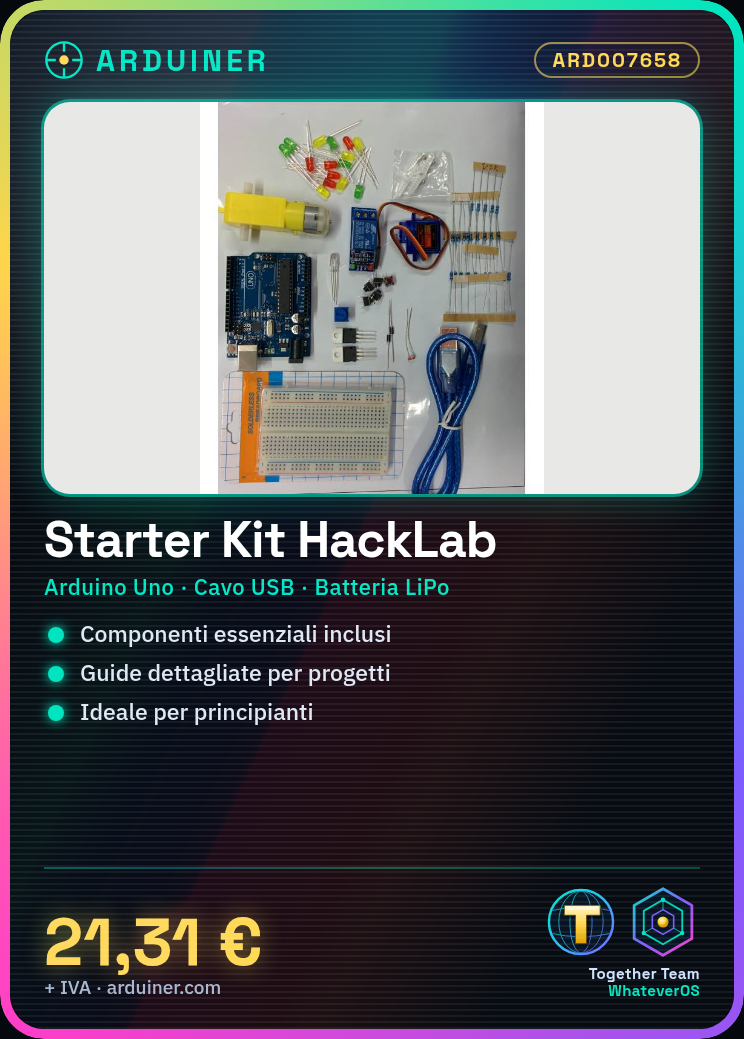
Description
What it is
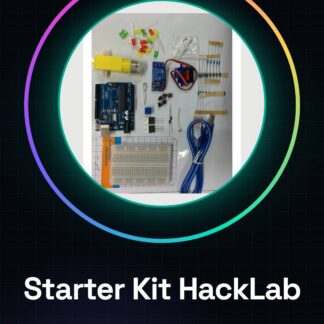
The HackLab Course Starter Kit – Introduction to Arduino is a package designed for beginners who want to start exploring the world of electronics with Arduino. It contains essential components and detailed guides to create the first projects.
Features
- Contains essential components to start programming Arduino
- Includes detailed guides for project realization
- Ideal for beginners
What it is for
This kit allows you to create simple projects such as an LED timer that turns the LED on and off every second. It is the ideal starting point to learn the basics of Arduino and start creating your own electronic projects.
Tutorial: How to use HackLab Starter Kit
This kit is ideal for beginners in Arduino. It contains everything needed to start creating electronic projects.
What you need
- Arduino Uno
- USB cable
- 3.7V LiPo battery
- LiPo cable
- LED
- 220Ω resistor
Steps
- 1. Download and install the Arduino IDE.
- 2. Connect the Arduino Uno to the computer via the USB cable.
- 3. Check the datasheet for the LiPo battery voltage.
- 4. Connect the LED and resistor to a digital pin on the Arduino.
- 5. Write the code: `void setup() {} void loop() { digitalWrite(LED_BUILTIN, HIGH); delay(1000); digitalWrite(LED_BUILTIN, LOW); delay(1000); }`.
- 6. Upload the code to the Arduino.
- 7. Turn on the LiPo battery and check the LED operation.
- 8. Turn off the battery when not in use to protect it.
Example code
void setup() {} void loop() { digitalWrite(LED_BUILTIN, HIGH); delay(1000); digitalWrite(LED_BUILTIN, LOW); delay(1000); }Mini project
Create a simple LED timer that turns the LED on and off every second.
Common mistakes
- Do not connect the LED directly to the battery without a resistor.
- Set the correct battery voltage on the datasheet.
- Do not forget to upload the code to the Arduino.
- Turn on the battery only when the Arduino is connected.
Recommended accessories
- Multimeter
- Pin headers
- Protective sleeve
- USB cable for battery
Frequently asked questions
How can I check the battery voltage?
Check the datasheet or measure with a multimeter.
Can I use a different LED than the one included?
Yes, but make sure the voltage is compatible with the Arduino.
Why do I need to turn off the battery when I’m not using it?
To protect the battery and prolong its useful life.
Can I use a different Arduino Uno?
Yes, but check that it is compatible with the code.
Reviews
There are no reviews yet.